Category Archives: Hardware

Stuff

The BenQ PD3200Q 32 inch monitor

Bringing in the New Year.
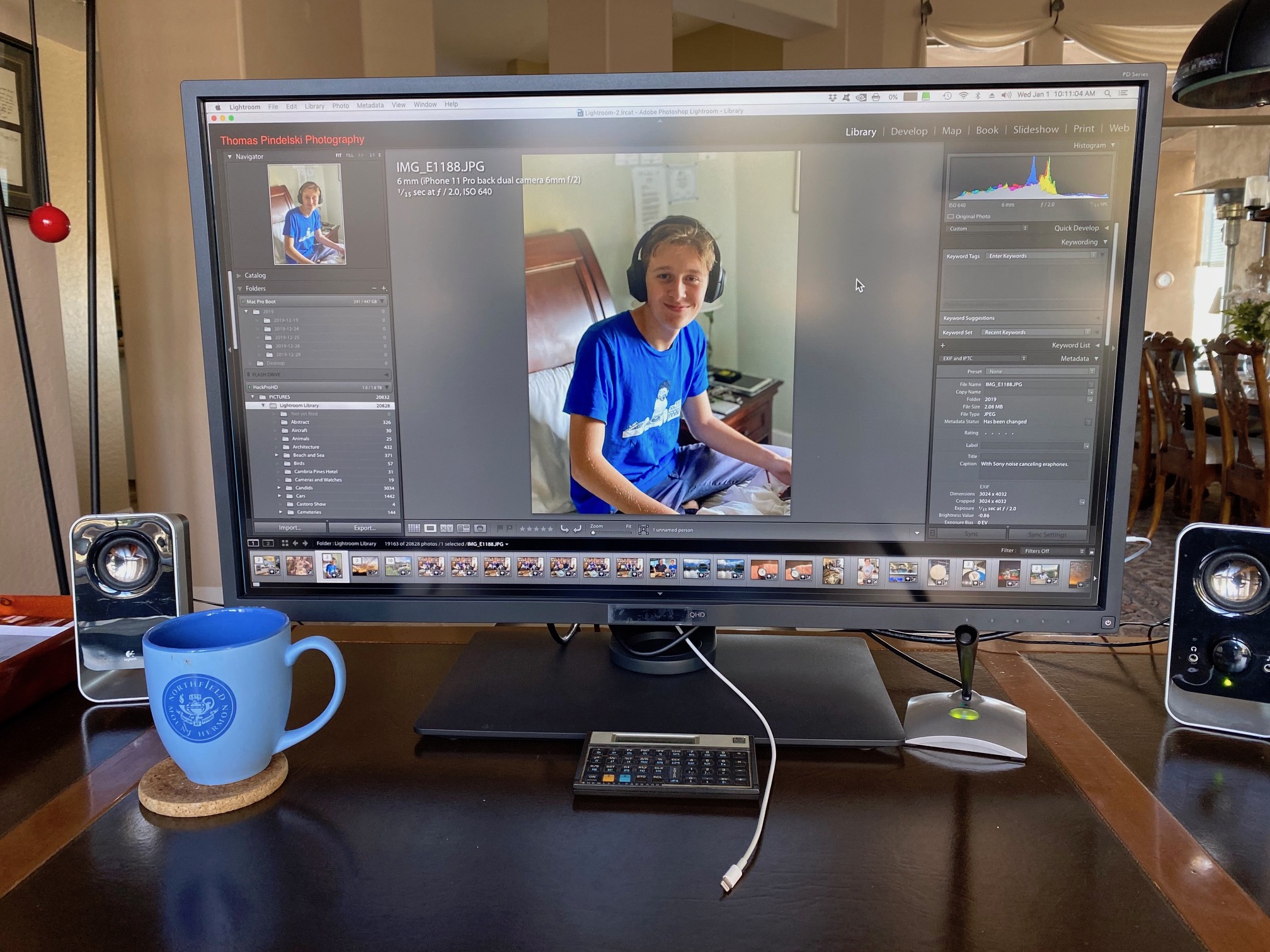


The 32″ BenQ monitor running Lightroom. Strong daylight over my shoulder does not distract.

My Apple 30″ Cinema Display was bought ‘pre-owned’ 5 years ago and saw daily use.

Elegantly housed and with a minimum of controls, it was easily calibrated, did not drift over time and was a joy to use. The 16:10 aspect ratio was squarer than the more common 16:9 and worked well with my applications and needs.

It failed at Christmas and was over a decade old. Originally selling for $3,300 I had paid just $400 for mine and that’s what its replacement, the BenQ PD3200Q cost new from Amazon. It went into service yesterday and comes with a 3 year parts, backlight and labor warranty. There are cheaper displays in the 32″ size range but BenQ has a tradition of catering to photographers and the display comes pre-calibrated, with the calibration chart included, no less:
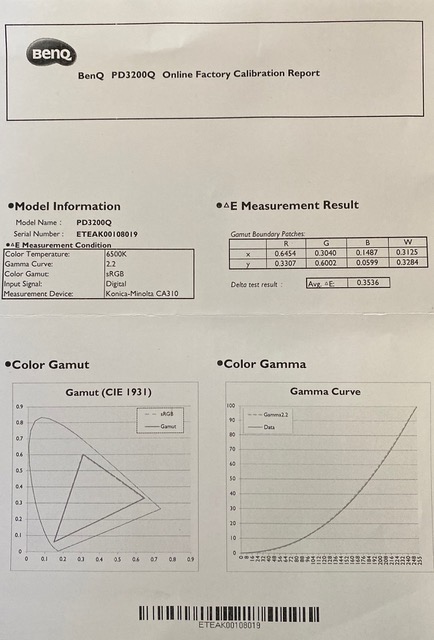


Included calibration chart for my 32″ BenQ monitor.

Sadly, the aspect ratio is 16:9, and 16:10 no longer seems to exist. The stand adds a counterbalanced height adjuster to the tilt function, the latter shared with the old Apple Cinema Display.

Out of the box I found the Brightness setting of 72 too bright and turned it down using the easy to use touch buttons to 56. These buttons are located on the bottom right of the bezel and are only lit when being adjusted. To their right is an illuminated off-white on-off indicator which turns orange when the display is in sleep mode. The display’s power supply is integrated; there is no separate power supply transformer.

I measured illumination uniformity across the screen – extreme edge, center edge, center. There was no noticeable difference.

While this is a 2560 x 1440 display, I much prefer the larger font setting, thus:
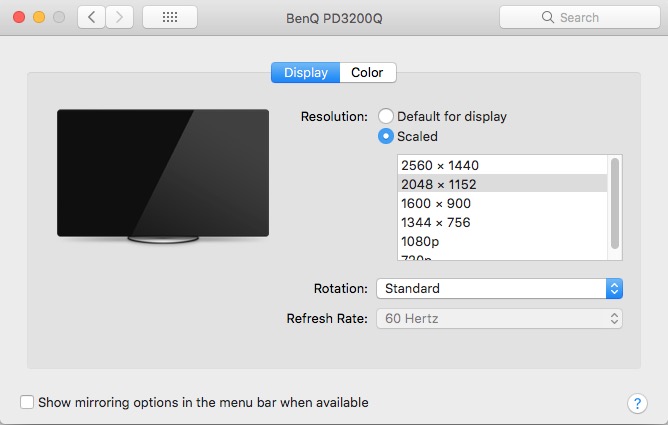


Scale setting for the monitor.

This is yet another reason not to spend money on a 4K primary display, where the font size is ridiculously small.

There is a plethora of outlets and pass-throughs sprinkled along the side, rear and underside of the panel. The near useless ‘instruction sheet’ – one of those ‘no words’ things beloved of the Germans and now the Japanese – shows 2 USB3 power-in sockets, 4 USB3 power-outs, line-in and line-out (for external speakers), a Hockey Puck connector and four video outputs – DP, HDMI, DVI and mini DP. The DP cord provided is terminated with a mini DP connector, but I prefer the more robust DP to DP locking connectors and spent an additional $7 at Amazon for one. HDMI and DVI cables are also provided, so there is no lack of video connectivity. There’s an instruction manual on a provided CD (CD? Really?) but I did not bother looking at it.

The Hockey Puck is an exercise in redundancy:
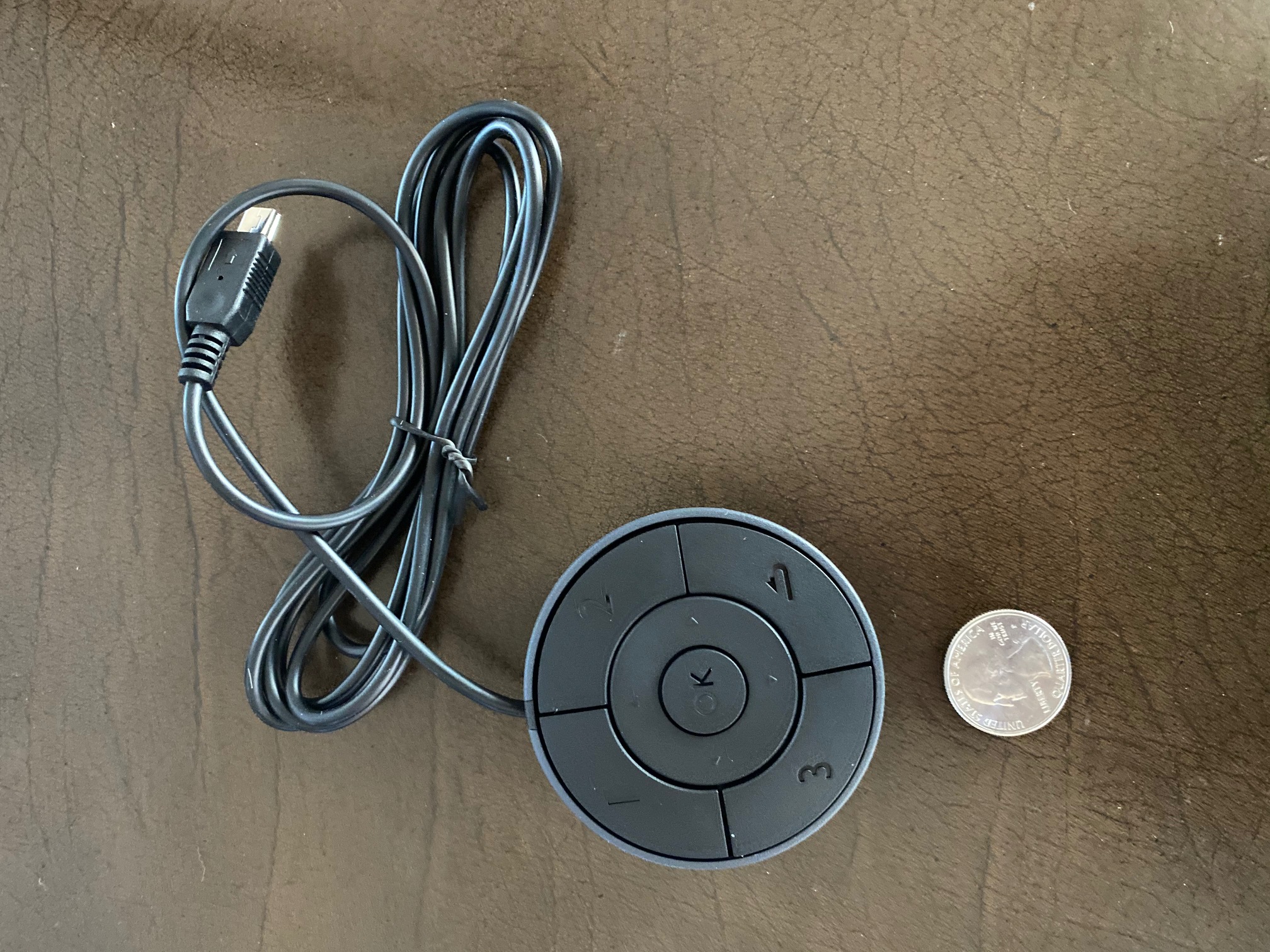


The Hockey Puck.

The purpose is to activate and use the on screen display menus to adjust the monitor. As this is done once in a blue moon, and is easily accomplished using the touch panel referenced earlier, this is just so much useless clutter on your desktop, serving no useful purpose.

How is the color balance and fidelity? Perfect out of the box. This excellent performance out of the box is reason alone to pay a little more for this display. There is no light leakage and the construction quality, fit and finish are excellent. The display surface is semi-matte and does not suffer from specular reflections.

Interestingly, the side panel also has an SDHC socket for your camera’s storage card. As my only camera is now the iPhone 11 Pro, which I connect to the Mac Pro using a Lightning cable, this adds no useful function for me but will be appreciated by many still using old technology.

So what’s not to like? Like every pitch black device in the home – hi-fi gear, TVs, toasters and so on – it’s butt ugly. The stand is an exercise in industrial competence and has all the charm and warmth of one of Brunel’s inventions from the Industrial Age. The screen will rotate through 90 degrees and as it’s already huge at 32″ diagonally, that’s just plain dumb, and will place lots of strain on your connecting cables. There are built in speakers but even modest external ones (I use old Logitechs) will be better.

I drive the display using an Nvidia GTX980 video card in my 2010 Mac Pro. I checked it with the ancient Nvidia GT120 using a mini DP connector and it works fine, though the video rendering can be slow with this prehistoric piece of hardware.

Gaming use? Search me and look elsewhere. This site is for grown-ups, not children.

For photographers needing a traditional display which comes properly calibrated, and who do not want the small fonts that 4K delivers, the 32″ BenQ PD3200Q is recommended.
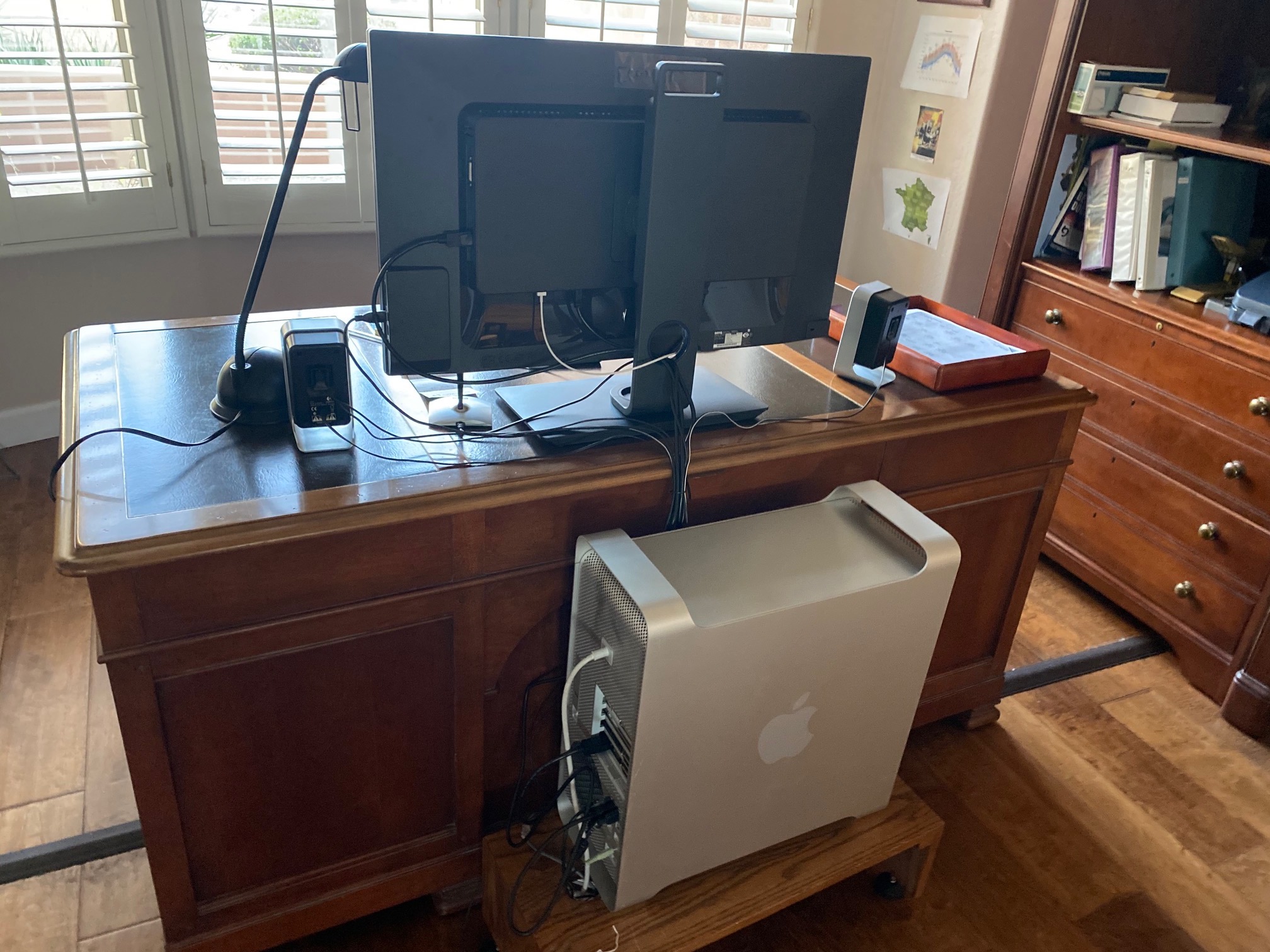


Did I mention it’s ugly? The QR attachment for the stand conceals standard VESA wall mounting threads.
Amos Chapple on the iPhone 11 Pro

The virtue of carelessness.

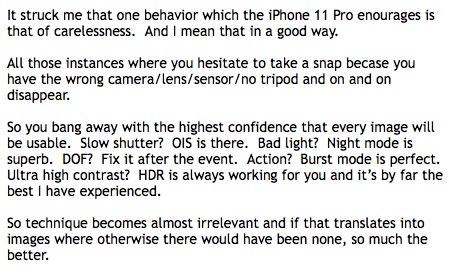
A few days ago I wrote this to a photographer friend:


The virtue of carelessness.

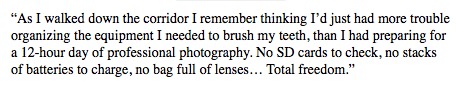
Not a couple of days later an excellent pictorial by New Zealand photographer Amos Chapple from the cultural center of the world, Murmansk in Russkieland, says this:


Chapple on the iPhone 11 Pro’s camera.

To see Chapple’s outstanding images and share in his iPhone 11 experience, click the image below.


Russkies discuss invasion plans. Click the image for details.

It bears repeating that the quality of the Android competition is only relevant to your choice if your data either have no value or you enjoy having your device hacked by Ivan. Want security? Stick with iOS.

As regards the author’s complaint of Night Mode not always working with the telephoto lens, it actually never works with that optic. It’s currently restricted to the standard and wide lenses.

Fire sale

Bad omen

What do Porsches, iPhones and Leicas have in common? Luxury brands all, that’s certain. But what you will never find is these premier products selling at a 50% discount for a recently introduced and still current model.

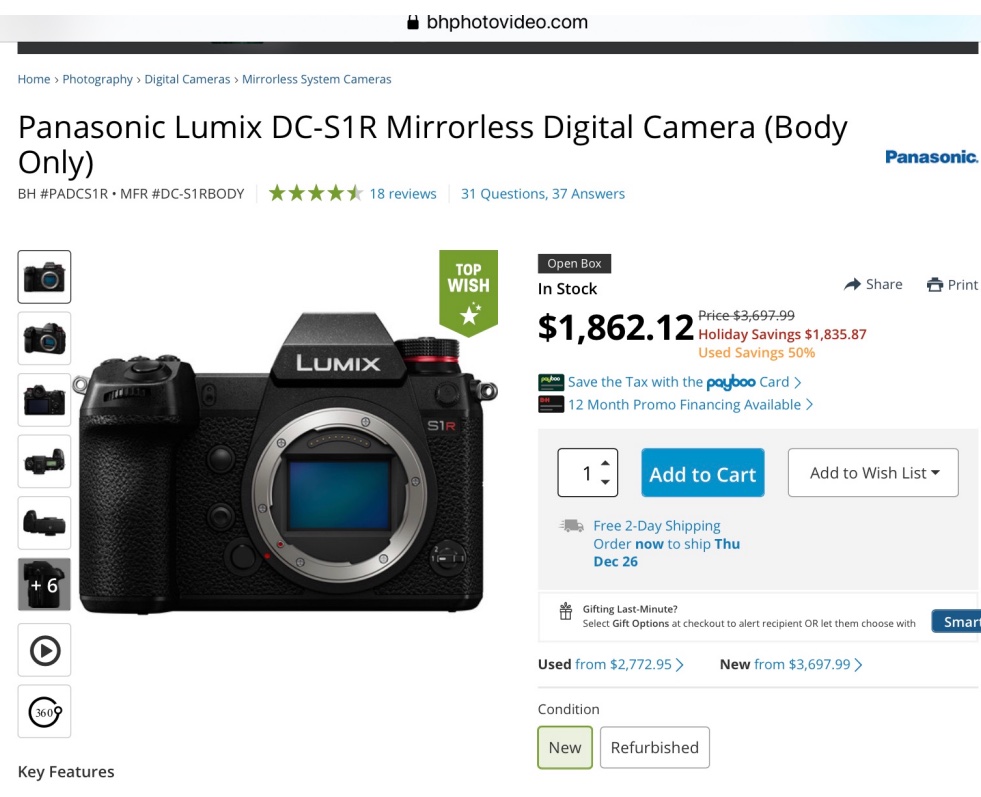
So when I saw this yesterday, the message was clear:


Panny fire sale

Think this is a bargain? Think that parts will long be available for a camera from a maker which just sold its sensor division after years of struggle? Think the iPhone and computational photography does not rule the roost? Think that cell phone camera technology does not do 80% of what the big digital body with its clumsy lenses does? Plus another 100% which the whopper cannot do at all?

Think again.

It’s a new world for camera hardware. The Panny occupies the old world and will not be there much longer. My Panny MFT bodies and lenses? Sold the day after I bought the iPhone 11 Pro.

How to destroy a legacy

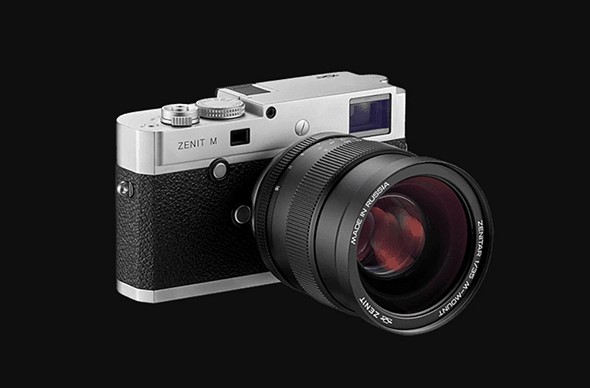
Give your brand to the Russkies.


The unspeakable in pursuit of the unbeatable.

Great move, Leica. Have the sausage fingered Russkies cannibalize your brand, with your permission. I recall selling Zenit SLRs as a kid working holiday jobs in camera stores in the 1960s. Not only do they remain the worst made machine I have ever handled, like their makers the product literally stank, once you removed it from the box. At least, unlike this piece of detritus, they were cheap.

That Kraut Commie Mark was right. Capitalism will hang itself with its own rope. Heck, there may even be morons out there who will shell out $7,000 for this garbage. Leica, what are you thinking of? Maybe it’s time for a medical check up for the CEO?

Of current interest

After the clearance.

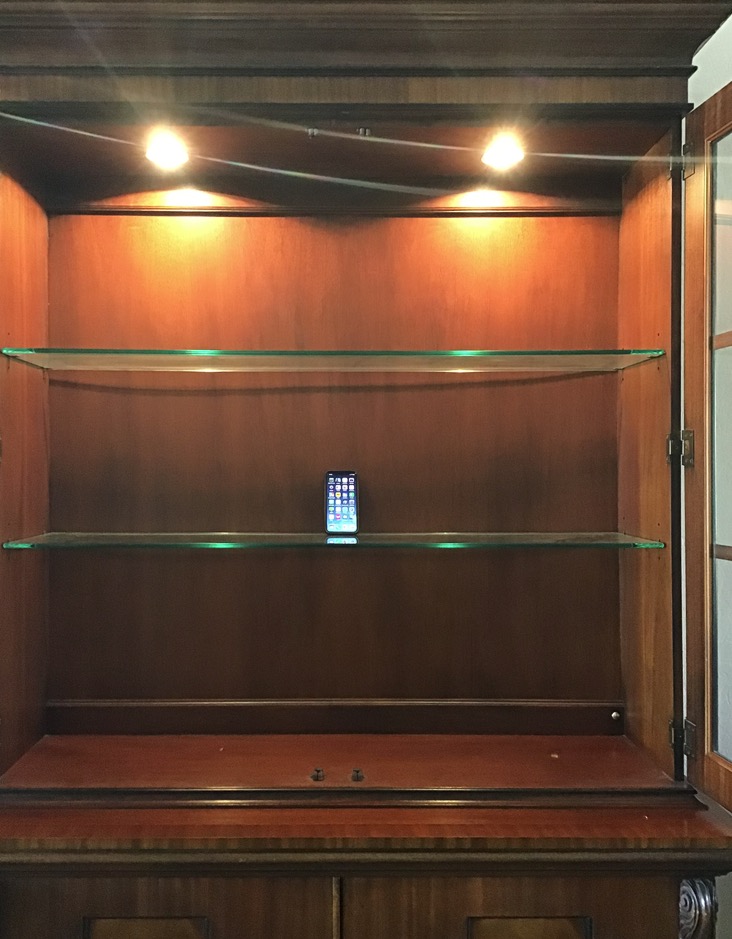
I made mention, a while back, that my gear cabinet now looks like this:


The superb camera(s) in the iPhone 11 Pro had seen all my MFT and FF gear off to eBay before all that hardware became so many worthless door stops. In terms of dynamic range, versatility, image quality, night mode, Deep Fusion, tons of computational magic and compactness, nothing compares to this superb camera …. which also happens to do lots of other things when called for. Your DSLR is as sophisticated as a hammer in comparison.

I have no regrets about that decision as I am not a collector, a species which I have never understood. Why you would want a machine in the home which is never used for its intended purpose beats me, and always has. Further, all those unused shutters and gear trains will die almost as quickly as the electronic components in modern hardware, leaving you with useless junk.

So the other day I found myself thinking what of the hardware on the market holds any interest for this photographer after, that is, upcoming iPhone Pro releases.

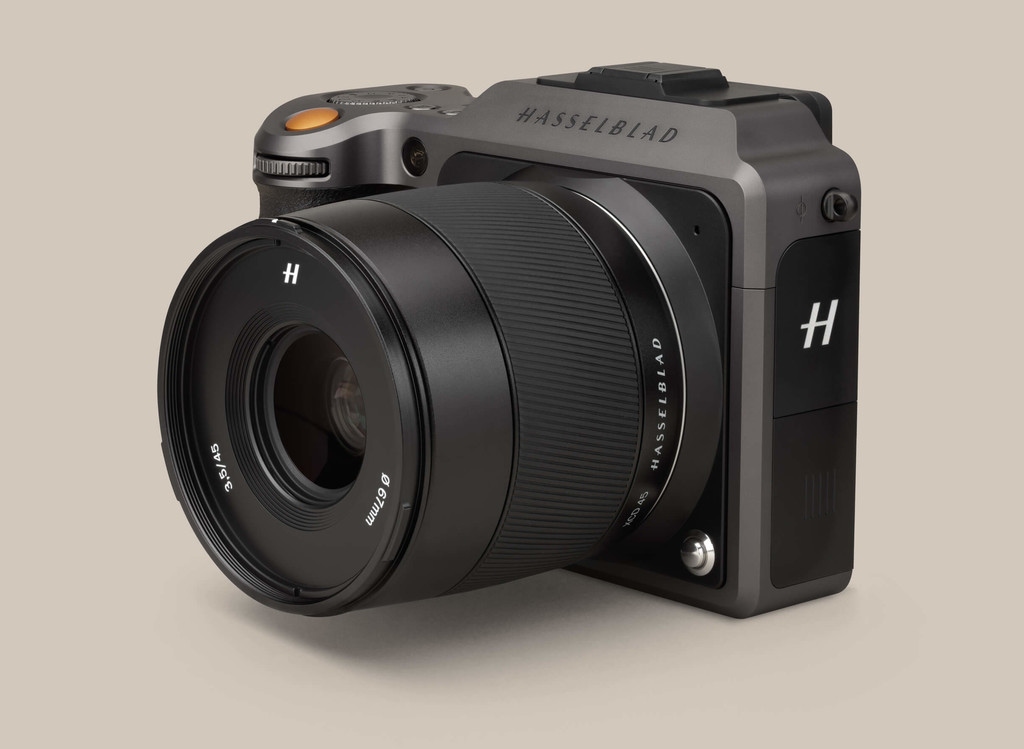
Well, one obvious choice is the medium format Hasselblad which weds a decent sized sensor with large pixels (meaning low noise) in a compact package.


50mp and little change from $9k with the 45mm lens.

The camera is light. Weighing in at 2.6lbs with the 45mm (35mm FFE) lens – it’s a relative featherweight for this sensor format – it has no flapping mirror, a near silent shutter and auto-focus. Reviews suggest it’s not that fast to use so studio and landscape genres suggest themselves as prime subjects.

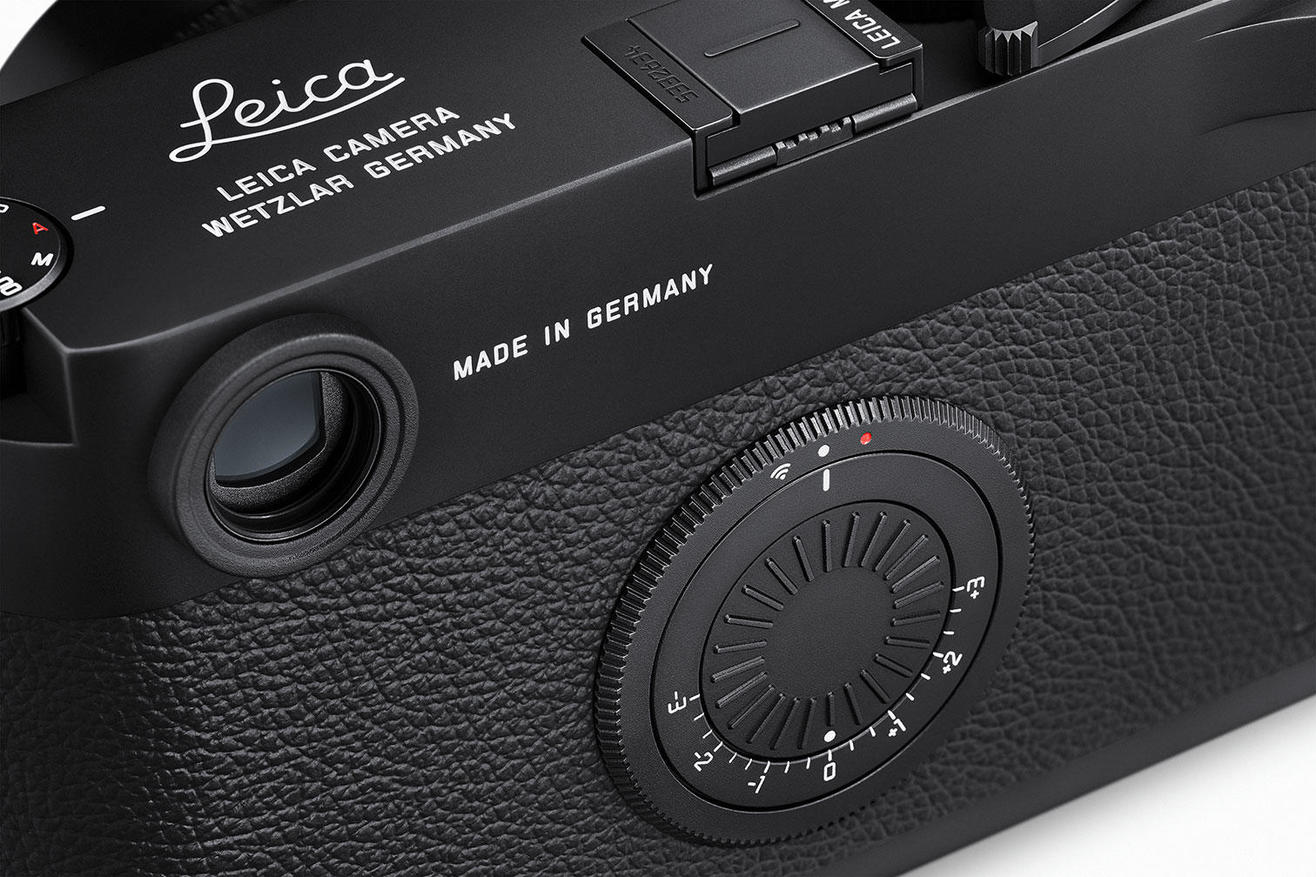
The other camera of interest is the Leica M10-D, a street snapper where Leitz has mercifully deleted the LCD screen every camera seems to come with, allowing the snapper to get on with the job of pressing the button. That’s totally in keeping with the original Leica M aesthetic and design intent back to the M3 in 1954 and earlier.


24mp and a whopping $11,290 + tax with the 35mm Summicron.

In all my years of using digital bodies I have never used the LCD screen for anything other than formatting the card. If you cannot visualize what you are photographing until after the event and need instant confirmation, well that’s fine, but not my working method. Viewfinder, focus, compose, click, move on. Check the technical details later. 2.1 lbs for the combination which is almost as much as the Hasselblad.

Think about that.

But the Leica has a disabling feature for these aging eyes. No auto focus. In this day and age paying $3k for an MF lens with a rangefinder of middling accuracy is simply not on.

As for all the rest of them, all those tedious DSLRs and mirrorless bodies with no computational intelligence and nothing to distinguish one from another …. yawn.