Bad parking spot.
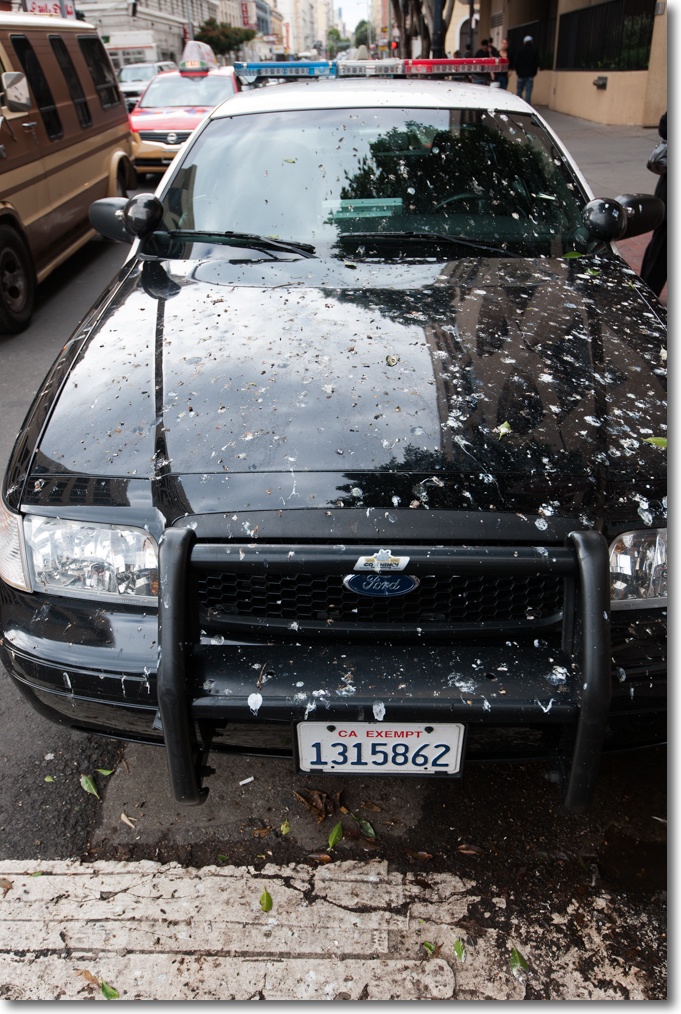
In the Tenderloin, San Francisco.
Nikon D3x, 16-35 f/4 G Nikkor at 29mm, f/4.
Bad parking spot.
In the Tenderloin, San Francisco.
Nikon D3x, 16-35 f/4 G Nikkor at 29mm, f/4.
Ooops!
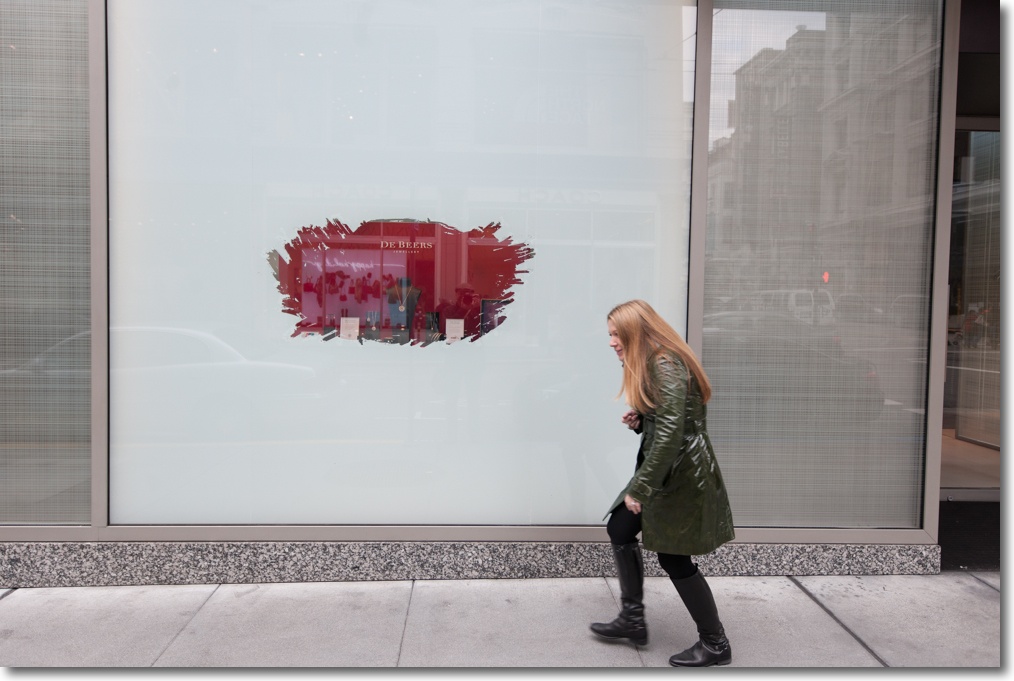
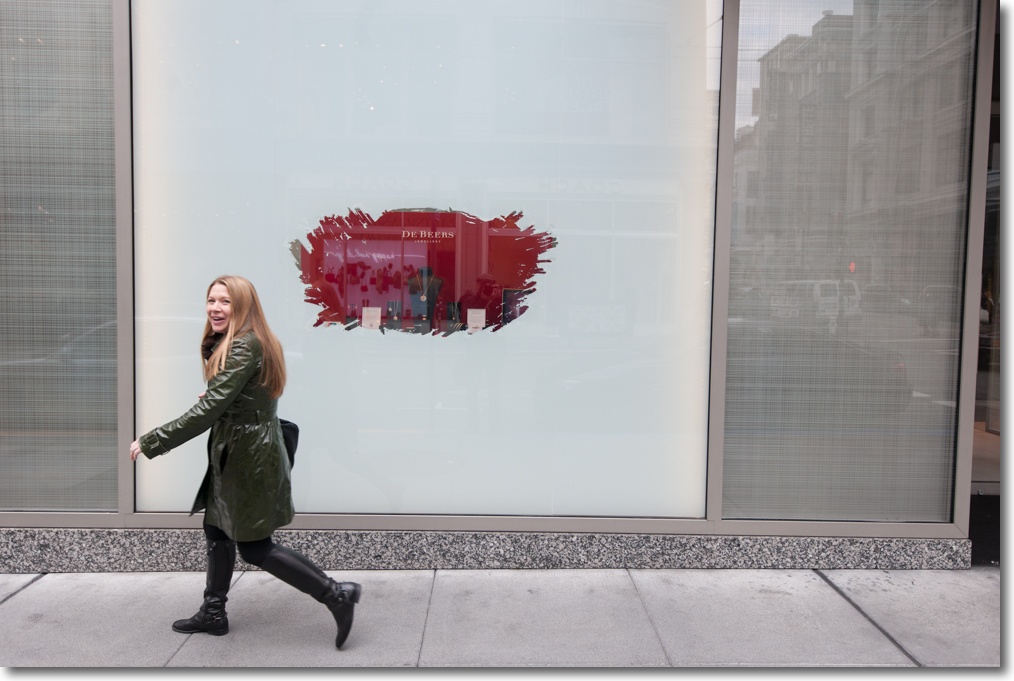
Nikon D3x, 16-35 f/4 G Nikkor at 26mm, f/4.
It’s hell in there.
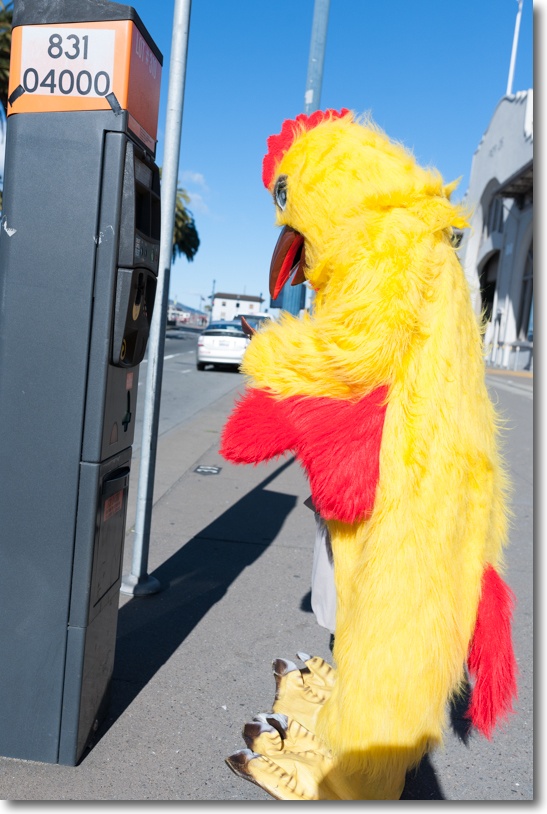
Nikon D3x, 35mm Sigma f/1.4 at f/5.6.
Outstanding in every way.
I mentioned that National Geographic was practically giving away its library of issues the other day and sure enough, my box with seven DVDs arrived in a scant eight business days. The best way to enjoy these is to move them to your hard drive, thus avoiding the need to constantly load new DVDs and simultaneously greatly enhancing speed of access. DVDs are sloooow and they are damage prone. Plus they are unstable and can get scrambled over time. The current special offer price is $29.99 + tax and shipping.
The included app has the ability to move all content to your HDD and is well designed.
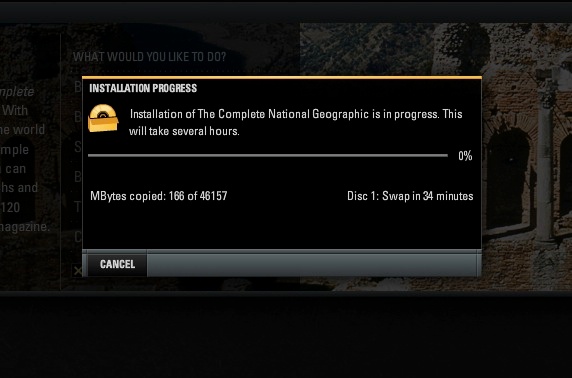
46.2GB. Non trivial storage volume. Actual space used comes in at 48GB.
Be warned though. All that photographic content comes at a price – large storage requirements.
If your intent is to move all content to an HDD, don’t pay the extra $5 for the slip case. You will never be accessing these DVDs again. The seven DVDs, spanning from the first issue in 1888 through December, 2011, took three hours to copy on my nuclear powered Hackintosh. An alternative is to move the contents to an SDHC card, with 64GB cards now selling for around $40. This would be ideal for travelers, as taking up that much precious space on a laptop’s drive is probably unrealistic. I would suggest setting up the SDHC card as two volumes. One some 50GB for NatGeo and the other for the remainder, for use in your regular digital camera as a storage medium. That way, when you format your SDHC card, you only format this one volume, leaving the other unchanged.
Given the scope of the project it would be churlish to complain about the migration process. I had to do a couple of Force Quits between discs but no content was lost. Sometimes the app needs a Force Quit before it will fire up but it’s not a big problem in exchange for the content. I’m using Mountain Lion 10.8.2 and the app uses Adobe’s Air app to display the pages. Air will be downloaded and installed as part of the copying process if not already on your HDD. The app installs on PCs and Macs.
The first issue is sparse beyond belief, no ads, no images, just very dense text. This was back in the day when readers had an attention span.
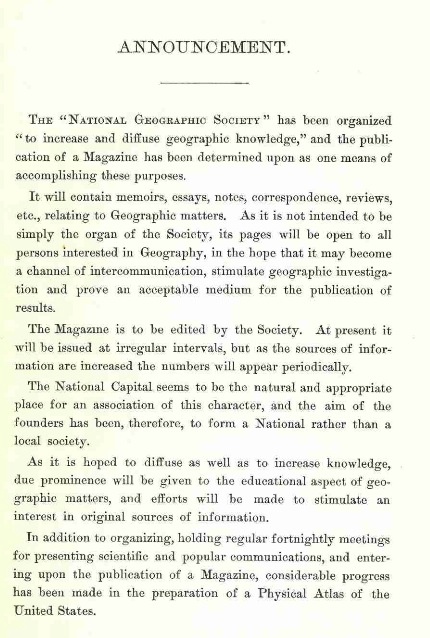
1888 – first issue.
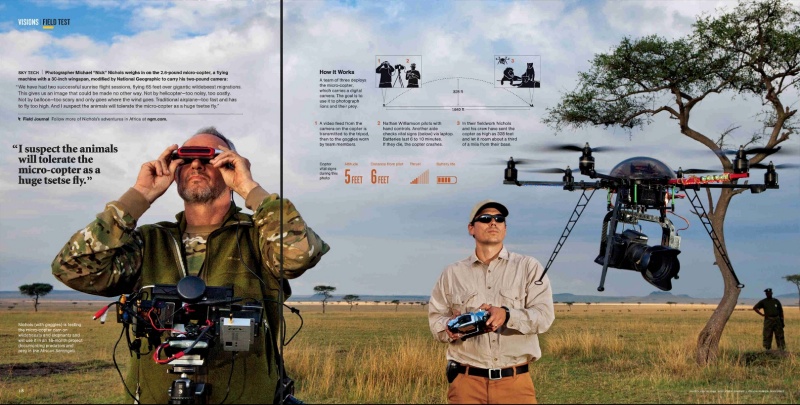
Here, by contrast, is an article from the December, 2011 issue, the latest included, speaking to how an NG photographer is using a helicam to capture aerial images. How times change.
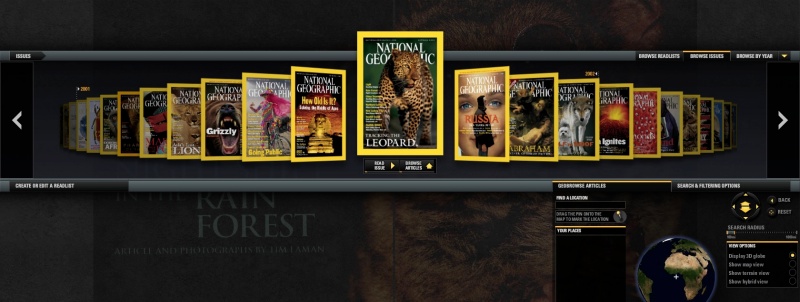
Browsing is well engineered. After you drill down to a year, you get this:
Choose an issue and you can see a clickable table of contents:
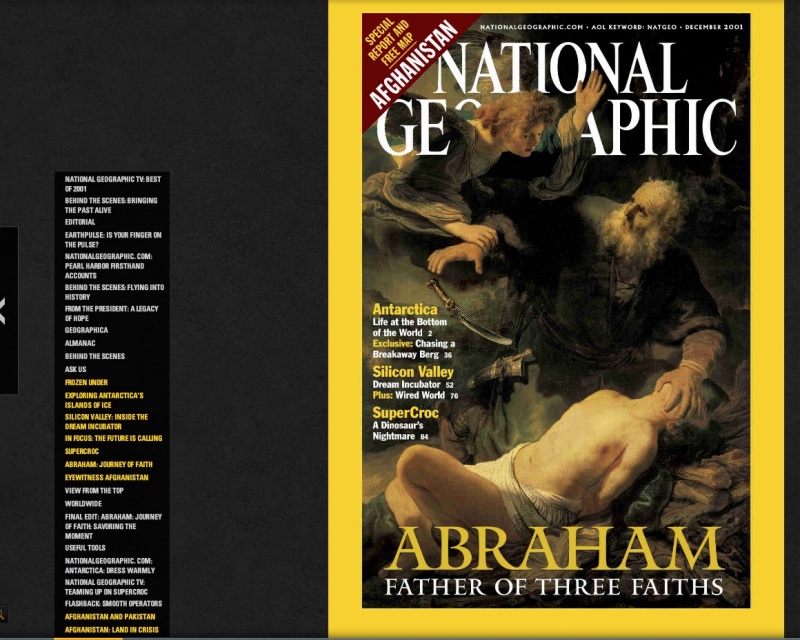
From an HDD installation, any page is accessed in one second or less.
Bookmarking is easy and effective:
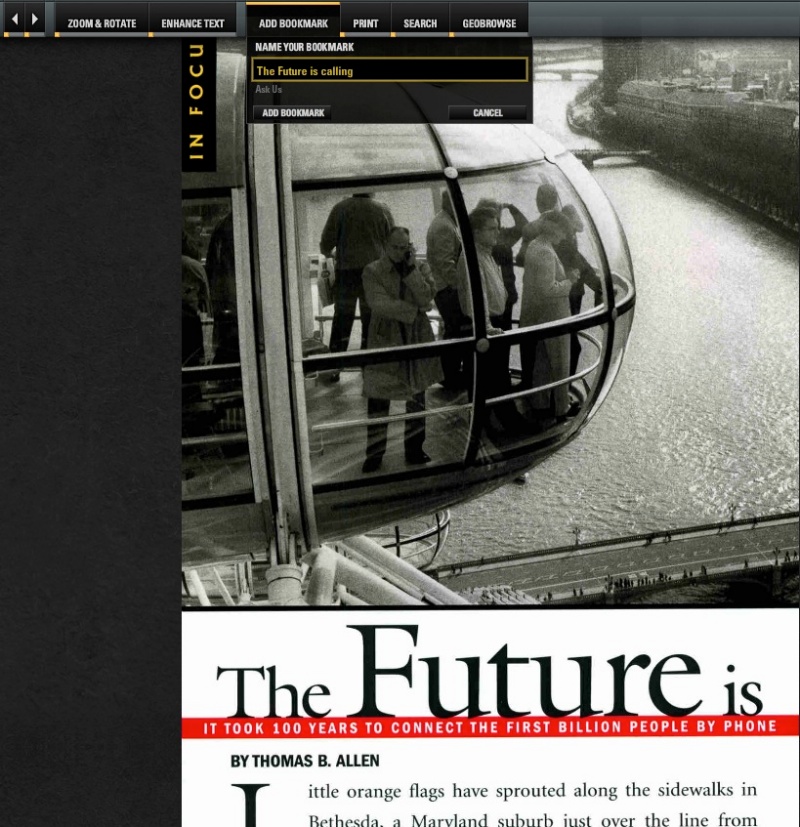
Looking at NG’s web site I see there are many complaints about app crashes in earlier versions, through about 2009. These seem to have mostly been resolved and I am experiencing no issues other than those mentioned above.
Many believe that NG is about landscapes and animals, and while those genres are reason enough to buy this set, there is far more to the magazine than that. It’s a history of American exploration, superb photography and, not least, a record of ethnography and culture through the many advertisements included in the magazine’s pages.
While the early color work, dating from the 1950s, is fine, the quality of the reproductions (meaning of the originals) really comes into its own in the dying years of the color film era, say through 2000, and the stunning quality of modern digital in the past decade or so. Viewed on a 22″ computer monitor or on a 42″ TV the quality of most of the recent work makes me glad I’m not competing as a nature or wildlife snapper for a living. It’s hard to see what can be said better than is shown in the work on display here.

For any photographer, let alone historian, archaeologist, ethnographer, you name it, this is simply a must have. The prospect of having 200,000+ images to enjoy over the coming years for the price of a couple of BigMacs, requiring zero physical storage space is hard to believe. Further, viewed on an LCD screen you see the images in much the same quality as the original slides or digital files contemplated.
But forget quality and resolution and all those technicians’ bugbears. There’s no better place to start than the December 1969 issue and it looks like this – the greatest accomplishment of the greatest nation ever:
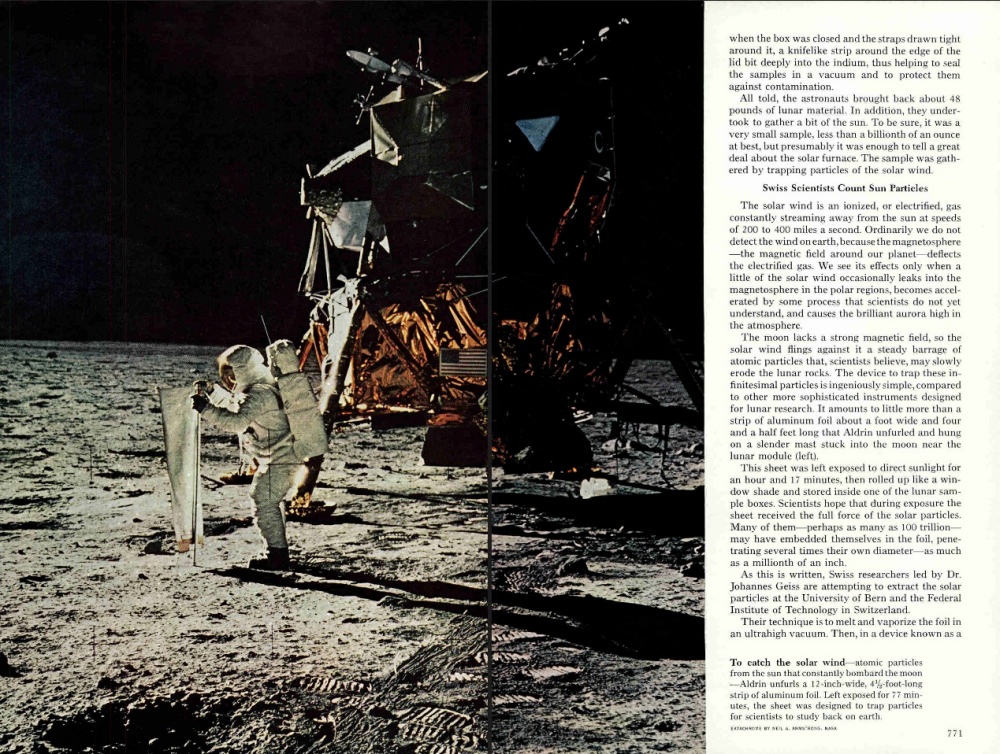
A great photography bargain.
Updates:
By registering online with NG you can get updates of every issue at a cost of $9.95 a year.
Installation on a MacBook Air:
My MBA is the 128GB memory model and has more than enough space to accommodate NatGeo. But installation proved tricky. I inserted Disk 1 (installer plus latest volumes) in an external DVD drive directing installation to the MBA but the installer fails. NG’s technical support has been of no help either.
I managed to install it, however, using this technique:
This is how you want your issues directory to look:
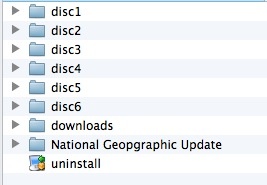
This one works.
All credit to the nice people at BorrowLenses who had earlier provided the Sigma 35mm f/1.4 lens on loan. I returned it early as it was incapable of delivering consistently accurate AF on Nikon bodies of known AF accuracy, and after explaining the issues to them asked if I might upgrade to the Nikon optic for the remainder of my rental period.
“No problem”, their man said, “and we will not charge you extra. Also, we would like to add one free day to your rental. And you will not have any problems with the Nikon!”
Now that’s the way to get customer loyalty. Thank you! Compare this to the communication from the arrogant dipstick at Sigma in yesterday’s piece.
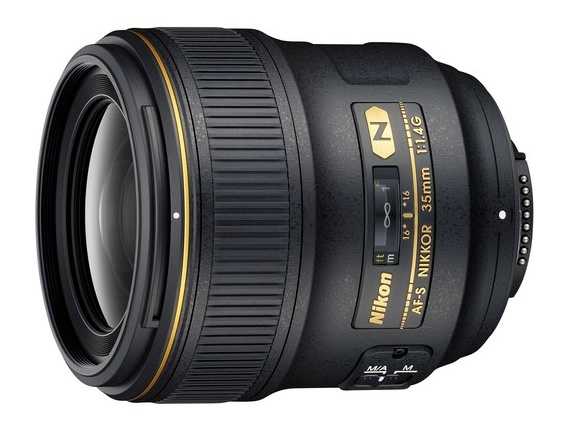
I immediately gave the Nikkor the bookshelf test and confirmed that AF was dead on. There’s no need to create an ACR lens correction profile in this case as LR and PS come with a tailored, Adobe-made, profile for the lens which works well. The lens has a similar modest level of barrel distortion to the Sigma and also vignettes at large apertures, though much less than the Sigma. All of these issues are corrected by the lens profile.
Compared with the Sigma, the Nikkor’s plastic casing (ugh!) makes the lens 3 ounces lighter and while that’s welcome, tapping the plastic on the rear with a fingernail speaks to a chintzy hollowness I did not expect from a $1,600 lens. Judging from the shiney finish on the rubberised focus collar, my loaner had seen a lot of use but there were no issues with structural integrity. The s/n was US602465.
Real world snapping disclosed a few comparisons with the Sigma:
I do believe that Sigma will fix what ails it as they have a lot of reputational risk riding on their newest lens. Indeed the resolution and color rendering of the Sigma are so good that I cannot see paying a $700 premium for the Nikkor. You buy lenses like this to use at or near full aperture and the Sigma is better than the Nikkor there. The Nikkor has been on the market for some 2 years now, and there are no known issues. It may also hold resale value better with lightly used samples selling for $1,250-$1,350. But optically, when focused correctly, the Sigma is so good that I, for one, will wait for Sigma to resolve their AF and Quality Control issues before buying one. Let’s hope they do. The Nikon is not worth the money asked, in my opinion. However, if Sigma blows it, the Nikon is the logical recourse.
Meanwhile, here are some snaps from that very costly Nikon optic; there’s not much wrong here:
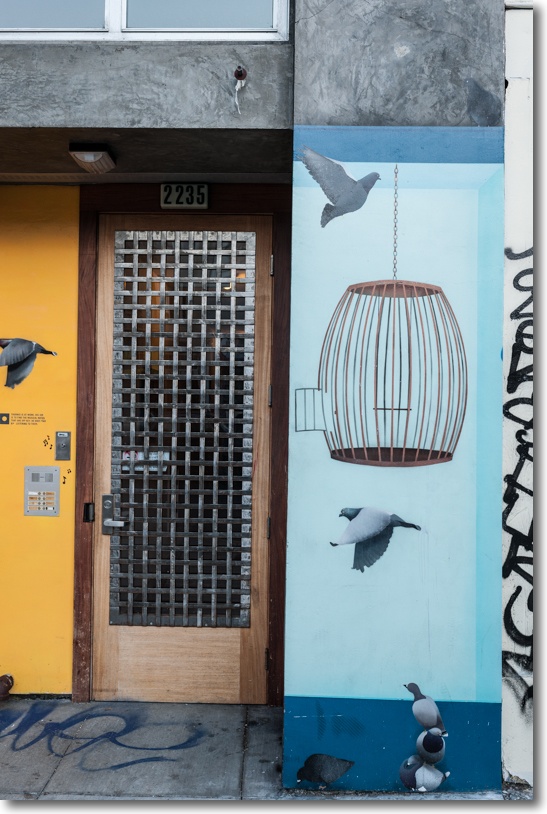
Birds. At f/4.
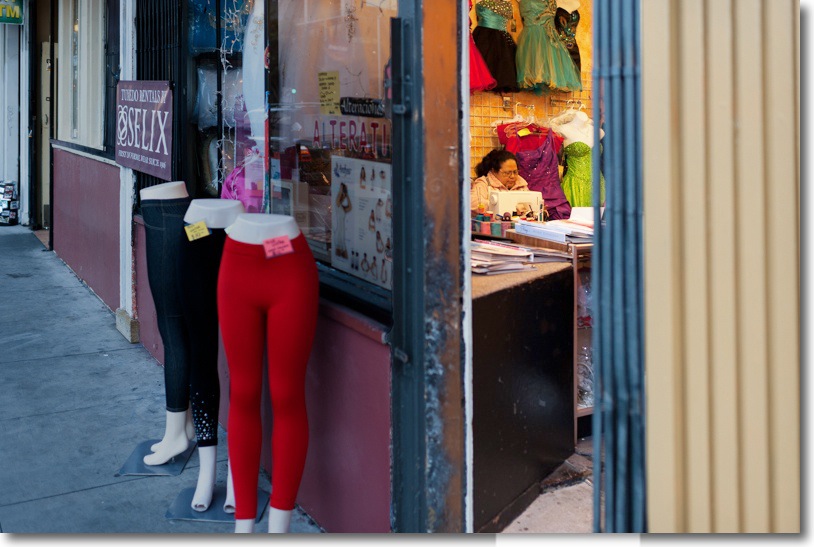
Alterations. At f/2.

Order. So dark in this bar I have no idea how the camera locked in focus, but it did.
At f/2, ISO 1600.

Evening libation, poured by Giuseppe. At f/1.4, blur no extra charge.
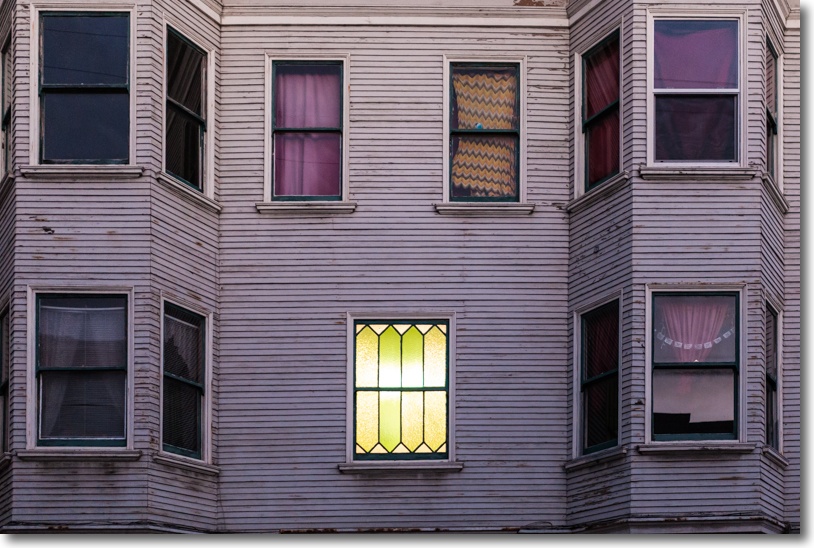
Mystery window. At f/1.4, ISO 1600.

Public Storage. At f/1.4, ISO 1600.
“And you will not have any problems with the Nikon!” Yup.