Obscure and under appreciated.
For an index of all Leica-related articles click here.
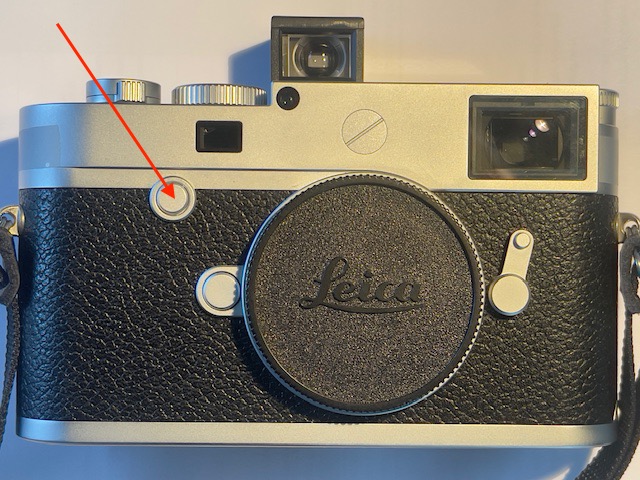
The Focus button.
In the schematic of the camera on page 122 of the English instruction book Leica refers to the button as the ‘Focus button’. It’s in the same location as the rewind release lever on every film M body or, for fans of the early M2 design, where the rewind button used to be. A nice nostalgic touch.
But references to the Focus button are scattered in the manual and the word does not even appear in the index. Plus, the name is misleading.
The first mention, on page 165, states that the Focus button can be used to enlarge details in live view mode to aid focusing. The process is somewhat convoluted and of no interest to those, like me, who never use live view for focusing. This is first and foremost a rangefinder camera, for heaven’s sake.
The second mention, on page 170, states that the Focus button can be used to set exposure compensation by holding it depressed while turning the thumbwheel. This is most useful. With the thumbwheel enabled for exposure compensation I have found that it gets nudged from the zero position just carrying it over a shoulder. So I have turned that functionality off in Menu->Customize Control. The problem with the Focus button approach is that it’s quite difficult to depress that button as it does not protrude sufficiently from the body. Once depressed the thumbwheel does indeed dial in exposure correction, regardless of how it is set in Customize Control.
So the answer is to make the button more prominent, which is easily done with these:
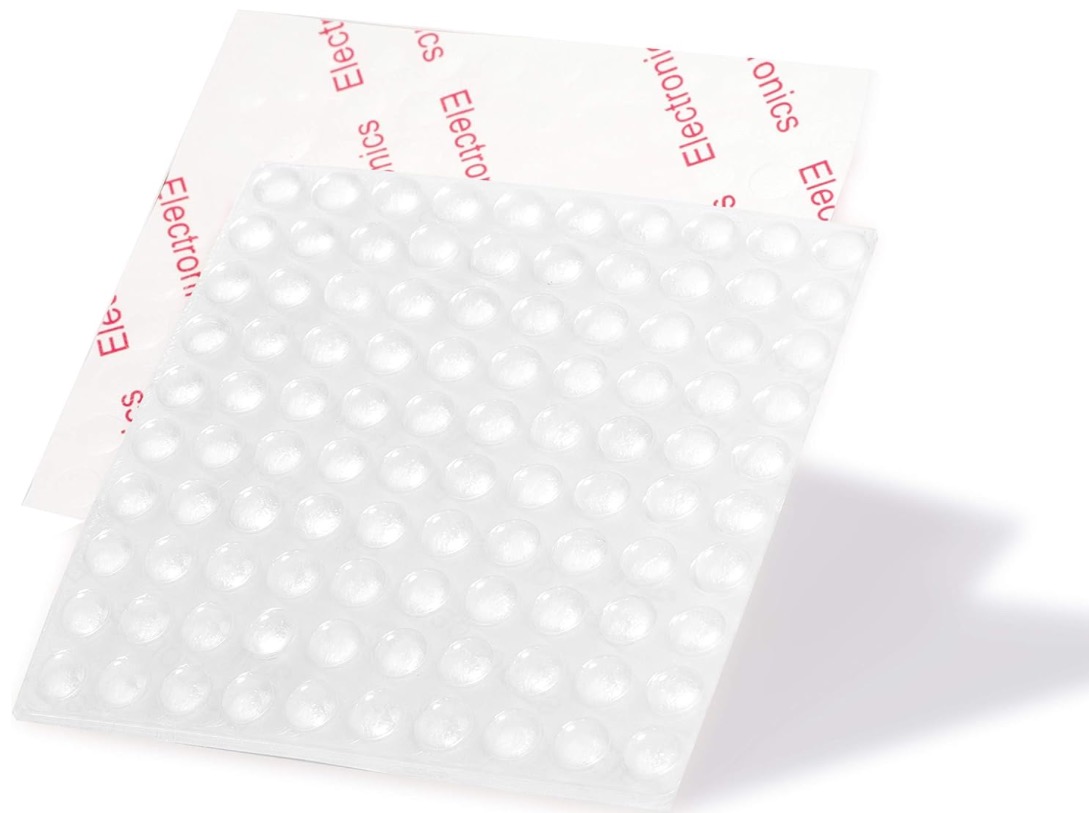
Plastic kitchen drawer bumpers.
I understand these are a special order item from Leica in Germany, priced at $99.95 each. The order code word is DUMMY. Also, there’s a 9 month waiting list and the red version (REDDUMMY) runs all of $149.95. I bought 100 from Amazon for $7 because, you know, I am cheap. That little lot should last me a while.
Before installation a quick swipe of the camera button’s surface with isopropyl alcohol (use vodka if you bought a DUMMY or DUMMYRED from Wetzlar, and consume after installation) removes any traces of finger grease.
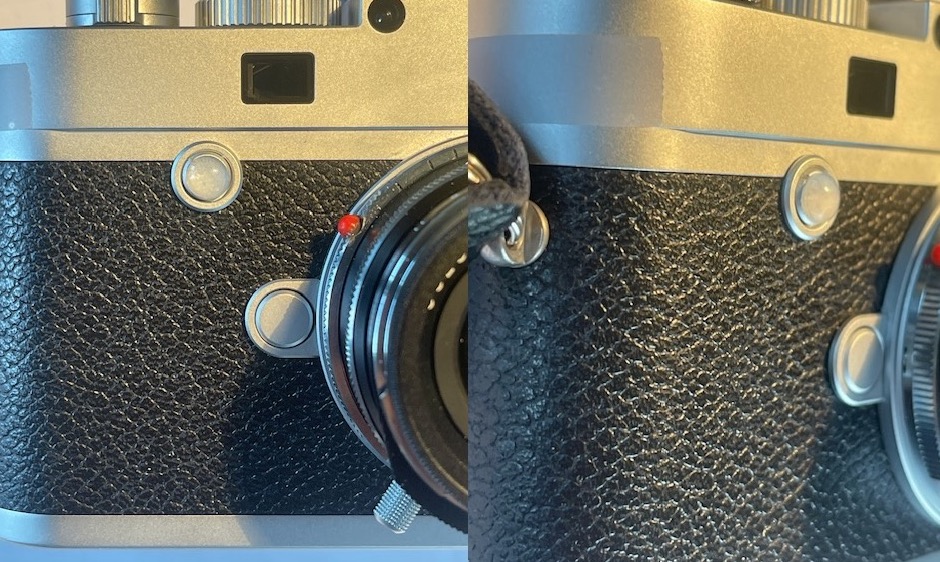
Installed.
Be sure to buy 1/4″ (6mm) diameter buttons as they will not be impeded by the surround to the Focus button. Anything larger does not work. I found the stock adhesive too weak for permanence so wiped it off with some acetone and used 3M yellow Super Weatherstrip and Gasket adhesive for a better bond. This is applied to both surfaces, allowed to become tacky (2-3 minutes) and then the bumper is put in place using fine tweezers. If needed the bumper is still removable, if not easily so.
Now the Focus button is really easy to use and you can clearly feel when it has been activated. (In the M11 the button was moved to the top right of the top plate, a much better position, and the mounting ring around the periphery disappeared. That’s the German version of Kaizen at work. It just takes the Germans longer).
The third mention of the Focus button is on page 174 of the instruction manual. Set the shutter speed dial to B, wake the LCD with a press on the central button of the directional pad and hold the Focus button for one second. The range of slow shutter speeds from 8 seconds and up is displayed and can be set with the thumbwheel.
Thus two of the three known uses of the Focus button have nothing to do with focusing.
I have the latest known version of the M10’s firmware installed and, sadly, there is no provision to program other functions to the Focus button. You would think that would be a line or two of code. Oh well.