Category Archives: Leica

All about the wonderful cameras from Wetzlar.

Old Time Farm Day

A celebration of times past.

The local community presents Old Time Farm Day annually and it’s fun for all ages. The primary goal is to show how life on the farm was in the nineteenth and early twentieth centuries.

This was a fine opportunity to give the 20-200mm Sigma Contemporary lens a field test, mounted on the Leica SL2-S. The overcast day dictated a touch on the contrast slider in LRc. Otherwise these snaps are pretty much straight out of camera. Most of the images were snapped at full aperture with focal lengths across the very broad range available. The lens does not disappoint.


The entrance.


Peek-a-boo.


Side saddle horse.


In memoriam.


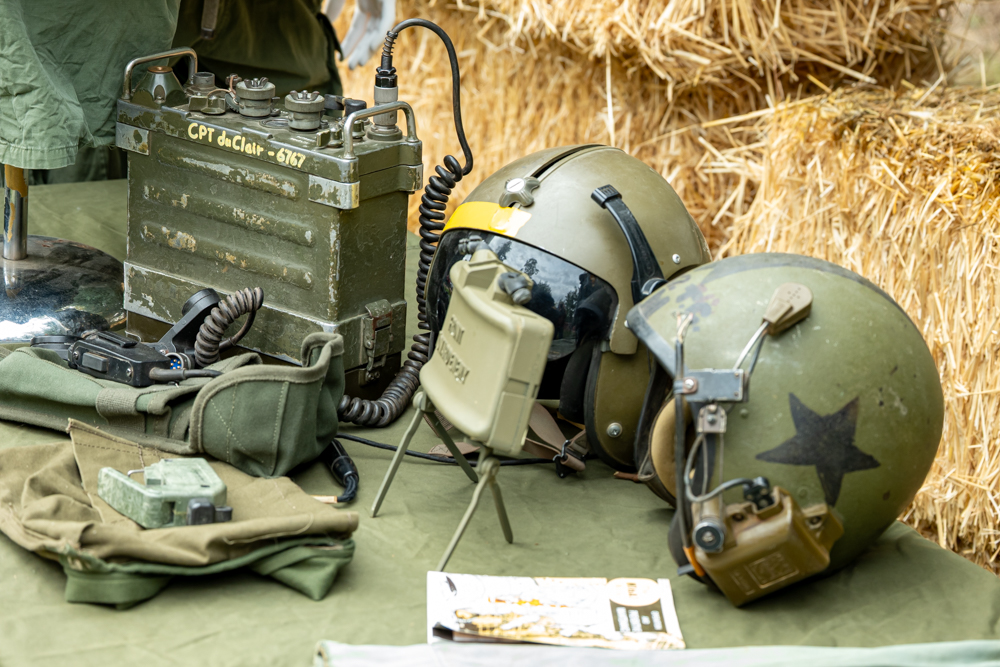
Cold War radio.


Military instructor.


Revolutionary War patriot.


Horse love.


Blacksmith.


Goat feeding


Climbing Jacob’s Ladder. Not easy.


Jacob’s ladder instructor.


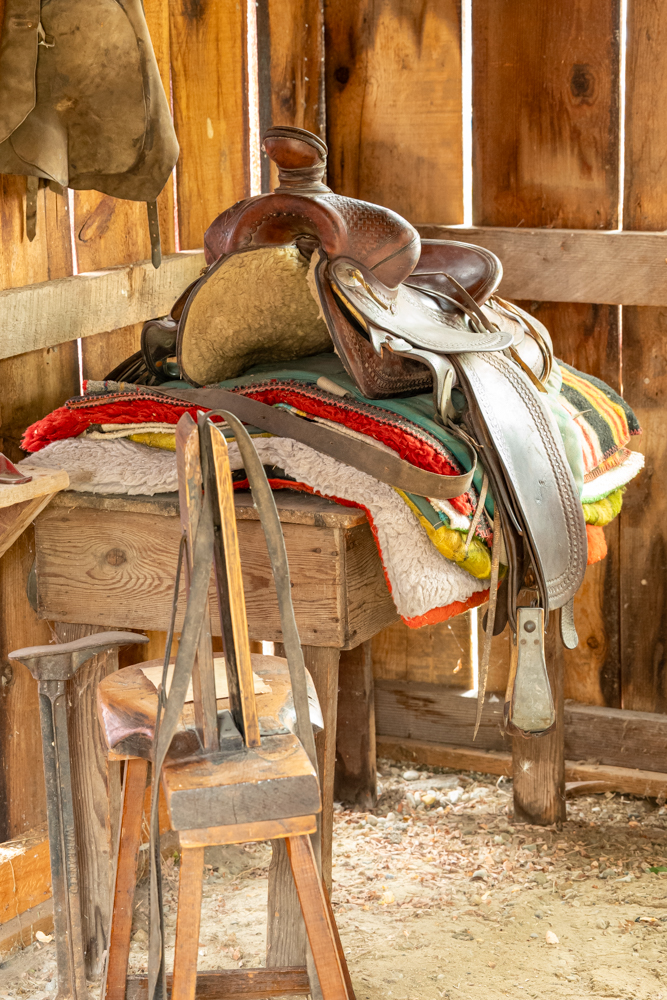
Old time saddle.


Cream separator.


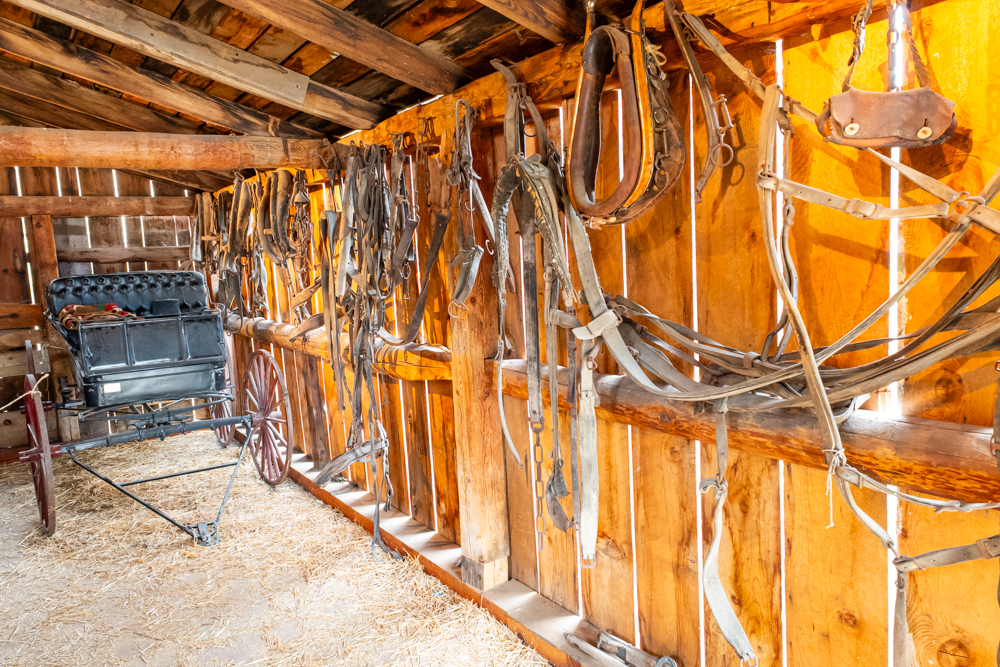
Harnesses and buggy.


Old tractor association.


International Harvester.


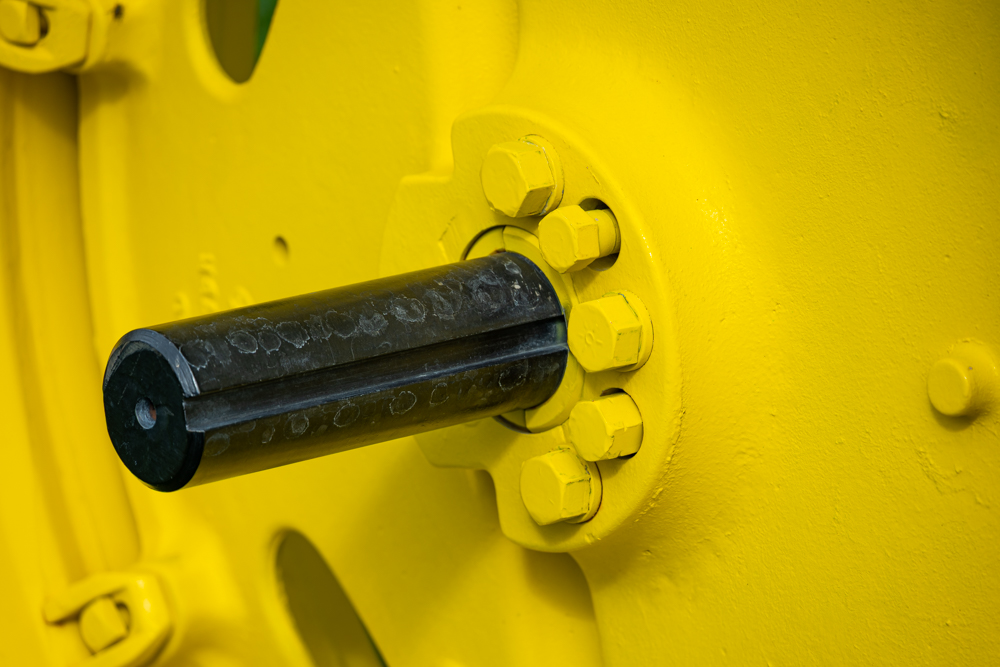
John Deere.


Whoopsie!


Gated shifter.


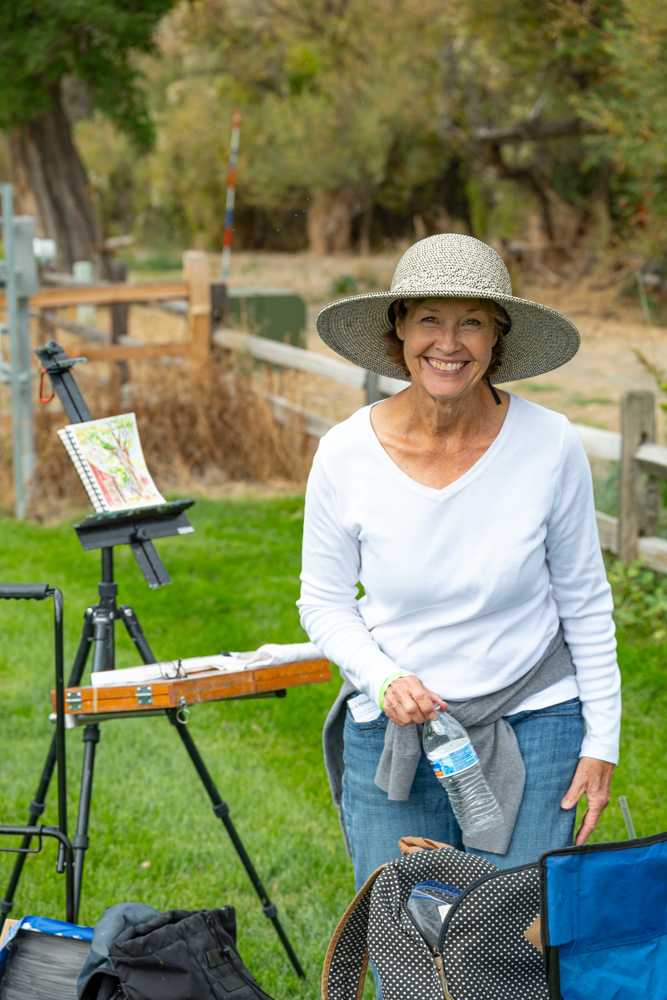
Painter.


Abundant harvest.


Keep looking.


Country and western noise maker.


Kids.


Pouring.


RV of the times.


Bed, kitchen and stove.


Rocking horse.


Broom maker. The hardwood ash handle is from Michigan
and the broom corns are all natural growth.


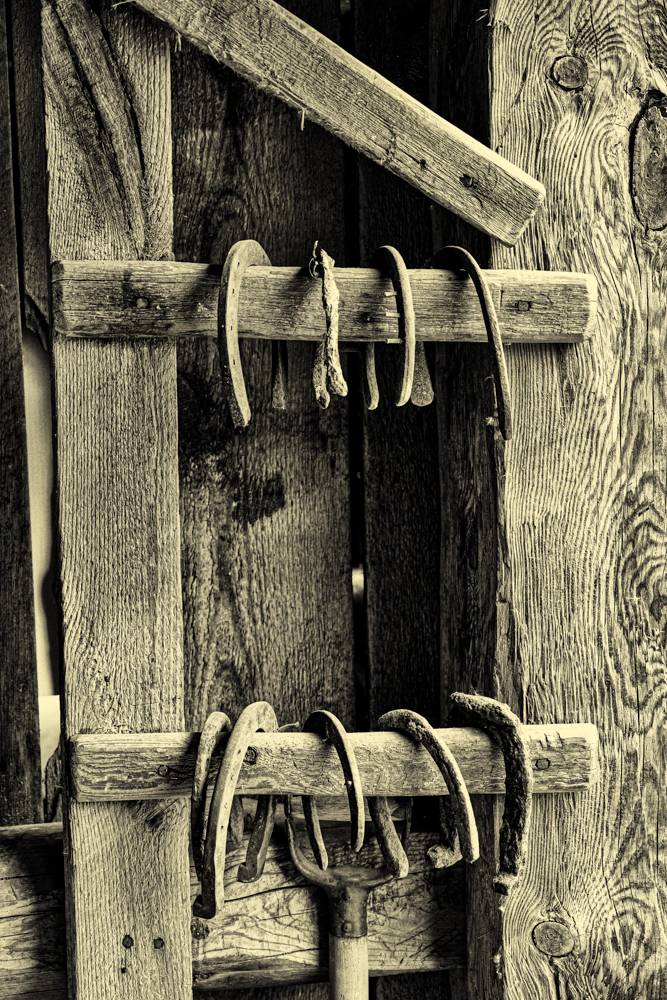
Horseshoes.


Lots of kids.

A wireless remote for the Leica SL2-S

Inexpensive and versatile.

For an index of all Leica-related articles click here.

Wireless remotes are useful tools whether it’s for bird photography or shake-free images in the studio when the camera is on a tripod.

With my Nikon D800 sold I was using a $12 wired remote with the Leica SL2-S in the studio for macro photography, along with the required $7 2.5mm female to 3.5mm male adapter to fit that remote to either of the two coaxial sockets under the rubber cover on the left side of the body. But I had a hankering for a wireless remote but none is listed specifically for the Leica SL series.

It struck me that the Oppilas Pixel wireless remote I used with the Nikon D700 and D800 might be easily adapted for use with the SL2-S, needing just a 2.5mm to 2.5mm coaxial cable (this replaces the one with the 2.5mm to Nikon multi-connector plug cable) along with the above mentioned 2.5mm to 3.5mm adapter. And, sure enough, it works perfectly.

If you do not already have one of those remotes, buy the one for the Panasonic S1 – $35 – which has a 2.5mm female socket on the body and add the 2.5mm to 3.5mm adapter. Add four AAA batteries, two for the trigger and two for the receiver. This is how it looks on the camera:
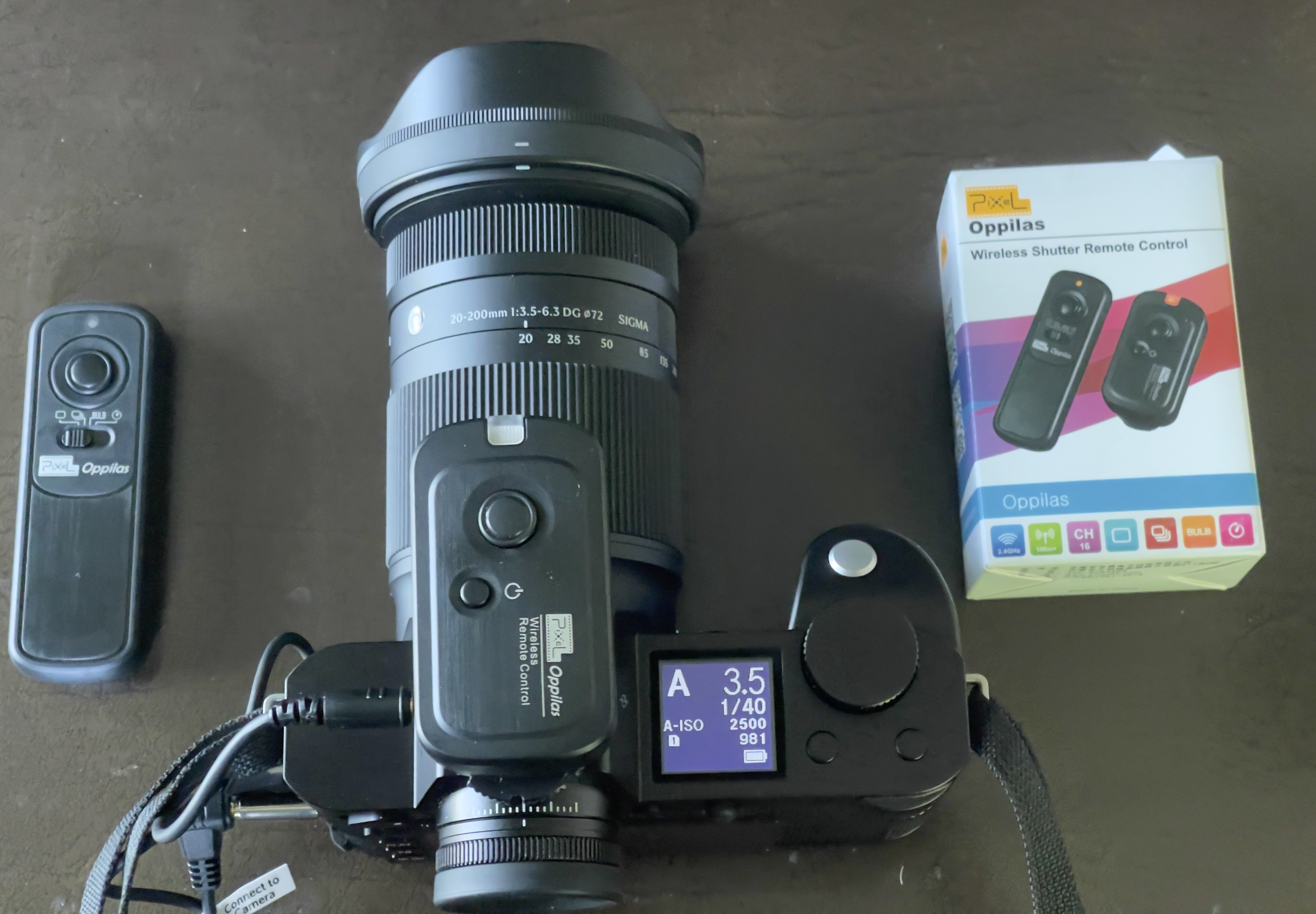


On the Leica SL2-S.

The device uses radio frequency waves to communicate between the trigger and the on camera receiver so line-of-sight is not required. The receiver attaches to the hot shoe of the Leica and has a locking device. In practice, in the studio I have a wireless strobe trigger connected to the hot shoe so I simply attach the receiver to the camera’s neck strap with a wire tie. The receiver is not a hot shoe device, making its sole connection with the camera through the coaxial cable.

The manufacturer claims a range of 262 feet (!). My home test with one wall between the camera and the remote showed it works fine at 60 feet after which I ran out of corridor! And I’m not sure that in the field I want to be any further away from so costly a camera.

Will this work with other models in the SL range (SL601, SL2, SL3, SL3-S, SL3-P)? I do not know as I prefer to remain solvent, having just the one SL2-S body, but as all the SL bodies appear to be fitted with 3.5mm female sockets I would guess there should be no problem.

The trigger has four positions – Single shot, Continuous, Bulb and Self timer. If you keep the button depressed in Single shot mode the camera will take an image every second. For Continuous set the drive mode on the SL2-S to Continuous and the selector on the remote likewise. As long as the remote’s button is depressed the camera will bang away at the frequency you elected. For Bulb exposures set the SL2-S to Manual exposure, the exposure time to ‘B’ and the remote to Bulb. A first press on the remote’s button opens the shutter, a second press closes it. For delayed action set the remote’s selector to the clock face and you will get a 6 second delay after pressing the button before the camera’s shutter is released – this works in either Manual or Auto exposure modes. Handy.

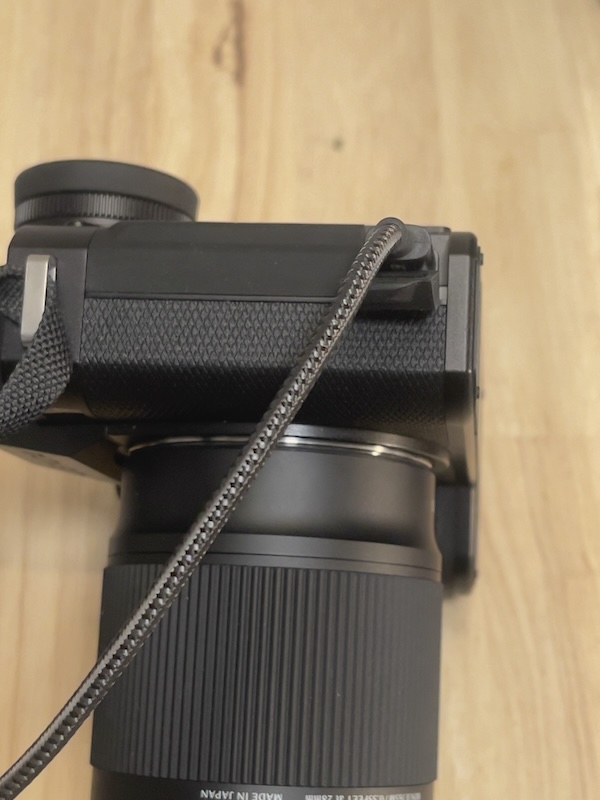
Bottom line? This inexpensive wireless remote ($35 + $7 for the coaxial adapter), which I have been using for over a decade, adapts well to the Leica SL2-S with no operational issues. Just be careful not to knock that protruding adapter when it is inserted in the camera’s socket. Have you checked Leica’s repair costs and turnarounds recently?
Leica SL2-S firmware update 6.3.0

Plain sailing – with one precaution.

For an index of all Leica-related articles click here.


Firmware 6.3.0 installed.

Leica is to be commended for its continuing support of the discontinued Leica SL2-S body.

They just issued firmware update 6.3.0 which does the following:


Changes in firmware 6.3.0.

While I have not had the DNG file issue when using Adobe Denoise, it’s nice to see that Leica is on top of this.

The PDF file listing the above is erroneously captioned ‘6.2.0’, but no matter, and there are no English installation instructions, but the process is easy.

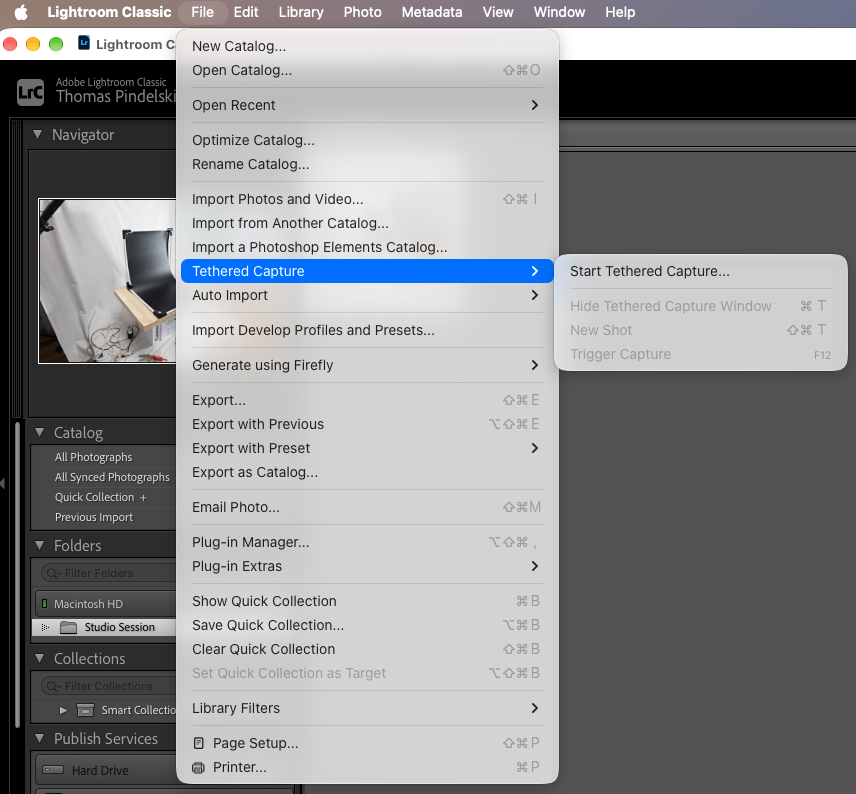
I just updated and had no issues. It took 4 minutes during which time the rear red LED flashed. After copying the firmware file to the SDHC card and starting the update I was prompted to insert a fresh, fully charged battery. I suggest before you run the update (Menu Page 6->Camera Information->Camera Firmware Version->Start Update) you save your user profile to the SDHC card. The firmware update will ask if you want to do this, as long as you are doing this using the camera, not an iPhone.

It’s a laborious task to set up user profiles and the camera will be reset to the factory defaults after the firmware update.

Precaution:

Do not update the firmware using your iPhone, which is an option. That update path will not allow you to save your user settings file – there is no prompt to do so. If you must use the iPhone be sure to save the user settings file to the SDHC card first. (Menu Page 4->User Profile->Manage Profiles->Export Profiles->Yes).

To recover/reinstall the profile(s) go to Menu Page 4->User Profile->Manage Profiles->Import Profiles->Yes.

Worked for me and all my preferred settings are once more active.

Sigma 20-200mm zoom lens on the Leica SL2-S – Part II

Some snaps.

For an index of all Leica-related articles click here.

Part I is here.

These were taken mostly at full aperture unless otherwise noted, with AutoISO. Absent minor correction of leaning verticals the images are pretty much SOOC. Spot AF-s was used (locking the focus with a first pressure on the shutter release, then recomposing) as I do not trust area focus options. At 200mmm, even with the slow maximum aperture of f/6.3, depth-of-field is very shallow. For ISOs of 3,200 and above I used LRc’s excellent ‘Denoise’ feature. It takes out digital noise without destroying definition. All originals were taken on DNG files, converted in LRc to JPG for this journal:


Autofocus on the little boy is spot on. 200mm, ISO 12,500.
Click the image for a larger version.

My previous experience with the Sigma 35mm f/1.4 Art lens suggested that Sigma’s quality control was less than stellar, with the autofocus being significantly off. Sigma makes the UD11 dock but it appears that it does not permit correction of autofocus errors, serving only to adjust manual focus collar rotation speed. It also allows downloading of the latest firmware but you can do that without a dock. Anyway, it appears I have lucked out as far as focus accuracy goes. The Leica SL2-S does not have a function to correct for lens autofocus errors, so that’s not a solution if your lens’s focus is off.


No evidence of chromatic aberration, 113mm, ISO 400.


Corner to corner resolution. 45mm, ISO 6,400.


The Declaration of Independence.
Stopped down to f/8. Outstanding resolution – check the big version.
65mm, ISO 6,400.
Click the image for a larger version.


Stopped down to f/4.8.
20mm, ISO 2,200.
Click the image for a larger version.

The outstanding in-camera correction of distortion and vignetting is very much visible here. Flare – check the light globe far right – is very well controlled.


Another example of fine flare control. 78mm, ISO 3,200.


Stopped down to f/8.
20mm, ISO 12,500.
Click the image for a larger version.

Performance at 20mm is exemplary, with little resolution gain from stopping down. There is no issue with using the lens wide open when it comes to rendering of details. This is a very high dynamic range image, testing the SL2-S’s (Sony BSI?) 24mp sensor to the limit. It acquits itself well, even though a 2019 design.


150mm, ISO 280.
Click the image for a larger version.

Check the detail rendering of the mesh behind the Hal Davis signage.


33mm, ISO 100.
Click the image for a larger version.

Obligatory brick wall. Again, the correction of distortion and vignetting is remarkable. Corner definition is all you could ask for.


200mm, ISO 200.
Click the image for a larger version.

There’s no need to stop down for best resolution at 200mm, as the above proves.

A few more snaps to round out this piece. The outdoors were very smoky from forest fires and an occasional touch on LRc’s Contrast slider was called for, though the lens delivers good contrast otherwise.


95mm, ISO 560.
Click the image for a larger version.

Check the definition of the lettering at the lower right in the large version.


123mm, ISO 140.


31mm, ISO 1,600.


71mm, ISO 1,600.


191mm, ISO 100.


A touch of Saul Leiter. 91mm, ISO 200.

Conclusion: A fine ‘walk about’ lens, small, light with no excuses needed for performance at any aperture. This one optic easily replaces two zooms or half a dozen primes in your kit bag. As the last image in Part I discloses the 20-200mm Sigma is also a capable macro lens. A fine optical accomplishment by the designers in Aizu, Japan. Sharing the tasks of aberration correction between the hardware team (coma, spherical and chromatic aberrations) and the software team (distortion and vignetting) is surely the wave of the future. Kudos, also, to Leica for updating the firmware for the SL2-S to accommodate the Sigma zoom. The lens was introduced in mid-2025, after the SL2-S was discontinued (January 2025).

For some more images from this lens click here.