Stone’s throw from SF City Hall.
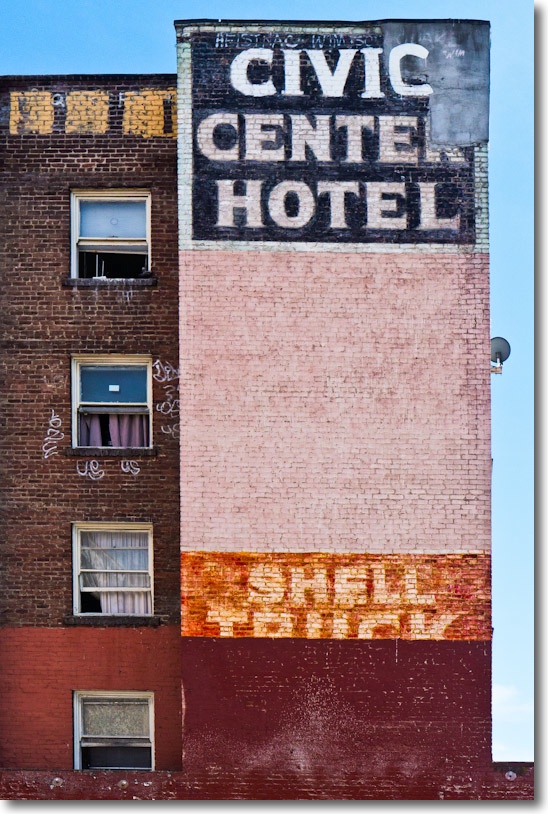
G3, kit lens @24mm, 1/500, f/9, ISO320.
Stone’s throw from SF City Hall.
G3, kit lens @24mm, 1/500, f/9, ISO320.
Pink, pink, pink!
From that most photographically fecund of locations, wonderful 24th Street in San Francisco.
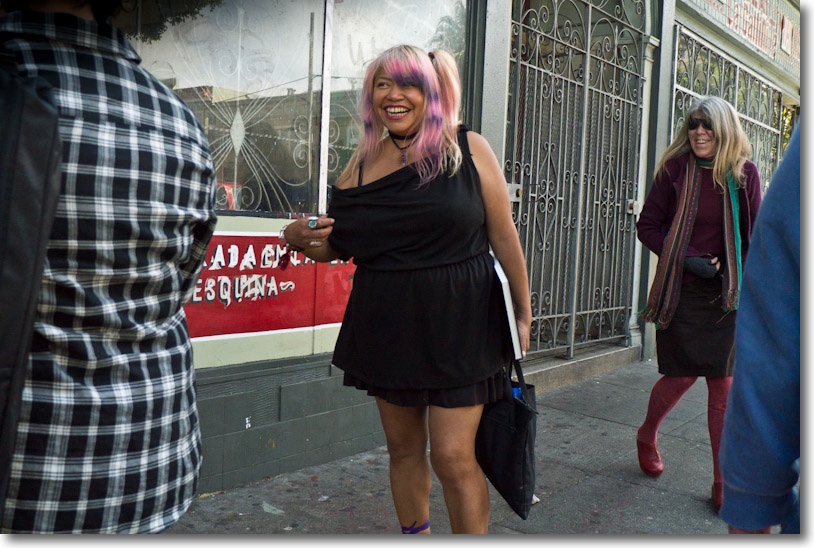
G3, kit lens @ 18mm, 1/1250, f/4, ISO 1600.
I’m finding that the two stop gain the G3’s sensor offers over the G1’s, in terms of freedom from noise, has me regularly cranking the ISO up from my usual street-snapper 320 to 1600 when on the shady side of the street, thus cutting down on motion blur. I simply have the two C1 and C2 settings on the handy top dial set for each ISO, making a change the matter of a moment, with no need to peer at hard to read LCD screens.
You speak, it answers.
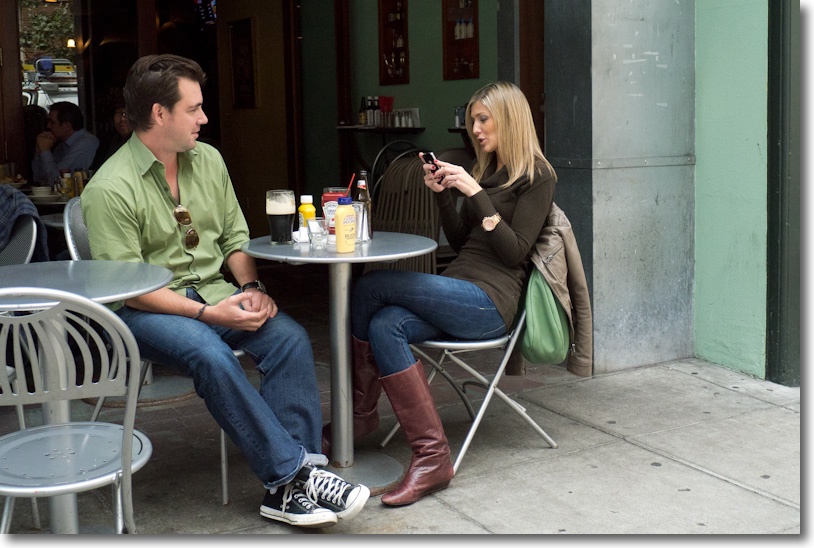
On Third Avenue, SF. G3, kit lens @18mm, 1/1000, f/4, ISO1600.
My fondest hope is that the Siri Assistant in the iPhone 4S destroys the evil corporation that is Google. You see, Siri, with its Wolfram Alpha engine, can direct your searches where it pleases. Ask for a restaurant in the US and it uses Yelp! – no more Google stealing and data mining your personal information. With search rapidly migrating to voice origination, that’s not as far fetched as it may seem.
And that means that one day your pictures will no longer be stolen by that evil business whose ‘Do No Evil’ mantra is a lie.
Rock on, Siri!
Always with you.
Hard to resist this on the evening walk the other day.
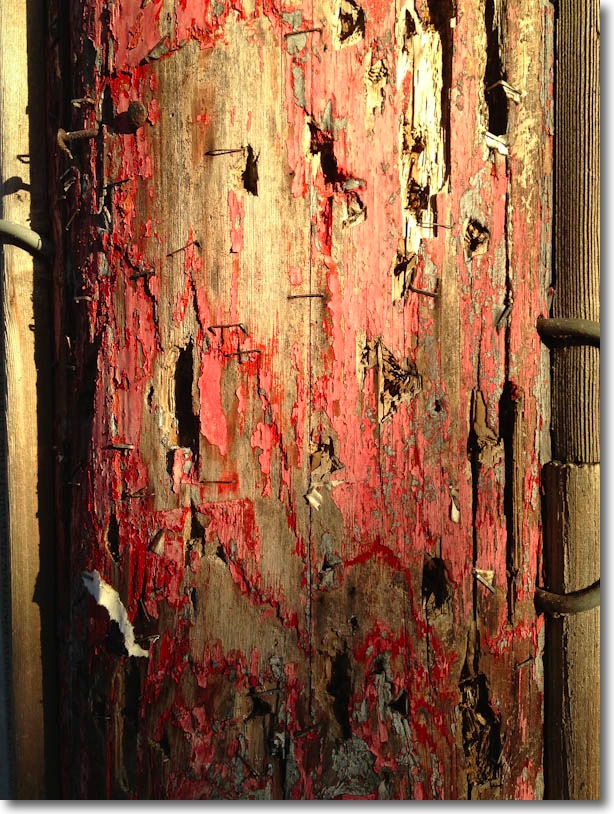
Utility pole. iPhone 4S, 1/430, f/2.4, ISO 64.
How good a street snapper is it?
Test charts never did cut it for this street snapper. Real world use and responsiveness turn my crank. So, with that view in mind, I ventured to SF from the south bay, the iPhone 4S’s hotspot providing wifi for the iPad so that I could do my day job on the train there and back.
The iPhone is not going to win any prizes for ergonomics and, frustratingly, I found myself activating the movie slider on more than one occasion until I got the hang of how to hold the gadget right, neither going into movie mode or obscuring the lens. I learned to hold it in the left hand just so, with the camera on, and it was then easy to raise to face level, squint and shoot. I used the Volume ‘+’ button for the shutter release, in preference to the awful touch button on the screen which is an ergonomic nightmare.
What made the whole experience a (relative) joy is the responsiveness of the shutter release which has minimum delay and short time between snaps. Just for fun I tried to see how fast I could shoot and managed 24 snaps in 15 seconds, without trying too hard. Not half bad! Those were all garbage of course, as is typical for machine gun shooting. But one or two others worked out, helped by the strange unobtrusiveness of the iPhone, as your subjects think you are messing with a phone rather than taking their picture. In many respects, now that it has a half-decent camera, the iPhone 4S is the least obtrusive street snapper I have used. As a matter of interest, I consistently found portrait orientation easier than landscape.
Where you see blurred backgrounds they are courtesy of Photoshop CS5 and those thinking of writing me about bokeh or some such nonsense should spare themselves the effort. Bottom line, post processing blur works and it works superbly. It’s hard to relate with a straight face but there are dorks out there who get off on studying the unsharp bits ….
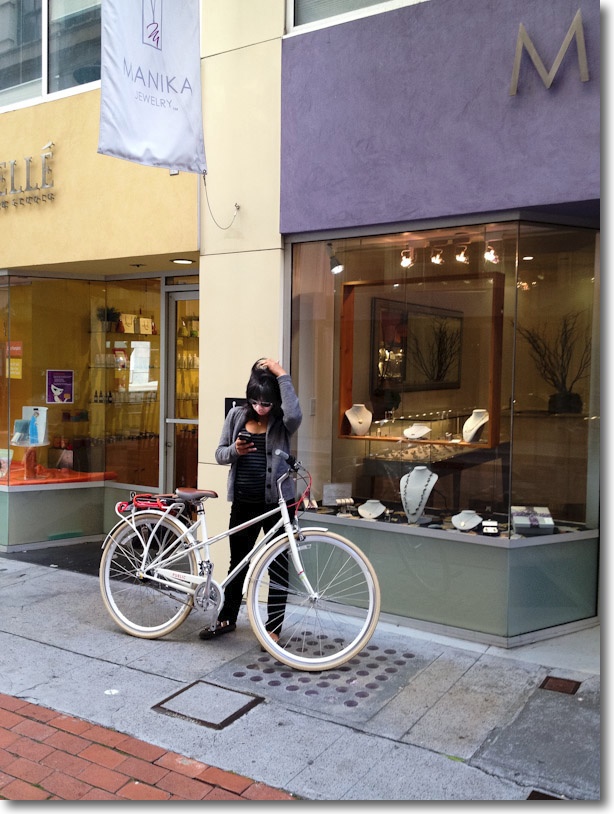
Confused. Obviously an Android user. On Maiden Lane.
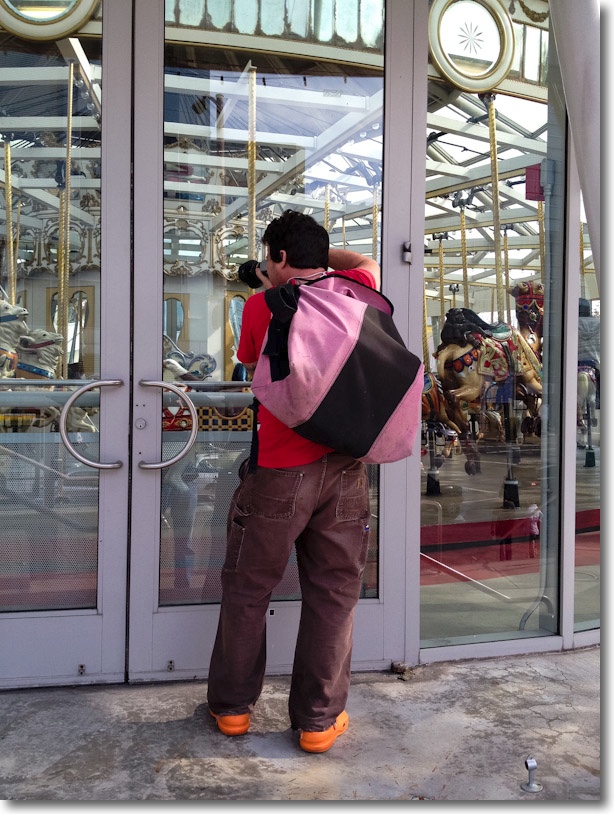
Yerba Buena Moscone Center carousel.
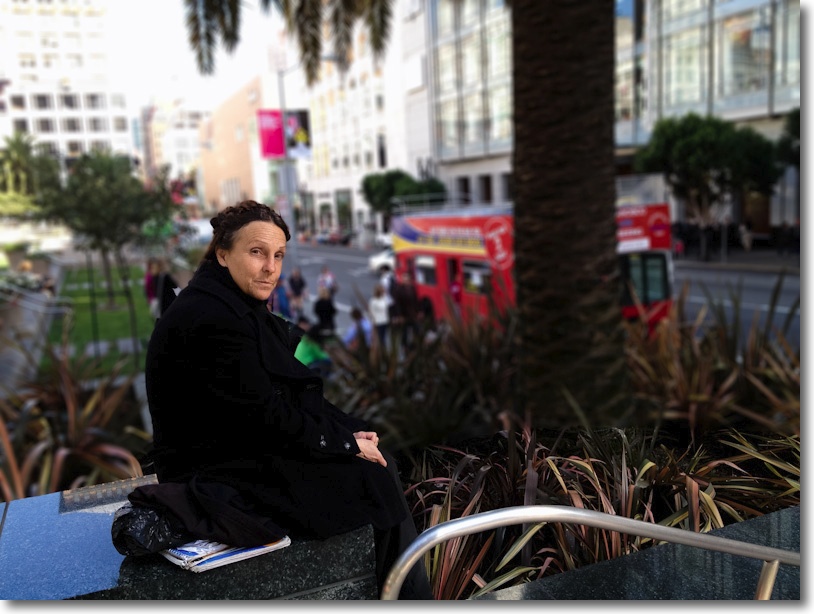
Union Square. This lady bears a striking resemblance to Georgia O’Keefe.

Ad doubtless sponsored by knee and back surgeons.
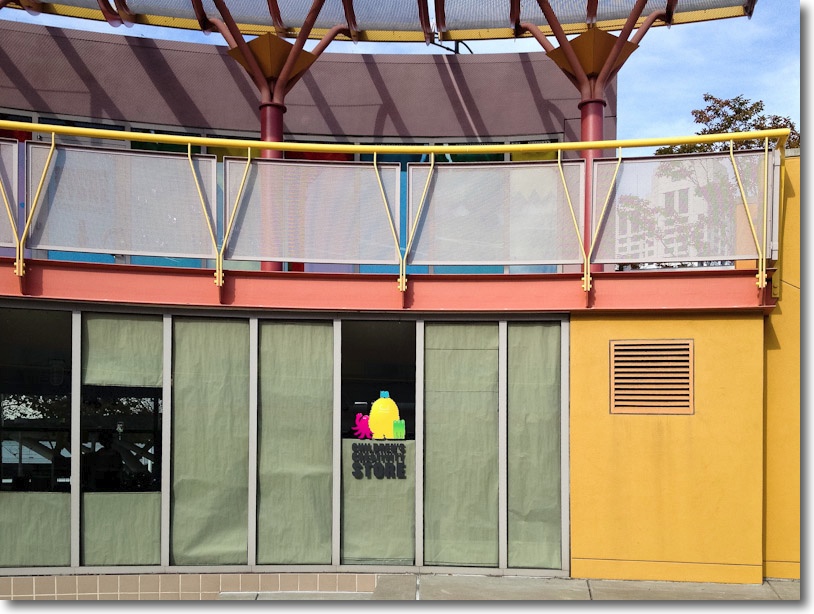
Yuerba Buena colors.
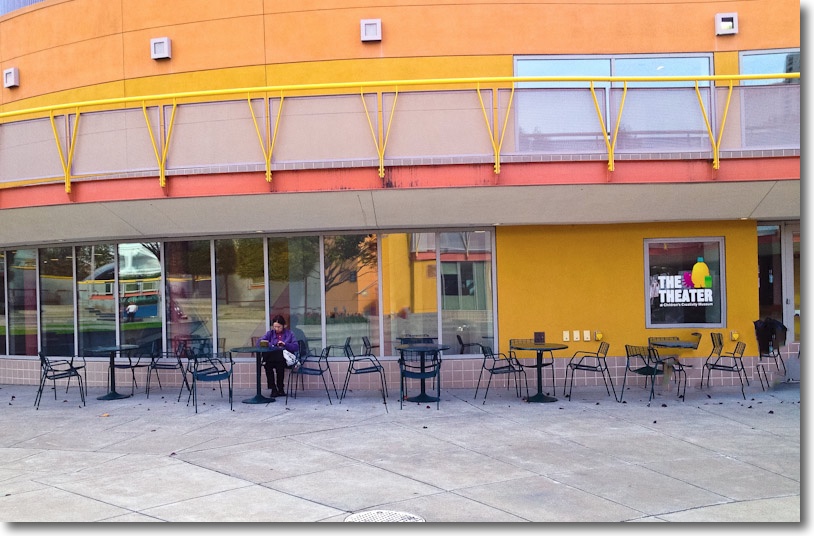
Alone.

Machismo. A lovely warm, masculine face.
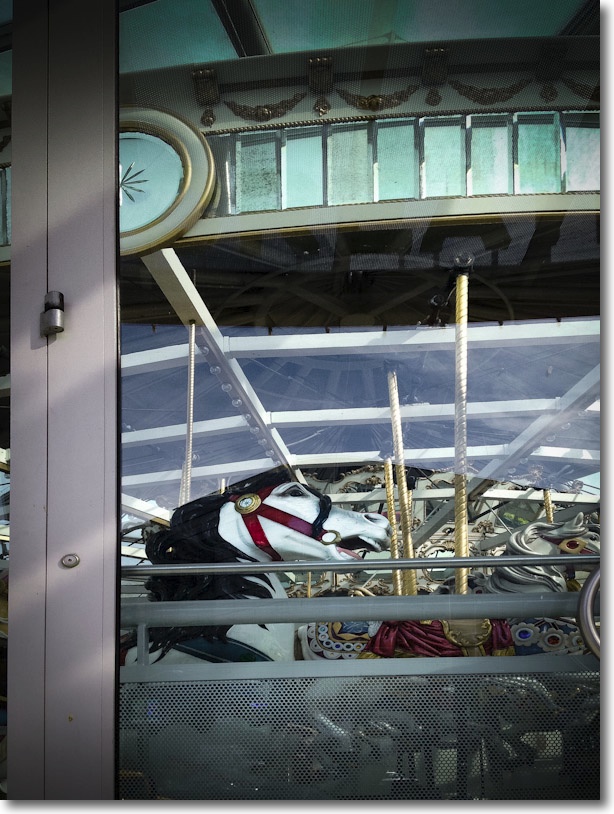
Carousel horse.
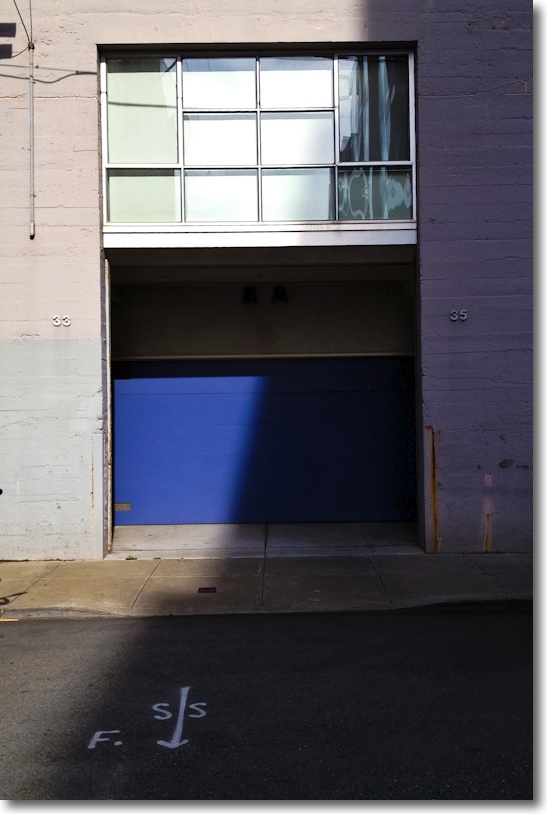
Chez Mondrian. Off Brannan Street.
The iPhone has got what it takes for street snaps and not too many excuses are called for.
Some of the above were processed lightly in LR3 with background blur added in PS CS5.
Lunch after all this exertion? Why at the South Park Cafe of course!
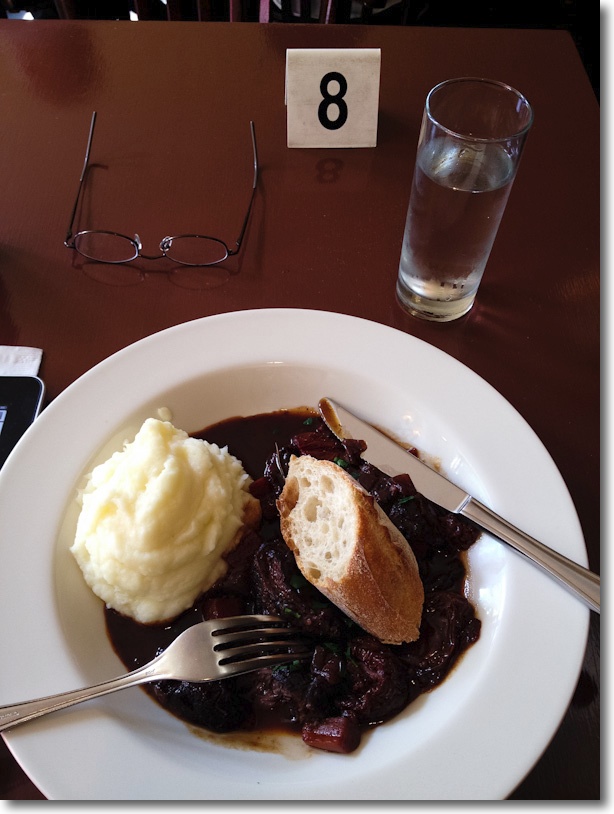
Pork, dates, a rich sauce and mash. iPad testifies that this was a deductible business trip! Mmmm!
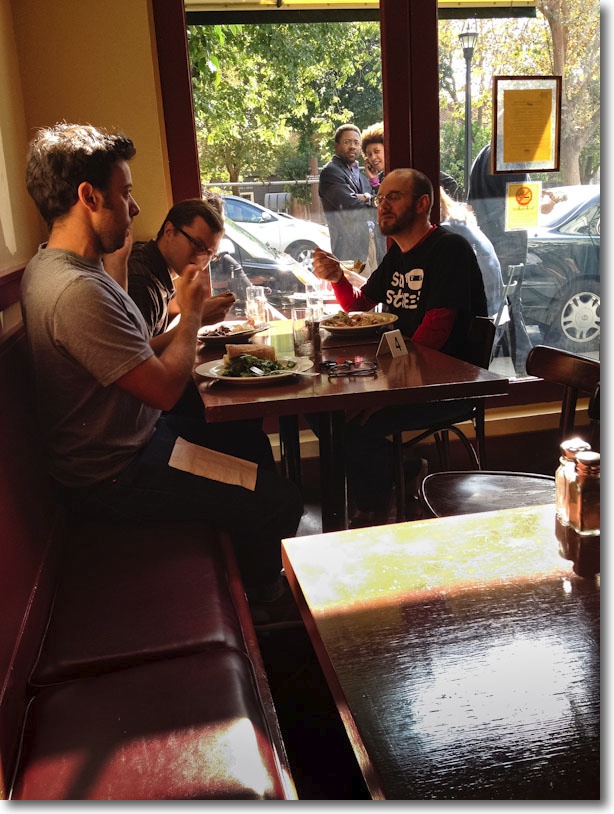
Fellow diners.