Not a gas

Last legs.

The Adolph Gasser photo hardware store on Second Avenue in San Francisco has been dying for longer than most can remember. The paint is peeling, the help inattentive and the whole thing decrepit. In addition to their great location on the east side of Second Avenue the west side, directly opposite, is home to some priceless real estate owned by Gasser which is used as a free parking lot for their increasingly missing customers. Talk of unrealized value.

Currently it’s home to a shoddy exhibit of photographs, the presentation consonant with that of the store across the road.


Gasser’s idea of a photo show.

Talk of development potential. That there is even a camera store remaining in SF is to be wondered at.

D3x, 35mm f/2 Nikkor with my profile.

Some architecture

A great way to end the year.

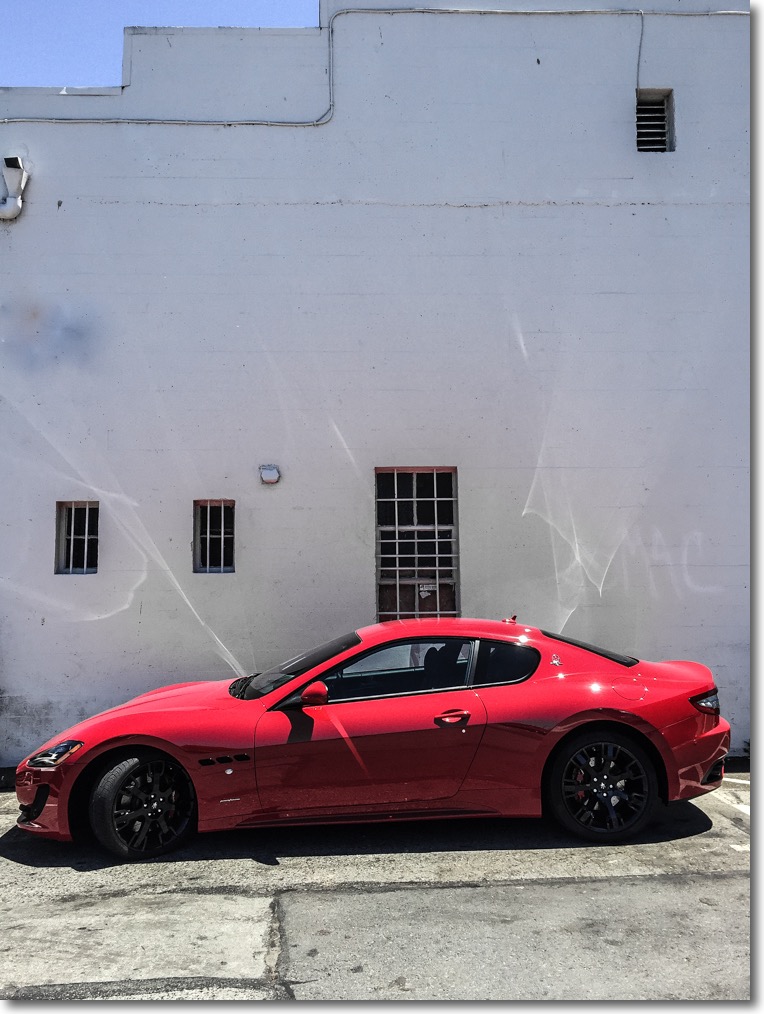
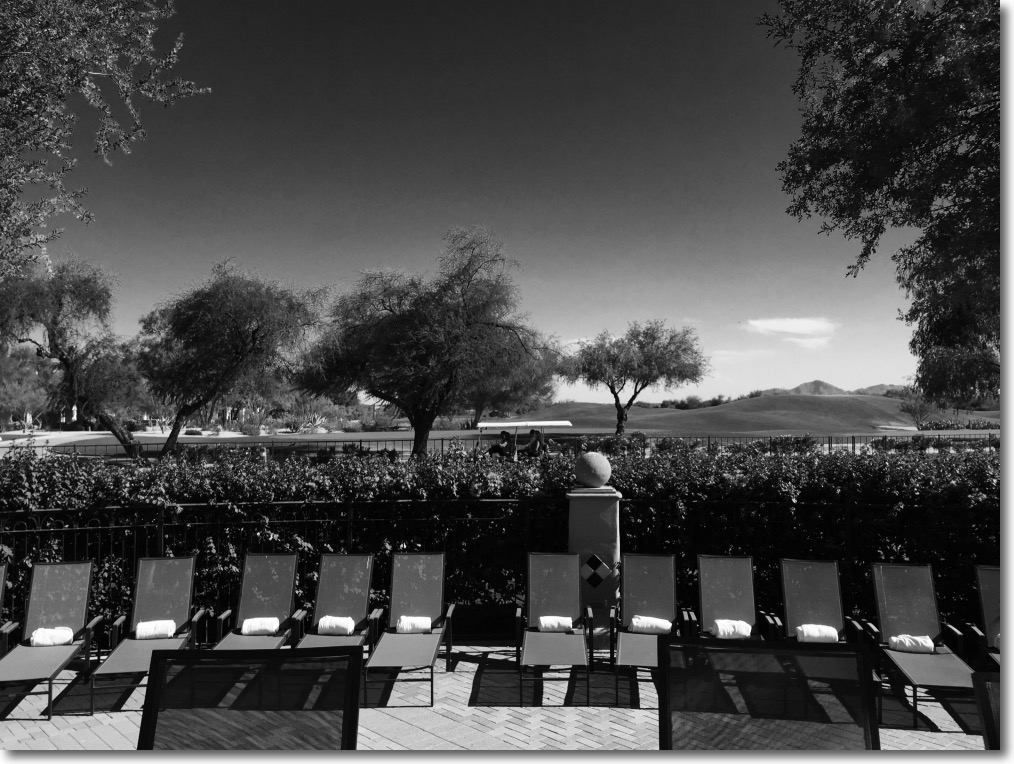
Few things beat a crisp, sunny day in San Francisco, and the city’s propensity for preserving its old buildings means more subject matter for an itchy trigger finger.

These were all snapped today on three classic ‘metal era’ MF Nikkors from my copious inventory on the D3x – the 35mm f/2, the 85mm f/1.8 and an all time favorite, the 200mm f/4, an outstanding optic for picking out gorgeous period details.

The absence of autofocus for this type of subject matter is anything but a hindrance. If anything, the more contemplative approach required is a benefit.

Processed in LR6, some verticals straighened in PS CS5, some juice added here and there in Snapseed.

Nikkor 20mm f/2.8 AiS lens

Still in production.

The most remarkable thing about the Nikon Nikkor 20mm f/2.8 AiS lens is that Nikon continues to make it. It’s available new for some $650 – not cheap – and will work on just about any Nikon body, film or digital, since the groundbreaking Nikon F of the 1960s. This example belongs to a friend of the blog for whom I volunteered to create lens correction profiles for use with Lightroom or Photoshop to correct linear distortion and vignetting. As a general rule, the wider the lens the greater is the incidence of these aberrations.

My 20mm Nikkor of choice is the original and massive 20mm UD f/3.5 Nikkor which is nearly a half century old. Mint examples can be found for around $300; many are available and there is no excuse for buying a ‘beater’. It has outstanding center resolution at all apertures, with the edges catching up by f/8. You can read about it here. The current 20mm AiS is much smaller, and both lenses are manual focus only:


The old UD Nikkor is on the D2x at left.


The current 20mm AiS optic is on the D3x at right.

Where the UD adopts the early ‘all metal’ finish of the classic era, the AiS uses rubberized focus and aperture rings. Both lenses are manual focus.

Despite the high price, Nikon does not fit a CPU to the lens so the user has to manually dial in the aperture and focal length on the Nikon body if any lens profile is to be automatically recognized in LR or PS; the CPU I have fitted to the UD dispenses with this need. You can always tell LR which profile to use if you forget to dial it into the body or dial in the wrong one.

The owner of the 20mm f/2.8 AiS shown here advises that Lightroom CC (the cloud version) no longer permits profiles to be dialed in manually, but Photoshop CC does. So if you are solely a Lightroom user and need to manually input profiles, I recommend you use the stand alone Lightroom 6 desktop version, still available. Adobe really does no want you to do that, preferring to steer you to the rental model of the CC version, but follow my guide here and you can download it easily. Given that PS and LR are pretty much stalled and at the end of their development cycles, there’s little justification for buying the CC version with its purported ‘constant updates’. A disingenuous business model if ever there was one, but that’s Adobe for you.

CPU on the UD is arrowed.

Given the narrow rear flange of the AiS, installation of a CPU would be a trivial process, and I describe that here.

I created the lens profile for the AiS using Adobe Lens Profile Creator in the usual way, at f/2.8, f/4, f/5.6 and f/8. After f/8 nothing changes. Here is the profile invoked in the Develop module of Lightroom 6 – LR 3-5 will work just as well. The profile is placed in the User’s Library directory as explained in the above link. To ‘see’ the directory in Finder be sure to hit the ‘Option’ key when in Finder->Go as the fools at Apple have seen fit to hide it in recent releases of OS X.


Profile invoked in LR.

While the profile says ‘D3x’ in the title it is non-body specific and will work with any Nikon digital image, FX or DX (APS-C). In practice the profile does an outstanding job of correcting the fairly pronounced vignetting at wider apertures, as well as correcting the minor but very complex linear distortion which is of the ‘wave’ or ‘moustache’ type common in Nikkor 20mm lenses – both my UD and my (now sold) 20mm f/3.5 Ai lens exhibit it. The vignetting is slightly less pronounced – uncorrected – than in the old UD, but there is little in it between the two and after applying the respective profiles there is no difference in this regard.


Top right corner at f/2.8 – no profile.


Top right corner at f/2.8 – with profile.

The profile cannot correct for chromatic aberration and the AiS exhibits red fringing (the UD displays green fringing, by contrast):


Red fringing in the AiS at f/2.8.

A quick tweak in LR removes the fringing:

Here are the settings:


Removing the AiS’s red fringing in LR6.

How does the extreme corner definition compare with the UD? As my earlier UD review discloses, the UD is optimized for center sharpness at full aperture (f/3.5) so the corners suffer. Yet despite that the UD is clearly superior in the extreme corners as the image below shows. This would make a 72″ print and was taken in very overcast, low contrast conditions, a very challenging environment for any lens:


Extreme top left corner – AiS on the left, UD on the right. Both with lens profiles and color correction applied.

So maybe not all progress is forward. You get two thirds of the bulk and weight but lose corner resolution at full aperture with the newer lens. The UD maintains an advantage in corner resolution at all apertures, though the difference falls as the lenses are stopped down. While I do not publish them here, center resolution of the UD is 1 stop better than for the AiS through f/5.6, after which the two lenses are identical.

You can download the lens correction profile for the 20mm AiS Nikkor by looking for it here.

Here’s a far better illustration of how the ‘wave distortion’, seemingly common to 20mm Nikkors, is corrected. These were taken by the lens’s owner:


No profile – see how the lintel drops then rises – top right hand corner.


With profile. Red chromatic aberration remains to be corrected but the ‘wave’ is gone.

OS X – the new Windows

QC out the window.

For an index of all my Mac Pro articles, click here.

There was only one reason I dumped Windows in 2002 for OS X (10.2 – Jaguar, but not like the car at all as regards reliability). The value of my time. The instability of Windows and the constant blue screens had long ceased being a joke, becoming a massive time sink, and I moved on.

And this proved a sage move all the way through Snow Leopard – 10.6 in 2009 – which was the last version to include Apple’s superb Rosetta emulator. Apple had switched from power hungry IBM G3/4/5 PPC CPUs to Intel’s more capable hardware in the interim and had crafted Rosetta before the switch, to permit seamless use of PPC apps with the Intel CPUs. Rosetta was a masterpiece of coding, completely invisible to the user and never failed me, remaining essential to this day if you want to use the online printer management utility for the no less superb HP 90/130 wide carriage dye printers, as HP never upgraded that utility to work with Intel CPUs.

Then things started going off the rails. Sheer inanities like Launchpad (added in Lion – 10.7) and extremely buggy iMessage support (10.8 – Mountain Lion) only detracted from the user experience. Library directories started disappearing unless you knew where to look and ‘Save As’ in common applications had disappeared from the drop-down menus and required you to remember to hit the Option key to enable these. What was Apple thinking?

Mavericks (10.9) added little, mercifully, other than bug clean up but with Yosemite the ADD-afflicted programming team in Cupertino was back at it, adopting Jony Ive’s truly awful ‘flat’ icons for everything and adding Handoff so that you could take phone calls on your computer – one of the most irritating intrusions in any professional’s work day. Steve must be spinning in his grave. But Yosemite added one more borderline criminal ‘feature’, a switch in fan management from keeping it cool to keeping it quiet and hang longevity. You can see my test data here. Suffice it say that if you are involved in heavy duty audio or video processing that an aftermarket fan management utility is de riguer if you use Yosemite.

Then along came El Capitan. Clearly the OS X crew is under daily threat of unemployment if they do not come up with something new weekly, and they managed to make El Capitan (10.11) the worst OS X release ever in the process.


El Crapitan. Pull the other leg – it has bells on for the festive season.

Most of my professional customers use RAID – generally RAID0 – which allows two HDDs or two SSDs to be paired, doubling the i/o channel width and thus doubling speed. The result is near-Thunderbolt speeds at non-Thunderbolt prices, all effortlessly achieved though a few keystrokes in Disk Utility. Only there’s one snag in El Capitan – Disk Utility no longer supports this feature. So you have to go into Terminal with its unintelligible ‘language’ and try things there. Good luck with that.


Utter mendacity from Apple – and it’s ‘free’ only if your time is worthless.

Want to repair System Permissions in Disk Utility? No chance. It’s been deleted. Again, what is Apple thinking of, dumbing down the OS in this manner?

But there’s another great new ‘feature’ in El Capitan which, three months after introduction, Apple seems unwilling/uncaring/unable to fix. Ask any user and you will hear that he only needs three things from an OS – stable Mail, robust internet access and support for his aftermarket apps which does not break with every iteration of the OS. Well, Apple has managed to impugn all three principles. I’ll dwell on Mail.

I had stupidly set System Preferences in my 2015 MacBook Air to automatically update the OS, having become sick and tired of the constant nagging from the OS to do so. The other day my MBA was running red hot at the pace of an Irishman at closing time leaving his local boozer. Hopping into Activity Monitor I saw that Mail was using 222% of the CPU. Yup, the ADD set at Apple cannot even compute percentages, let alone make a stable OS. As a result Mail, which has become more problematic with every OS X release, was slowing to a crawl, reboots fixed nothing, old deleted drafts and messages constantly reappeared and the whole thing was unusable. I installed a fresh El Capitan which proved as effective as rearranging the deck chairs on the Titanic and finally resorted to erasing the Mail setup for iCloud completely and resetting it up. A two hour process with scant feedback other than that a barely readable message that Mail was recovering “30,947 emails”, which gave me lots of confidence. Check the chat boards and you will see this is a common problem.


User feedback, the Apple way.

I confess that for the first time since 2002 I have started thinking of switching back to Windows, which I thought I would never write. Meanwhile I will revert my MBA to Yosemite (sadly, I cannot go to Mavericks – or better still Snow Leopard – as Apple’s mendacity prevents that) and suggest you do too.

I realize that the money is in mobile, Apple, but lots of your mobile users – maybe a majority? – use Mac hardware. Enough already with the OS – just leave it alone.

My Mac Pros remain happy and as reliable as a hammer on Mavericks and Yosemite (with the requisite fan management utility for the latter) and that is not likely to change any time soon as they will never see El Capitan.

Update 24 hours later:

See what I mean? This after doing the reinstall and finding my reproductive organs were being yet again fricassée‘d by the OS X team at Apple:

It’s Yosemite for me. The instructions appear here. You cannot just connect an external drive with a version of Yosemite and clone it over – Apple in its infinite arrogance really does not want you reverting to an earlier OS. Follow the instructions in the link and your MBA (or whatever) will revert to the OS it shipped with, Yosemite in my case. Sadly I cannot go back any earlier, but anything beats El Crap.


Sanity restored with Mail activity back to zero again, and everything cool once more.

Stop the nagging:

To turn off Apple’s thoroughly obnoxious, disruptive and dangerous (you click ‘Upgrade’ by accident) periodic nagging to ‘upgrade’ to Yosemite, go to the AppStore app, click on ‘Upgrades’ at the top of the screen, select Yosemite upgrade, then right click the circled icon below:


Right-click the circled icon for peace.