Snack in Union Square.
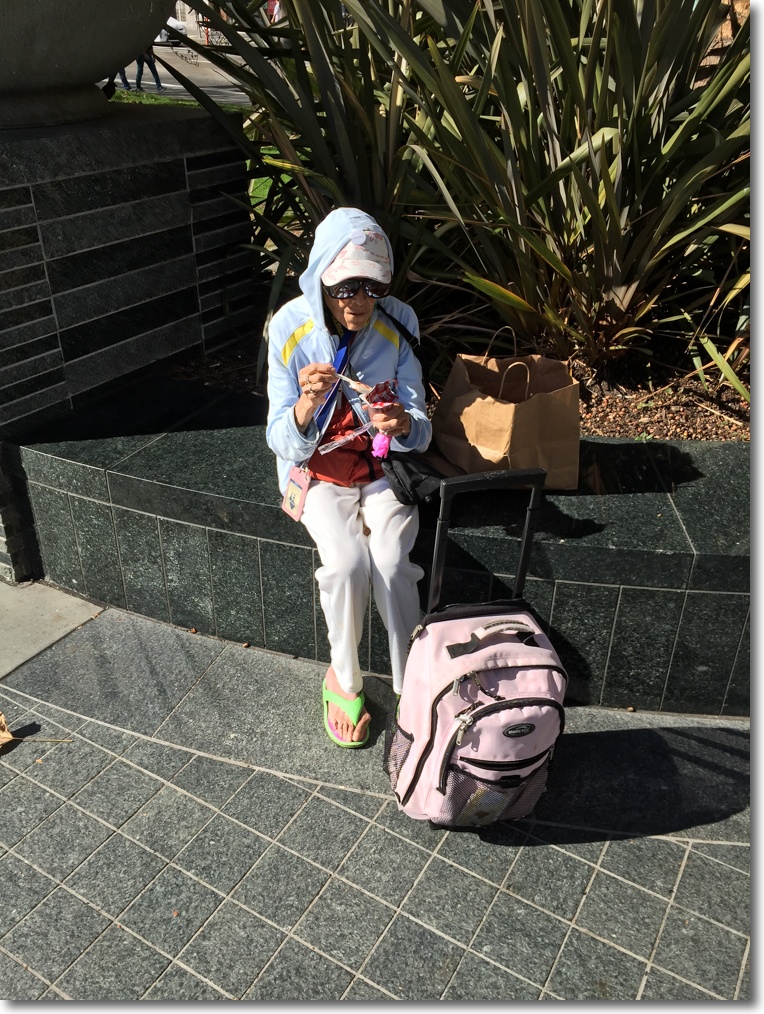
The iPhone 6 is very stealthy.
iPhone 6, 1/1300, f/2.2, ISO 32 – a sensitivity it seems to favor.
Snack in Union Square.
The iPhone 6 is very stealthy.
iPhone 6, 1/1300, f/2.2, ISO 32 – a sensitivity it seems to favor.
Snap!
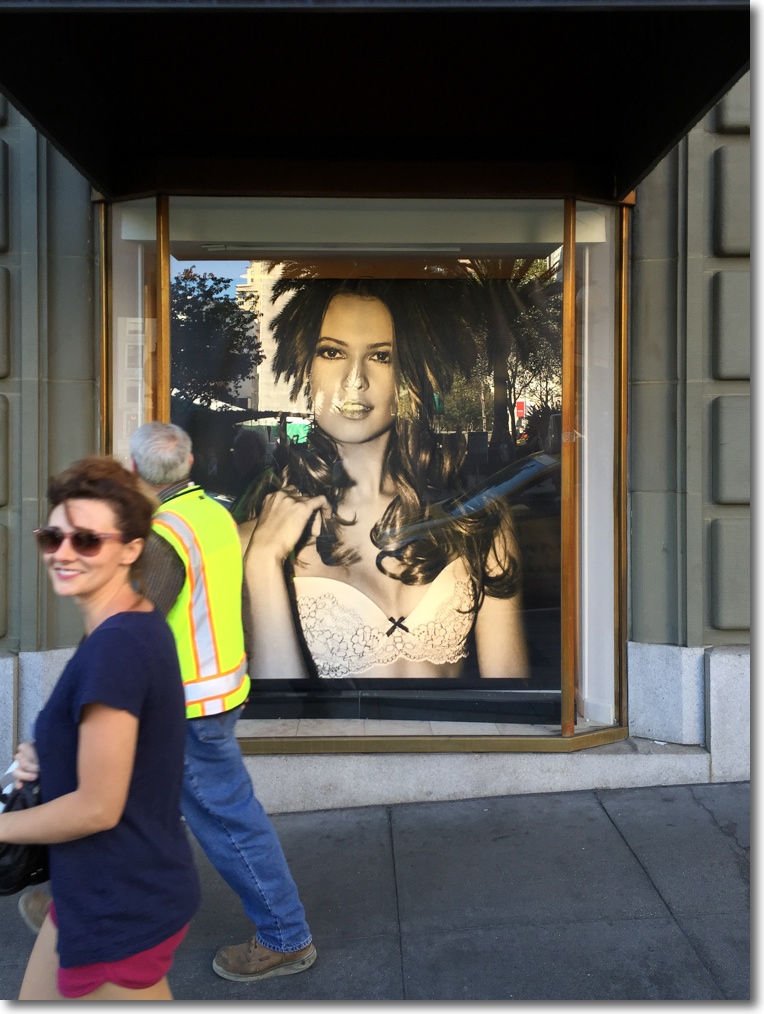
The iPhone 6’s camera is a winner. Consider this: the sensor is a fraction of the area of your nail. The one on your little finger, that is. Yesterday’s iPad Air 2 roll out brings the iPhone 6’s 8mp camera to the iPad. Wonderful. Even that hack Ansel Adams would like that big screen to compose on.
1/120, f/2.2, ISO 32.
Zzzzz ….
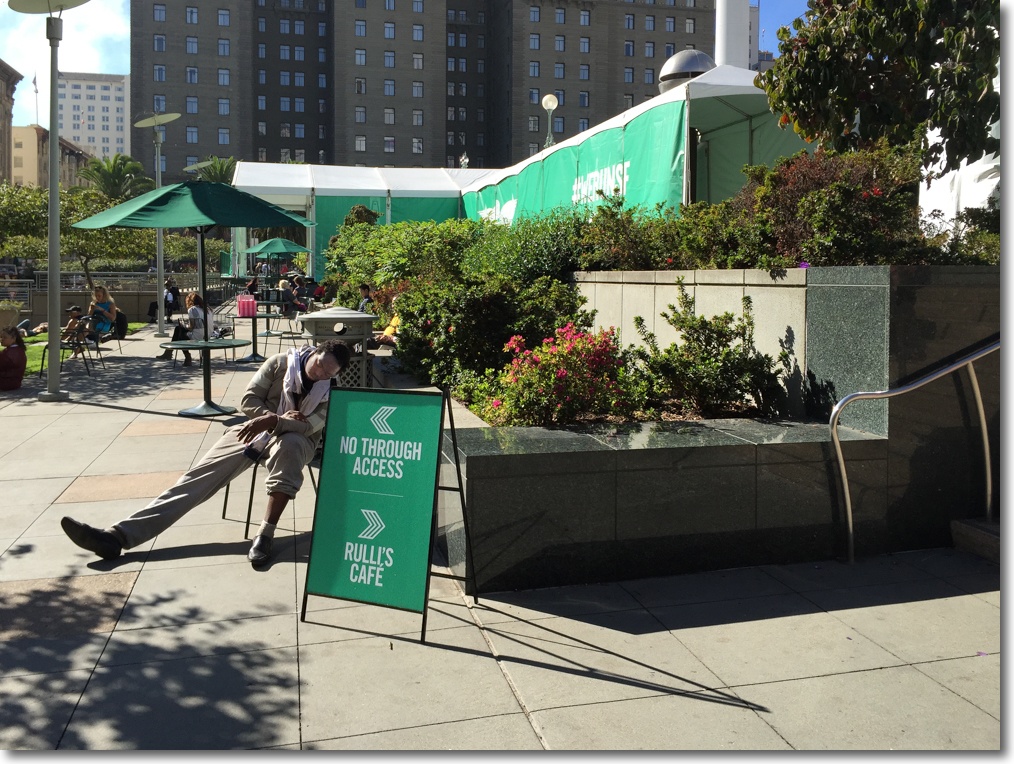
“The best camera is the one you have with you” is an expression of surpassing triteness, but I was glad of the iPhone on this occasion.
iPhone 6, 1/1300, f/2.2, ISO 32.
Near Union Square.

iPhone 6, 1/250, f/2.2, ISO 32.
This was directly into the sun and I could barely make out the screen while this chap prattled on about the Queen, having picked up on my English accent. A touch on LR’s sliders and a decent image resulted, despite the halos from the lens facing into the sun. Despite the lighting, definition in the shadows is outstanding.
The ergonomics of the iPhone 6 are pretty awful as cameras go. Mine is fitted with a rubber ‘bumper’ (edge surround) which helps a little. A handle of some kind would greatly improve matters. Readiness? I just kept it turned on in one hand as I walked around. So acclimated are people to cell phones that pointing it about caused no reactions. It’s clearly perceived as a non-hostile device, possibly because it’s perceived as such an ‘amateur’ camera. The average subject has no idea just how splendid the resulting images can be and likely pays no attention as a result. Fine with me.
You can snap a picture using the volume button or the touch button on the screen – the latter more comfortable for portrait images. The screen is easier to make out in bright light compared with predecessor iPhones, likely owing to a new surface finish (polarizer?) which is less glossy. Nice. Finally, I switch off the shutter sound by muting the phone, making it as silent as the electronic shutter in Panny’s splendid GX7. Responsiveness is every bit as good as that of Panny’s masterpiece, meaning instantaneous. Very nice indeed.
I have never been particularly good about holding cameras level when called for and enhanced software solutions in recent years have made me even more careless in this regard. Why bother when you can fix the image in processing, rather than wasting time when taking it? If you were to find one technical fault more than any other in my iPhone 6 snaps it’s lack of level framing, but the controls in Lightroom 5 make fixing that a one click process. For street snapping, fixating on composition when making images means images lost.
Racking out the iPhone 6.
With a view to seeing what the superb camera in the iPhone 6 could do, and to better learn how to use it and conquer its limitations, I took it for a spin in San Francisco yesterday, and will be commenting on pluses and minuses over the next few days. I took some 177 snaps in one hour, which saw the battery use 40% of its power (the iPhone 6 was on all the time) and this was my route:

No comment needed here; I just had to wait for a break in the traffic while praying they would not go away.
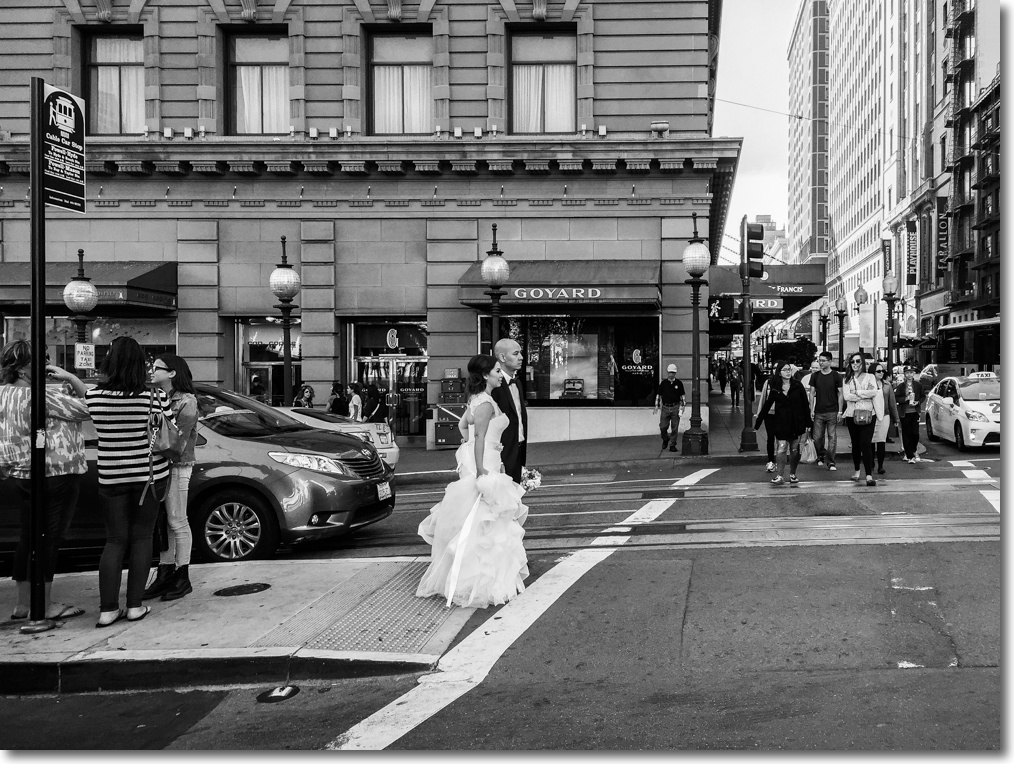
Given how my brain ‘sees’ in 35mm FFE (too many years with a 35mm lens on my Leicas!), I found that the field of view of the camera is much more like 28mm, as I was at first always too far from my subjects. I prefer 35mm to 28mm but when the camera is this good I’m not complaining.
iPhone 6, 1/260, f/2.2, ISO 32. Monochrome in LR5.
Removing so many snaps from the iPhone is made easy in iOS8. Go to Photos->Collections, select the date the images were made and Delete All. You really do not want to delete 177 images one by one ….