The Mob

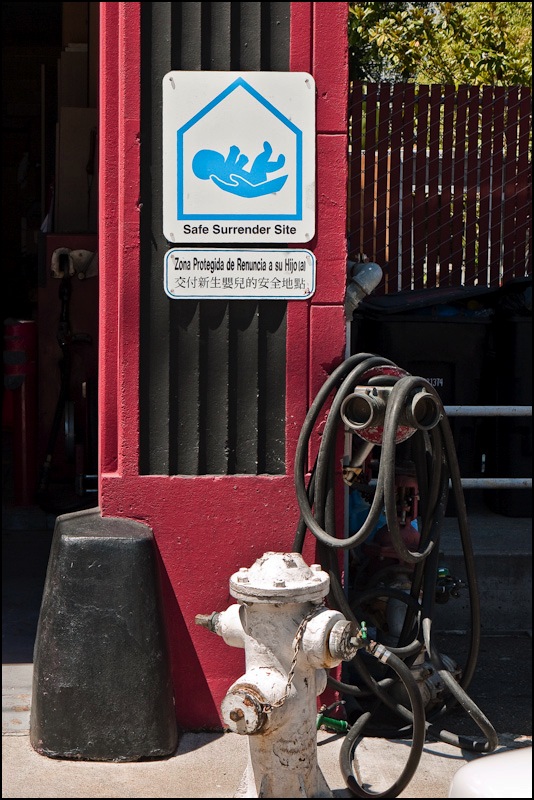
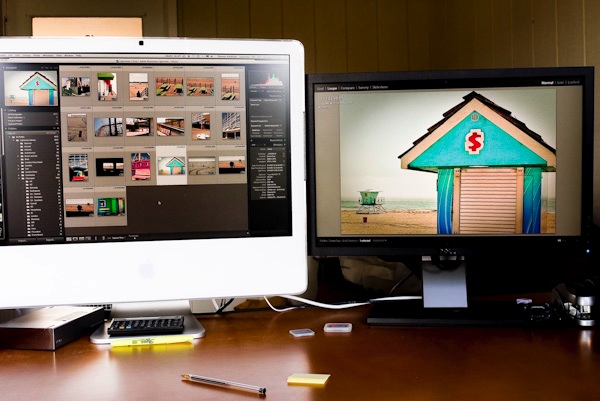
A no-nonsense message.

My friend’s grandmother lived most of her life in Las Vegas, dying there well into her 90s. Remembering the old days, she would proudly relate how “In the old days a girl could walk down the Strip at 3 am and no one would hassle her. The Mob sure knew how to run that town.”

I was reminded of this the other day reading of the profligate lifestyles of our public servants who expect nothing less than a life of suites at the Ritz and Gulfstream jets to make ‘cultural exchange’ visits to Italy and other such major trading partners of our nation. The New Mob.

The Old Mob seems to have handled it differently. While you no more wanted to cross these fellows than the latter day crooks in Washington, they lived in modest outposts of New York City like Staten Island and the Bronx with their mistresses quietly hidden out of sight for an occasional dinner and romp in the city. Whereas our elected representatives seek to be seen swanning around in G5s and dining out at Ruth’s Chris Steakhouse, your local Mobster made do with a Caddy (in addition to the prestigious nameplate he needed the large trunk) and the local pasta joint.

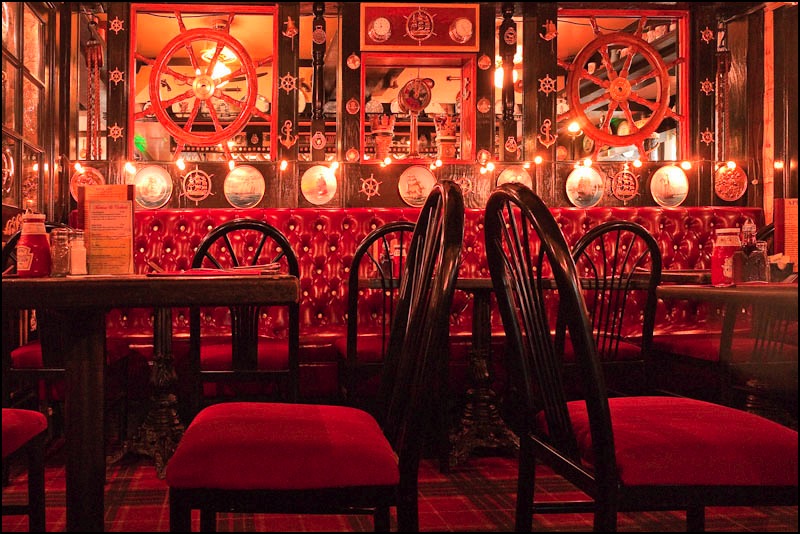
One favorite hangout in my days in New York, which remains in business to this day, was Patsy’s. Patsy’s was some 50 yards down West 56th Street from my ‘luxury high rise’, in reality a 450 sf alcove studio apartment in Hell’s Kitchen. The cliché scene so oft portrayed in films and on TV of the mobster, his hair just so, the wife, the dyed blonde girlfriend and the priest breaking bread, was one to be seen regularly at Patsy’s tables, where real southern Italian cooking was served in a no-nonsense manner. No one, but no one, dared hassle the stretch limo double-parked outside. You know, the one with the burly chauffeur with the bulge in his jacket and swarthy looks to match. I still like to make a point of a meal there when back East. It helps the digestion to know that your are in a safe and familiar spot.

I imagine, judging by the ‘take it or leave it’ signs on their wall, Sodini’s in North Beach, SF, must be a brother under the skin. There’s no denying the simplicity or directness of their message and I, for one, think the world of that sort of thing.


G1, 14mm, f/5, 1/320, ISO 100

The Mac Mini – 2009

The last Mac we are buying for now.

The base spec Mini (1 year warranty) with an HP L1750 17″ monitor (3 year warranty) ran $800 delivered, including a Firewire 400 to 800 cable to allow restoration of all data and applications from the Firewire backup drive always connected to the machine. The latest Mini only has an FW 800 port, in addition to 5 USB sockets.


The Mac Fry

We have named this machine the Mac Fry as the previous one fried, I own McDonald’s stock (they make great fries) and we fully expect this one to fry in due course.

The Mini removes one significant heat source from the box – the LCD display – but then appears to compound heat management issues by cramming what’s left into an impossibly small cuboid. Still, you get the choice of a reasonably priced matte LCD of your choice, something unavailable from Apple whose LCDs are either overpriced (both 24″ and 30″ models) or come in glossy only (24″).

Because our FW back-up is fully bootable, you simply connect it to the Mini with the FW cable and it thinks it’s seeing another Mac, meaning you can use Migration Assistant to move data, applications and settings over fairly seamlessly. MA will promptly tell you that there is just one minute remaining for your migration to finish, which it will continue to do for the next hour. This error has been there as long as I can remember. I mean, how difficult is it to program the fifth grade arithmetic that has it that you divide bytes/minute by bytes of data to get time remaining and reflect the result in the progress bar? Bottom line is that this computer is barely out of its box and I’m already wondering what other basic errors have been made in its engineering. Well, there are plenty, if you read on. 

The base spec of the Mini is positively cheap. Only 1mB of RAM and a small 120gB HDD. I have a 160 gB notebook 2.5″ SATA HDD lying around (yes, from a dumpster MacBook we recycled a while back) and will swap for that as, at 90+ gB, the Mini is a little too full for comfort. First I have to order another 1 gB of RAM (all of $10 though Apple will charge you many times that) and the Mini will hold up to 4 gB (2 x 2). A total of 2 gB is fine for just about anything, including Lightroom. The other specs are fine – the machine has Firewire and a Core2Duo 2 gHz CPU and the allegedly better nVidia 9400M GPU.

The Mini sports that awful mini-DVI video port with a non captive plug, and comes with a Mini-DVI to DVI adapter, which is just what the HP display requires. Just don’t move the Mini about too much because this adapter is just waiting to fall off. There’s Mr. Jobs’s ‘form over function’ obsession again – in a rear panel connector, for heaven’s sake. Did someone beat this guy for untidiness when he was a kid or something?

So let’s get to the big issue – heat.

Heat killed the 20″ late-2006 iMac and took my late-2006 24″ iMac to death’s door, whence I just saved it.

Bottom line is that the GPUs in these, once cooked, start to deteriorate slowly thereafter, with growth of screen artifacts and more frequent beachballs, until the whole thing gives up the ghost.

Well, at least the Mini is separate from the screen but everything is crammed into the tightest imaginable space and, as the saying goes, “Trust, once lost, is seldom regained”. And Apple hardware, simply stated, has lost my trust.

So after Migration Assistant had done its thing, and after I refused to upgrade Leopard to 10.5.8 (better the devil you know – 10.5.6), I immediately checked iStat, Temperature Monitor and Fan Control to see what the heat story was.

Well, as Pete Townshend once put it, “Meet the New Boss, Same as the Old Boss”.

It runs too hot.

Here are the readings after the Migration Assistant process – one which is mostly CPU- and HDD-intensive. Meaning no GPU labor was involved.

Now while this Mini has yet to fry, these readings are higher than those at which the 20″ iMac would show artifacts – although it had probably fried by then. As you can see, Apple continues to insist on running the (single) cooling fan in the box at ~1,000rpm, despite these elevated temperatures. Now I’m beginning to think like a conspiracy theorist ….

A second with Fan Control and the minimum fan speed was increased to 2,200 rpm (it remains inaudible) and a few minutes later here were the readings:

By running the fan up before frying I’m hoping to nip the issue in the bud this time. Most devotees of Fan Control, like me, come to it after the patient has already passed the point of no return. Anyway, for an additional 15-20F cooling, I would rather buy a new fan in a year at $50 than a new Mac for $600 and, I can assure you, the latter is not an option.

Here’s a heat trend graph for the three hottest sensors (there are several others) – the immediate drop at the start reflecting the increase in fan speed from 1,000 to 2,200 rpm:

The blip after the early drop reflects the use of iPhoto to download and process holiday snaps, so you can see that GPU use immediately raises CPU (Northbridge) and Airport card (Wireless) temperatures; the Airport card must be close to the CPU in the box as, obviously, no wireless effort was required to process pictures downloaded using a wired card reader. Another piece of down right execrable engineering by Apple. Having a fragile wireless card act as a de facto heat sink will not put the designer in the pantheon of great engineers.

I am reminded of the multiple Airport card failures my ante-pre-penultimate (for you lawyer schmucks reading this who despise clear English – ‘third from last’ for those of you with a spine and morals) MacBook suffered. Now I’m beginning to understand why, thanks to Temperature Monitor.

Temperature Monitor does not report a separate GPU heat sensor so, if that is right, I assume that the GPU and CPU are integrated (much in the same way as the older Intel GMA950/3100 was integrated with the Core2Duo in earlier MacBooks). So GPU heat is a proxy for CPU heat and vice versa. To cut to the chase, you can treat the ‘Northbridge’ temperature as being identical to the GPU temperature.

Any comments that I am running components at sub-optimal temperatures will be treated with the respect accorded all trash. Save your time and forget it. Cooler is always better.

Now I have the exciting prospect of cracking the Mini’s case to look forward to, so that I can install the additional RAM and bigger HDD. Oh! joy. You can read all about that here where, in addition to adding RAM and installing a larger hard drive, I also present the results of real world import and export timings and temperatures using RAW files from my Panasonic G1 and Lightroom 2.

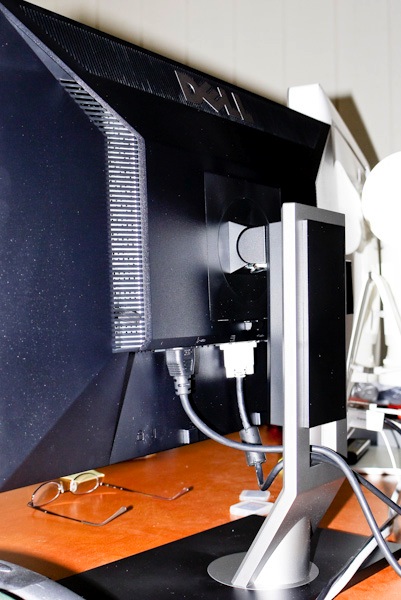
And I have a jumble of cables to hide while I’m at it.

A nerdy note on video RAM:

The nVidia 9400M GPU used in the Mini does not have video RAM of its own. Rather, it ‘borrows’ RAM from the CPU’s RAM, probably explaining the occasional slowness I have noted with just 1 gB of CPU RAM installed. By the time OS X and the 9400m have taken their chunks, not a lot is left for applications.

The default ‘borrow’ is limited to 128mB. I have read that the 9400m can ‘borrow’ up to to 256mB of video RAM which it can do if the Mini is maxed out to 4gB of CPU RAM. Wikipedia says that once you have 2gB or more of system RAM, the GPU RAM increases from the base 128mB to 256mB. Nice! The relevance of this is that more video RAM generally means faster image rendering in applications like Lightroom. Either way, increasing minimum system RAM from the stock 1gB makes sense. The 1gB in our Mini is reported as occupying one of the two RAM slots by System Profiler, so adding another 1gB ($12) or 2gB ($45!) is sensible. You need a putty knife to crack the case and thereafter adding the RAM is trivial. The whole thing can be done in 20 minutes.

Adding a bigger HDD is harder. I address that and provide some performance and temperature measurements here.

There are fine videos on the web illustrating both tasks.

A couple of pups

No mistaking character here.

Now which of these two chaps and their owners would you rather spend time with – the little charmer with the lovely women (OK, two out of three’s not bad) or the pit bull with his master?


G1, 14mm, f/4, 1/640,ISO 100


G1, 14mm, f/5, 1/1000, ISO 100

Truly, dogs reflect the character of their owners.

Both snapped in North Beach the other day.

An excellent Lightroom book

Evening writes good English.

It’s now coming on for two years since I made the painful switch from Aperture to Lightroom and scarcely a day passes when I do not rejoice in that decision.

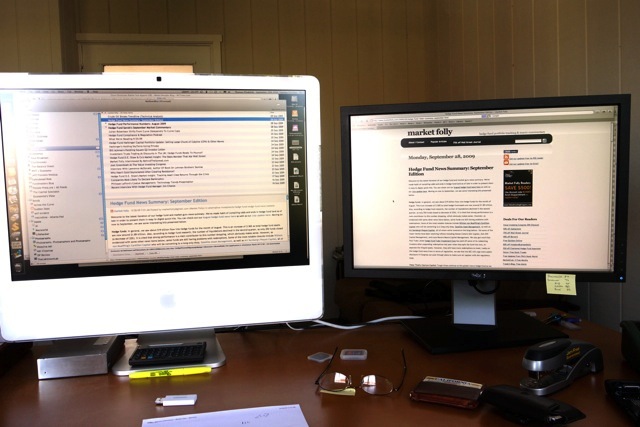
From the resource intensive Aperture (sells more ‘newer, faster’ Macs, I suppose), illogical and buggy application to one that is logical, has yet to lock-up on me and is blisteringly fast on my middle-of-the road iMac, Lightroom (I’m on version 2.4) is a joy to use. I visit some of the Lightroom blogs now and then and find I am always picking up new tips, no thanks to the lack of a proper instruction book from Adobe, as none is bundled with the software.

Indeed, to my own surprise, I actually find that after 50 years of processing pictures, I’m beginning to enjoy what is ordinarily a drudge. Anyway, a while back I decided to get a good book on the product as it was increasingly irritating to find out more or or less by accident about features that really helped the processing step along.

In selecting my book of choice, the first dictate was that it had to be written by a photographer who can actually take good pictures. Why on earth would you want to learn any skill from an academic, clueless in real life application of his expertise? That dictate promptly excluded most of the many books out there – some of these people really have no right to be preaching about Lightroom when they cannot take a well composed, decent photograph.

The second driver was that the author has outstanding communication skills.

Having watched some of his instructional videos on the web the book to choose was easy – Martin Evening’s The Adobe Photoshop Lightroom 2 Book: The Complete Guide for Photographers. (Disclosure: The link is to Amazon – I get no ‘click through’ payment if you click on it. I have no position in AMZN at the time of writing.)

My main reason for buying a good reference manual, dictated by the poor quality of the materials included with the software and the generally poor Help files within LR – was that I wanted to be absolutely sure how best to integrate two catalogs of pictures. I wanted to add the one from my laptop to the master on my desktop computer. While I have daily back-ups of everything, I would rather get this right first thing than scramble to recover from mistakes by resorting to the back-up.

Evening’s book not only walked me through this in accurate detail, I found that it added value in many other areas where the apparently simple user interface of LR hides many special functions, often invoked through the use of the Alt key on the keyboard. Areas where I find real value was added include:

  • Importing and creation of import profiles specific to a camera or lens
  • Using filters to find images
  • White balance corrections
  • Sharpening – a whole chapter, much of it addressing magic simply invisible to the normal user
  • Custom profile printing

The book, at 600 pages, seems long, until you realize that much of that is the result of copious illustrations which make it much easier to follow along. I still think of it more as a dictionary – something you look up to learn from – than a tutorial, but I find I keep it at hand when processing and frequently dip in to learn a new trick or two.

It’s published by Adobe Press (I only learned this after buying it – it was most certainly not a reason for purchase) which simply begs the question why it isn’t included with the software in the first place.

Quibbles? On p. 582 Evening states “The graphics card does not play such a vital role in Lightroom’s overall performance.” This contrasts with my experience which shows that screen rendering of previously generated previews when flicking between images is considerably faster with the new nVidia 7600 GPU (256 mB RAM) in my iMac 24″, compared with that using the nVidia 7300 GPU (128 mB) it replaced. But I have no objective measurements to bear this out and it may just be the placebo effect at work as I try to justify all the time I have had to waste in repairing my faulty Apple computer.

Overall, it’s a fine manual by a real, working photographer who has had the benefit of a proper education in the use of the English language. Highly recommended.