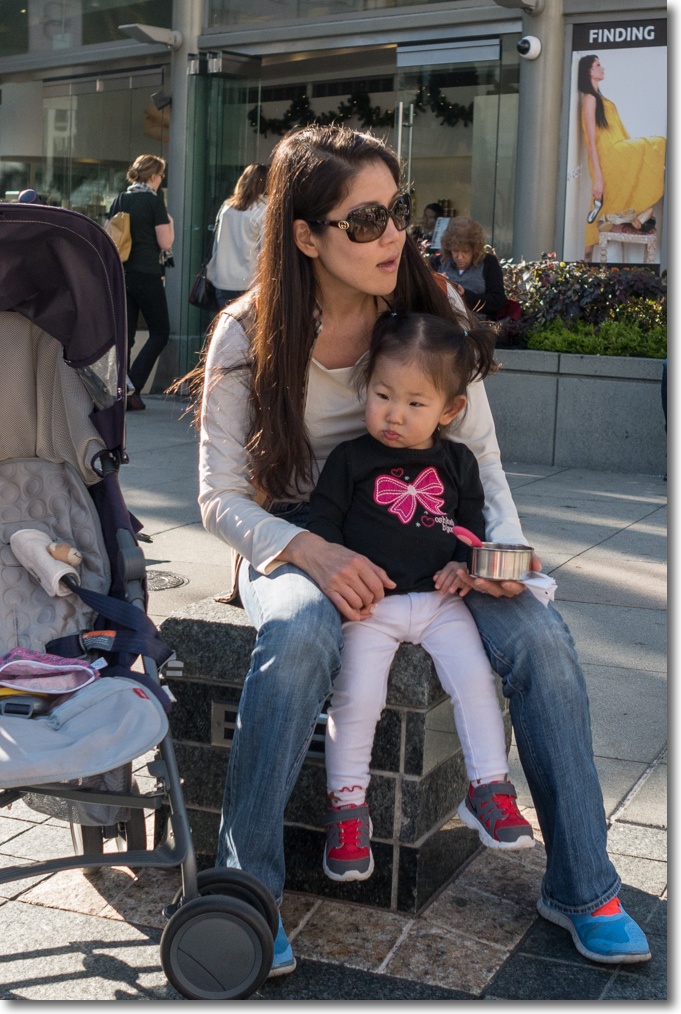
Click!
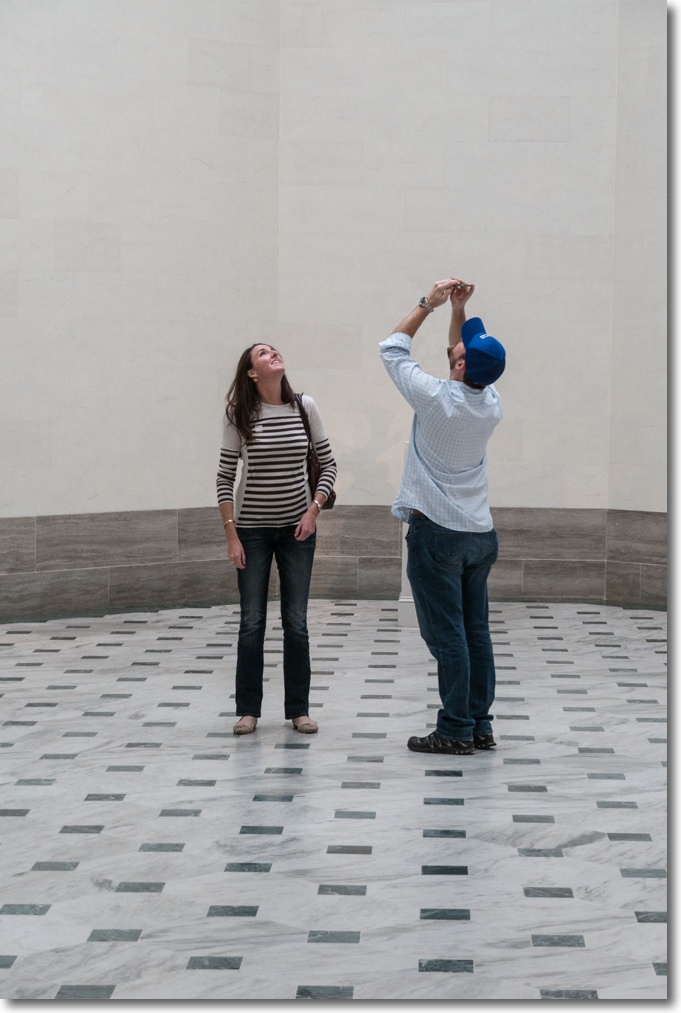
At the Legion of Honor, SF.
Panny GX7, kit zoom.
Click!
At the Legion of Honor, SF.
Panny GX7, kit zoom.
Click!
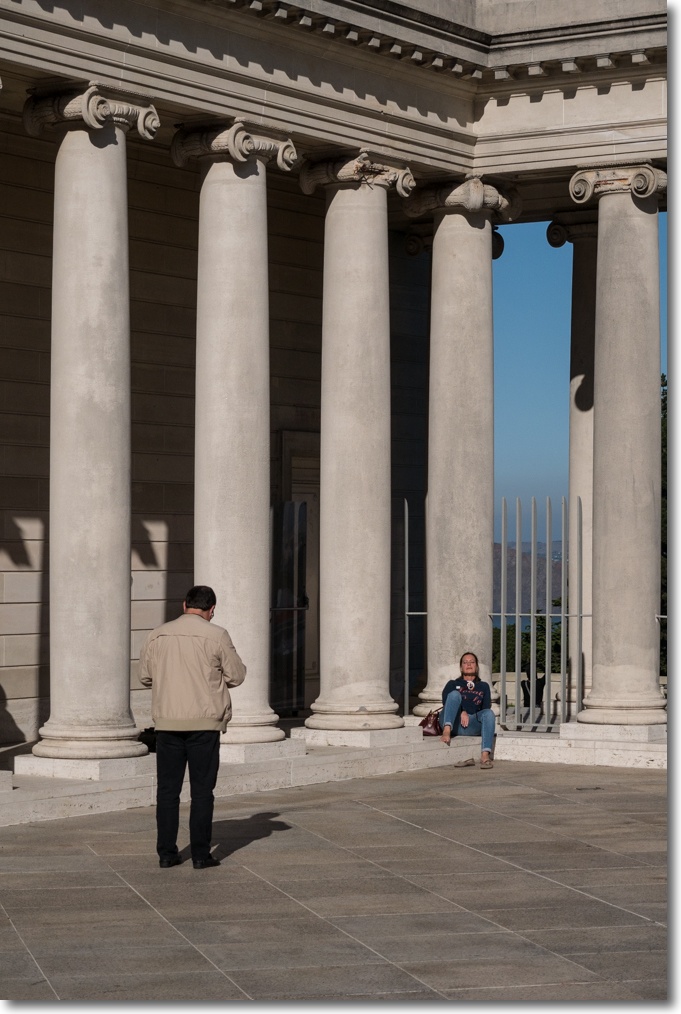
At the Legion of Honor, SF.
Panny GX7, kit zoom.
A dear friend moves on.
These pieces generally run annually in time for Hanukkah and Christmas.
These biographical columns run annually, in no particular order, on December 16, and you can see the lot by clicking here.
The one constant of my years in New York (1980-87) was Mayor Ed Koch. Outspoken, candid, always a blast, a real Noo Yawk kind of guy. Most memorably he once had Manhattan paint white lines down its main thoroughfares, intended to designate bike lanes. This costly effort proved totally useless, New York cabbies not being about to respect the rules of the road any more than New York’s famously scofflaw, suicidal bicyclists.
Koch, true to form, came clean, endearing all to him in the process. “When I make a mistake” he candidly admitted “It’s a real Dusie”, the reference being to the gigantic, luxury Dusenberg car of the Roaring Twenties.
And looking back on 1999 when, for some reason still hard to comprehend, I decided to move to Charlotte, North Carolina from California, to work for a big dumbass bank, I made a Dusie every bit as big. Indeed, the quickest way to summarize North Carolina is to say that there is nothing to choose between its climate, its people and its food. All truly awful. No, wait. On reflection, it would have to be said that the local cooking is worse even than its cretinous people and miserable weather. Cretinous? A tad harsh you say? Sure, there are nice North Carolinians. Doubtless there are nice North Koreans too. It’s just that I have yet to encounter either.
But one really good thing came of that awful 11 months.
Flashing back to San Diego a year earlier, I had attended the Del Mar dog show, ever interested in the four-legged set. My previous dog had been a Scottish Terrier, a terrorist among dogs who revelled in attacking anything larger, which was just about everything. A dour Scot of seemingly permanently disgruntled mien, he left me questioning my love of things Scottish and very much wondering if any terrier would darken my porch again or could, for that matter, ever be gruntled.
The Del Mar Dog Show changed all that.
I had been wandering around and generally steering away from areas of loud barking, mostly occupied by Dachshunds, Alsatians, Dobermans, Weimaraners and Rottweilers. You get the idea. Killers all. Needless to add, all Germans.
So I meandered to a quiet area in the back and there they were. Some seven small yet tall British terriers, not an ill word spoken between them, faces replete with dignity and charm and generally a subset of the canine species you could see spending a lot of time with. It’s not that these Border Terriers did not bark. Rather they chose not to. You don’t argue with a rabid Kraut, you do the only reasonable thing and avoid him. Hence I resolved that a Border Terrier was de rigeur. Border? Yes, they hail from the south side of the border with Scotland, and there’s no questoning their judgment in things geographical.
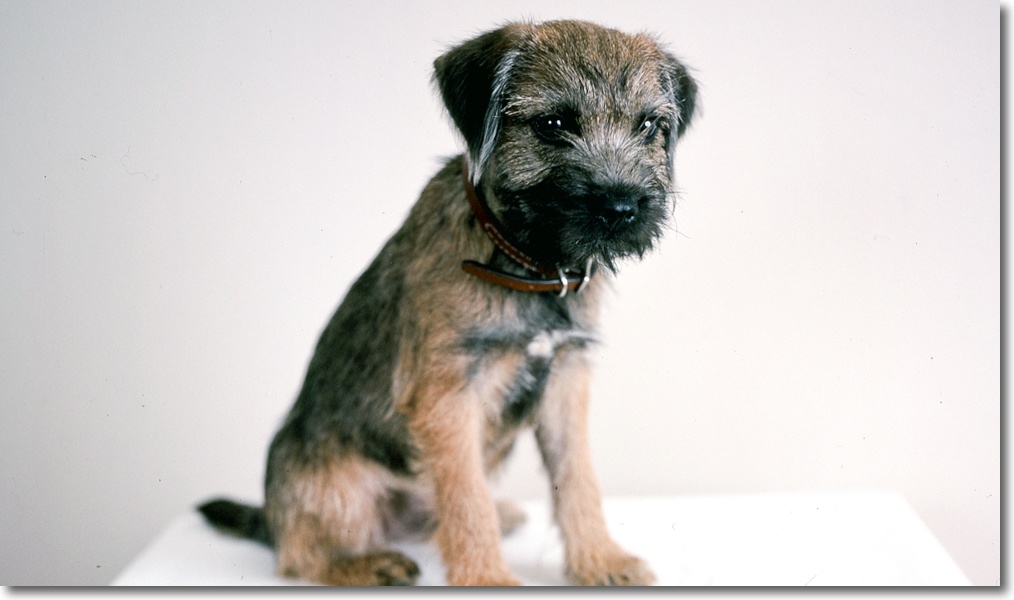
And if there was one good thing about North Carolina which makes me excuse the otherwise miserable 11 months I spent in that culturally arid desert, it was that Bertie the Border Terrier came into our family from a local breeder who specialized in Mastiffs (all 180 lbs of them!) …. and Borders. Borders typically come in litters of two and Bertie, unusually, was one of four.
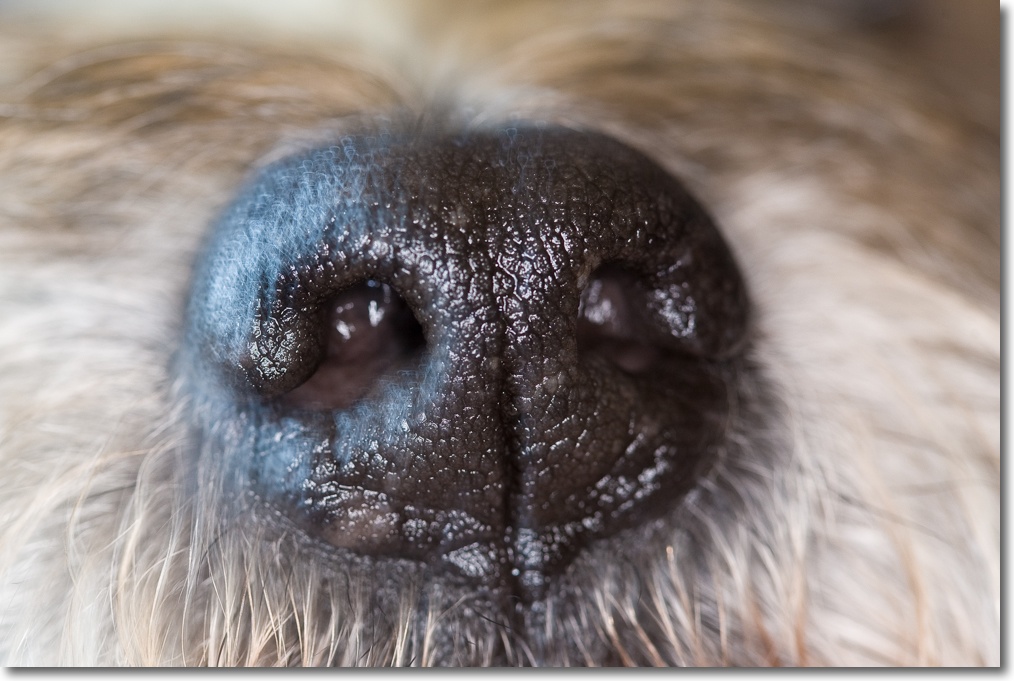
Naming him was hardly difficult. As a gentleman of leisure it was obvious that he could only be named after that well-to-do man about town Bertram Wooster, the hero of many a novel from that greatest of English humorists, P. G. Wodehouse. The same Wooster who looked to his manservant Jeeves to get him out of the all too frequent sticky situations which seemed to seek him out, not a few involving various terriers. The nastiest of these involved one Bartholomew who yes, you guessed it, was a Scottish Terrier.
When a well-meaning friend in San Francisco called me one day, knowing of my misery in Charlotte and offering the opportunity to run a hedge fund in the City on the Bay, I was on the next flight out, one way ticket in hand and Bert the Border in a carry-on bag tucked next to me sharing the seat. Before we departed, reflecting the man’s good taste and judgment, he took one last leak on Charlotte’s airport baggage carousel as we left, never to see that blighted city again. It was actually with considerable joy that I signed the check repaying the unvested portion of my joining bonus to the uncouth people in the land of grits. The Border and I were free.
I was glad to be back in California and Bertie every bit as happy to move to a civilized climate and a no less civilized population. From grits and muscle cars to white wine and Porsches in one year.
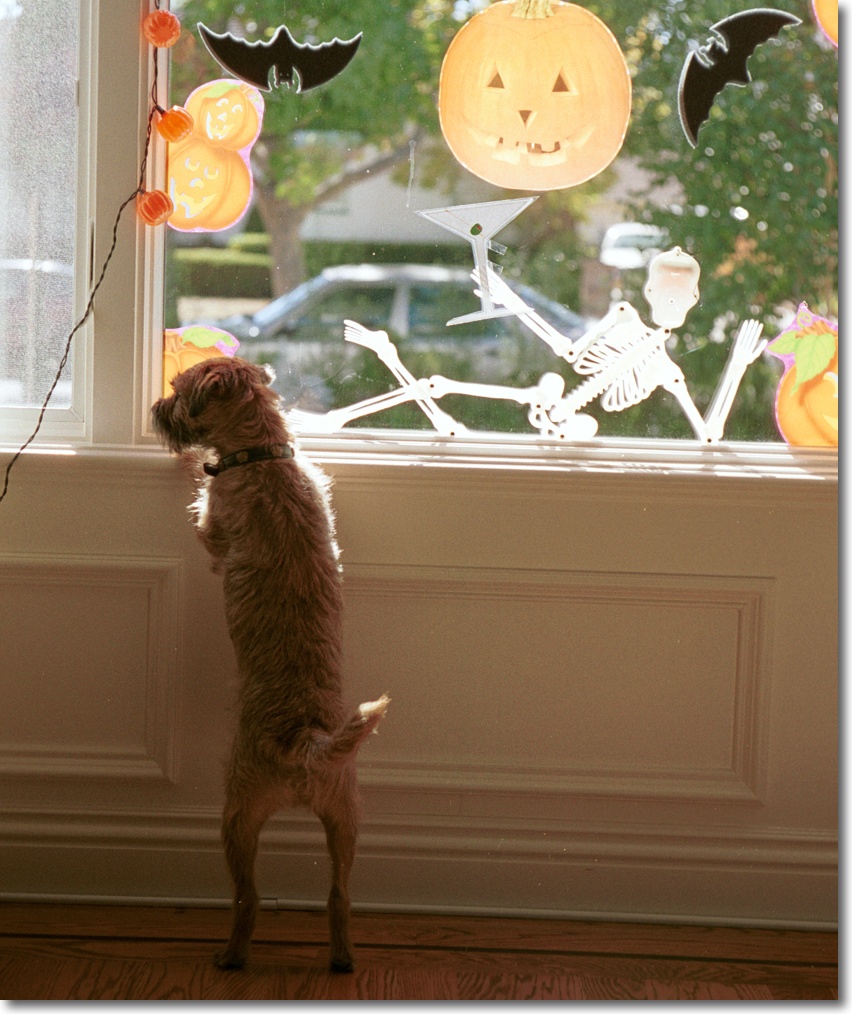
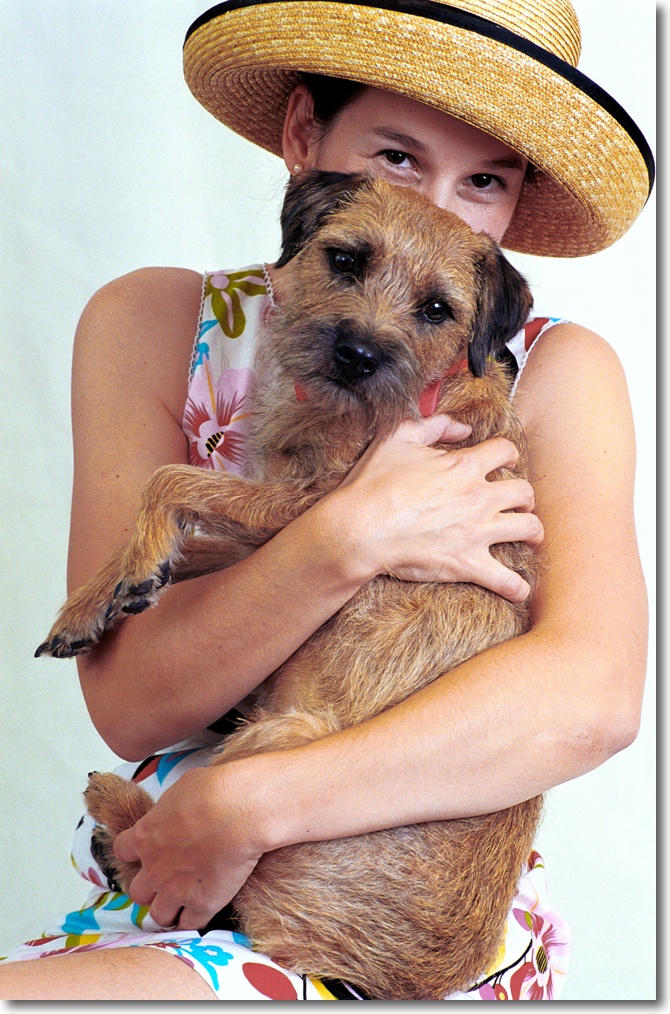
A dear friend, a fine painter of animals, did my image justice a few years later:
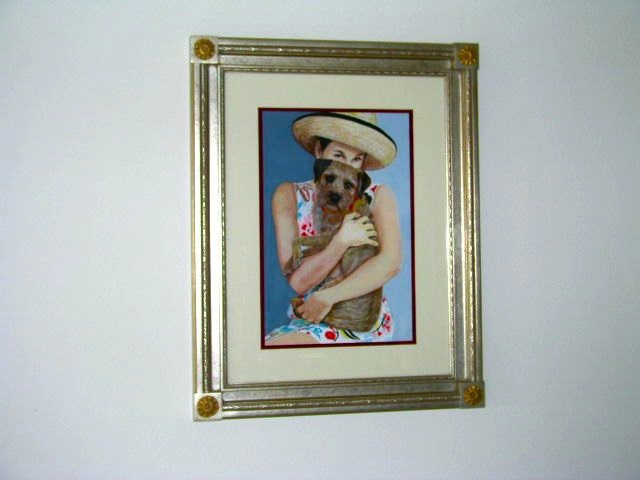
For the next fourteen and a half years, Bertie would seldom be far from me. He would come to work (small businesses are nice, that way), frolic on the beach during vacation times and keep me warm at night from his favorite vantage point at the foot of the bed. Mornings would commence with a cold nose in the face and a polite reminder that maybe breakfast was called for.
Three walks a day saw him charm the neighborhood, be it in Burlingame or later in Atherton, where one of his favorite things was to charge after Lisa in the UPS truck, hop in the cab and refuse to leave until rewarded from the bag of cookies she always had with her.
Gone was the debilitating heat and humidity of the Charlotte summer and the awful cold and snow of the winter, replaced with the balmy climate of the Peninsula and strolls down the lanes of that most calming of cities, Atherton. This was happiness for both pup and master.
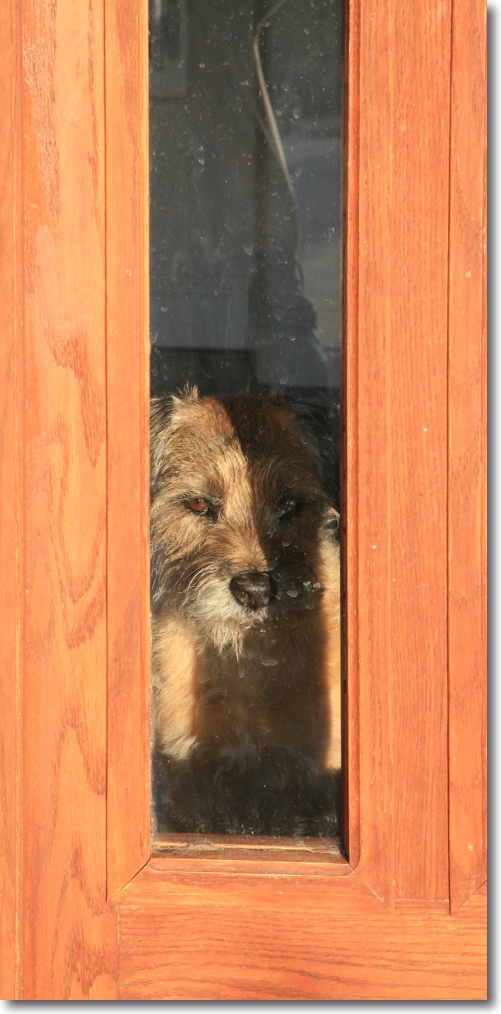
When we later moved to Templeton and a vineyard home, Bert immediately took control of the situation, hopping merrily through the irrigation hoses lining the rows of vines en route to his daily discussion with Jack the Jack Russell which invariably culminated in a race to and fro along the dividing fence. Yes, Jack did all the barking. Those of a quiet disposition should definitely steer well clear of Jack Russell terriers, a breed seemingly constantly ingesting amphetamines. That much was clear when an exhausted Bert would stumble through the doggie door, en route to his water bowl.
An earlier piece captures well the relationship between man and beast at the vineyard estate. Recommended reading as it’s the first and last time I ruminated on the existence of God in this journal and, no, you will not be offended, even if you are from North Carolina.
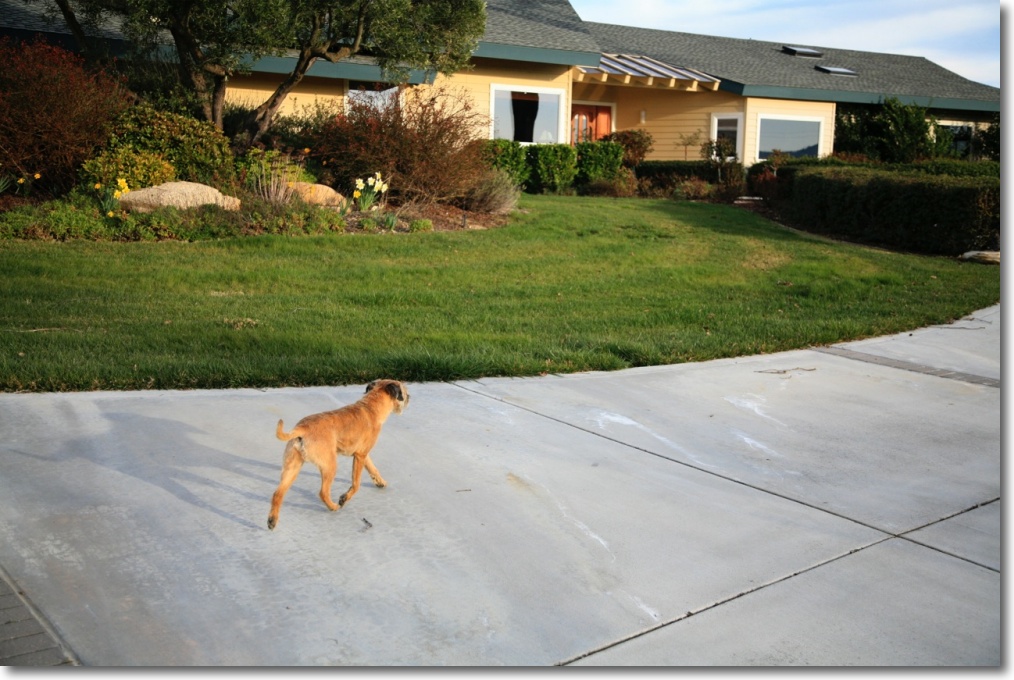
When our son Winston came on the scene in 2002, no one was happier than Bert. With guaranteed daily provisions of extra food from Winston’s high chair Bert was in doggie heaven, and the two took to one another immediately, forming a life long friendship. A delight to watch.
Then, one day, Bertie was gone.
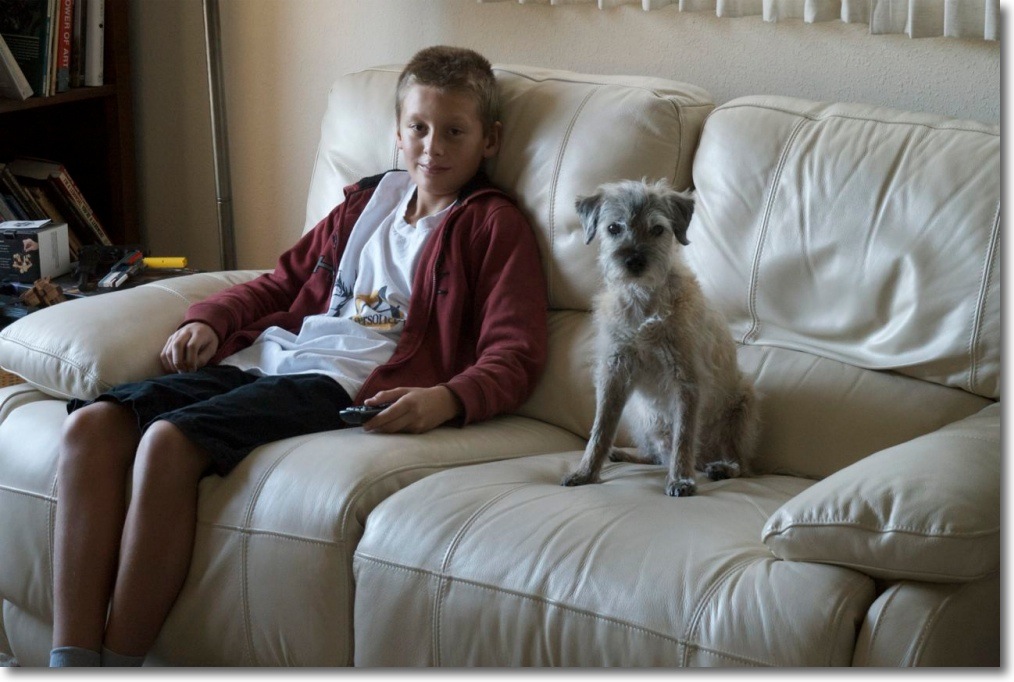
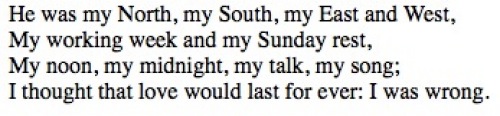
Winnie was traumatized, true. Me? Devastated. All I can remember is the selfless love, the sheer joie de vivre, the generosity of spirit, the endless enthusiasm for life. The man’s sheer decency is not something to which my vocabulary can do justice. And when I think of his spirit, W. H. Auden’s words come to mind:
Goodbye, dear friend.
Click here for an index of all the Biographical pieces.
Triangular if not pyramidal.
Adjacent to the Transamerica skyscraper at the northern tip of the business district is the original Transamerica building. The craftsmanship of the artisans creating this masterpiece is everywhere to be seen.
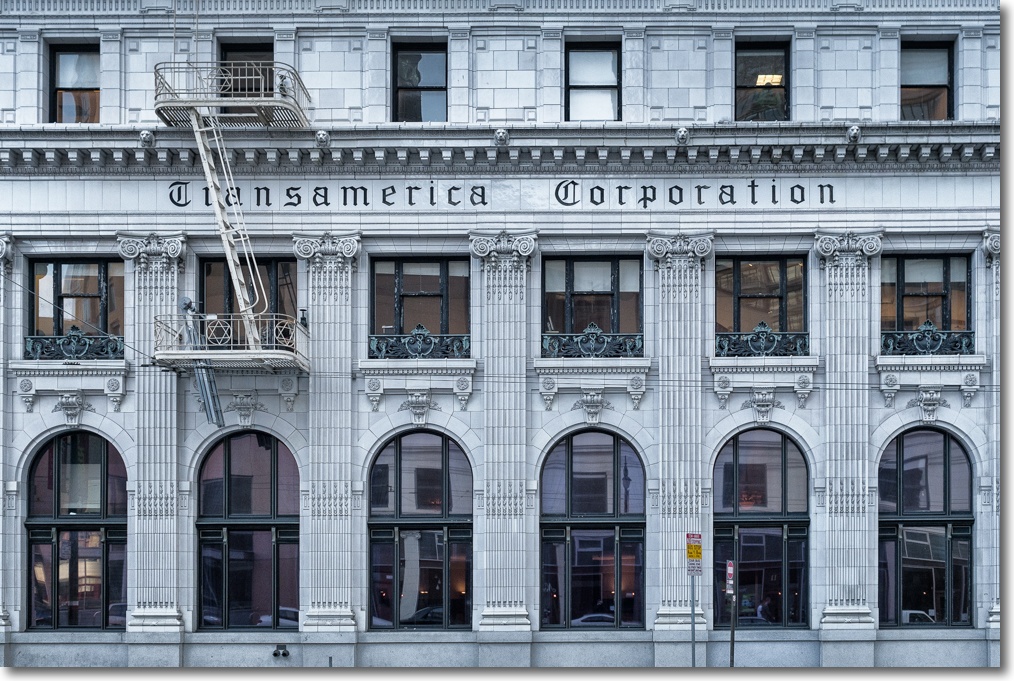
From the web:
“The original Transamerica Building, now home of the Church of Scientology of San Francisco, stands adjacent to the Transamerica Pyramid and is a registered historical landmark and prominent feature of the Jackson Square Historic District.
Its conception dates to the era of San Francisco’s reconstruction following the Great 1906 Earthquake. It was then that businessman John Fugazi broke ground on a bank for the Italian immigrant workers of the city’s North Beach community. The triangular, two-story building opened its doors in 1909 as the Banca Popolare Operaia Italiana (Popular Italian Bank).
In 1928, fellow banker Amadeo P. Giannini purchased the building to house his new Bank of America. A decade later, Giannini extensively added to the structure, including the third story, and rededicated it as the headquarters for his Transamerica Corporation.
After acquiring the Transamerica Building, the Church of Scientology undertook the meticulous renovation of its notable architecture and historical elements, including its distinctive glazed white terra cotta tile façade. Preservation extended from the crowning balustrades to the basement, where reside the original bank vaults.”
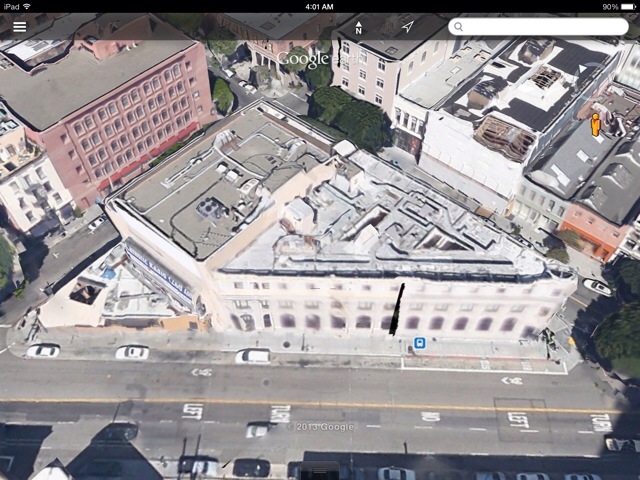
The triangular shape of the original building is clearly seen in this image from Google Earth.
Fixes a frustrating bug in OS X Mavericks.
Each major release of an operating system from Apple brings with it renewed fears that the ceaseless dumbing down of the user interface will bring with it new horrors, more disabled third party software and much time wasted on remedies. Indeed, since OS Leopard, 4 releases ago, I cannot think of any ‘enhancements’ in subsequent versions of the OS which have moved the needle on my satisfaction scale – with the possible exception of the addition of the frequently frustrating AppStore in Snow Leopard – and the loss of the excellent Rosetta emulator and additions of such primal idiocies like LaunchPad leave one scratching his head along “What were they thinking of?” lines. After breathing a sigh of relief once the ever more massive upgrade is completed and the anomalies sorted, the best one can say of recent OS X releases after the pain and wasted time required for installation is “Thank goodness nothing is broken”. For Hackintosh aficionados the problem is far greater, as every major OS release – and some minor – has brought with it massive upgrade headaches, one factor which contributed to my migration from that excellent breed to a used Mac Pro.
For most photographers Adobe is the vendor of choice for photo processing apps and their recent track record of upgrades puts even Apple’s shambolic performance to shame. Minor changes since PS CS3 have added little value, and the recent move of CS to a Cloud model means that you have to keep making monthly rent payments for the privilege of using Adobe’s PS until the undertaker comes along, or lose access to your catalog. Sure, CS6 is backward compatible for now, but would you like to bet how long that continues? Then there’s the small matter of Adobe losing a big chunk of its Photoshop code to hackers the other month, along with 10, 30, 100 or 500 million customers’ credit cards, depending which of their press releases you care to believe. Let’s at least hope that the code thieves come out with a better, cheaper product.
That said, Adobe has done an excellent job of keeping Adobe Camera Raw and Lightroom (which uses the same RAW decoder) current with regard to the many new cameras coming to market, and their latest LR release adds many. If you own LR, which can still mercifully be run locally from your machine with no rent payments due to keep the software active, you can continue to use LR as your catalog/point of entry application for your files, round-tripping to your locally installed CS3/4/5/6 with no rent due to Adobe. Anything later than CS2 runs on Intel Macs without Rosetta.
The only significant bug I have noted in moving to OS Mavericks is that Lightroom lost the very useful feature of showing file counts in the Metadata panel. Now, mercifully, Adobe has fixed what Apple broke by issuing LR 5.3 which restores count data, as shown below:

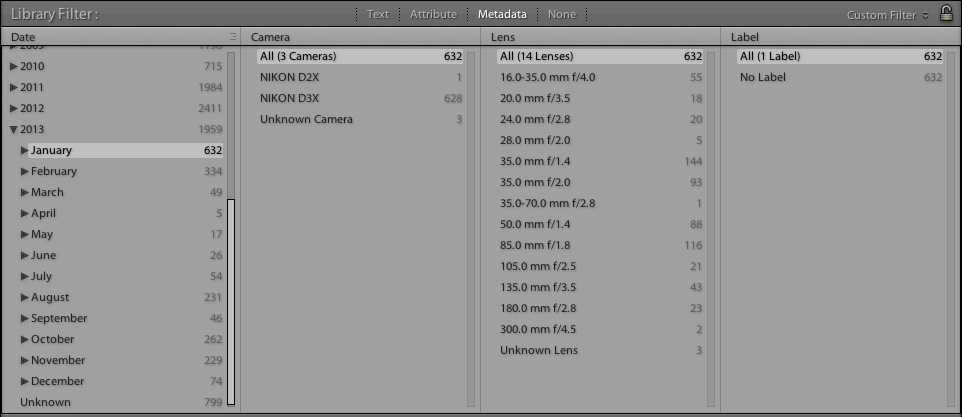
LR5.3 – counts restored.
I find this data very useful for tracking my activity levels. If I find them dropping I tell myself it’s time to get up, grab a camera and get out more.