1927.
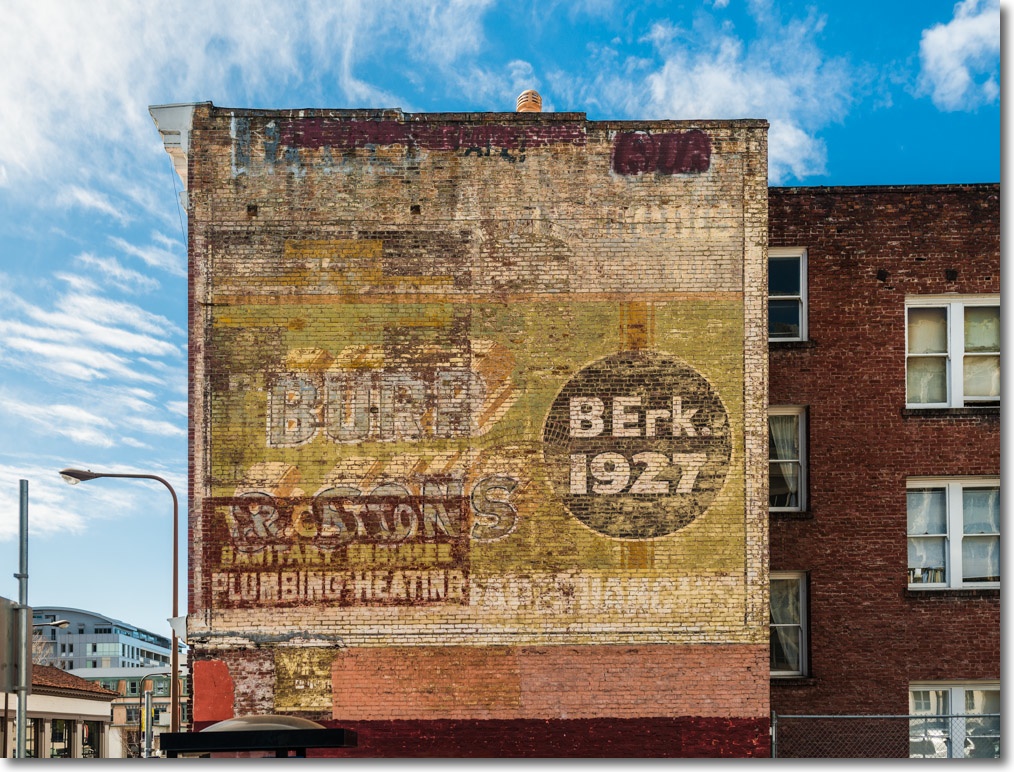
Nikon D3x, 35mm f/1.4 Sigma.
1927.
Nikon D3x, 35mm f/1.4 Sigma.
A small collection.
Having successfully added a Blu-Ray reader/burner to the HackMini I went about buying a few Blu-Ray movies, all of which I already own in standard definition DVDs. These are distinguished by exceptional cinematography, often more reminiscent of still images and come highly recommended in these new transfers based on user reviews at Amazon.com. I regard most of these as essential viewing for any photographer. These are the ones I bought:
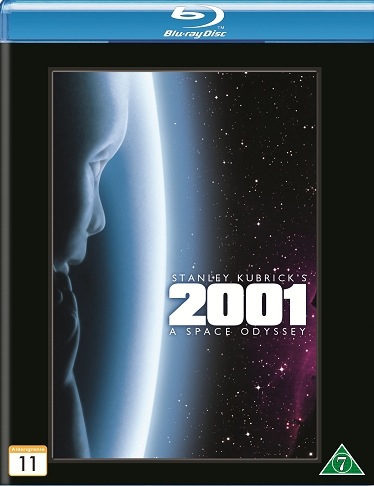





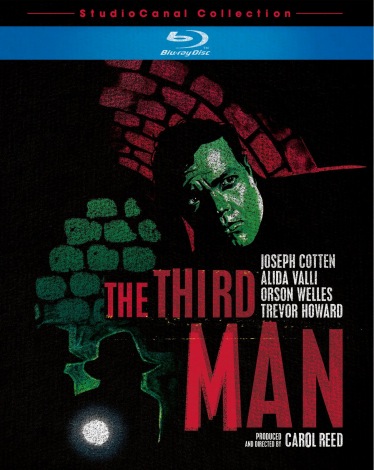

These all ran me $10-12 except for Funny Face which was an exhorbitant $35, remastered in Sweden for some reason. It’s OK, it’s in English.
It’s not like classics like those above come around every day. The most recent was made 20 years ago, which tells you something about the CGI-digital garbage and poor writing with which we are presented by modern movie makers. There’s lots of film grain to be seen in the above movies, and thank goodness for that.
With disk storage so inexepensive, I rip my Blu-Ray movies to disk and give the originals to the local library. Nothing beats (cataloged) random access.
No bullies allowed.
As I mentioned the other day, Adobe has bet the farm that it can stick it to customers, depending on its quasi-monopoly in image processing (Photoshop) by making the app available solely on line.
In addition to the artistic implications (Will I lose my files if I cease paying the monthly rent? What happens to my images when I die?) and economic issues (Will I get hosed down with rent increases just because ADBE’s greedy C-suite wants a pay hike?) there are simple obsolescence issues. As we know, seemingly every new digicam with RAW capability needs a new RAW converter before applications can import the images. When the Nikon D900 or Canon 5D/IV come along, you can bet they will need new RAW converters, so what’s a hold-out to do if he refuses to subscribe to Adobe’s tyranny by not signing up for Creative Cloud?
Right now the answer is simple. Lightroom users are not being forced to move to CC so they can import the new RAW images to LR – which has been very good about ACR/RAW converter updates – then round trip them to Photoshop CS6 or lower when the great processing powers of Photoshop are needed. Aperture users (Mac only) can do likewise, though Apple’s updates to its RAW converter have been generally significantly slower than Adobe’s to LR and PS.
Yet I suspect these are both short-term fixes.
Mindful of the lucrative prosumer user base for Lightroom (you know, old farts with disposable income who are not driving their net worth) it will not be long, I suspect, before greed trumps reality at Adobe and Lightroom will suffer the same fate as Photoshop and become available solely through CC. In fact that seems a certainty to me given what I wrote above. Meanwhile, the delay gives Adobe the chance to grease its whores, people who make a living from teaching Photoshop and the like, and tell them to convince the world that CC is a Good Thing.
And the Apple picture is no brighter. First, it’s Mac only so that leaves out 80% of computer users. Second, Apple has never shown any enthusiasm for the product as the increasingly slow delivery of new RAW converters confirms. Sure the same RAW converters are engineered to work with iPhoto but let’s face it, your average iPhoto user is not waiting breathlessly for the D900 to create and process RAW images in what is a decent if limited application.
Thus given that the next (last?) standalone version of LR will still have the great database and processing features on Macs or PCs, what is called for is a replacement for PS for those cases where LR (or Aperture) cannot do the job. These are increasingly few and far between but when you need PS, you really need it.
If you have one of the later versions of PS – CS4/5/6 – then it’s likely you are set for many years. Enhancements in PS are very minor nowadays, so you are not likely to be missing some killer feature which Adobe has added solely to the CC version. If you do not own PS, either buy a used version or try something like GIMP which I tried a couple of years ago and liked. There is a learning curve but the pain is eased by knowing that Adobe’s hand is no longer in your pocket.
And GIMP has one truly ‘priceless’ feature. It’s free.
It’s Mac OS X only. PC users can try Corel’s PaintShop Pro for all of $70. It’s not the fastest on RAW updates but at $70 it’s cheap and is highly regarded, though as an OS X-only user I have no way of testing it.
How about RAW conversion for that D900 or 5D/IV? Mercifully there are many manufacturers of RAW converters which will allow the user to bypass Adobe. First, there’s the software which comes with your new D900. It may be awful, have a frightful UI and generally be a PITA but you only need it to convert your RAW files to lossless TIFFs then off they go to Aperture or Lightroom. That will always be a solution as digicam makers are not about to sell you a camera with no way of importing the images it makes. Doubtless Adobe will offer them bribes to include only CC licenses with the hardware but I do not see any digicam maker as being so dumb as to restrict buyers to one ugly solution.
Alternatively, you can use an aftermarket solution. While the piece is a bit dated, Steve Hoffmann does a fine comparison on his site here.
Phase One’s Capture One has a stellar reputation, seems to be a survivor, runs $300 for the whole thing and $100 for upgrades, and comes in both Windows and OS X versions.
Finally, many DSLRs offer the ability to save images to their SD or CF card in uncompressed TIFF format. I checked my Nikon D2x (7 years old) and D3x and both support TIFF. However, neither my Panny G1 or G3 offers this nor, best as I can tell, does the new Fuji X100S. TIFF is lossless and while the files are larger than RAW format ones, there is no dependence on a RAW converter to get to the processing stage.
Bottom line? Adobe will doubtless move Lightroom to the Creative Cloud and new RAW formats will not work with the desktop version. RAW conversion can be done in aftermarket apps far cheaper and Photoshop-like capabilities can be found at no cost in GIMP. Adobe’s prosumer base has started the long amortization to zero as of now. Once Adobe sees the numbers I would think there’s a fair chance they will reverse their policy but as the old saw has it “Cheat me once – shame on you, cheat me twice – shame on me”.
A mixed bag.

The Bay Area Rapid Transit subway is a mixed bag. On the one hand it spans a large part of the bay area so that, for example, I can go directly from my home on the Peninsula to Berkeley University in some 40 minutes for modest cost. The comparable car trip through San Francisco is a nightmare.
On the other hand, the cars are indescribably filthy, the outsides seemingly never washed, the upholstery disgustingly dirty. Equally unkempt travelers are frequently to be found eating in the cars and throwing wrappers on the floor. And bring earplugs for when it’s in a tunnel, which is most of the time, the sound levels commonly exceed 90dB. And don’t even think of asking the surly workers for directions for they all seem unaware of who pays their wages.
Nikon D3x, 35mm f/1.4 Sigma at full aperture.
All of 32″!
When I asked ace computer builder and Hackmeister FU Steve to put together an economy Hackintosh for me some 18 months ago, the uses and design dictates were simple. The prime use for the machine would be to provide streaming stock quotes and related data feeds on two 21.5″ displays as well as acting as a backup in the event something went wrong with my main desktop machine, the nuclear powered, state-of-the-art HP100+. Accordingly the economy HP10 sports a Sandy Bridge i3 CPU, a second-hand nVidia 9800GTX+ GPU and a couple of regular spinning disk hard drives, each a modest 500GB.
The machine has proved excellent and is running OS Mountain Lion 10.8.3, the current version of the best OS on the planet.
The other day, when upgrading the living room TV from 42″ to 55″, I remarked how inexpensive large CD displays were becoming, and that triggered the idea to swap the HP10’s two smallish monitors for one big one. The cheapest 32″ LCD (actually 31.5″) I could find at Amazon was the Seiki LC-32G82 for $220, delivered from Adorama in NYC. Since then I have discovered that Kmart in the Bay Area peninsula stocks the same set for the same price, and I would counsel buying locally as QC with these cheap Chinese sets seems iffy. A local purchase makes exchange easier.
The screen area of a 31.5″ set is 215% that of one 21.5″ display, so the total screen space is largely unchanged, but in a much more elegant setup. Proceeds of sale of the old displays will pay for the new.
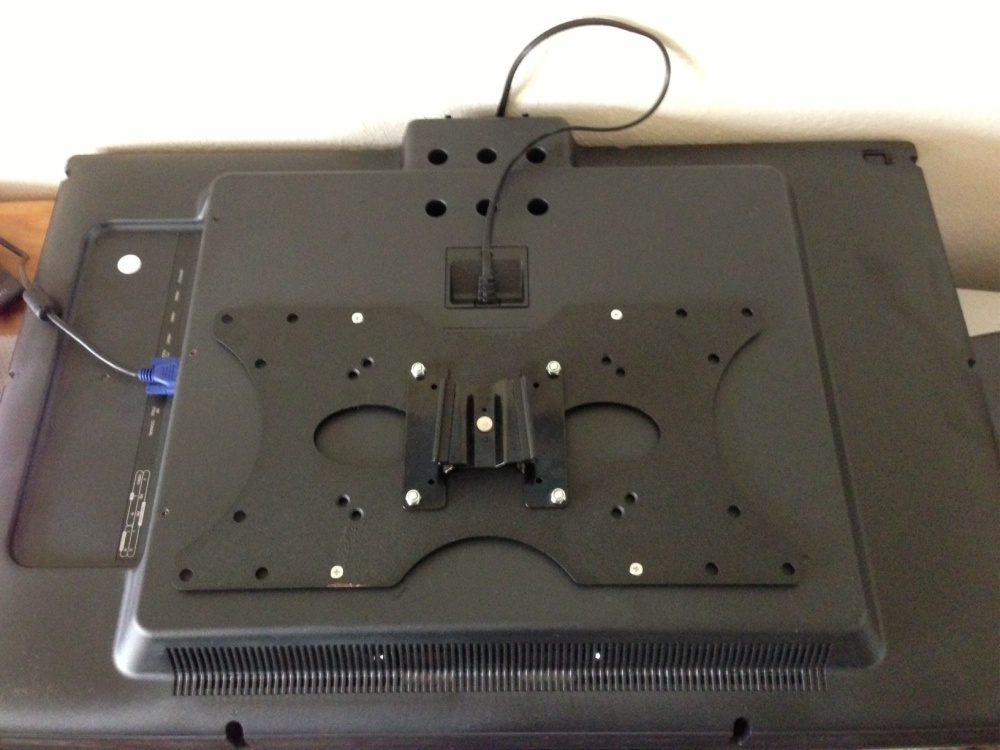
I wall mounted the set – it only weighs 29 lbs, using one of the original 100mm VESA mounts bolted to a $10 adaptor plate, the mount attached to the wall via a batten which is bolted with lug bolts to the studs in the wall. The distance from screen to wall is a total of 7 inches, and the surface is semi-matt, posing no issues with reflections.
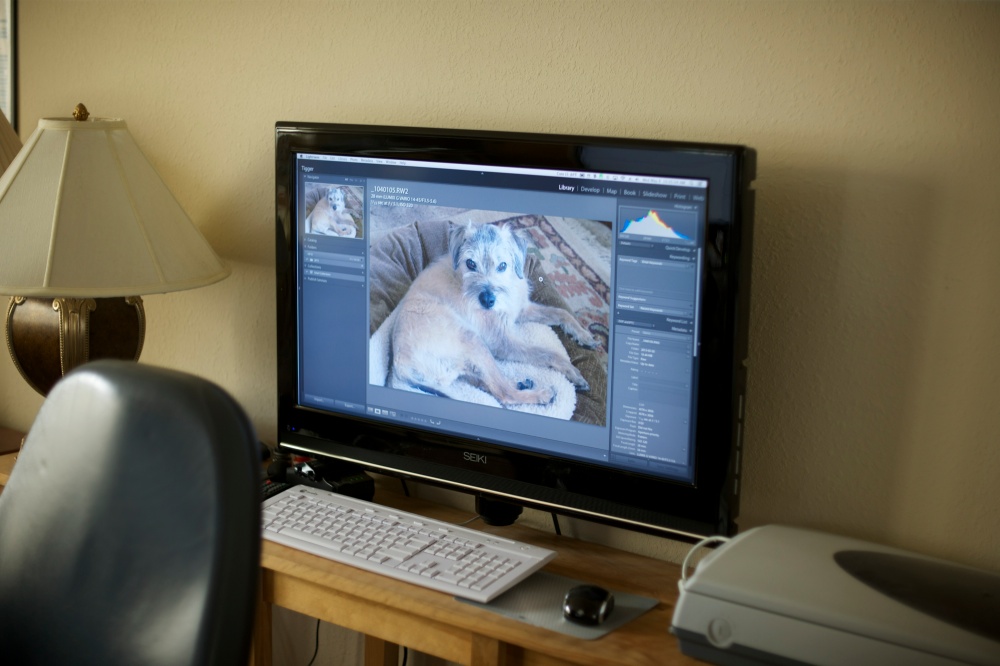
While the display will be used exclusively for my day job, I took a moment to test it with Lightroom to determine whether it could be used for photo processing. First I tried a Mini DisplayPort to HDMI connector then a DVI-A to VGA one. Surprisingly, the VGA connector rendered considerably higher resolution so that’s what I am using. VGA, an analog feed, is not supported by EyeOne’s Display One software and colorimeter, so I profiled the display using Apple’s excellent utility (in Expert mode) found in Sys Prefs->Displays->Color, with final fine tuning done by eye against one of my calibrated Dell 2209WA monitors attached to the HP100+.
The results are really excellent and I illustrate this below, first with a JPG exported from LR on the HP100+:

Next is a screenshot of the same image on the calibrated Seiki:

Judge for yourself.
So the Seiki is more than usable as a very cost-effective large display for processing images. 32″ for photo processing is really large so your workspace really needs a decent setback so that your nose is not in the display, but after a few minutes use there’s no going back.
What are the drawbacks?
Well, it’s not as elegant as a big Dell Ultrasharp, sporting a relatively broad, glossy bezel. Though it’s only 60HZ that is fine for watching fast moving sports like Formula One through BBC’s iPlayer. By contrast, the same sport viewed on any of my three Dell 2209WA displays is poorly rendered, with much smearing/doubling in full screen mode. At this point I’m beginning to wonder why I spent $1,000 on the three Dell monitors …. The Seiki is 1920 x 1080 (16:9 widescreen), not the higher resolution 2560 x 1600 (16:10 – much nicer) sported by the Dell. And the warranty is one year compared to three. Wake from sleep is some 20 seconds, compared to 1 second for my Dells if that’s of concern.
On the other hand, the current Dell 3014 runs $1,300, so you could get almost six of the Seikis for one Dell. And you can dispense with separate computer speakers or a sound bar as if you are using VGA with a green motherboard socket, a separate 3.5mm coax cable delivers sound through the Seiki’s built in speakers which are quite decent sounding.
It’s an enticing proposition for photographers on a budget. If you decide on one, be sure not to get the $20 cheaper 720p version. That’s false economy. The correct model designation is LC32G82. While you can pay many times the amount asked for slimmer, more chic-looking sets, the finish of the Seiki is first class with tight seams and no blemishes on my example. The stand is very sturdy and the massive support pillar easily removed (six screws), replaced by a supplied blanking plate for wall mounting.
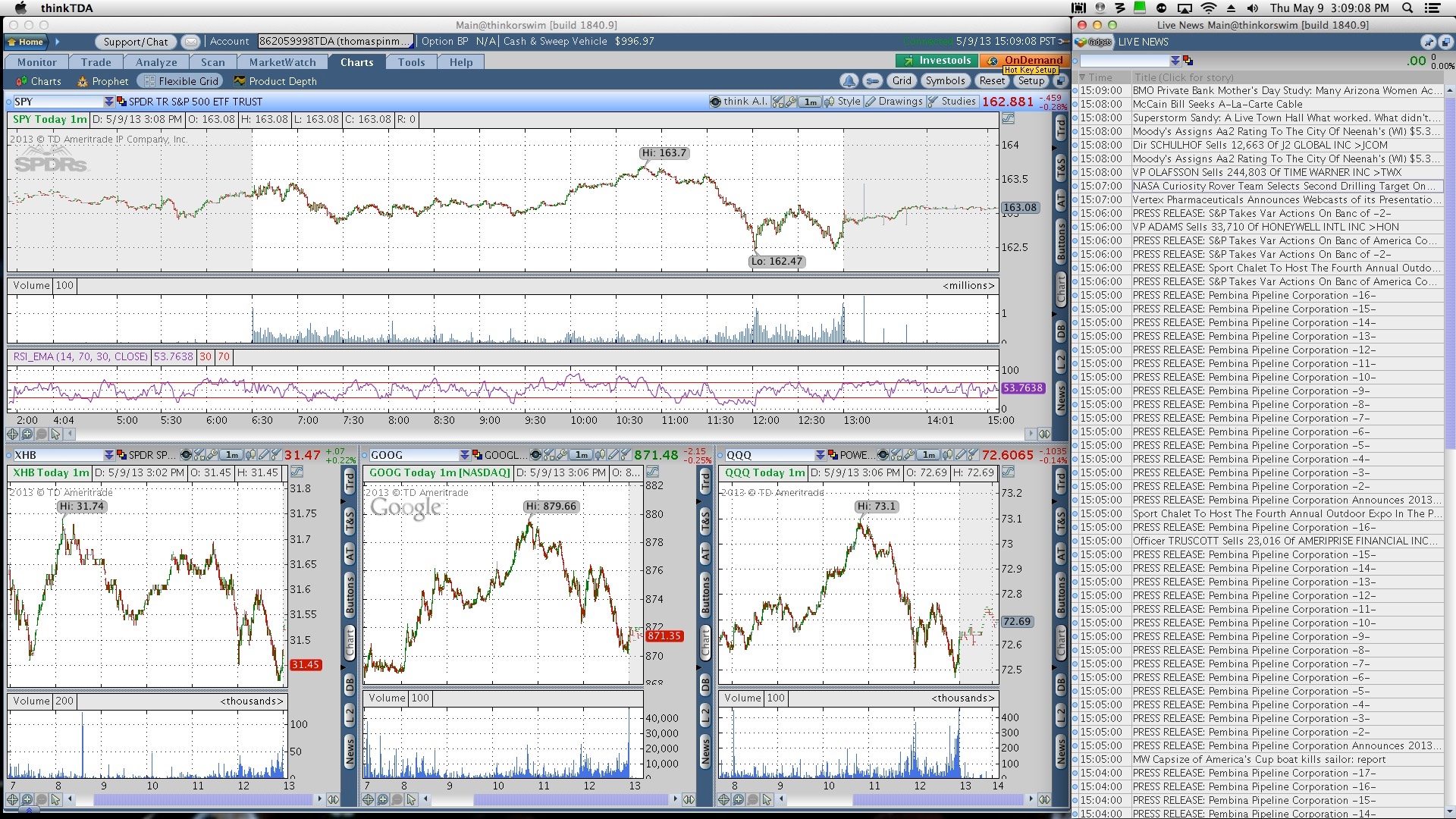
Oh! and one other thing. You can always watch the TV on this display!