What sort of lens is that?

A handy street snapper.

There were five people in the coffee shop, each using a MacBook Pro. I imagine that if you came in here with a Windows machine you would probably be asked to leave. This is the Mission District of San Francisco, after all, and Windows is very definitely not cool here. On grounds of good taste alone I would have to agree with that sentiment.

I had gone to the city in search of late shadows in setting sun, and after a thrilling hundred minutes snapping just that I was kicking back with a cappuccino when the young chap sitting next to me leaned over.

“What sort of lens is that?”

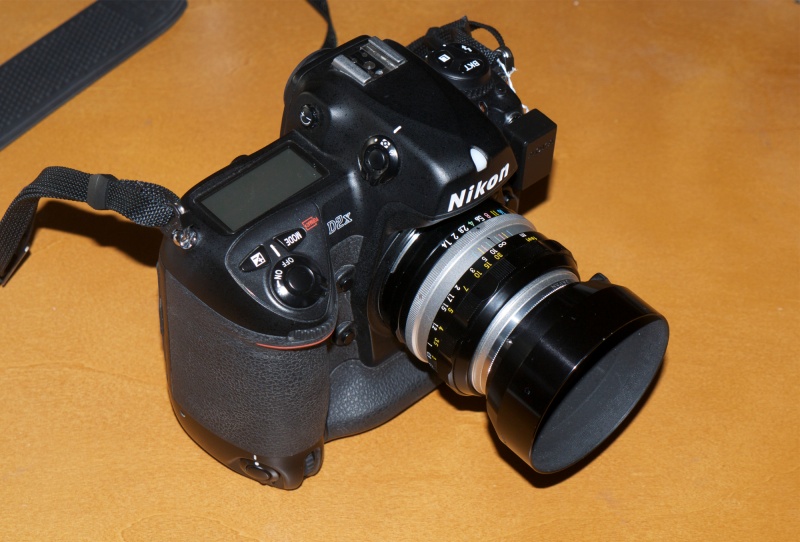
I explained to him that it’s an old MF Nikkor 20mm and let him handle the outfit. The small optic almost disappears on the bulky D2X body and the APS-C sensor in the latter makes it into an effective focal length of 30mm. Ideal for street snaps, in other words.

“It’s fairly wide” I explained “meaning even in narrow streets you have no difficulty getting your subject in the frame. And you can always get in closer, if need be.”

I complimented him on his MBP and asked about the funky colored keyboard skin.

“It’s for FCP” he answered, assuming that I would know that means Final Cut Pro.

“Don’t the Coen Brothers use that for editing their movies?”

“Absolutely. I’m a documentary short movie maker and it has almost everything I need”.

That’s one of the best things about San Francisco. Whereas in NYC all you meet in coffee shops is larcenous bankers looking to steal from the working man, here you meet real people looking to create something of worth.

Here are some snaps from those hundred minutes.
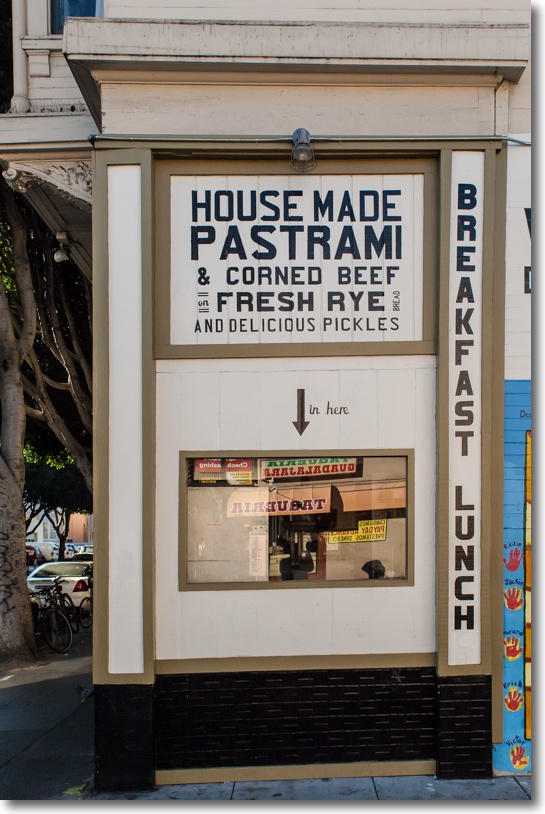

Pastrami on rye. Click the picture for the map.
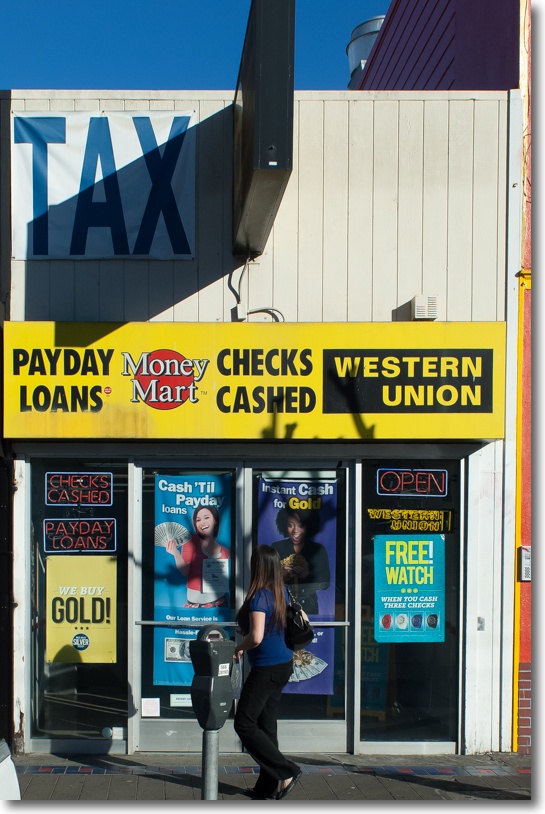

Tax and usurious loans.
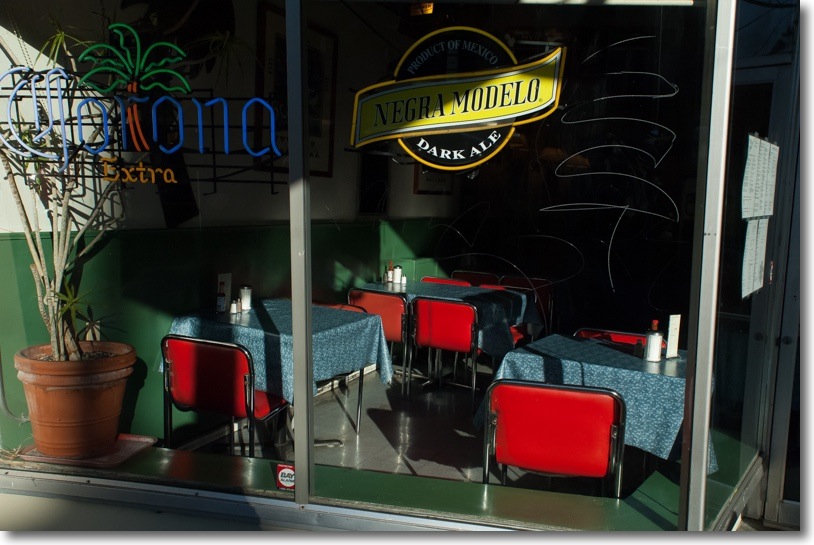

Hopper‘s Bar.
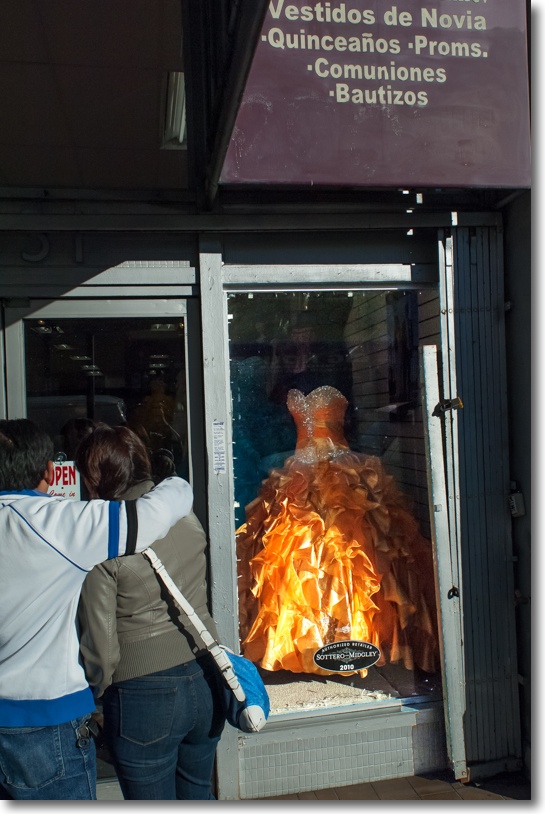

Bridal Wear. Click the picture for the map.
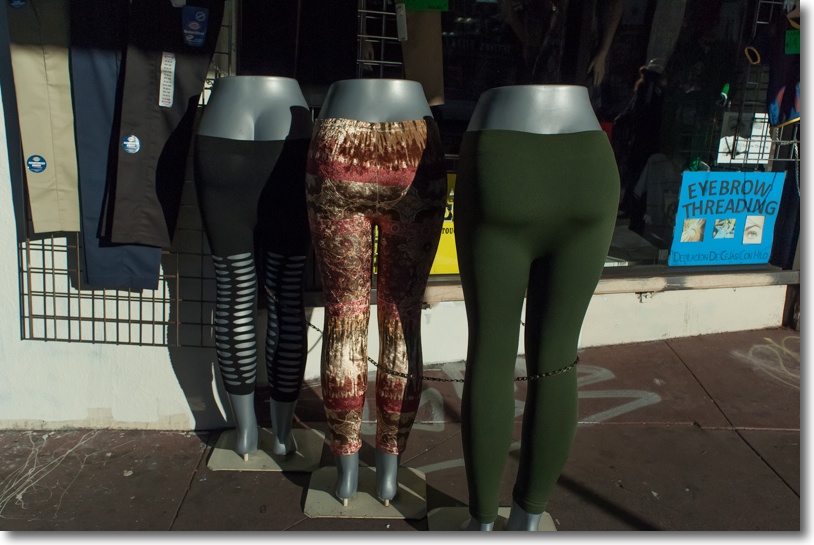

Tight ends and Eyebrow Threading. Yer what?
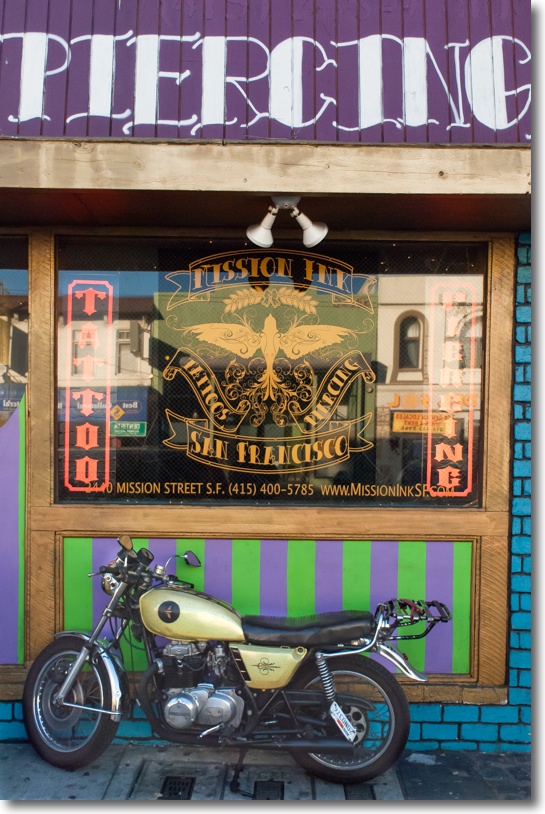

Piercing.


Drugs and toilet articles. Click the picture for the map.
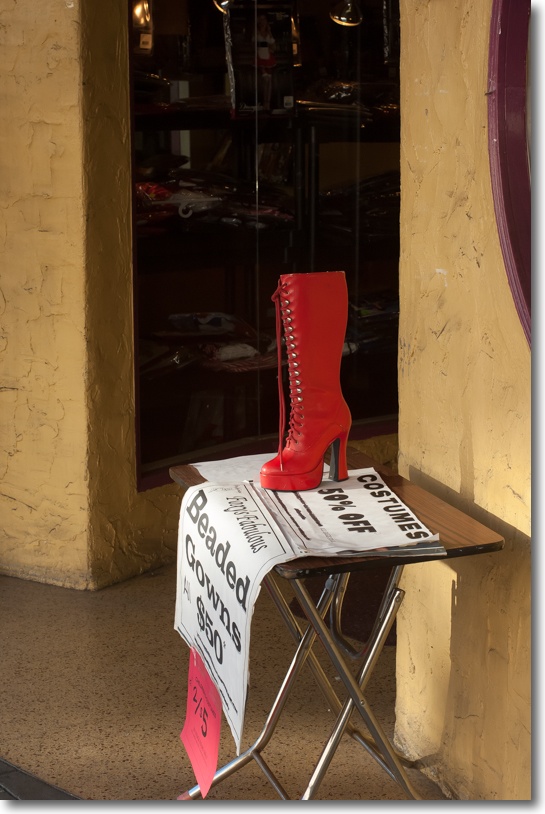

Das boot.
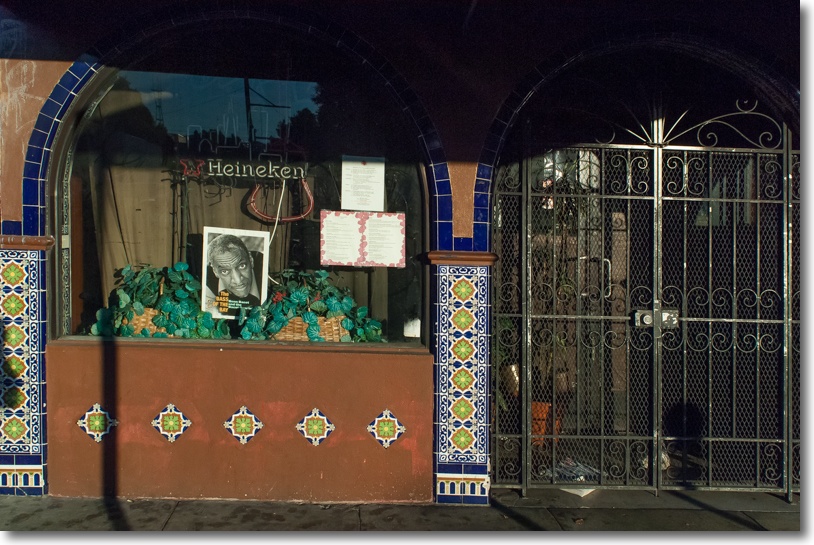

Heineken.

All on the 20mm Nikkor except the seventh where I used the 50mm f/1.4 Nikkor. The 20mm delivers outstanding definition and contrast and my tailored lens correction profile removes the barrel distortion which comes with this otherwise fine lens. Owing to the high contrast lighting I set the D2X to matrix metering and let it do its magic. (A related benefit of installing a CPU in this old MF lens is that matrix metering is enabled). Not a single highlight was burned out, the meter tending to underexpose by half a stop if anything, making for very little need to change anything in Lightroom.

I’m finding the sensor in the D2X is a joy to use, having a special way with color. For whatever reason, I consistently do less processing on files from the D2X than those from the D700 and there is no practically visible difference in the grain/noise levels at ISO 400. Unless you need ISO1600 or something like it, the D2X may just be the greatest bargain available for the avid pictorialist, and most are unlikely to test it’s 200,000 lifetime shutter activation expectancy. Me? I’ll be about 197 when I hit that milestone ….

EyeOne revisited with Mountain Lion

A great tool.

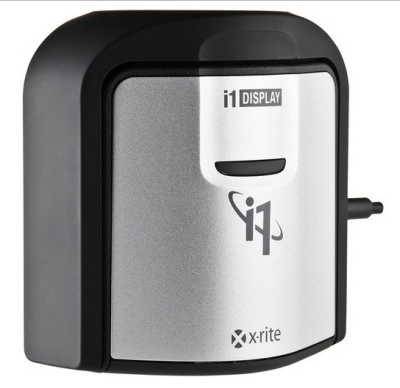
When FU Steve installed the latest nVidia GTX 660 graphics card in my HP100+ Hackintosh, he also did a fresh install of OS X Mountain Lion 10.8.2. When it came to printing from Lightroom yesterday, I found the driver for my HP DesignJet 90 was AWOL, so I quickly reinstalled it. At the same time, I re-profiled all three Dell displays using the EyeOne colorimeter and the (not so) current EyeOne DisplayOne Lion software, the makers at Xrite as usual taking their time with the upgrade to Mountain Lion. While the software reminds you to make monthly profile updates, I find that three or four times a year is fine as my three year old Dell 2209WA monitors are now very stable and exhibit minimal drift. The application logs and charts drift which is handy.

My Dells are set to a brightness of 120cd/m2, gamma=2.2 and color temperature of 6500K. That brightness setting is very low – something like a setting of 14 out of 100 on the Dell’s on-screen controls. If your prints are always coming out darker than you like, chances are you have the display set too bright, which is how Apple and just about every other display maker wants it, to show off their products. And Apple’s displays – built-in or separate – are some of the worst a photographer can use. In addition to having a far smaller color gamut (range) than your photographs and your (good) printer they are glossy, to add insult to injury. But boy, do they look ‘insanely great’ in the Apple Store or what?

While the EyeOne DisplayOne I use appears to have been discontinued – I would encourage any photographer to pick up a used one ($75-100) as there are no moving parts to go wrong in the device – the current model is the EyeOne DisplayPro, retailing for the same price I paid a few years ago for my model:

Click the picture to go to B&H USA. I get no click-through payment.

I have no idea what software is included, but you can download the Lion version of the app from Xrite and it works fine with Mountain Lion. Profile creation takes 8 minutes per display and the profile is automatically saved in the right place. I generally know when I am due for re-profiling as with three adjacent displays any changes from one to another are immediately obvious. If you use one display, a monthly profile run might make sense in the first year of a new display’s life, with quarterly ones thereafter. I always make sure my displays have been on for at least 30 minutes before making a new profile, to make sure they have settled.

When I took our son to lunch in San Francisco the other day – he was off school for Veterans’ Day – I made sure to bring the Nikon D2X with the 50mm f/1.4 Nikkor-S MF lens along, and encouraged him to play with the camera on the trip. It’s too heavy for him to use, as he is only 10 years old, but it was a joy watching him experiment with the various buttons and levers which exist in abundance on this complex camera’s body. I chose the MF lens for two reasons. One to teach him manual focusing, a rarity in the world he inhabits, and the second to take a snap of him over lunch. On the APS-C sensor in the D2X the 50mm lens takes on an effective 75mm focal length which is ideal for head and shoulders portraits, and nicely isolates the subject from the background.

Winston at Sinbad’s, at the ferry landing, San Francisco.
Click the picture for the map. Nikon D2X, 50mm f/1.4 at f/5.6. ISO 400.

The GPS data comes courtesy of the Aoka receiver illustrated here. The same one which fits on the D700 works every bit as well on the D2X. Actually, the receiver works better on the D2X which is quicker to pick up the GPS signal from sleep than the D700. I use the i-Blue MobileMate GPS sender illustrated in that linked piece but any of a number of alternative senders works. Check Aoka’s instructions.

The old 50mm lens, made some 40 years ago, is as good as it gets. No, it’s better, as I have added a CPU for proper loading of a lens correction profile in Lightroom as well as proper recording of EXIF data. The CPU also allows matrix metering to work with old MF Nikkors. In fact, in the case of the above portrait, the old Nikkor lens is too good. Despite the gentle window natural lighting, every last blemish in Winston’s face, despite his tender age, is laid bare in the original print. So when processing the image in Lightroom, I moved the Clarity slider to minus 20, which nicely softens things up without losing too much detail. The sensor in the D2X may be dated by modern standards and may start creaking at anything over 400 ISO, but the rendering of color in the large wall print I just made, with color fidelity made perfect by the calibrated monitor, is stunning.

A good colorimeter is a must have for any photographer, but especially for one who regularly makes prints. I think there may be five of us left in that category in the United States.

Perfectly balanced. The Nikon D2X with the 50mm f/1.4 Nikkor-S manual focus lens.
A dental floss (!) tether protects the GPS receiver against loss.

For more from the stellar 50mm f/1.4 Nikkor, click here.

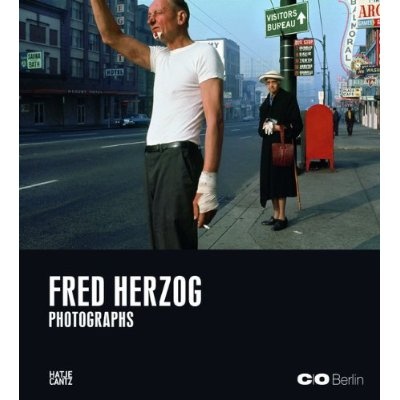
Fred Herzog

Street snaps in color.

Fred Herzog (1930 – 2019) is an Austrian-born street photographer who did much pioneering color work on the street of Vancouver in the 1950s and 1960s.

Click the picture to go to Amazon US. I do not earn any click-through money.

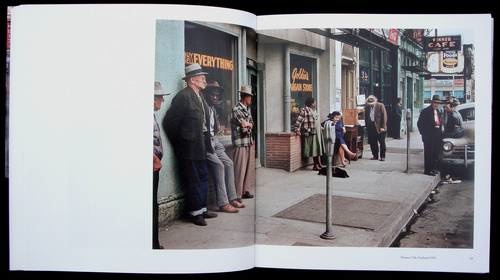
His gentle views of street life, generally in the poorer parts of town, use color effectively, the emphasis being very much on the use of color than on the selection of dramatic moments.

If, like me, you believe that most street monochrome work is a cop out, the photographer being incapable of controlling color, then this book is for you. Others working in a similar style during this period include Helen Levitt and Saul Leiter.

Stuck

Under the bridge.

I should have known to keep it shut.

“Would you look at that, Winnie? 15 minutes to get into the city, zero traffic. Can’t wait for lunch.”

Our destination was no more than 300 yards distant.

Suffice it to say that 20 minutes later we still had 100 yards to go. The City of San Francisco, in its infinite wisdom, had decided to dig up the road during the height of the day.

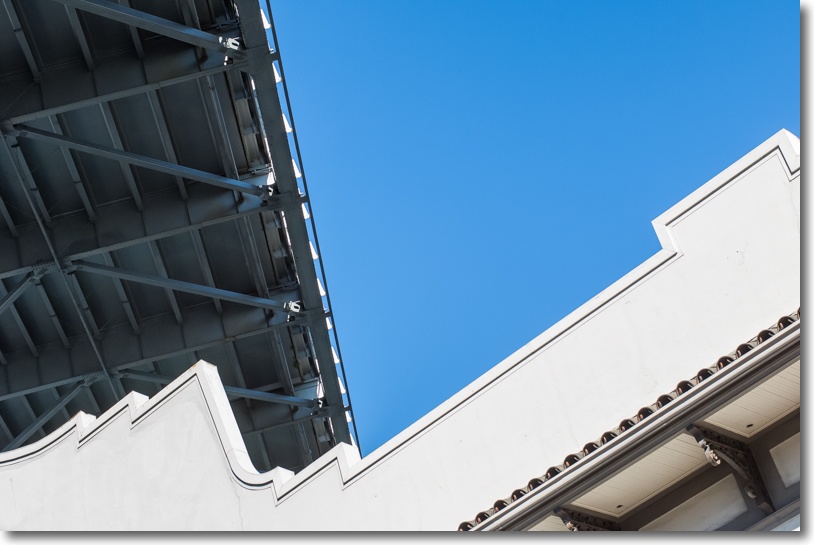
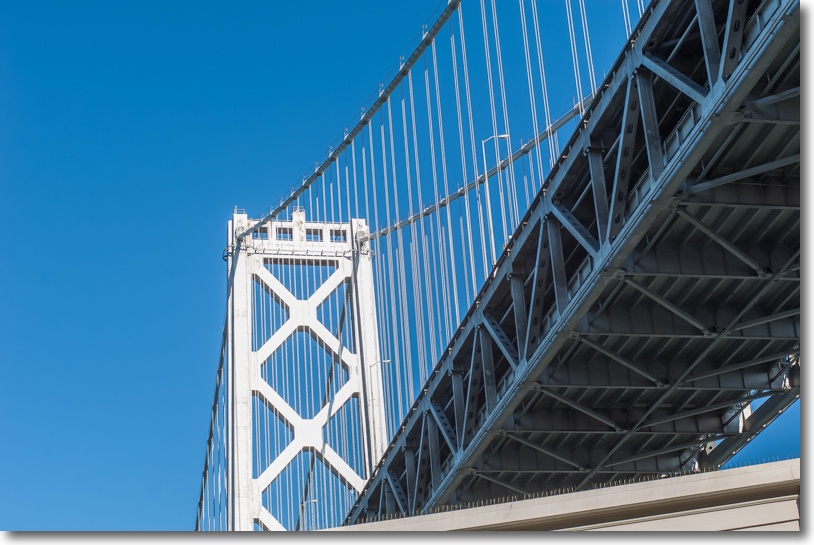
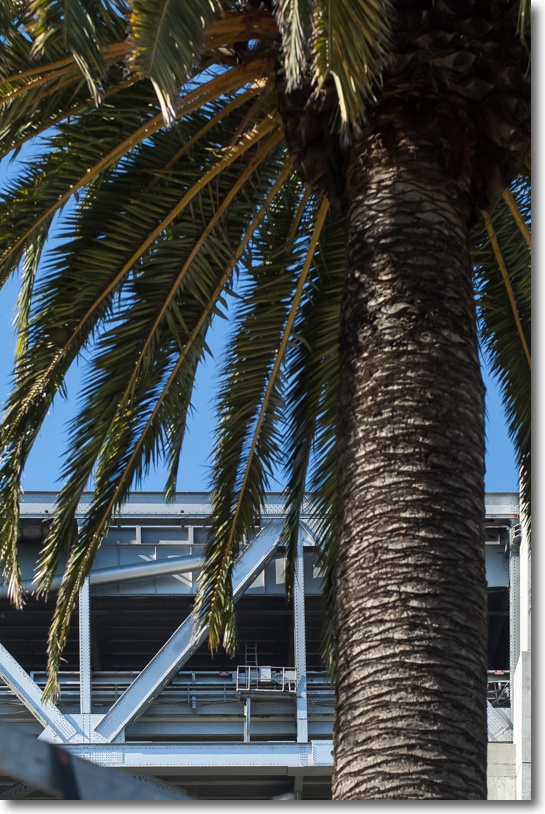
No stress. The sun roof was open, it was a perfect California day, so I did the only thing possible and pointed the camera at the Bay Bridge as we took 10 minutes to pass underneath.

All snapped at ISO 400 with the 50mm f/1.4 Nikkor-S MF on the Nikon D2X body, one whose sensor appeals to me more every time I use it. For a pictorialist or street snapper this is a fine tool, indeed. My tailored lens correction profile, automatically applied on import to LR4, helps things along further. The Highlight and Shadow sliders in Lightroom 4 are a wonderful tool for selective touches in this sort of thing.

I noted one oddity in the EXIF data. Using the MF 50mm lens, to which I had added a CPU, the D2X records apertures with fractions as a whole number – f/2.8 become f/3, f/5.6 becomes f/6, and so on; by contrast the later D700 body reports the aperture correctly to one decimal place. No biggie, but it looks like the D2X lacks space for the decimal point and decimal digit in its software. However, the D2X does report the aperture properly in the finder and on the LCD panel atop the camera during use.

Monochrome cop out

Black and white seldom helps.

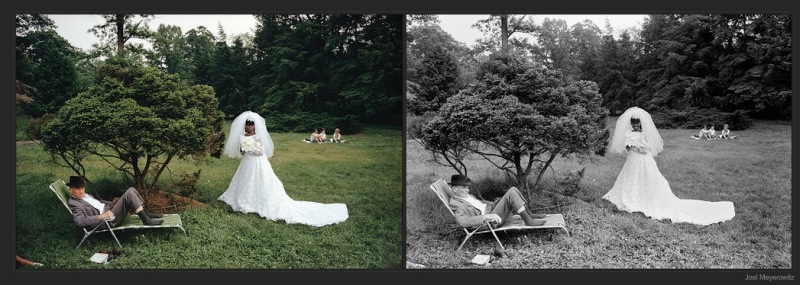
Joel Meyerowitz writes compellingly:

“From my first moments as a photographer — the very first roll of film, actually — I worked in color and believed in its potential. Why wouldn’t I? The world was in color! There was no question about what film to use and, besides, in that passionate first moment of discovering photography I wanted to see what I had made photographs of as fast as I could get them back from the lab.”

And while I find his color work as trite and banal as the monochrome meanderings of a clientless minority claiming art status for their black and white snaps, there’s no disagreeing with his sentiment.

Meyerowitz compares colors. © Joel Meyerowitz.

You can read more here.

These are hardly original thoughts. Eliot Porter put it far more eloquently when he had his color conversion decades earlier.

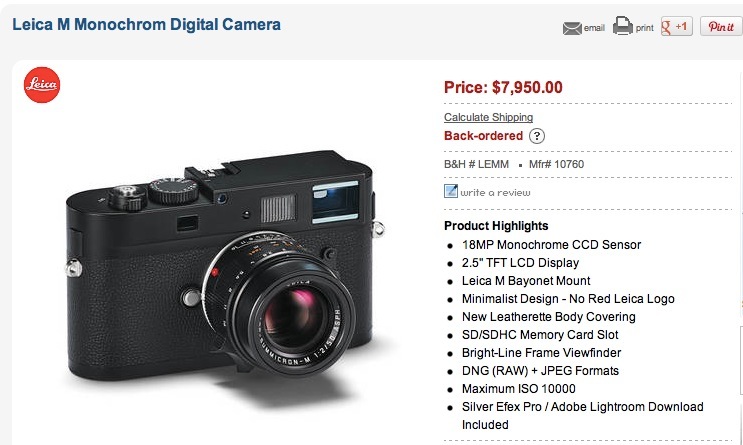
Monochrome is seldom justified, mainly used as a crutch to make something passable from something awful. The height of this pretentiousness is manifested in Leica’s Monochrome M body which – wait for it – delivers black and white images only from its digital sensor. Now you too can be Cartier-Bresson, as long as you can afford the $8,000 entry fee. And you still get no lens for that money. Ridiculous. What’s wrong with pressing the ‘Monochrome’ button in Photoshop?

Idiocy redefined. The ‘There’s one born every minute’ camera.
Back-ordered, needless to add.

Here’s a rare example of photography where only monochrome will do but, then again, this is the work of a very great photographer indeed.