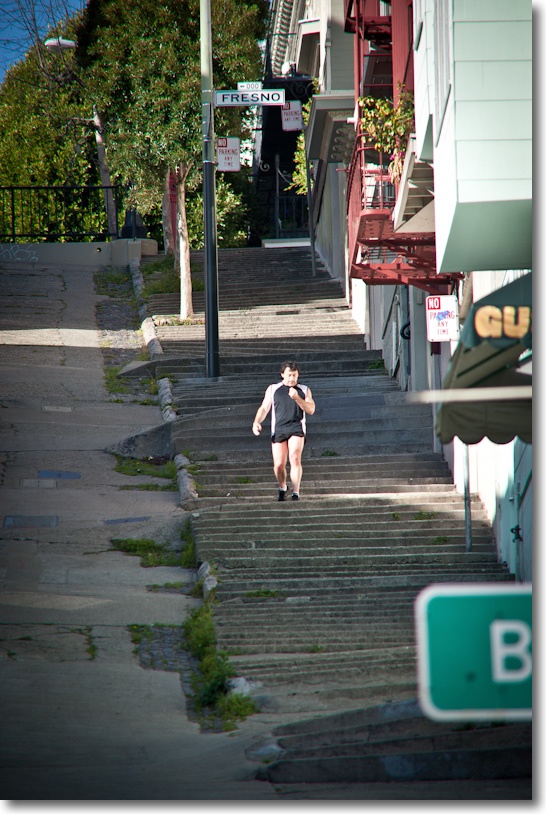
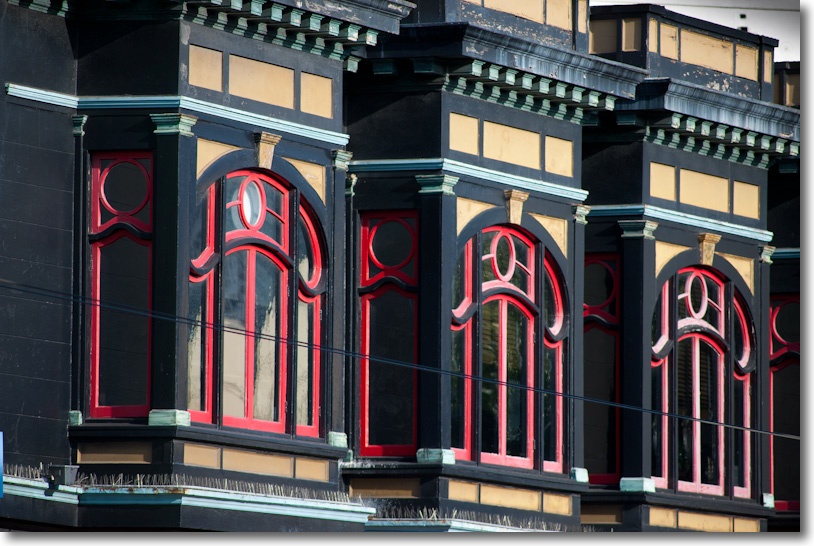
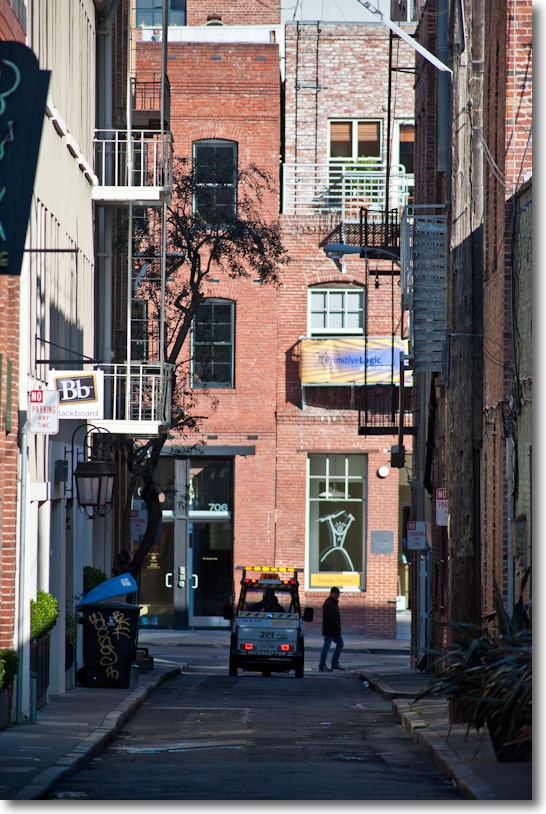
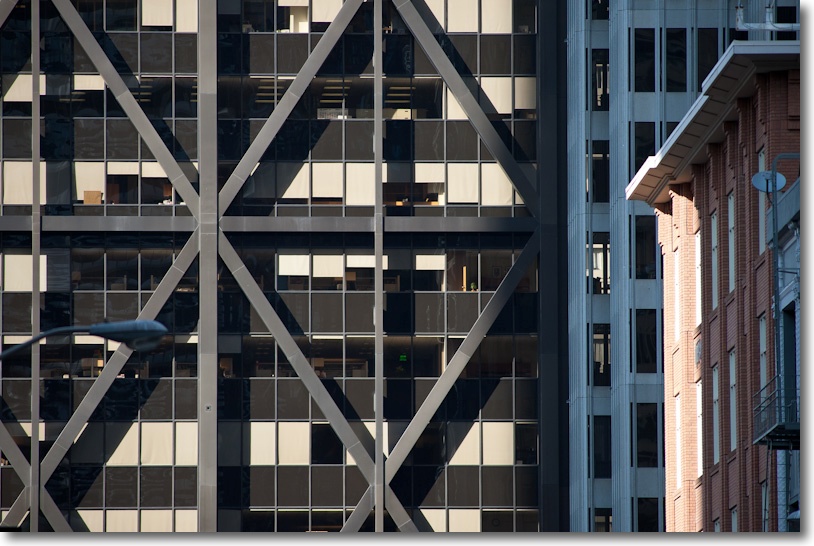
Sun and shade
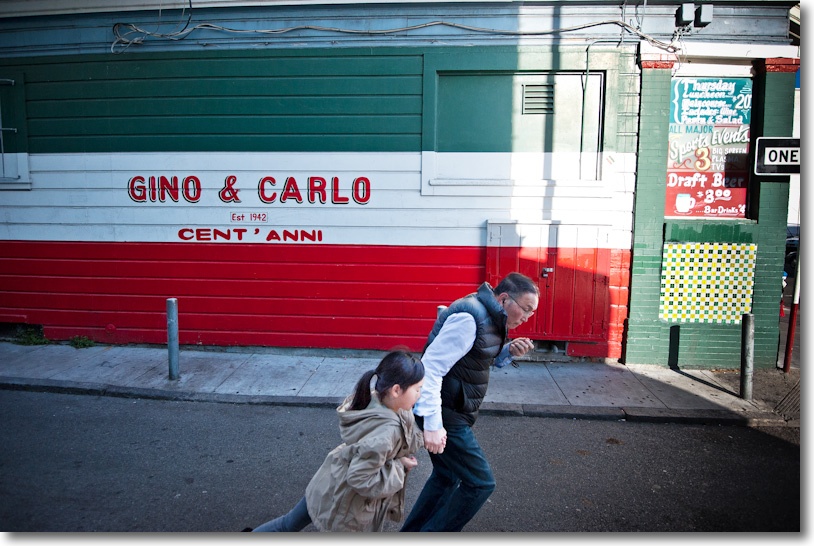
D700, 16-35mm @ 19mm.
In Little Italy, San Francisco.
Sun and shade
D700, 16-35mm @ 19mm.
In Little Italy, San Francisco.
Alphabet soup.
When I added the 300mm Nikkor manual focus lens to my little D700 outfit, it was with the realization that this relatively little used optic did not justify spending a lot of money. So it was off to KEH.com where I picked up one marked ‘BGN’, meaning something between a beater and a dud. However, having purchased from this business in the past, I knew that they grade conservatively and earlier ‘BGN’ purchases had invariably resulted in fine gear with typical superficial markings from use. And so it turned out this time.
What I received, for less than one quarter the cost of the current f/4 AF optic, was a lens with pristine glass, a beyond smooth focus action and …. a wobbly telescoping hood. The trombone assembly for the latter is attached with three small screws and it was a matter of moments to remove it, disclosing that the cork friction strip inside was worn out. I took the easy way out and wrapped one-and-a-half turns of 3M Flue Tape around the inner cylinder and while the result is not pretty the wobble is no more. This is a thin, metallic tape with strong adhesive, and one $8 roll will do more lenses than you want to think about. I’ll give it a spray coat of high temperature matte black paint, of the kind used on car engines. It’s tough and will hide the tape nicely.
The lens focuses down to 8.2 feet (2.5m), which is like a 50mm lens at 16″. That’s close. It also focuses well past infinity, to compensate for warm days, owing to the expansion of the metal used in its construction.
Contrast is high, identical to that of the other two lenses, putting a well deserved lie to all the claptrap you read about ‘designed for digital’ lenses. This is a film era lens (around 1990s vintage) and works perfectly with the sensor in the D700. ‘Designed for Digital’ is yet another advertising hoax designed to separate the gullible from their money.
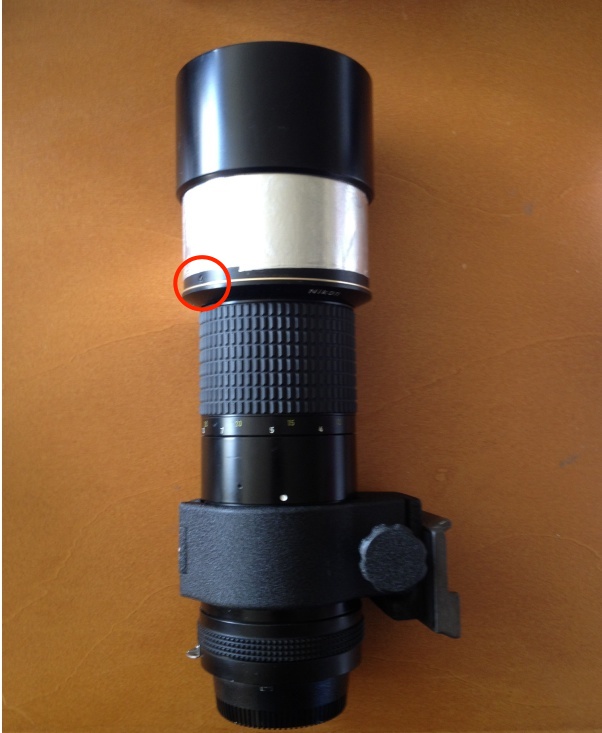
300mm MF Nikkor. Flue Tape prevents hood wobble.
Circle denotes one of the three trombone retaining screws.
If following moving action is your thing, this lens is not for you. Auto focus will make life much easier in that case. But my primary use is for architectural details, used as often as not with my Manfrotto monopod fitted with a QR release, so I’m in no hurry. The D700 has a focus confirmation light in the finder, with arrows showing which way to turn the focus collar if you are out of focus. This works really well but is very sensitive. In practice, other than at full aperture, I find that simply focusing on the screen works well, the high f/4.5 focusing aperture making images snap in and out of focus readily. The lens shows a hint of chromatic aberration wide open with high contrast subjects, but otherwise has no bad points. With the removable collar it weighs 2.2 lbs. and balances nicely with the heavy 2 lb. D700 body. I dialed it into the ‘Non-CPU lens’ menu on the D700 so the EXIF data correctly reports that a 300mm lens was used.
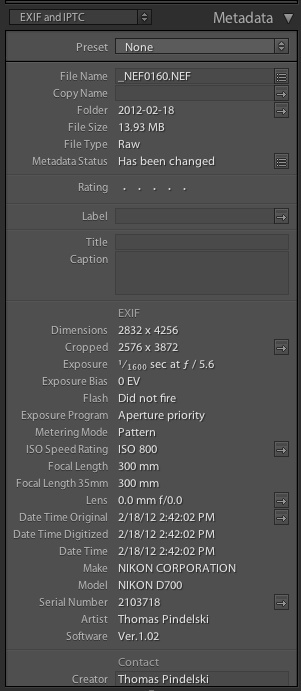
EXIF data in LR3.
Unfortunately, Lightroom sorts on the ‘Lens’ field when filtering images, so only the actual EXIF for an image will disclose that a 300mm lens was used. The ‘Focal Length’ and ‘Focal Length 35mm’ fields do not constitute searchable EXIF or IPTC data in LR, as far as I can tell. Good luck getting Adobe to fix that.
By virtue of the Internal Focusing design, operating the focus collar moves a selection of elements internally, not the whole lens barrel, so the length of the lens remains fixed and the action is butter smooth. Just a joy to use. I would describe the rendering of micro-detail as close to that of the very expensive 16-35mm and the bargain 85mm D designs, but not as good through f/5.6. At f/8, however, micro-contrast really kicks in and the definition equals that of the other two. A touch on the Clarity slider in LR3 mostly puts matters to right at f/4.5 and f/5.6, and I am finding that the 86/1.4/50/23 Sharpness settings in my import dialog in LR3 for the other two lenses works well.
The tripod collar, easily removed, is well designed, but not in the class of the one on the 400mm f/5.6 Canon L, adopting a threaded fastener in preference to the superior cam lock used by Canon. There is no Vibration Reduction, which keeps the weight down but that savings is offset by the need to carry a support if slow exposures are contemplated. With the collar removed I find the lens easy to handhold.
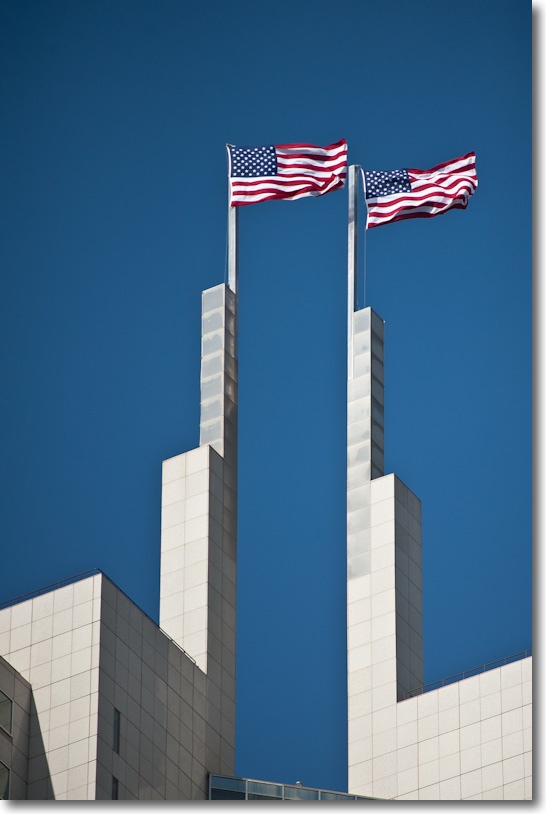
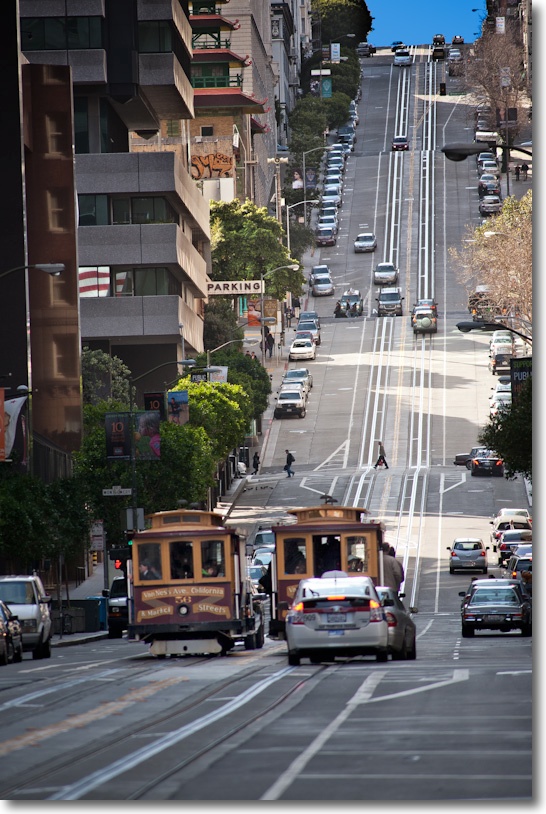
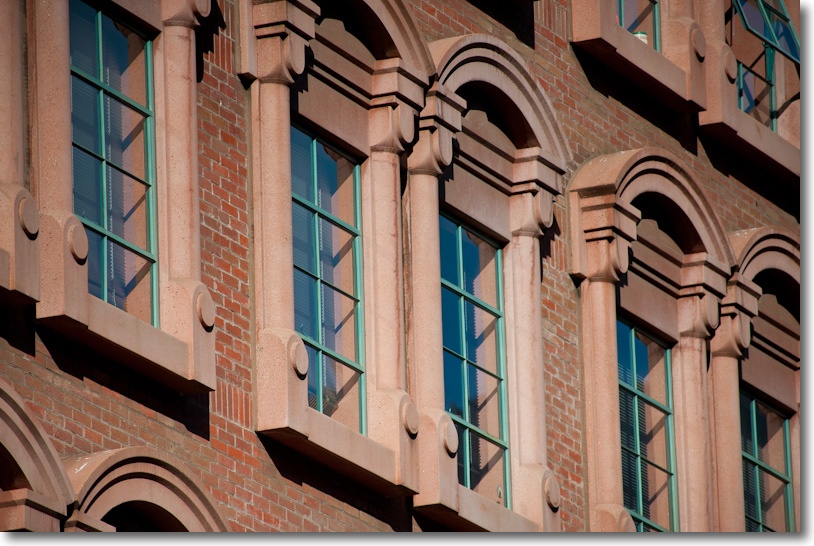
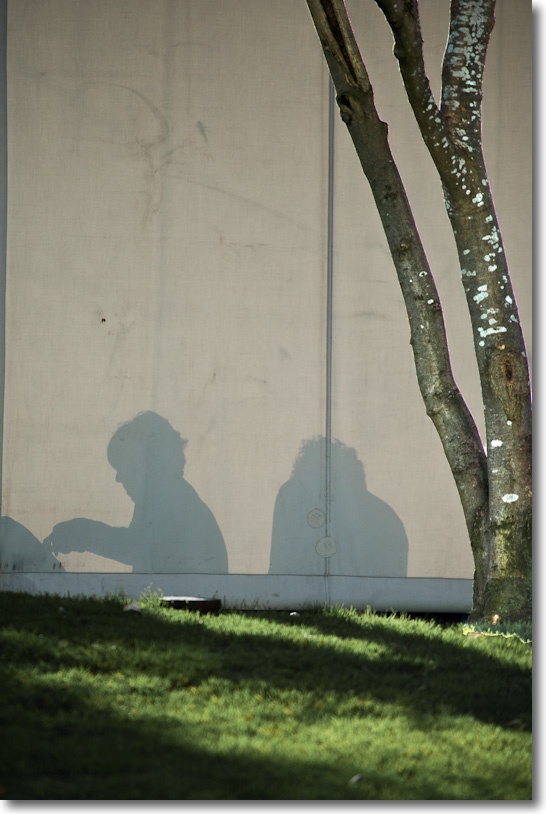
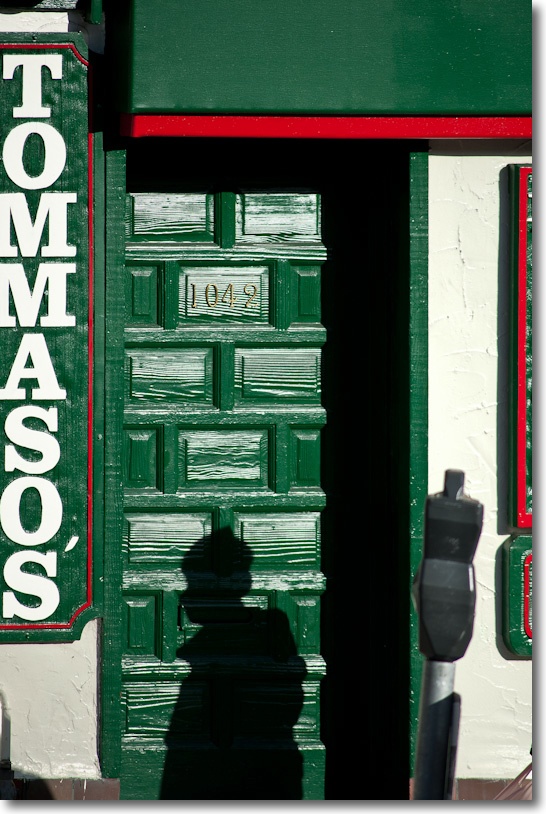
Wringing it out yesterday I made a few snaps in San Francisco in late sun, all at 800 ISO and mostly with a monopod. These are almost all straight from the RAW originals, with minimal post-processing, with the usual sharpening on import into LR3. The lens retains Aperture Priority (my choice) or Program exposure automation on the D700, with focus at full aperture:
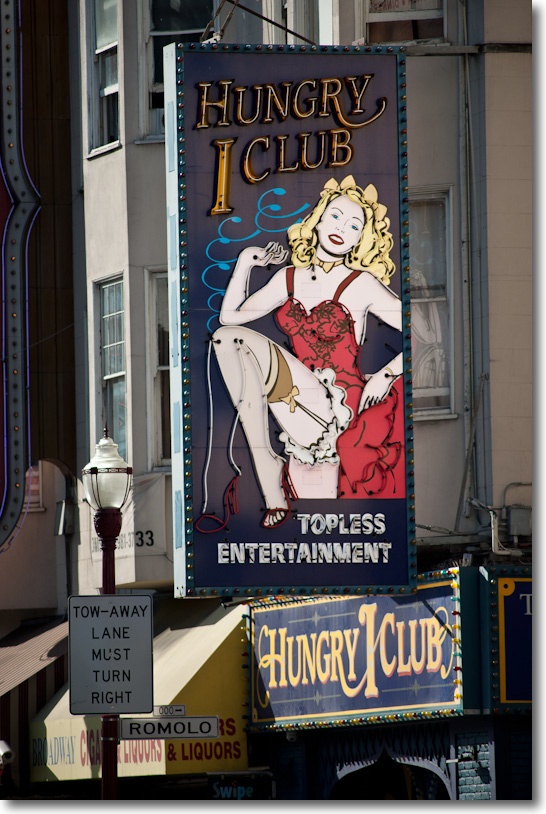
To get a sense of what the lens can do in huge enlargements, here’s a snap at f/8, 1/50th second, ISO 800 with monopod:
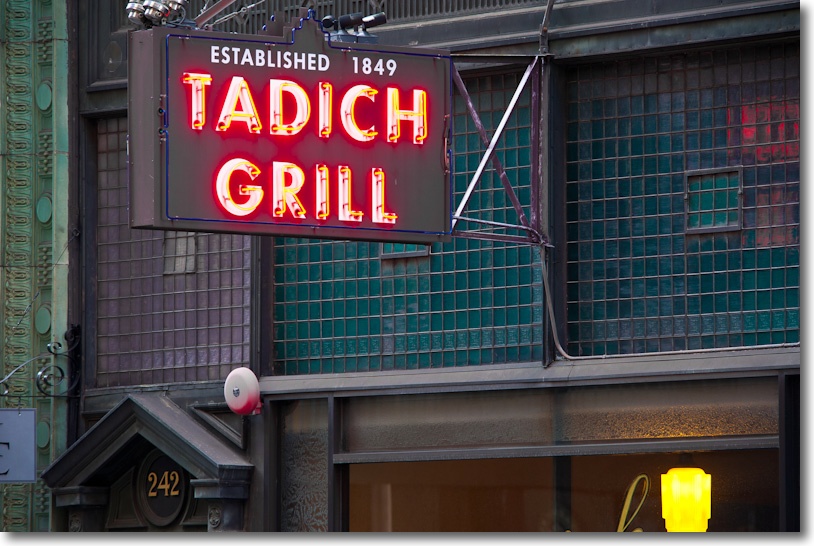
Here’s a section from the top left which would make a 40″ x 60″ print:

Not too shabby – notice the level of detail retained in even low contrast areas.
Adding a CPU:
While many lenses allow simple glueing of a CPU to the rear baffle, the baffle on this lens is too large in diameter to provide the required clearance for the CPU.
I therefore set to machining the baffle on my 300mm f/4.5 ED-IF Ai-S lens. The baffle is retained by three radial, countersunk Philips screws. The fourth, proud, slotted screw is for the stop down lever and is not touched.
After doing some measuring it turned out to be very simple. The full thickness of the baffle has to be removed and the depth of removal is conveniently denoted by a ridge on the baffle, visible once removed.
After marking the position of the CPU with a fine scribe, removing the three screws allows removal of the baffle. It shows traces of threadlocker so it would likely be smarter to use some local heat from a soldering iron on the screws first. I lucked out.
The lens’s tripod collar is removed in these pictures.
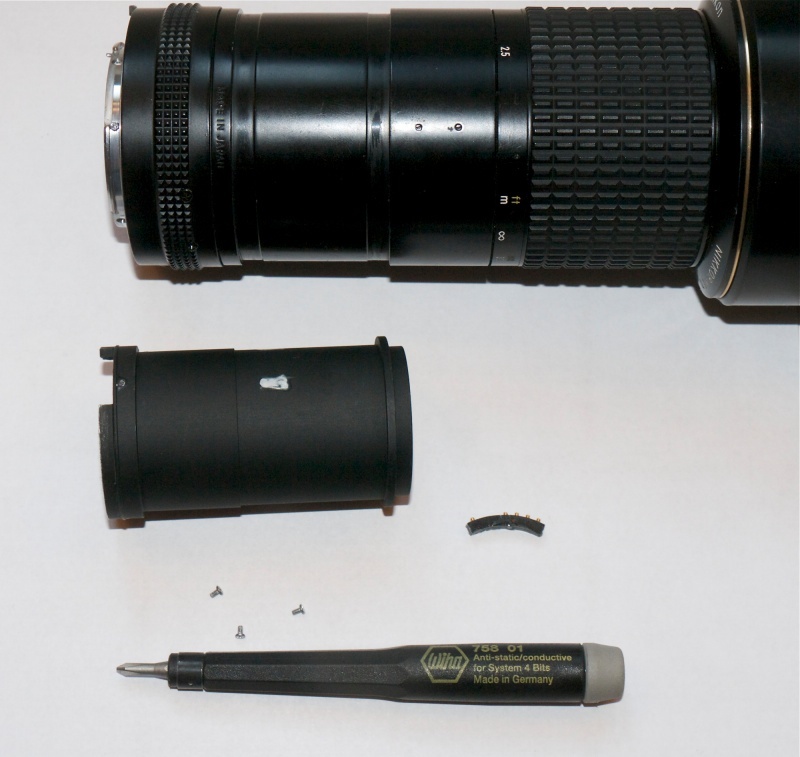
Three screws removed, the baffle can be slid out.
The thickness of the CPU body material is identical to that of the baffle’s wall, I used a Dremel cut-off wheel, a metal saw and a fine file to make the slot in the baffle. A milling machine would have been nicer! The CPU is circled in red below.
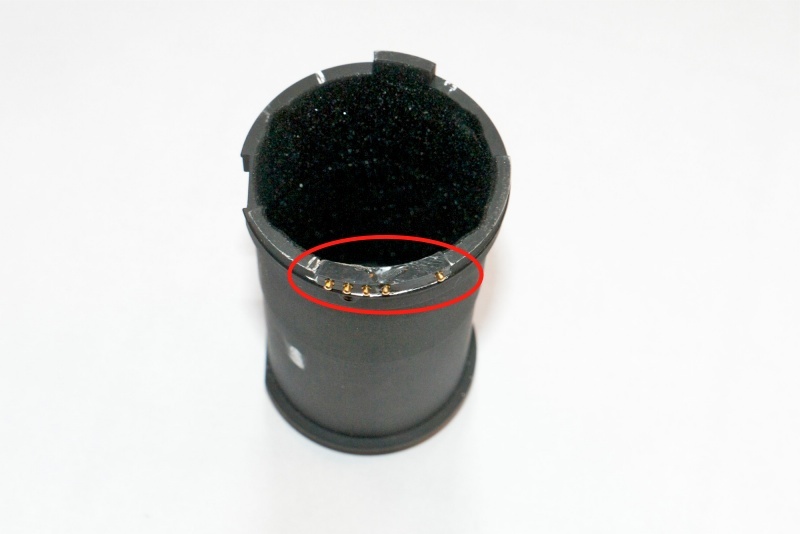
The CPU in place.
This lens’s baffle is 1.613″ in. outside diameter. The wall is 0.118″ thick, thus the inner diameter is (1.613 – 2 x 0.118) or 1.377″. (It is hard to directly measure the inside diameter owing to various reliefs in the metal). This is right in the range of 1.364″ (75-150mm Series E Nikon zoom) through 1.427 (50mm f/2 Nikkor-H) which allowed a straight glue on of the CPU, so glueing the CPU in place such that it’s base (non-contact side) is plane to the inner diameter of the baffle confers the right contact position.
Lens correction profile:
This lens has some chromatic aberration at full aperture and modest vignetting which disappears by f/8. You can download my custom lens correction profile for use with PS or LR by clicking here.
Keeping the grey cells working.
Churchill called it his Black Dog, referring to his recurring depressions occurring, as often as not, during his long period out of power in the Thirties. A wanton Europe, choosing to disregard his warnings as the blatherings of a warmonger, was the catalyst.
And while the man most certainly is my hero, it’s nothing to do with politics, a subject which leaves me cold. Rather it’s because I greatly admire his liberal spirit which, despite a grounding in seemingly extraordinary privilege, was ever his guiding principle, suitably governed by a doting and caring spouse. Throw in a work ethic one can only dream of emulating and you have a man for all time.
I write of this because I, too, am a victim of Black Dog, but not for one moment do I ask for sympathy. In fact, I consider that rabid canine one of the great drivers in life. I owe a great deal to that foul hound. You see, the only way I know to avoid his ravenous appetite is to work. Work hard. Keep busy. Do whatever your limited talents permit, but always work. Hard. And I don’t mean any of that nonsense where you run around in circles in footer bags trying to kick a ball. I mean exercising that worthless mass between your ears, bestowed upon you by your parents.
I was reflecting on this when contemplating my new-found enthusiasm for full frame, this time realized by in the clutches of the Nikon D700. ‘Been there, done that’ with the fabulous Canon 5D, of course. Hate the weight, mass, ugliness, noise, gaucheness. But there’s no denying the effortless quality. So I didn’t exactly go crazy with the pocketbook/wallet, but have in short order accumulated the following:
And the need to justify the existence of that little lot is what drives me and keeps Black Dog at bay. Most victims pay for shrinks. I buy some new gear and bang away. And when it gets old I dump it, starting again.
It’s a heck of a lot more fun and cheaper than paying a guy who asks you what you really feel.
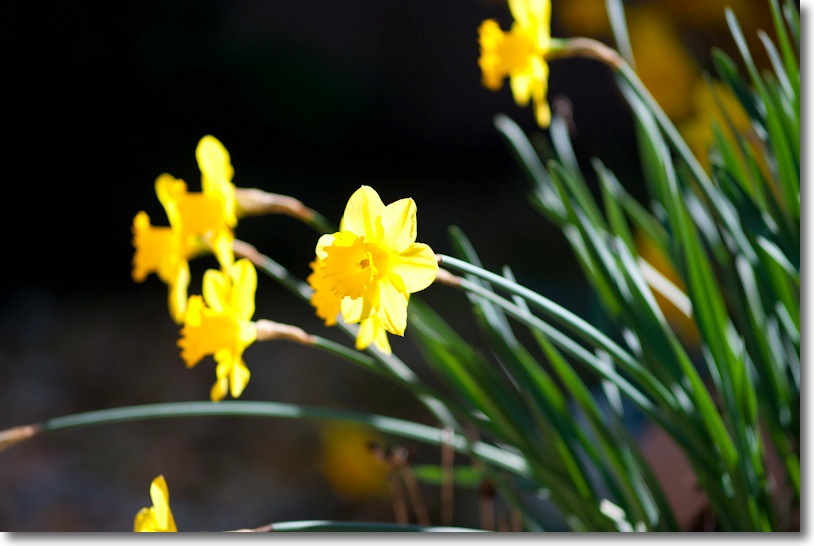
Daffs. No more Black Dog. D700, 300mm f/4.5 Nikkor wide open.
And to avoid infecting you with BD, I promise to publish no more flower pictures.
Competent.
Let me get the grumbling out of the way first. I dislike SUVs. And the D700, with my newly arrived 16-35mm f/4 zoom is an SUV among cameras. It’s large, noisy, crass, threatening, bulky, heavy and few need it. Like an SUV, its owner is likely a poseur. One extols off-road capabilities when he will never leave asphalt. The other boasts of professional gear quality when he would get better results with a point-and-shoot. For most, the D700 fulfills ‘wants’ not ‘needs’. And while the SUV is a pain in the neck when you cannot see past one in traffic, the D700 with a ‘pro’ zoom is quite literally a pain in the neck after you have schlepped it around for a few hours, as I did yesterday.
The newly arrived 16-35mm VR lens is expensive and bulky, though far lighter than you would expect for its volume. Once you remind yourself that it replaces the 16-18mm, 21mm, 24mm, 28mm and 35mm lenses in your kitbag, the 1.5 lb. weight becomes bearable, especially when you throw in the (arguably unnecessary) Vibration Reduction and prime lens quality at all focal lengths and apertures. Construction quality, fit and finish match the optics. Tight, well made, no toy. The lens does not change length when zoomed or focused, which is just as well as it sticks out 6.5″ with the hood attached. Strangely, this confers a certain stealthiness, as observers think you are using a telephoto, not an ultrawide zoom. I detailed my reasoning behind the 16-35mm + 85mm outfit decision earlier, and the 85mm, bought used, has already shown itself to be a sterling performer. For general purpose use, other than sports or wildlife, this is a powerful outfit which keeps bulk and weight down, in as much as that is possible with FF DSLRs.
As a street snapshotter where you want to get really close to people, the D700 is a joke compared to the stealth and agility of my Panasonic G3. The latter focuses faster (yes, faster), is far quieter and its diminutive size makes it extremely stealthy. Keep it dangling from your neck and it’s rarely noticed. Keep the D700 with the zoom around your neck and you will look like the archetypal American tourist so aptly portrayed by Michael Palin in that sketch where the camera protrudes inches from his chest while he debates obscure philosophers in a restaurant.
What you get with full frame, as I am reminded from my days with the Canon 5D, is a tool where technology largely obsoletes technical knowhow, yet still permits huge prints to be made. Anyone can take a good picture with an FF DSLR, pretty much regardless of whether you use Program mode or Manual. There are so many aids, from a monster sensor, great low light capability, infinite choice of ISOs and lenses, VR, auto everything, that even the most inept can take properly exposed snaps capable of high enlargement ratios for prints. And unless you make big prints, you are wasting your money. LCDs and TVs do not need the FF camera’s capabilities to display your pictures. The FF DSLR will not help you make good pictures any more than a Brownie will, but yours will be sharper and finer grained and better-everything in most other respects.
I do miss the EVF of the Panny in the D700. Fit an f/4 lens after an f/1.8 and the finder dims. Go into the dark and the finder image is hard to see. By contrast, when you use an EVF, the finder is always the same brightness regardless of the ambient light level. But I do like the ease with which a button and dial on the D700 can change ISO and the simplicity of locking exposure on your area of choice. All those exposure options – area, matrix, spot, and focus choices ad infinitum, are mostly set-and-forget once you find the ones you like. A waste of knobs and dials. The Panny, by contrast, cannot afford too many knobs and dials as there’s only so much space on the small body. Another much appreciated feature of the D700, at the cost of weight and bulk, is the high battery life. That on the G3 is really not good and I find I always carry a spare. The D700 can bang away all day, and there’s still a lot of juice left. And the truly masochistic can increase framing rates and capacity with an add-on hand grip which will even accommodate AA cells.
The claim of the D700’s sensor is outstanding low noise in low light and with high ISO settings. Comparing my snaps with those from the 5D I would say there is little in it. Maybe one stop better in the worst conditions – not enough to sway you to the Nikon brand. Nikon’s Auto White Balance is noticeably better than Canon’s, but this is such a simple fix in LR2/3 or Photoshop that it’s hard to see it as a decisive issue. The D700 delivers accurate auto exposure, though I often use AE Lock on selected areas of the image to get things just so. I mostly use 21-area matrix metering.
I purchased the D700 for a special project where large prints will be required, even though I was aware that the D800 would obsolete the D700 with a larger sensor. Prints many feet in dimension can be made from a 5D or D700 file. What is intriguing is whether the D700 will now crash in value the way the 5D did after the 5D/II was announced. My 5D, $3,000 when new, sold for $975 five years later and was still in great shape. Today you can buy that 5D, arguably the only classic DSLR yet made, for $800, mint. The argument in favor of the D700 maintaining value – largely made by its owners one imagines – is that the gargantuan file sizes of the D800 will help the D700 retain its appeal. You know, it’s faster, better in low light, quicker to load files for software manipulation and so on. Maybe this is true in the short term, but the person who buys a D800 is, I suspect, just as likely to have the latest Mac or PC with a Core-i7 CPU, fast RAM and lots of storage. It’s not that big a deal if the file is 12, 22 or 36mp. A year or two hence I expect the D700 to be selling for what the 5D commands today. Indeed, were I determined to own a top quality FF DSLR at lowest cost, the 5D would be my first choice every time. I chose Nikon this time just for a change. I have no brand loyalty – a senseless concept.

Why it pays to buy USA imports. Warranty is against manufacturing defects, not user inflicted damage.
In the snaps which follow, I have concentrated on static subjects and experimented with a variety of focal lengths on the 16-35 Nikkor and ISOs from 400 to 1600. Except for noticeable barrel distortion at 16mm, easily corrected with the profile Adobe provides with Lightroom 3, I found that focal length and aperture have no effect on image quality. There is no fuzziness or chromatic aberration to be seen. It’s a top notch optic with extremely low flare even directly into the sun. You pay a premium price for this lens – I bought the last one Amazon had in stock! – and you get premium performance. For something so costly, avoid grey market imports, even from B&H, with their one year warranty. Buy USA imports and get the 5 year Nikon USA factory warranty. The modest premium makes that worthwhile.
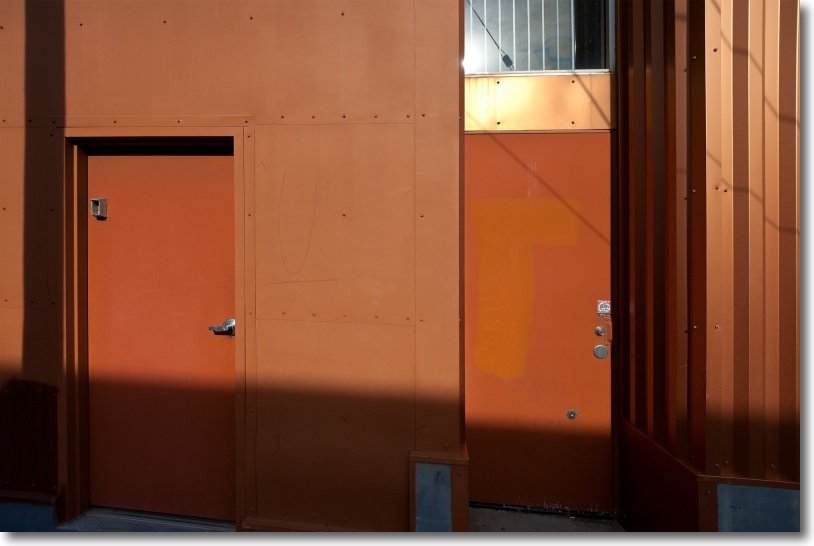
16mm, f/5.6, ISO 800.
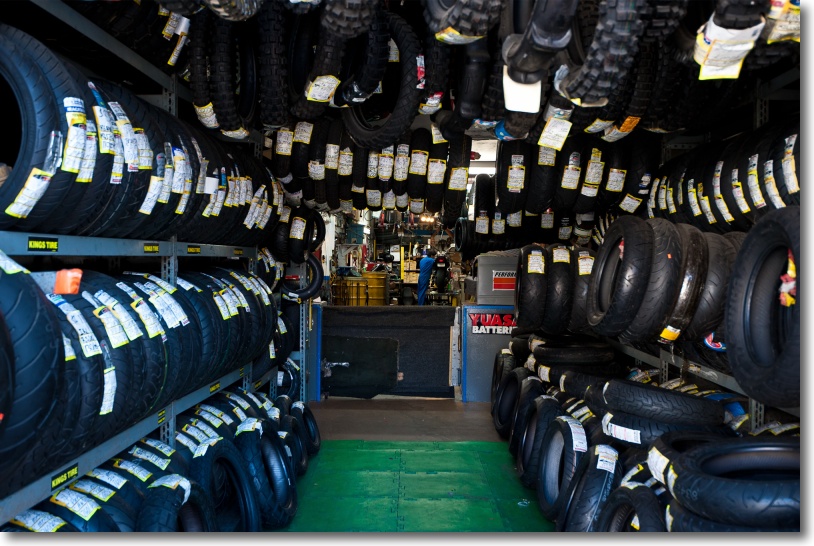
35mm, f/4, ISO 800.
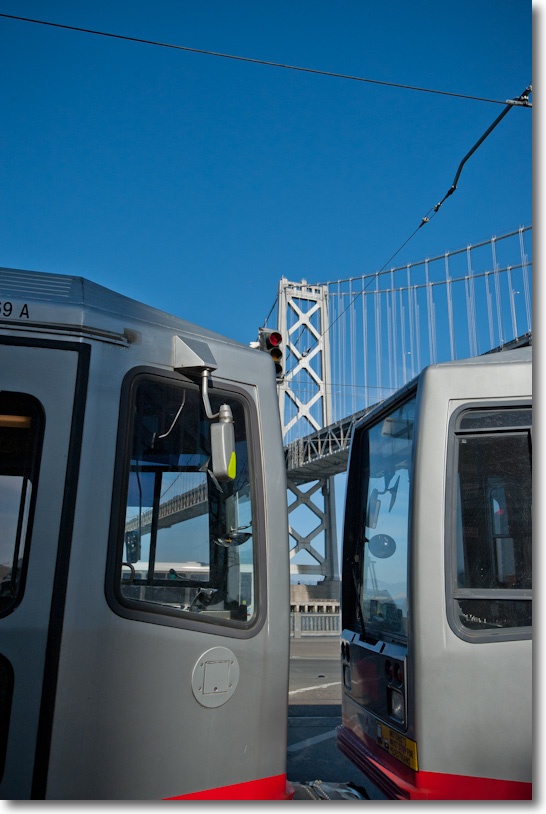
30mm, f/8, ISO 800.
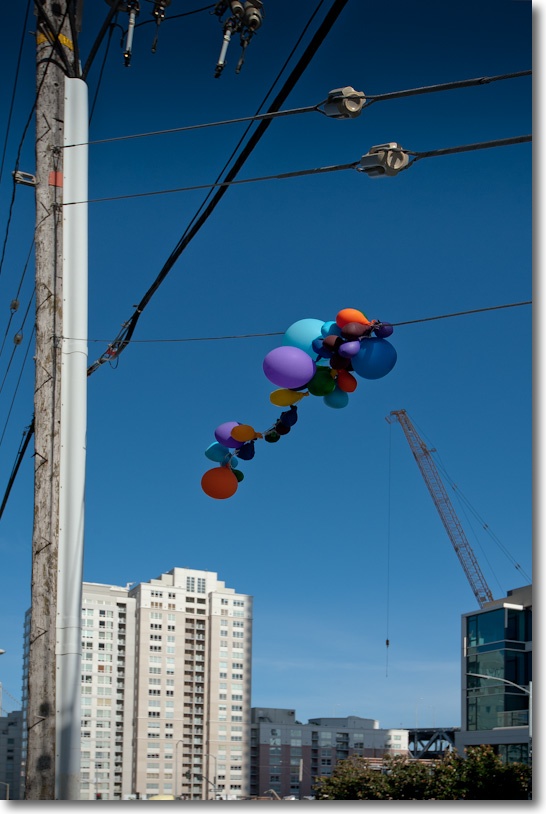
35mm, f/8, ISO 800.
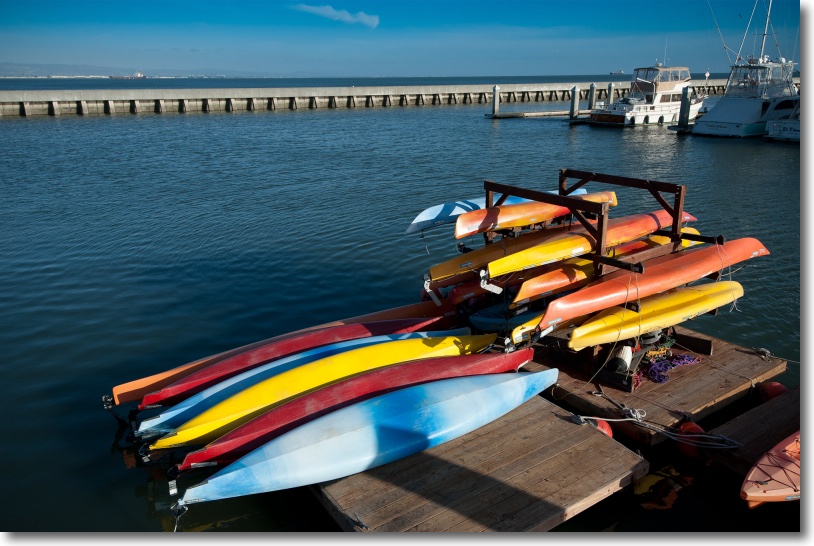
28mm, f/7.1, ISO 800.
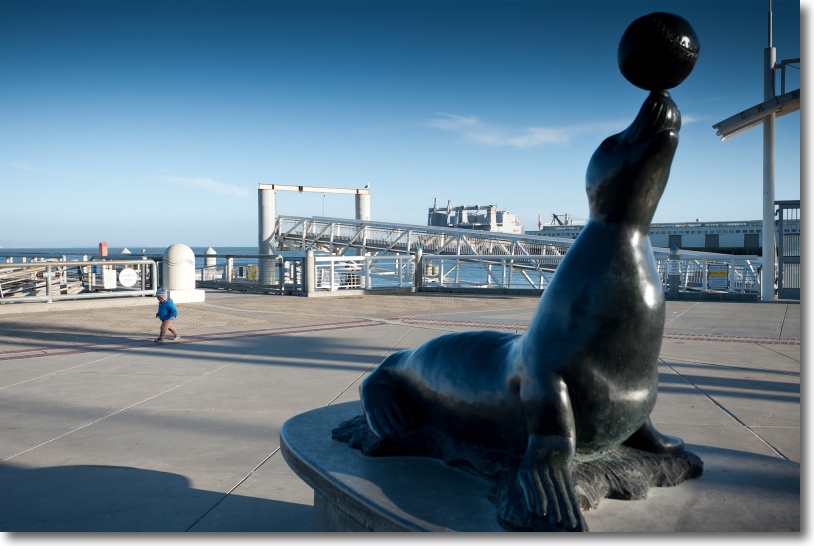
32mm, f/5, ISO 400.
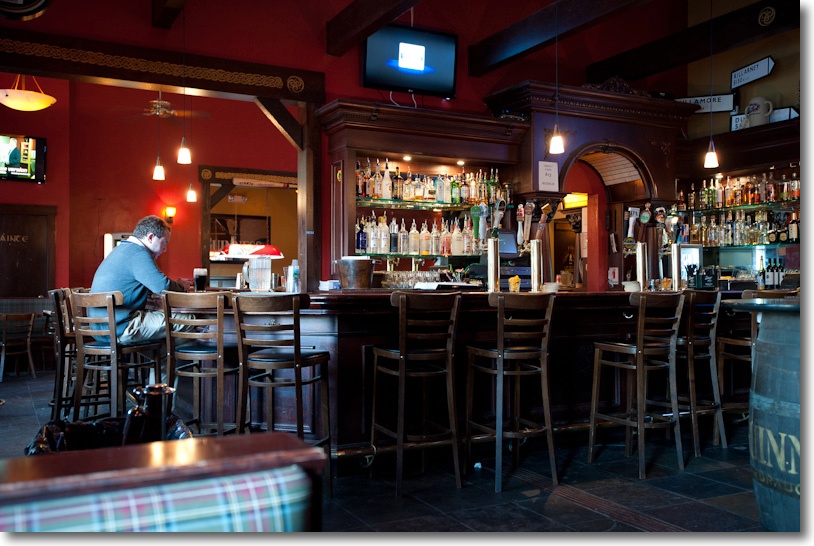
35mm, f/4, ISO 1600, 1/10th second, VR.
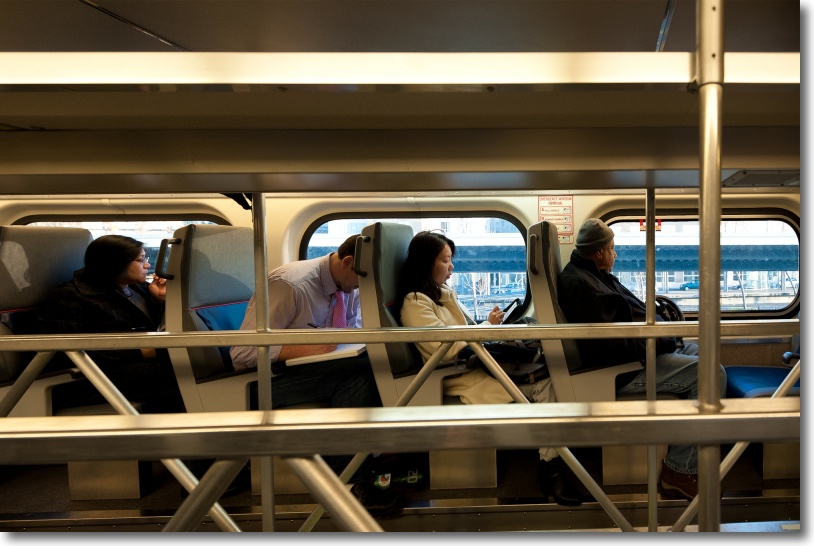
16mm, f/4, ISO 800.
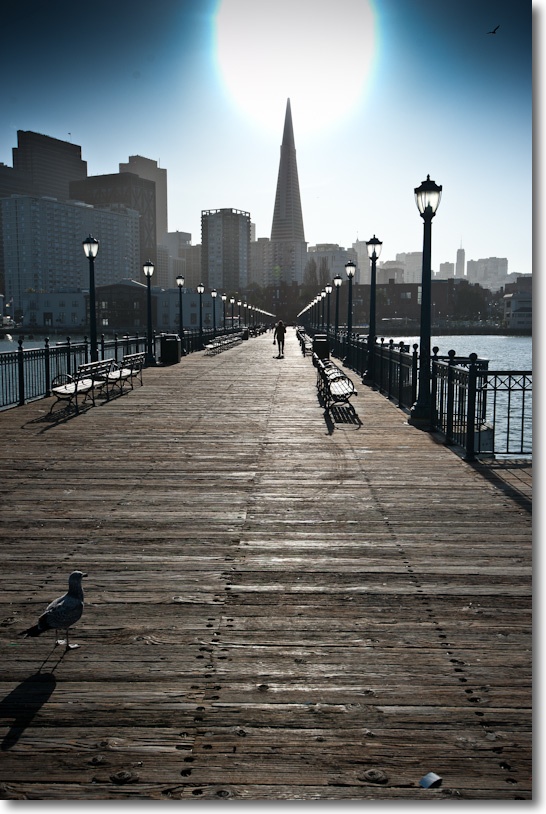
35mm, f/7.1, ISO 800, sun in frame.
Another great English photographer.

Click the image to go to Amazon US.
That fine English photographer Roy Hammans mentioned John Blakemore’s new book to me the other day and no more encouragement was needed to wave my credit card in Amazon’s direction.
Blakemore, born in 1936, has gone through several styles in his photographic life, starting with street work in London’s poorer areas (very moving), through theater, landscapes (excellent wind effect pictures) and still lives (see the cover, above), always finding something new and fresh in his approach.
The quality of the book’s production speaks to the photographer’s fastidiousness and perfectionism, the mostly monochrome prints rendered slightly warm to great effect. There is also some limited color content, original and beautifully reproduced.
This book is an example of what high quality photography books should be like. If you like the contemplative approach to these subjects, rendered with originality, this book is strongly recommended.