A start in America.
These pieces generally run annually in time for Hanukkah and Christmas.
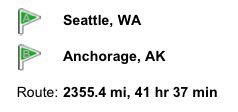
A year ago I wrote of my Years in Retail, chronicling my last few years in England before boarding that PanAm flight to Seattle, WA, one way ticket clutched firmly in hand.
I was en route to Anchorage, Alaska where my firm had agreed to transfer me for a two year tour. I had worked with Americans in London and their work ethic, technical skill and sheer joie de vivre had told me that was where I needed to be. I had no intention of ever returning to UK residency, if I could swing the immigration thing.
My Leica M3 accompanied me in the cabin of the jumbo jet, which was barely half full. The years of cattle class had yet to come. With its 35, 50 and 90mm lenses it had served me well since 1971 and now, six years later, was still everything I ever wanted in a camera. It would continue to do duty for another amazing 31 years. But as my one way journey was to the New World, I resolved to give up monochrome film and started using Kodachrome. This was as much expediency as choice, for I knew I would not have a darkroom again for many years. In the event, history discloses that my darkroom years were over, for good. And thank goodness for that. I always simply hated darkroom work, forcing myself to become good against all the mental obstacles of this supreme waste of time.
When the PanAm jet touched down at SeaTac airport on November 16, 1977 I was bankrupt. My assets comprised the Leica, one suit from C&A, three shirts, a couple of ties in purest polyester, a turntable, a few LPs, and some ancillary sound gear. And four thousand dollars in debt, half borrowed from my sister in Seattle, where I was to spend the next few days and the rest from my employer. The former was spent on warm clothing for the brutal Alaskan winter, the latter on my first car when I got to the frozen north.
Why Alaska? Simple. First, the business opportunity was great. The TransAlaska Oil Pipeline had just gone live, the state was awash in money and the opportunity for lucrative consulting work abundant, aided by an entrenched and complacent competition. Yes, the climate was fearsome but you got six months of cold and six months of sun. Coming from London I was used to 9 months of wet and grey and 3 months of sun, so you might argue that was an improvement. But, most importantly, one of the dictates of obtaining resident alien status – meaning freedom of employment with anyone who would care to have me with no visa to expire – was the so called Labor Certification process in which one had to prove that he was not taking a job from an American. Not so easy to do in New York City; pretty easy in Anchorage, Alaska. If you could prove that and stay out of gaol, your temporary work visa and permit magically became a green card, easily the most valuable piece of bureaucratic paper I would ever get in my life.
And a young man – I was all of 26 – cares little about a bit of cold when opportunity beckons. I could have the best of what I had earned in England, meaning my education and accent, and the best of what America offered, infinite opportunity and low taxation. Here was a country that adulated entrepreneurs and risk, even though it may have had a massive inferiority complex about class and breeding so, although poor as a church mouse, I franchised the hell out of the fact that I spoke better English than most of my former countrymen. And it was certainly not a language in common use in my new home.
Having never been in America before my sense of the country was shaped by a couple of influences. English snobbery (“Thomas, why would you want to go there? It’s full of Americans” my boss told me when I informed him I was quitting London), American friends I worked with in England, the Times of London before it was destroyed by an Australian barbarian and, of course, the movies. The Times had informed me that America was led by a genuine, primal idiot in the guise of one Jimmy Carter (they were right) and the movies told me it was big. They were right too. Now you might think that immigrating to a nation led by someone whose forbears probably married too much within the family was not the move of a wise man, but if you knew just how bad things were in 1970s England, you would have moved, too.
So when my sister drove me along the Seattle freeways, six lanes in each direction in a car the size of a house, I would be lying were I to say I was not awestruck. That and the incredible warmth with which everyone welcomed you made the first few days of culture shock easy. Even five day later, on November 21, 1977, as I landed at an already frozen Anchorage and drove down the (one) freeway into town, ice fog swirling all around, I was undaunted. This was opportunity writ large. And yes, it was bloody cold. Don’t ever ask me to feel sorry for you or your climate – you have no idea until you have spent a couple of winters in Alaska.
My very first week in Alaska saw my first Thanksgiving Day. Now I confess I had never heard of the occasion before. In England, after all, there was little to give thanks for. So when Don Peterson and his family welcomed me with open arms to their home that November, 1977, it’s fair to relate that I was bowled over by a table set with turkey and more food than one could imagine. There were yams and sweet potatoes, both new to me, enormous hams, bowls of stuffing, apple and cherry pies galore and kids and neighbors everywhere. The warmth and openness of this welcome was something I would experience time and again in this great nation and still feel to this day. Americans, for all their faults, are the warmest and most generous people on earth. Thank you, Don.
Work progressed well. My technical skills had already been honed in American ways after several years in London working for Americans and I was just hungrier than the competition, quite literally at first. A typical immigrant. No wonder the welfare losers in America are threatened by us. I had to work off my four grand debt, make a deposit on a rental and generally keep body and soul together. Thank goodness for expense accounts.
After the first winter whose long nights and four hour days left room for little other than work, I began to settle in and started thinking of taking pictures once more. And in this wonderland whose acreage Texas could fill a few times, it was easy to revel in a landscape cast on a truly vast scale. I did the rational thing and moved from Anchorage a few miles up the one freeway in town to Eagle River to better commune with nature. Or something. It seemed like a good idea at the time.
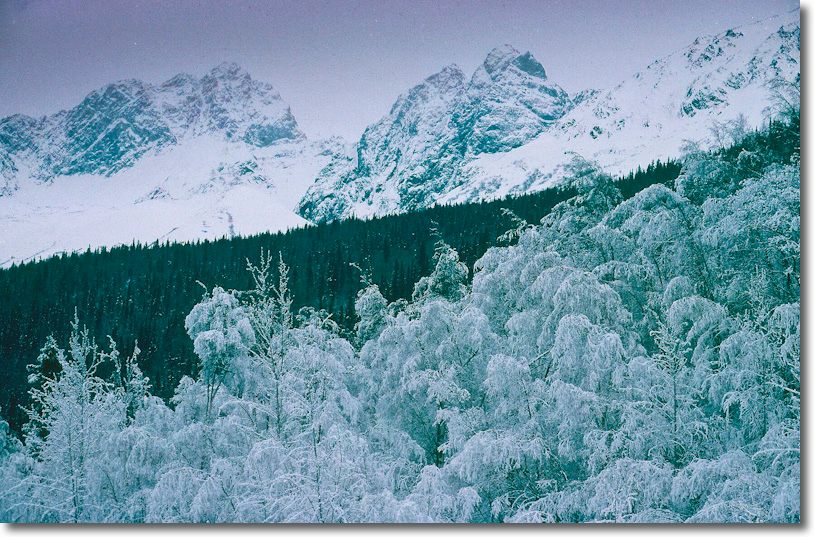
Wasilla at forty below.
Is that forty Celsius or Fahrenheit? No difference. 40 below is the same on both scales. Meaning beyond Bloody Cold.
The climate did, in honesty, take some getting used to. In the winter you kept your camera under wraps, whipping it out to take a picture. Forty below – call it sixty below with wind chill – is no joke. Indeed. there’s a law in Alaska which says that if you see a stranded motorist in the winter you are required to give him a lift. The alternative would be hundreds of Texan oilmen frozen in the ditch into which they had just driven their Cadillacs. I’ll leave you to judge whether that’s a good thing or not. The default putdown for boastful Texans was “If we hear any more from you, we’ll divide Alaska in two and make you the third biggest state”.
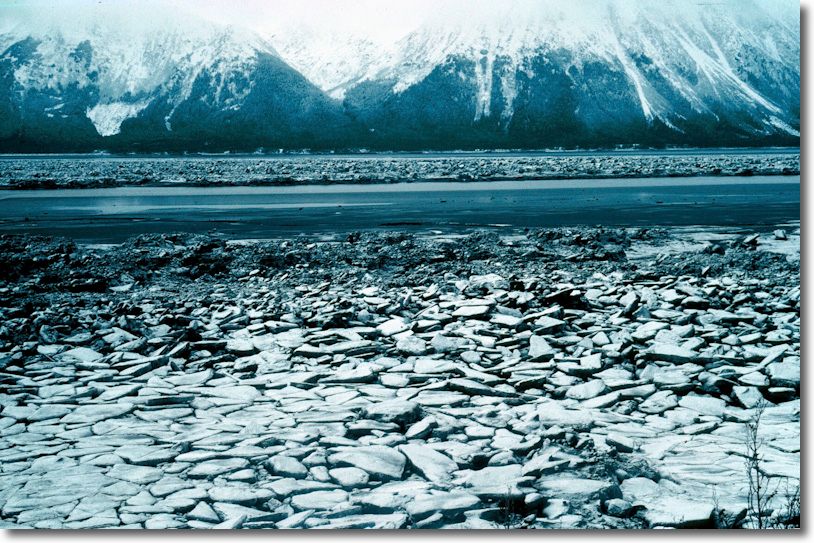
Cook Inlet. Site of many an earthquake.
This is very much earthquake country. Somewhat biblically, the Big One took out Anchorage on Good Friday 1964, confirming the belief in one half of the population that there is a God and equally strongly convincing the remainder that there is none.
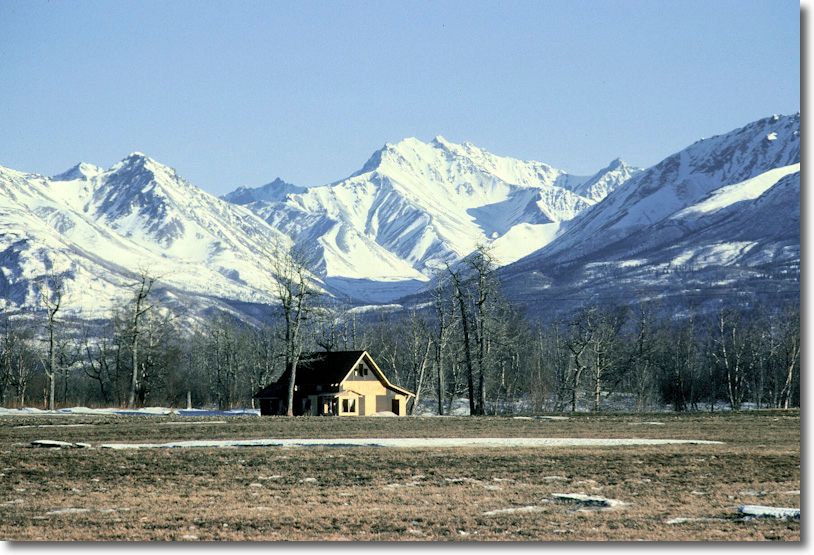
Matanuska Valley, spring.
The Matanuska Valley, immediately north of Anchorage, is an incredibly fertile area for fruit, veg and marihuana growing, owing to a favorable combination of rich volcanic soil and 20+ hour days in the summer. The scale of the landscape was like nothing I had ever seen before. Or since. And I include the Grand Canyon, the Tetons and Yosemite in that judgement.
Owing to the vast size of Alaska, everyone flies. As often as not that’s to Hawaii, to escape the winter blues, or to Seattle for some R&R. Anchorage airport remains one of the more frightening places on earth. When you are not landing in vicious cross-winds, you are waiting on the frozen runway with crews hosing the wings down with ethylene glycol in a desperate attempt to remove ice and make their shape conform to something that actually provides lift.
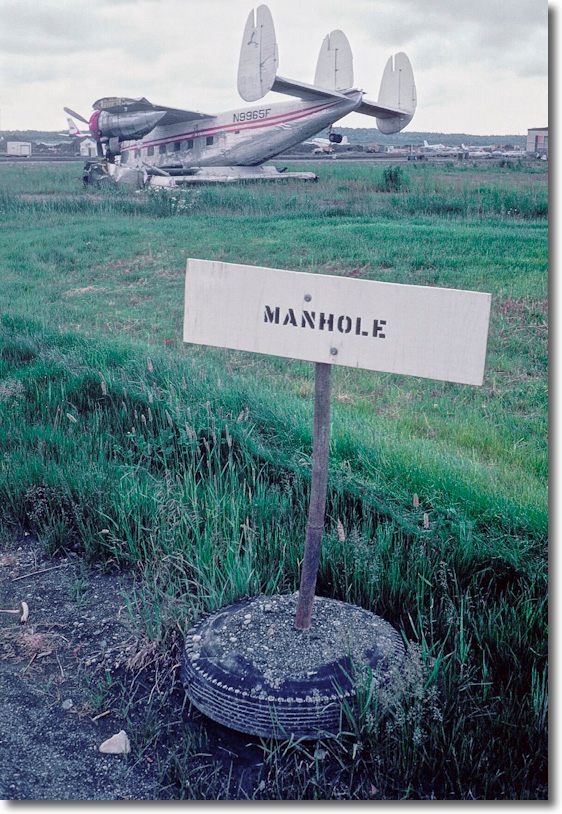
Anchorage airport. A dangerous place.
The colors and vistas are simply to die for.
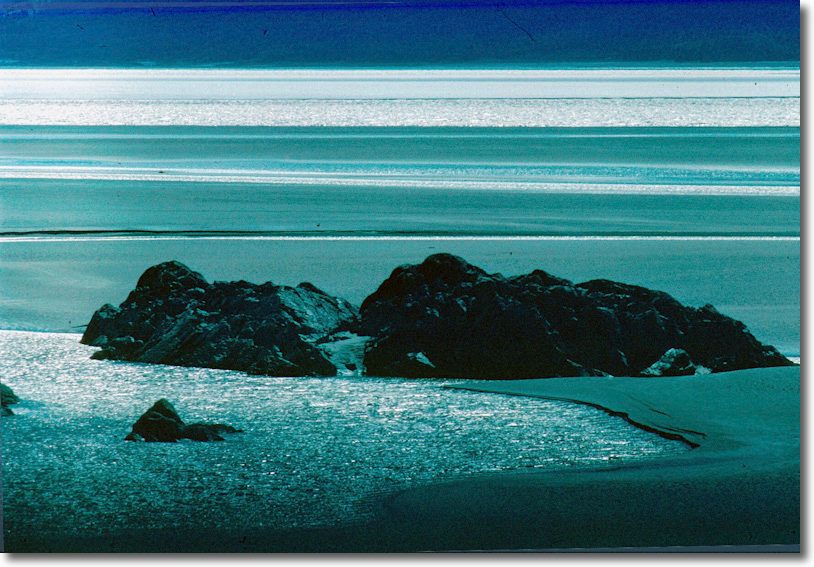
Another view of Cook Inlet.
Alaska remains the leading expert in sucking at the public teat. The wastrel eskimo tribes benefit mightily from oil royalties and the state enjoys the highest per capita income of federal pork in the United States. Such is the wealth created by oil that after my first year of residence the state passed a law abolishing state income tax. It gets better. Any resident for over a year got a tax free dividend from the state from the so called Permanent Fund where all that oil money resides. A real, live, spendable check! It was about this time that I began to realize that my decision to immigrate to the US was a sound one ….
One of my clients was in Barrow, and you cannot get further north than that in the US. 723 miles from Anchorage, if you must ask. The Alaska Airline pilots – no one with sense flew any other airline as these guys really know their stuff – would land their Boeing 727s on the gravel which passed for an airstrip. Not until I flew into the old Hong Kong airport many years later was there a more dangerous place to land. The town was rich from oil and when us whiteys walked down Main Street we would be greeted with cries of derision from the drunken and drugged natives whose sole entitlement to massive oil royalties was the luck of birthright and whitey’s guilt complex.
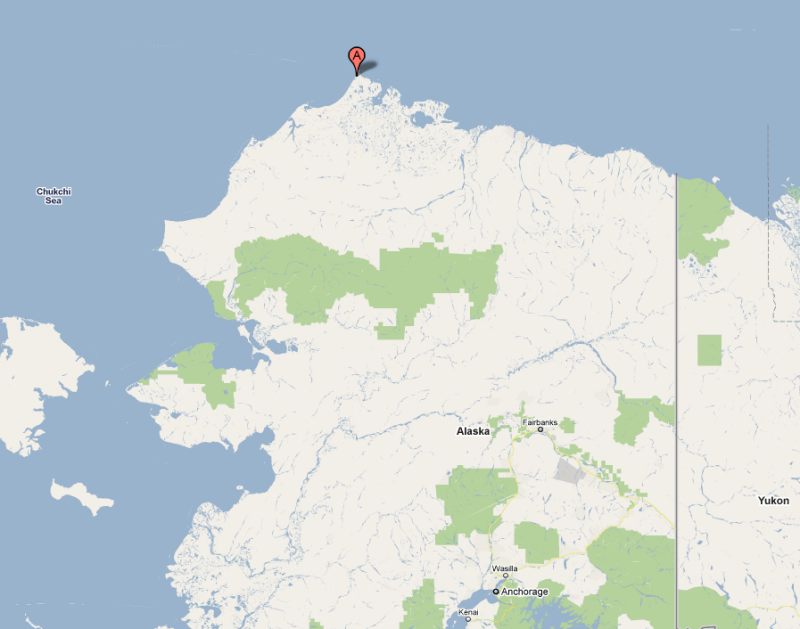
Barrow, Alaska.
You can see the love and environmental caring of the native Alaskans writ large in the following picture, not to mention Uncle Sam’s proclivity for stating the obvious. The sign was rather wasted on them in any case, as most are illiterate. Ah! the nobility of the native American, subsisting on a diet of illicit drugs, booze and whale blubber.

North end of Main Street, Barrow, Alaska. Keep going and you are in the Arctic Ocean.
After a year in Eagle River I determined I had had enough of this communing with nature stuff, not least as calling the tow truck every snowfall to pull my car out of the snow drift into which I had just plowed was getting really old. The colors in late summer sun in Anchorage were acid bright – etched almost.
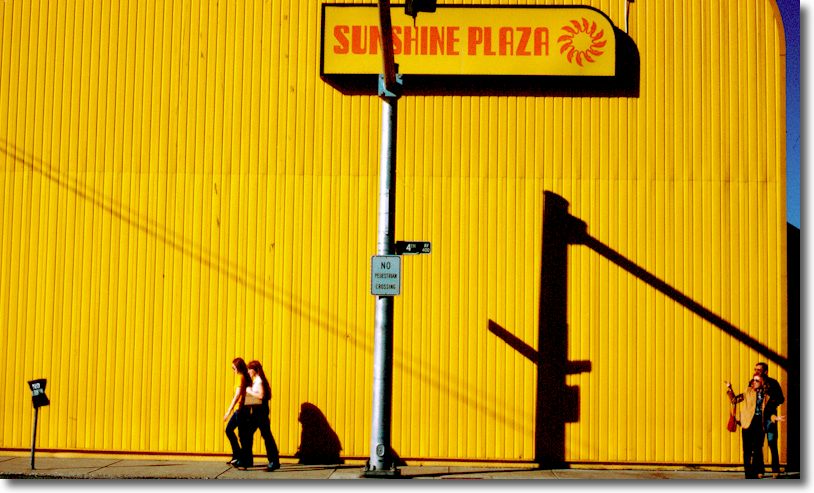
Fourth Avenue, Anchorage.
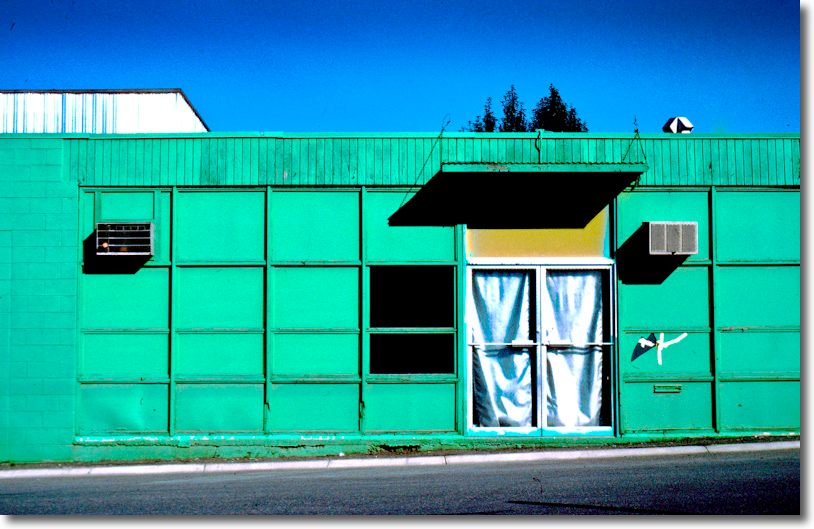
West Fireweed Lane.
You can see my apartment – the penthouse top right – below. Sounds grand, but in reality this was a bust high end condo project which I rented for a song.
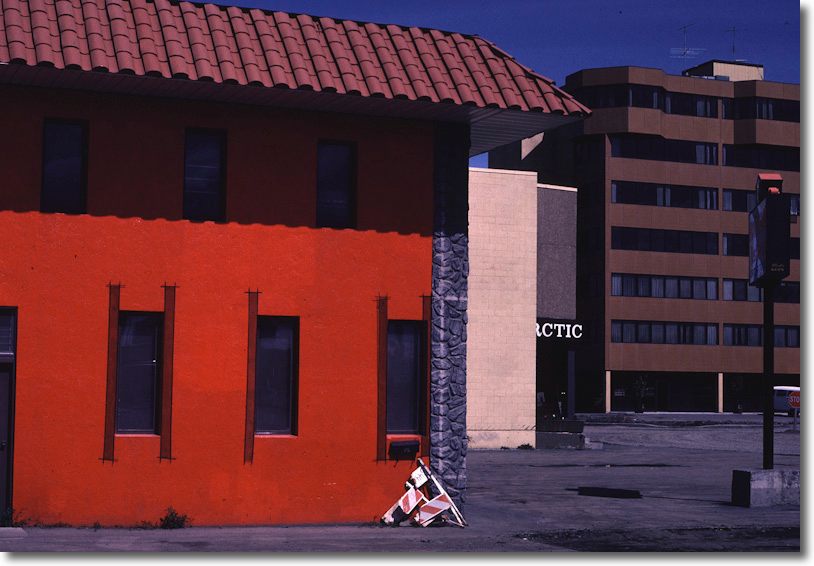
500 West Fireweed Lane, Anchorage. July 19, 1980.
And last, and far from least, the move back downtown made for some good company which it was my great joy to experience.
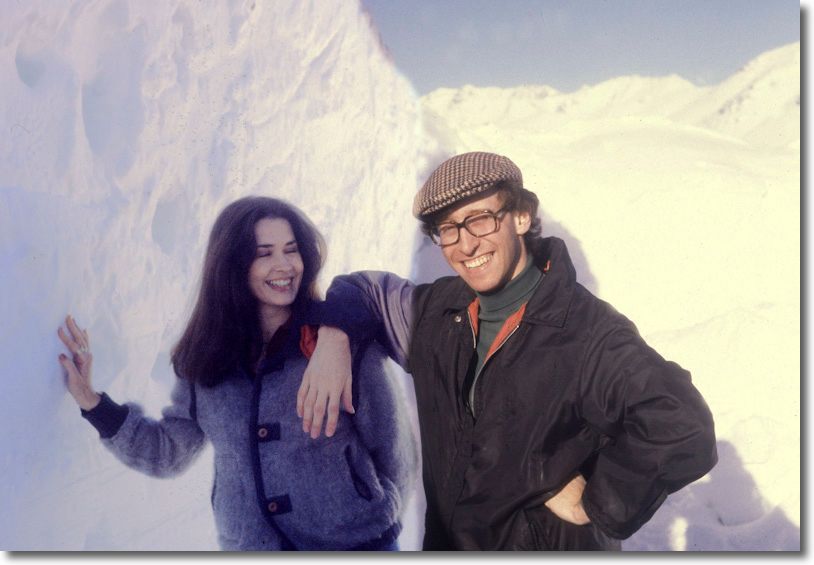
The author with a friend, Anchorage, 1979. Nothing beats an English accent.
The picture was taken by my friend Michael Hawker, still an Anchorage resident to this day and now a Congressman!
Having committed to two years in Anchorage the conclusion of that contract still saw me waiting on the people at the Immigration and Naturalization Service – an outfit whose customer manner makes the IRS seem like Mother Teresa – for that much desired green card. It wasn’t until September, 1980 that the Green Card finally came through and on the same day I walked into the managing partner’s corner office and stated simply that I would be leaving for New York within the month. And so it proved to be. I had done my service and left the state with maybe $30,000 in my pocket, having started $4,000 in the hole.
Sitting next to a businessman on the plane he wondered about how long I had spent in Anchorage on learning that my new home would be Manhattan.
“Well, to be exact, it was 2 years, 9 months, 11 days, 14 hours, 12 minutes and 32 seconds. But who’s counting?”
It was October 1, 1980.
I was finally on the way to the center of the world, New York City. My Leica M3 once again accompanied me in the cabin with its three lenses. Now a resident ‘alien’ I could work wherever I pleased.
All pictures taken with a Leica M3 with 35mm Summaron, 50mm Summicron and 90mm Elmar lenses, on Kodachrome 64.
* * * * *
Click here for an index of all the Biographical pieces.