Category Archives: Hardware

Stuff

iPad – getting ready

First reviews are in.

The first reviews from credible journalists – Walt Mossberg at the WSJ and David Pogue at the NYT – are in and the biggest surprise is that Apple did not lie about the battery life. Both journalists report nearly 12 hours on one charge compared to the “up to 10 hours” claimed.

Mossberg points out that the OS has no multitasking but that is coming for the iPhone so expect it on the iPad soon. And Pogue makes the good point that nerds will hate it because it’s simple and Just Works. These are the same people who adulate keyboards (over which they delight in eating pizza) and mice (they have two – one on their desktop and another eating their crumbs below) so we can move on.

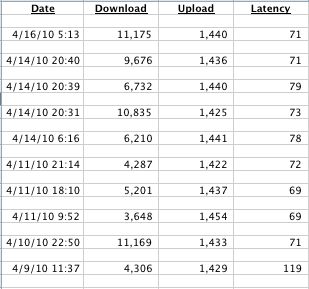
From a personal perspective I have done a quick spot of upgrading to prepare for my iPad. Quick and free upgrades to iPhoto and iTunes on my MacPro get the desktop ready to ‘speak’ to the device. Then I blew some serious coin, meaning an additional $5 per month, to increase my AT&T Uverse broadband speed to something about half the speed available to the rest of the civilized world. The upgrade took all of 5 minutes before becoming available. You tune in Uverse using Safari, tell them you want more speed and it’s done without any need to wait a month for a technician. 5 minutes later.

As the 32gB iPad I am getting is wifi only I thought I might as well speed it up. A quick word about AT&T’s digital Uverse service. Every nerd likes to trash the Telephone Company for its many coverage and capacity issues caused by the wild popularity of the iPhone which, in America, runs on AT&T only. I do not think that is fair. First, as a little remarked piece of (rare) excellent journalism in the Wall Street Journal recently pointed out, much of the bottleneck problem with the iPhone and AT&T was the cause of …. poor wireless application design by Apple! AT&T sent in a team to teach Apple how to do it right and expects improvements. Of course, they dare not admit to this for to question the sanctity of Apple’s programmers would doubtless incur the wrath of Mr. Jobs. And Apple’s market capitalization is, if you can believe this, larger than AT&T’s:

I have been using Uverse for a couple of months now and while the installation made a root canal seem like a fun time, the ability to change your service level for TV and broadband from your keyboard is pretty special. No more waiting all day for the technician who forgets to show up. And yes, you can simultaneously record several shows of the crap that passes for television in the US using the optional DVR (made by Motorola) whose integration into the remote and general reliability is as good as anything from TiVo. Oh! joy. The service works well and has only gone down once – compared to weekly failures I enjoyed from my former provider, Charter Cable. Uverse is available in civilization – meaning the big coastal cities and Chicago – but don’t expect it any time soon in your area if you think grits are a delicacy. And it you think the Telephone Company doesn’t know technology, how do you explain providing broadband and digital TV over copper cables designed and installed one hundred years ago? It’s no accident that the old Bell Labs boasted more Nobel laureates in its ranks than any other organization. Yes, the company is big and unwieldy, often frustratingly slow and bureaucratized (thanks to excessive regulation which constrains competition) but this sort of innovation makes you think well of America’s future.

Finally, the reviews published today confirm what the sneak videos taken on the day Jobs presented the device to the press a while back suggested. The device is ‘blindingly fast’ (Goatbeard’s words, not mine) – another pleasant surprise.

Tomorrow I shall disclose the carefully planned strategy our eight year old and I have devised to beat the crowds when we pick ours up on Saturday morning. And, of course, you can expect photo coverage from your intrepid reporter of the day that will change the way we use computers for ever. I don’t know about you, but I propose to be a part of that change. Stay tuned!

By the way, easily the best piece yet written on the iPad is by English humorist Stephen Fry in, of all things, the otherwise culturally arid desert known as Time magazine. And yes, he gets to meet God.

On a happy note for AAPL investors, you can expect MSFT and AAPL to swap places in this table of America’s largest companies by market capitalization within 12 months:


Disclosure: Long AAPL. Hey – you didn’t expect me to pay for it, did you?

iPhoto on the iPad

A disappointment.

I confess to spending a minimum of time watching the iPad videos on Apple’s web site. There’s only so much self-congratulatory hype I can take.

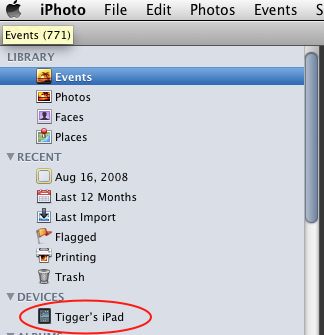
However, a friend, an enthusiastic Mac user, watched a few and pointed out that the iPhoto app on the iPad has no editing controls. I checked the video and she appears to be right.

That’s a major disappointment as iPhoto on a Mac, in its current version, is a remarkably competent application. Sure, when I get serious it’s Lightroom (and Photoshop if I really must) but the processing controls in iPhoto are non-trivial and largely eschew the simplistic Disneyfied world Apple places many of its users in. You now what I mean – everyone only takes pictures of Mom and Pop and the Kids’ birthday parties thewhile listening to the inane pap passing as music from the iTunes store before settling down to some mainstream saccharine coated garbage movie or sitcom, rated G of course.

iPhoto on the Mac – seriously competent

Adapting this clean and simple interface to theiPad is surely the work of moments for the smart programmers at Apple, so let’s hope that the iPad soon has a version 2 available with functionality comparable to that in the desktop version.

iPhoto on the iPad – an intuitive interface

On the other hand, when it dawns on programmers that there will be huge demand from enlightened photographers for the iPad as a processing platform, rather than just as a tool for retrieval, you can bet we will see some truly innovative photo processing apps in the AppStore, if Apple allows them in. There are some lightweight ones available for the iPhone already and I am looking forward to more and better.

Eye-Fi and iPad

Lot’s of ‘i’s

The original Eye-Fi card was underwhelming, even if it was a piece of technological serendipity. This SDHC card included a wireless transmitter which could send your pictures to a nearby computer using wifi. I say underwhelming as the card was slow to transmit data and could not send out RAW files.

Now the newest Eye-Fi card looks much more promising, but it is quite expensive.

RAW is now supported but you should check their compatibility list for your camera – not all work. Wifi speed is 802.11n. They claim the sending speed has doubled.

Why is this relevant?

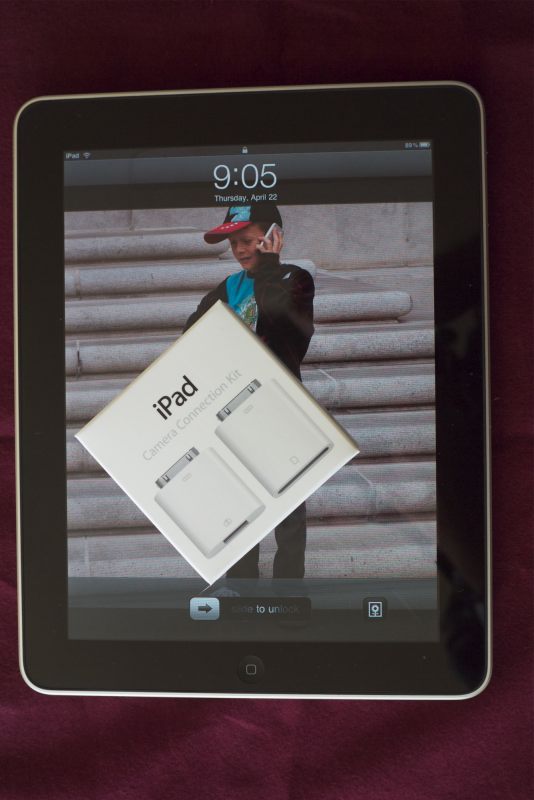
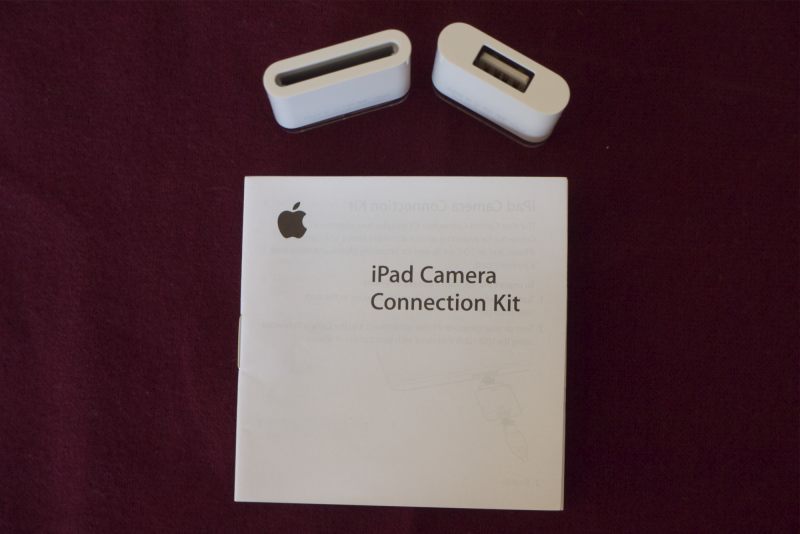
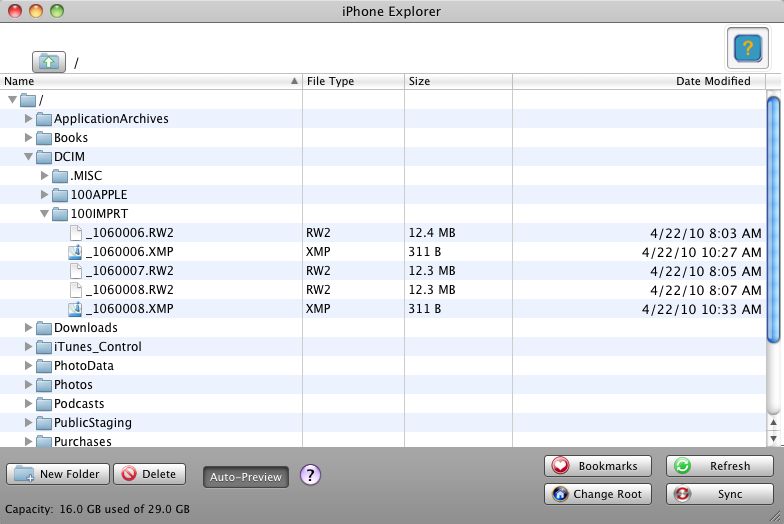
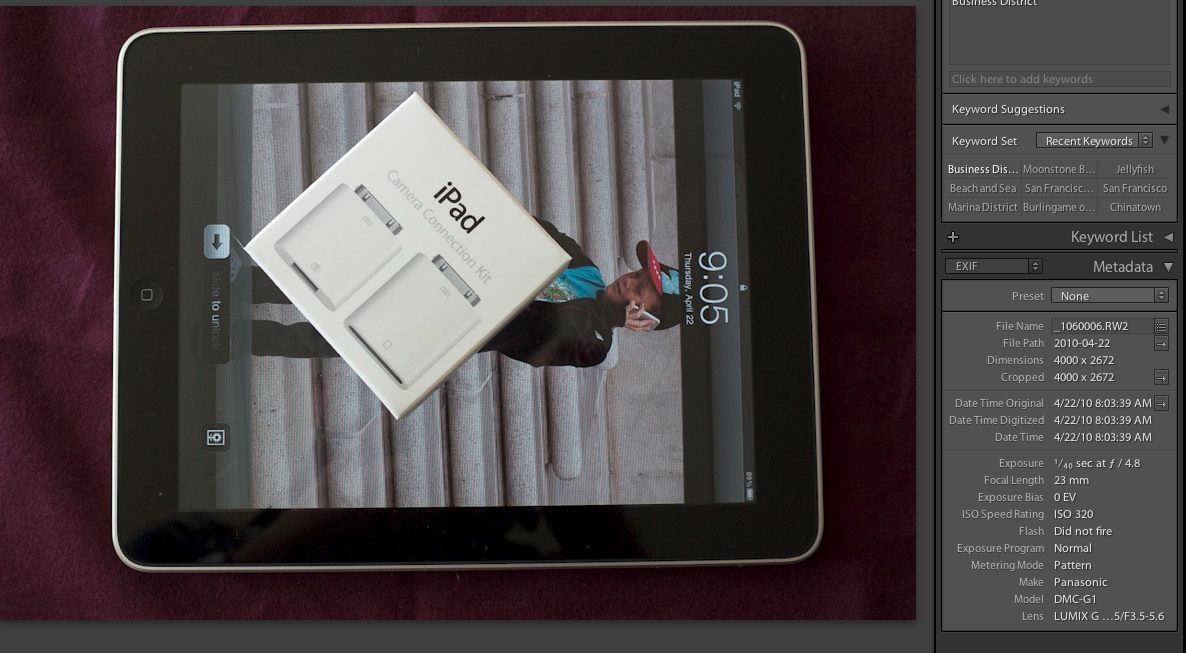
Well, owing to what can only be described as a monumental procurement cock-up in Cupertino, the SDHC card reader for the iPad will not be available until late April. So if you want to use an iPad as an on-the-road photo storage and culling tool, tough luck until then. I mean, what is so difficult about making a low tech plug-in card reader when they have been around for the best part of a decade and the technology of the iPhone/iPad connector is now 3 years old?

Reviews of the 4gB ($100) Eye-Fi Pro X2 at Amazon suggest an upload speed of 1-2 mb/s, so your 12 mb RAW file will take some 9 seconds to make it to the iPad – not stellar, but maybe a worthwhile workaround?

Eye-Fi’s site also has some disclosures concerning use of these with SDHC to CF adapters in cameras like the Canon 5D/40D which do not accept SDHC cards. It seems there are workarounds but few guarantees. so caveat emptor is the order of the day.

iPad in the studio

Some thoughts.

One of the more charming moments in ‘The September Issue‘ which I wrote of yesterday occurs during the studio session where actress Sienna Miller is being photographed for the cover.

In a documentary otherwise focused on hard headed business people there is a moment all photographers and creative people will identify with. The Hasselblad digital files have been moved to a Mac and everyone is gathered around the monitor while the technician flips through the images (using grungy old Photoshop, of all things). Some object to this, others to that until suddenly one image elicits a collective ‘Wow’ from everyone. It becomes the cover shot, albeit after much post processing – a shadow added here, a filling removed there, a skin blemish corrected, and so on.

I found myself thinking how this scene will change once tablet devices like the iPad are mature. The photographer will be banging away. The images are sent wirelessly to a half dozen iPads in the hands of the various parties in the studio – the art director, the lighting man, the make-up man, the client, the editor. There will be no need to import, load in Photoshop or whatever, or to reshoot. Everything will be done in real time. Indeed, once EVFs take over from flapping mirrors in studio gear, everything will be visible on the group’s iPads before the picture is even taken. The speed of turnaround is greatly improved, the results will be better and the whole experience will move into the twenty-first century. The incremental cost is modest, the savings in a business where time is money will be significant.

A device for creative types

Another anomaly in the documentary is that the whole issue of the magazine is still proofed using hard copy – the pages are assembled on large tables for repeated scrutiny by the editor and her staff. 16th Century technology. It will not be much longer before a few dozen iPads will replace the time consuming paper copies which take ages to make and a flip of the finger on each will permit editorial decisions between alternatives, with change easily made by a couple of nerds in the back office. Press another button and it’s off to the press which, of course, is an electronic copy of Vogue for distribution to iPads everywhere. And the world’s forests will be saved. Probably not a good time to load up on forestry stocks. The cost of one hundred iPads to a publishing powerhouse like Vogue magazine – call it $40,000 after bulk discounts, or about the cost of one Hasselblad – is trivial. That’s probably their weekly entertainment bill.

By the way, the prints used by Anna Wintour to critique the layout of the issue are considerably smaller than the display area of the iPad, as the documentary shows time and again.

The iPad and devices like it will storm the creative world as the ultimate feedback device, even though it may be originally targeted at the couch potato set for feedforward only.

1Password and the iPad

To fight the sticky fingered set.

iPhones are not that easy to steal. Sure you can pinch the thing but the number is registered to the owner and MobileMe users can track your location and rat you out to the cops from any computer with internet access. There are many instances of this happening, the average thief seemingly unaware that all iPhones come with GPS. The theft of your iPhone is comparable to a small car accident. It’s not the loss or damage to property that hurts so much as the incredible amount of time you have to spend dealing with the various parties involved. With the car accident it’s the criminals at the insurance company. With the iPhone it’s the criminals at the local police station – the guys who retire at 50 after being promoted to ‘sergeant for a day’ to maximize their pensions. The honest guys are mostly the ones behind bars.

The collateral damage does not stop there. The least valuable thing about an iPhone is the device itself. The real value resides in the content which is likely replete with passwords and access data to your various financial accounts and records. The thought of losing those makes me shudder.

Now things are about to get an order of magnitude more risky. The iPad, with its tremendous promise as a photography tool, will be a very appealing thing to steal. It’s not especially cheap but it is very light and portable, and has substantial resale value. And a really smart thief will know to disable MobileMe on it, which is the tool used to locate a stolen iPhone or iPad from your desktop computer, using GPS triangulation or 3G if your mobile device has it. It’s very accurate even using triangulation, by the way, and is a great reason to buy MobileMe. But the real beauty of MobileMe, now a robust product after a disastrous premature release some 18 months ago, is the ability to synchronize contacts, calendars, to do lists, etc. between your iPhone and your desktop. Having used MobileMe for some 15 months now I could not live without it. You can buy it from Amazon for some $75 a year, far less than the $100+tax the Apple Store will charge you.

Now my iPhone is password protected. A 4 digit code unlocks it and anyone who does not use this approach is likely insane or has no assets. I can lock a lost iPhone remotely through MobileMe and also remotely change the password. Powerful. But right now, once it’s unlocked, the user only has to look in my Contacts to find a myriad of logins and passwords. Not good.

In olden days I had one password for all my various logins.

Now everyone seems to want a different password methodology and length. Some want numbers and letters, some insist on characters, some are case sensitive, etc. It’s becoming impossible to remember everything (plus I’m getting senile).

So I’m testing (30 days free) a product named 1Password. So far, I’m pleased. It is Mac (Tiger, Leopard or Snow Leopard) and iPhone/Palm only. I tried it a couple of years ago and it was clearly an unfinished product. Now it’s much more polished. What put me over the edge was that I was in the Apple Store yesterday having my iPhone’s battery checked and struggled remembering all the wretched passwords necessary to have it reset. I consoled myself with the thought that I was some 50 years older than their average customer, many of whom looked like they either needed a change of underwear or a good bath and shave.

1Password integrates into popular web browsers (Safari, Firefox, Camino) on your desktop, allowing you one click access to all sites for which you have saved information in the application – you see this small ‘1P’ icon in your browser’s menu bar which you click to enter any site which requires a login name and password. If that site is saved in 1Password you get in with a minimum of typing.

The product has been around for ages and seems to garner rave reviews. Here’s a typical page from my installation for the things in my wallet:

It also syncs with your iPhone – a couple of screen shots:

Not cheap at $39.95 but so far I have input:

  • 10 Logins
  • 18 Accounts
  • 17 Software keys
  • 6 Wallet items ….

…. and counting.

What an insane world we live in. As an example, AT&T’s Uverse service, when you call them (sadly a disappointingly frequent event), always asks a different security question, as they are so totally messed up. These can vary from your phone #, your 9 digit account #, your 4 digit passcode, your favorite actor (no kidding), your 10 digit wireless password …. and, doubtless coming soon, your dog’s favorite snack. I’m no great fan of Islamic law, goodness knows, but there’s something to be said for chopping a thief’s hand off. Next stop? A password-free world. As for rapists ….

I’ll likely buy 1Password in 30 days if it’s glitch free – I have the Sync set up with my first generation iPhone (also works with a Palm phone) and sync works perfectly. So what I input on my desktop is reflected on the iPhone and vice versa, all of it requiring one password (or two for the paranoid) to access. If I do buy it the first thing I will do is to erase all password information from my Contacts. That’s really not a safe place to store that information. Your 1Password data reside on your desktop and your iPhone – the information is not know by the application vendor.

There’s also a way of setting it up for one click use on your iPhone in Mobile Safari but I have yet to figure that out.

As for the iPhone’s problem, it turned out that some file had become corrupted and was misleading the battery indicator, so the device was shutting itself off prematurely. The Apple Store ‘Genius’ (meaning expert – he’s no more a genius than a survivor of a catastrophe is a ‘hero’ – the word for that is ‘victim’) wiped it clean and I restored it from my desktop. It seems fine. On a related note, this is the first time my iPhone has been reset since I bought it some 33 months ago – testimony to the robustness of the mobile OS in the device which it will share with the iPad. So I am optimistic about the iPad’s software robustness.

Update April 1, 2010: The 1Password folks are on the ball and expect to have an iPad version available when the iPad is released on April 3.

Update July 26, 2010: 1Password has now added automated cloud syncing of your devices if you have a (free) Dropbox account and a nice guide how to set it up. Primarily what you have to do is to move your 1Password secure datafile on your desktop to a stated directory which Dropbox monitors. You have to have Dropbox installed on your mobile devices for this to work (something the instructions omit to mention) but once that’s done, syncing is automated and I can confirm it works well. I mostly update 1Password on my desktop and now no longer have to through the former, tedious wifi sync process which required input of two new cryptic passwords each session. Any change made on any of my iPad, iPhone or desktop Mac is automatically made to the other two devices at a moment’s notice. This greatly enhances the value of 1Password.

There is, however, one limitation. Your devices must be on the same network. So if you update your iPad, say, on the road it will not update your home desktop until you return home and have both logged in to the same network. If you have more than one home network, be sure that all devices where you want to update/sync are logged in to the same network, or you will get into trouble. Tested and confirmed.