In old Albany.
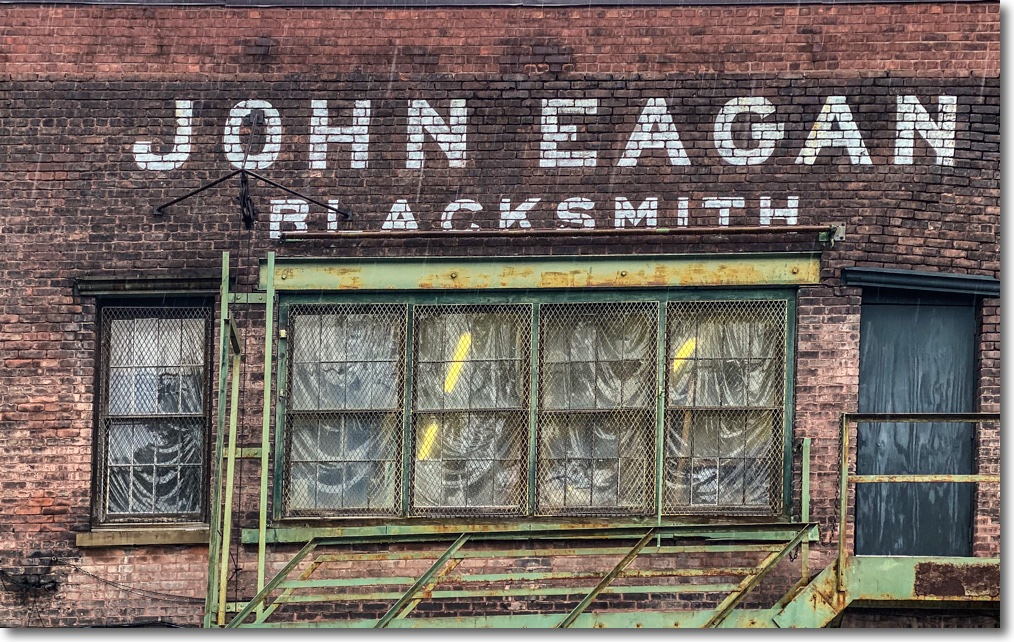
The good ol’ days.
iPhone 11 Pro.
In old Albany.
iPhone 11 Pro.
Downtown Albany, NY.
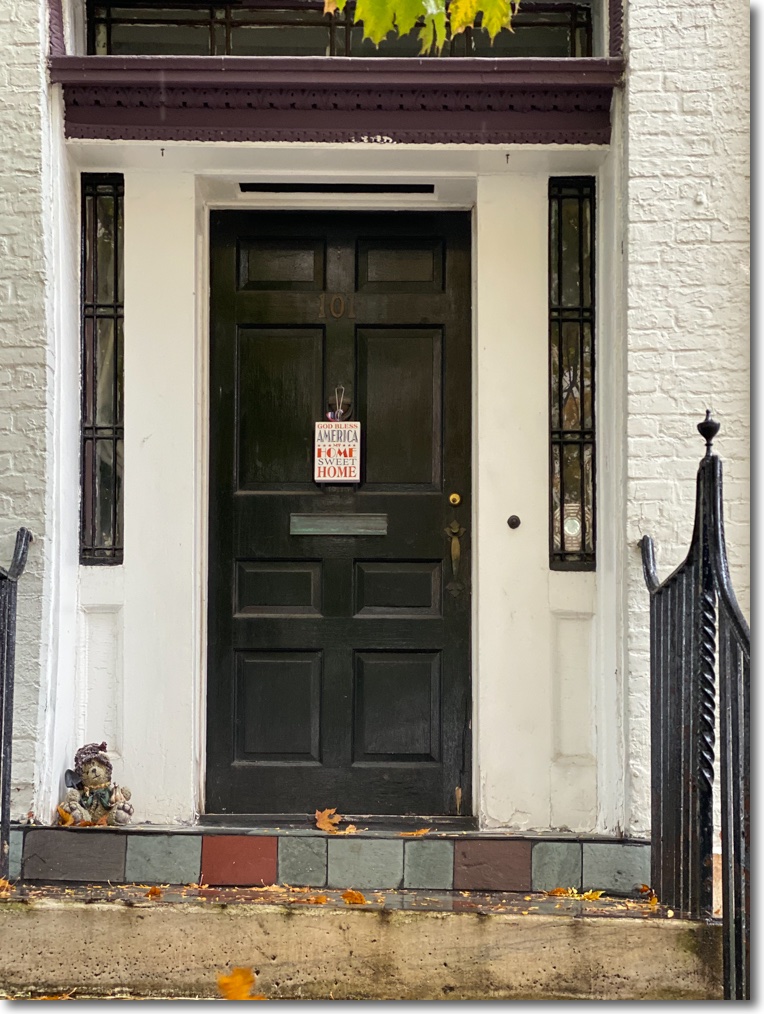
iPhone 11 Pro, 2x lens.
Magnificent.
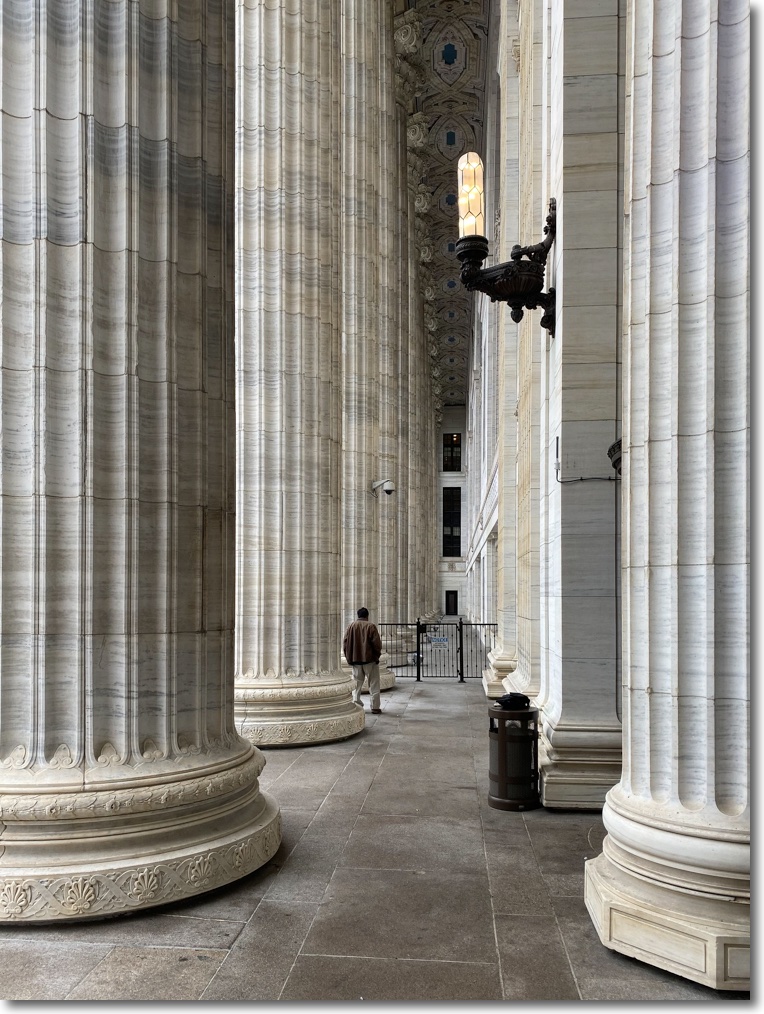
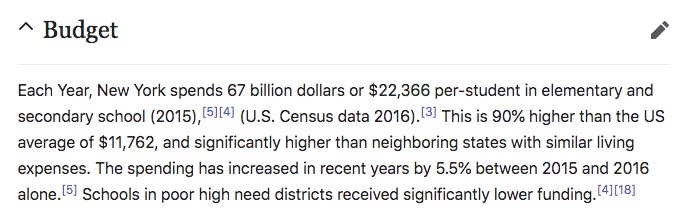
Boasting one of the longest and tallest colonnades of any building, the 1912 Beaux Arts style New York State Education Building in downtown Albany is breathtaking in both its beauty and size. It is also home to one of the largest continuing frauds in American government, as this Wikipedia quote attests:
My son and I visited en route to Union College on a rainy Sunday and were lucky to be given a detailed history of the building and the vast ‘The Genius of America’ painting by the receptionist, right down to the placement of Juno and Minerva!
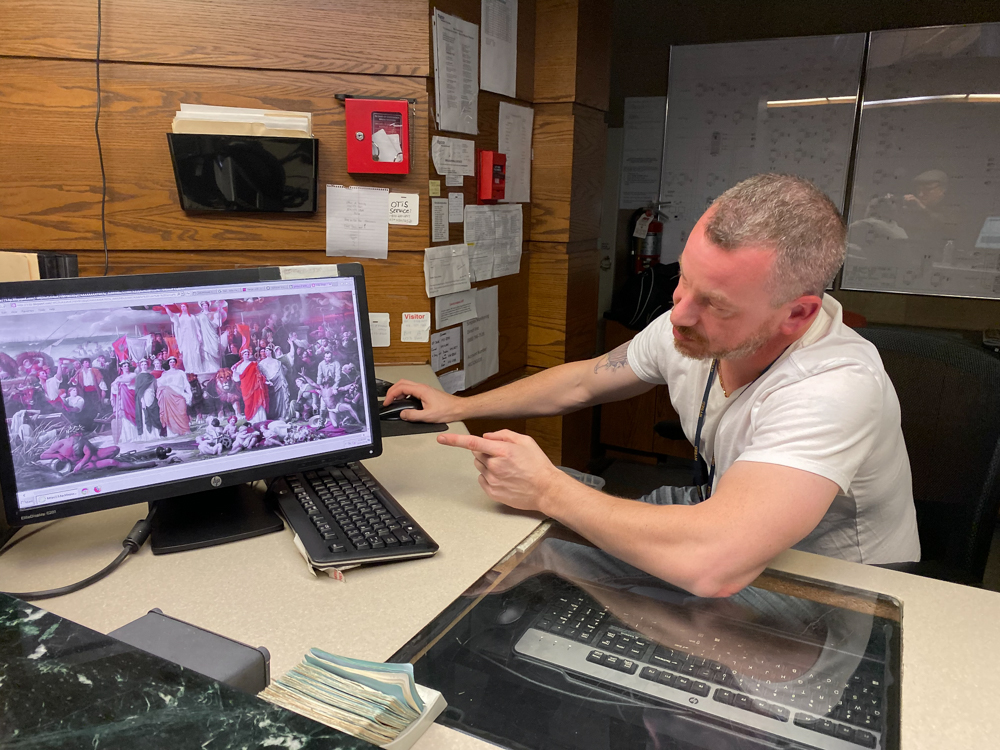
Adolphe Yvon’s canvas hangs in the building and is suitably large at 30 x 18 feet. These sort of allegorical paintings are no longer in favor, but our guide gave us a detailed and historically involving explanation. America would do well to return to adulation of its greatness when half the population thinks it’s no problem to extort foreign governments to further your corrupt political goals.
iPhone 11 Pro snaps.
Mystery in the rain.
This image was taken on a rainy day in downtown Albany, NY during a college visit with my son.
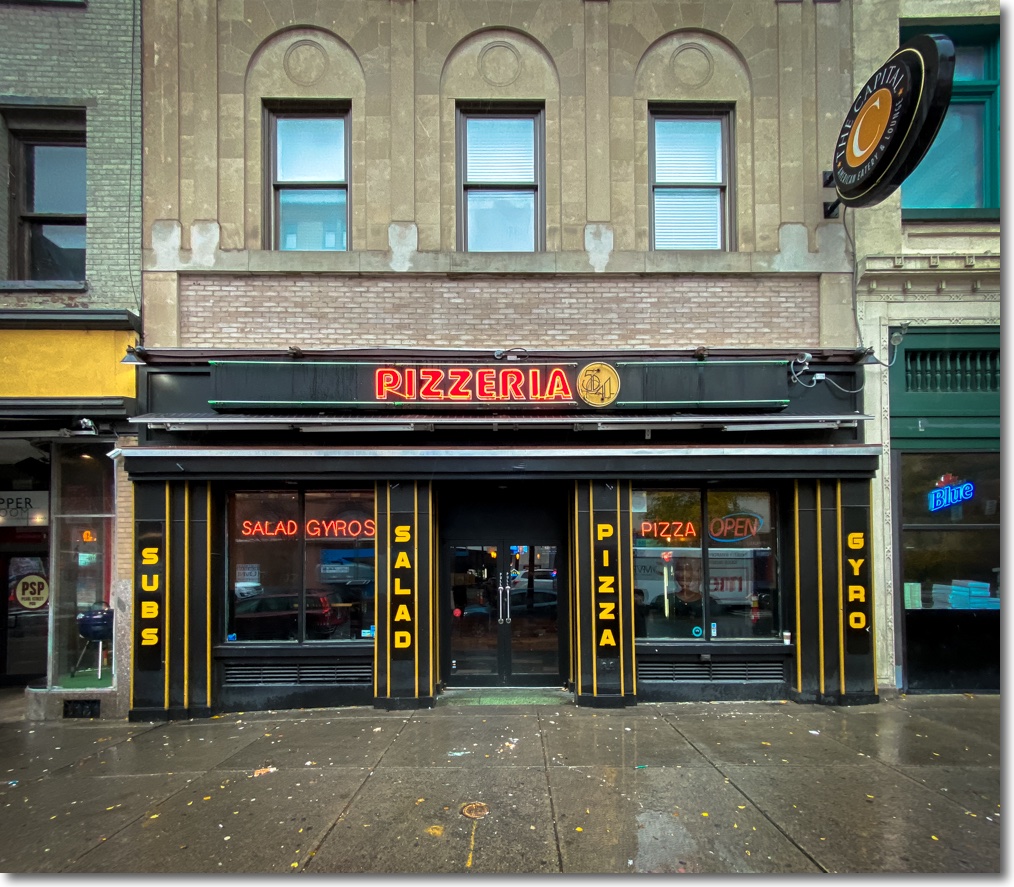
I used my UWA lens correction profile to remove distortion from the ultrawide lens in the iPhone 11 Pro. Cars were parked in the roadway and the sidewalk was narrow, dictating the use of the ultrawide optic. Rain? Not a problem with the iPhone’s waterproof design.
Here’s the uncorrected image:
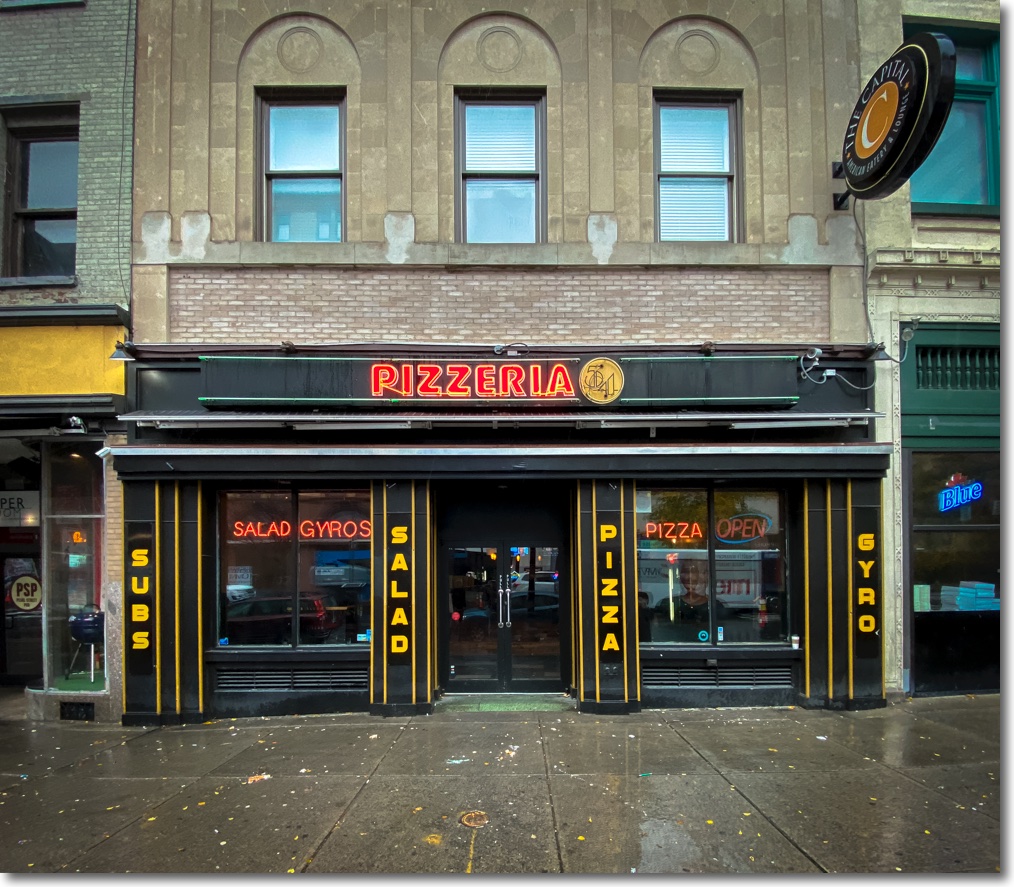
Pizzeria – straight out of camera.
No more mustaches.
Click here for an index of all iPhone articles.
Here’s an index of the iPhone 11 Pro pieces:
Part I – The revolution realized
Part II – Upgrading
Part III – The ultrawide lens
Part IV – The Normal lens
Part V – The Telephoto lens
Part VI – The Focos app
Part VII – Quirks and anomalies
Part VIII – HDR and the Night Mode
Part IX – The digital zoom function
Part X – A lens correction profile for the ultrawide optic
It’s common when correcting distortions in ultrawide lenses to end up with a ‘mustache’ effect in originally straight lines. You can see it in my corrected images taken with the otherwise excellent 20mm f/3.5 UD Nikkor.
The 1.54mm (13mm equivalent on FFE) ultrawide (UWA) lens in the iPhone 11 and iPhone 11 Pro suffers from this malady. Use the distortion correction slider in LR and you get the mustache.
Here’s the uncorrected original image – Apple applies no distortion correction to images taken with the UWA:
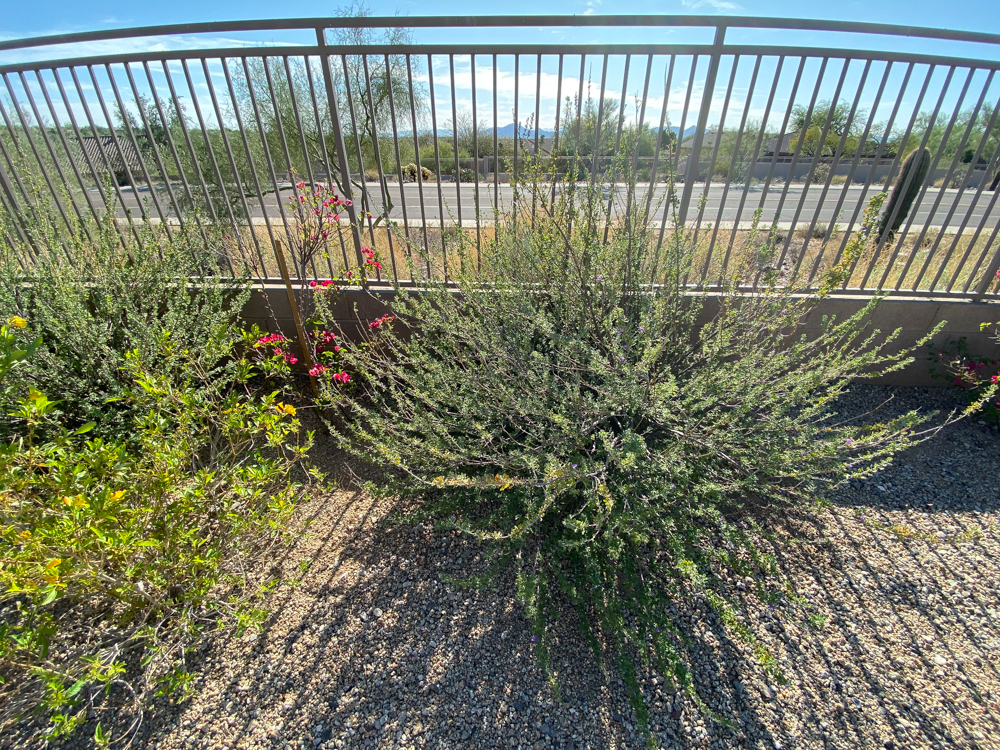
You can correct the distortion using this setting in the LR Develop module, and get the mustache distortion:
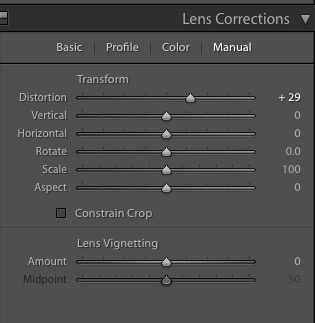
Or you can manually invoke my newly created lens correction profile for the UWA thus, using the Develop module, for truly straight lines at the edges:
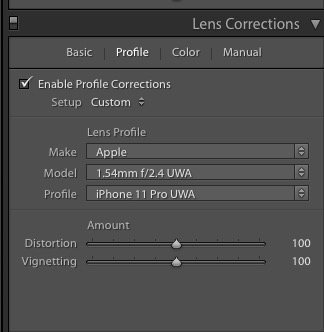
Here is the comparison of the LR corrected image, left, with that corrected using my lens correction profile, on the right:
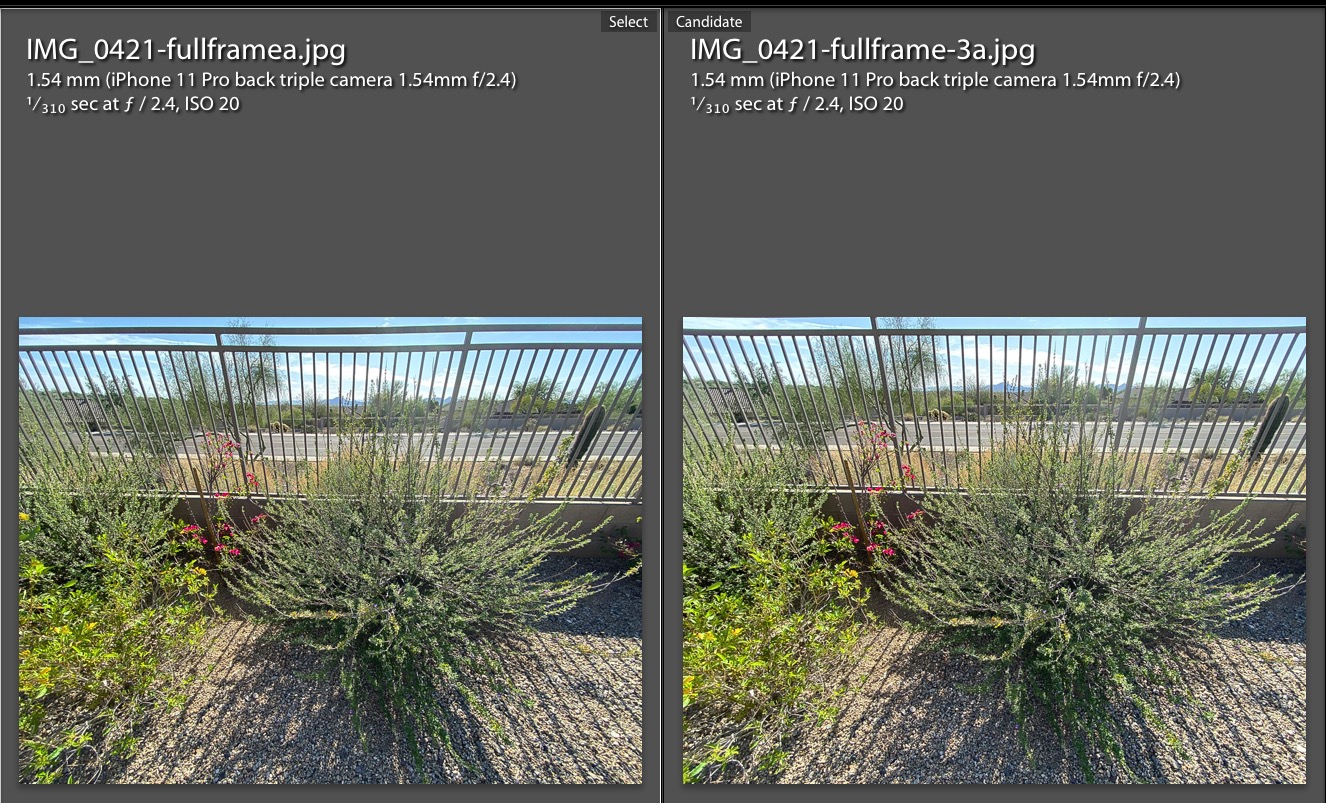
Now you can use that wild UWA lens in the iPhone 11/11 Pro for architectural images.
Go to my Lens Profiles page to download the profile – jump to the end. That page includes installation instructions which must be followed carefully if the profile is to show up in the LR Develop module.
This profile works with JPGs only, not with RAW files unlike the other profiles in that linked page.