Panasonic 12-35mm f/2.8 Power OIS MFT lens – Part II

Outstanding in every respect.

The mechanical aspects of the Panasonic 12-35mm f/2.8 12-35mm zoom were outlined here.

This is a costly zoom and for the money you get a fixed f/2.8 maximum aperture, a far higher standard of construction than the kit zoom, with silky smooth controls, and bulk not much greater than the kit lens. The original 14-45mm kit zoom was a fine optic and you can read about it here. It has long been discontinued but affordable ones can be found on the used market.

What does the 12-35mm add? Outstanding micro-contrast and edge to edge sharpness even at full aperture, an f/2.8 which comes in handy in marginal lighting. And the extra width at 12mm is a good trade-off for the loss of 10mm at the long end.

Here’s a selection of images taken in Williams and Sedona, Arizona the other day.
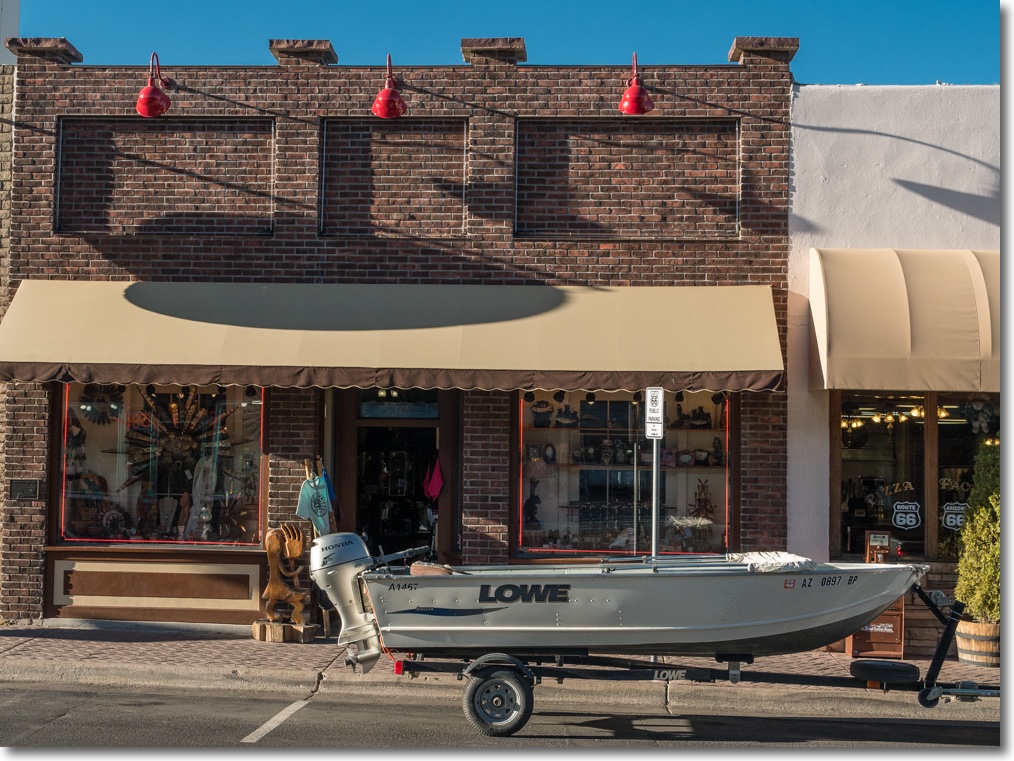

In Williams, AZ: Boat. 26mm, f/5.6
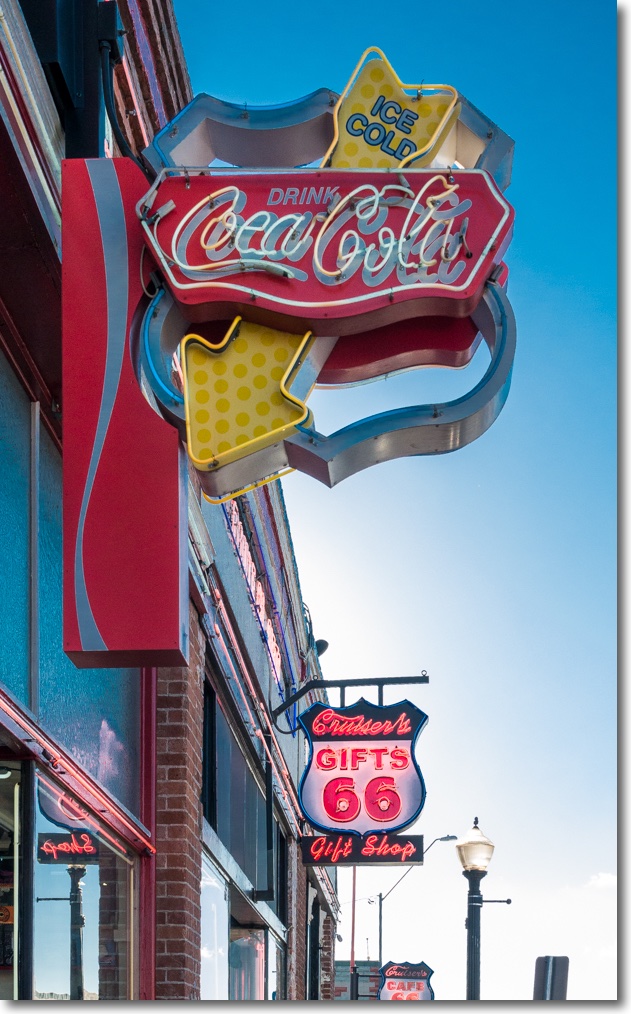

No halos, right into the sun. 24mm, f/6.3.
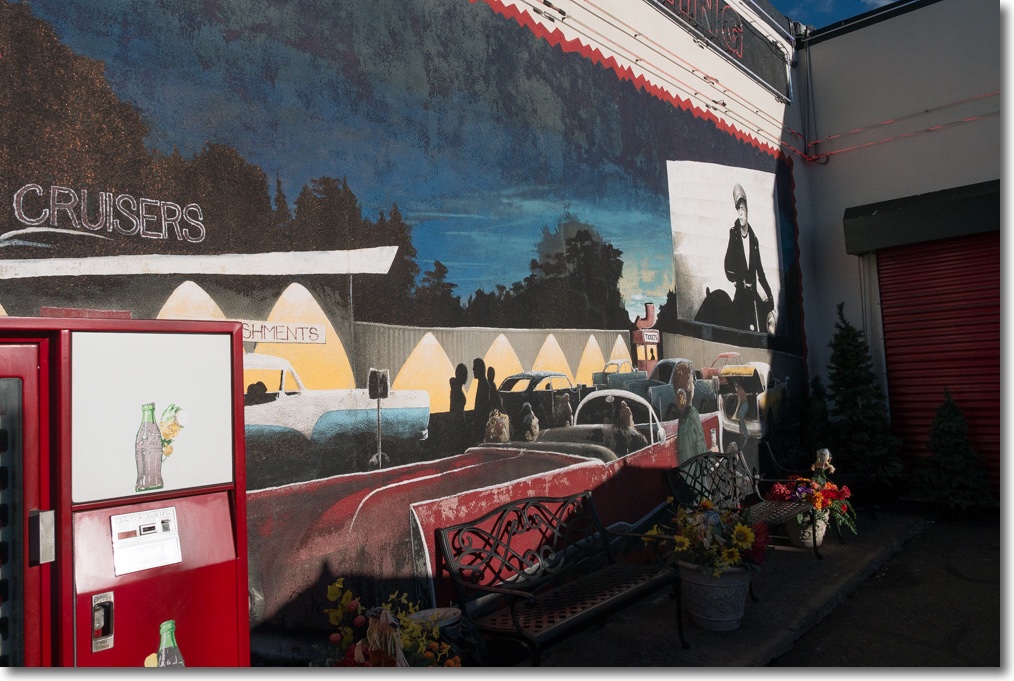

Brando lives! 12mm, f/6.3.


Hot rod. 32mm, f/6.3.
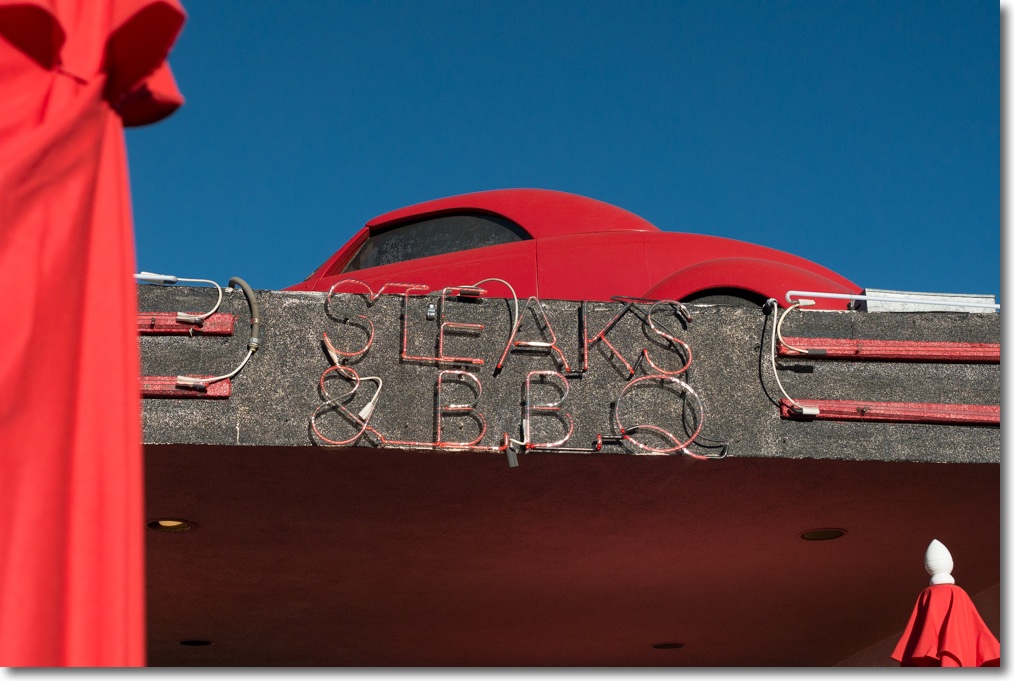

Steaks & BBQ. 25mm, f/7.1.
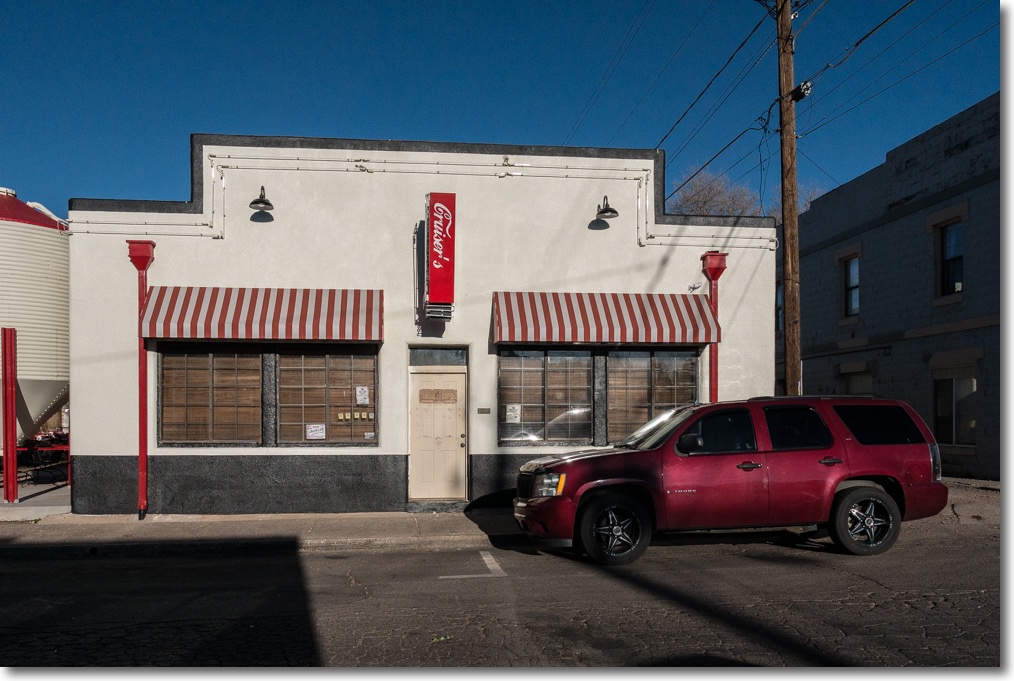

Cruiser’s. 14mm, f/5.6.
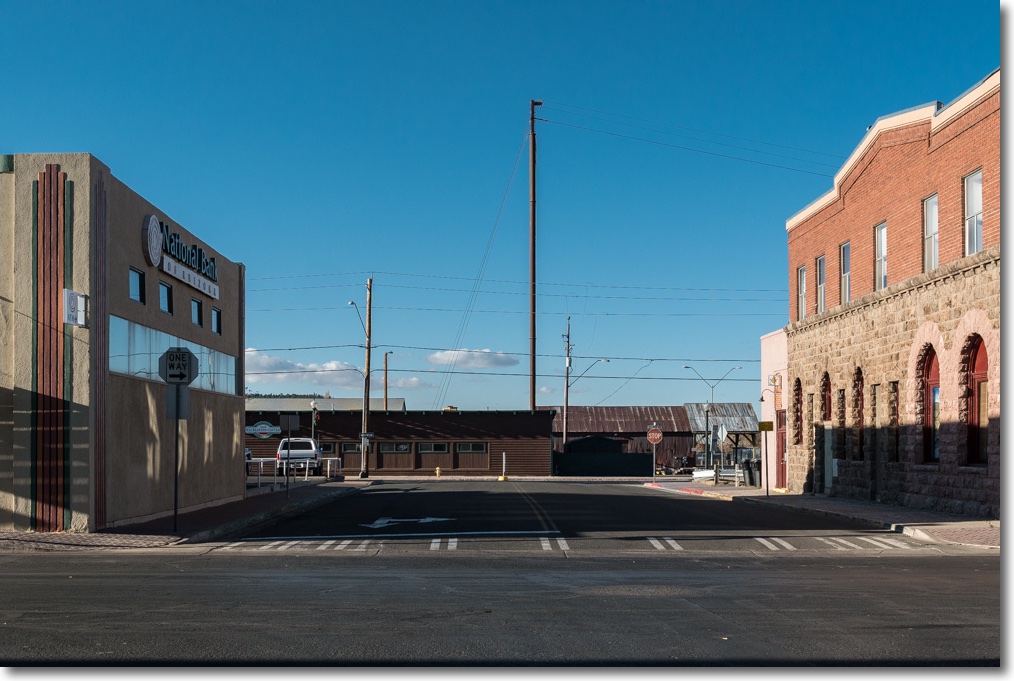

Deserted. Note the Art Deco touch on the bank building at left. 23mm, f/5.6.
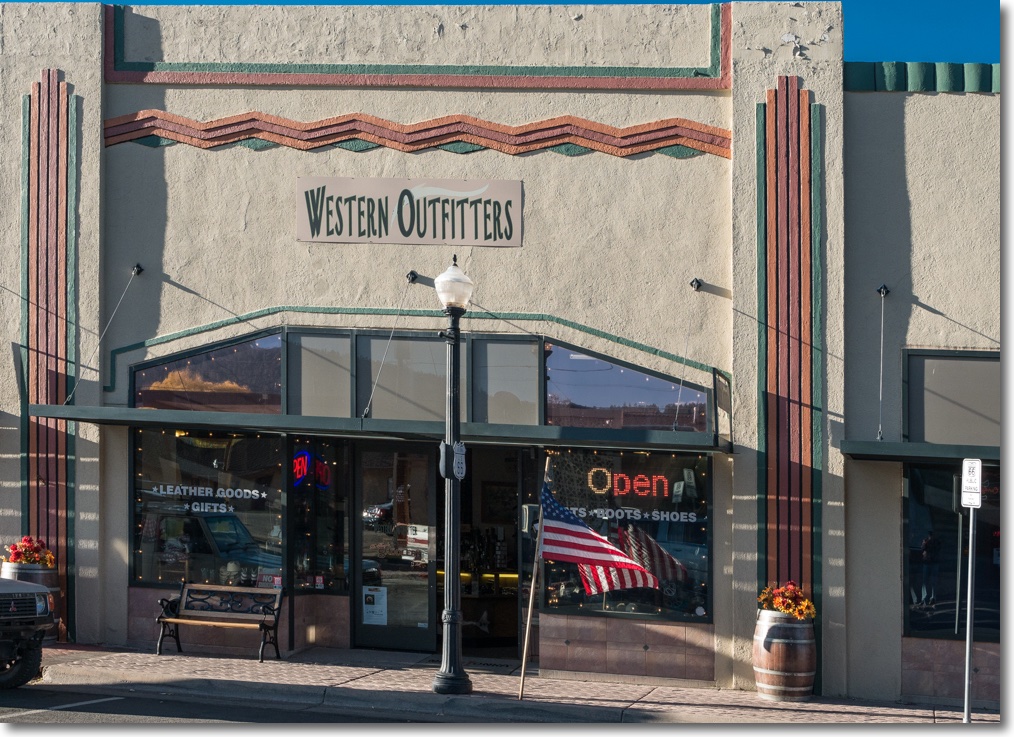

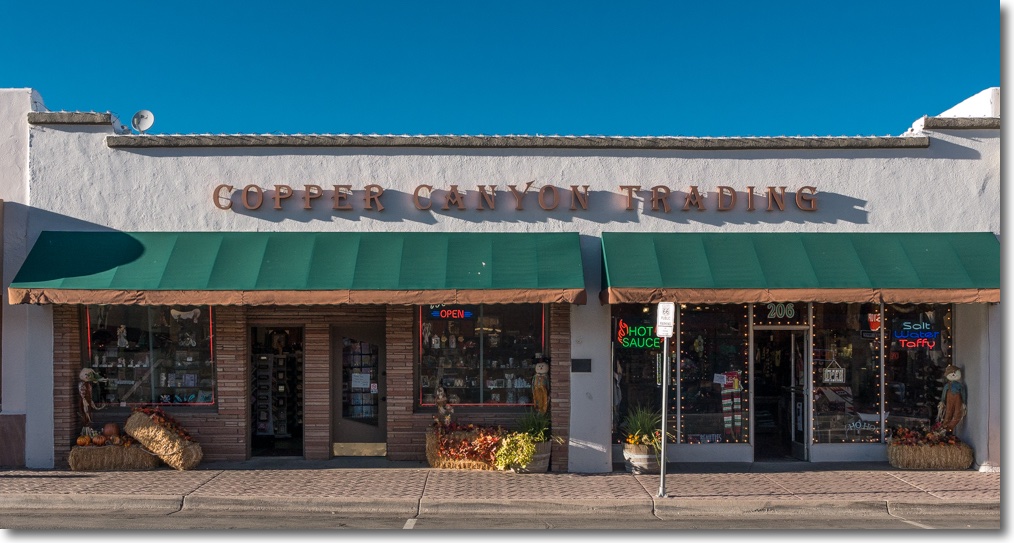
Western outfitters. 23mm, f/5.6.
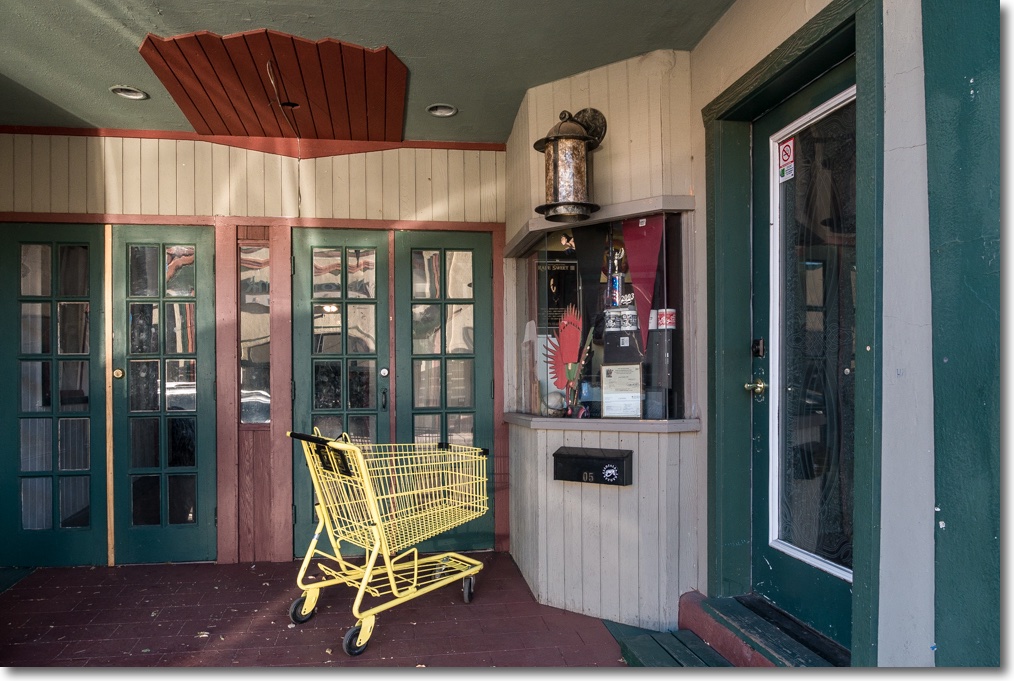

Sultana Theater. 12mm, f/4.5.
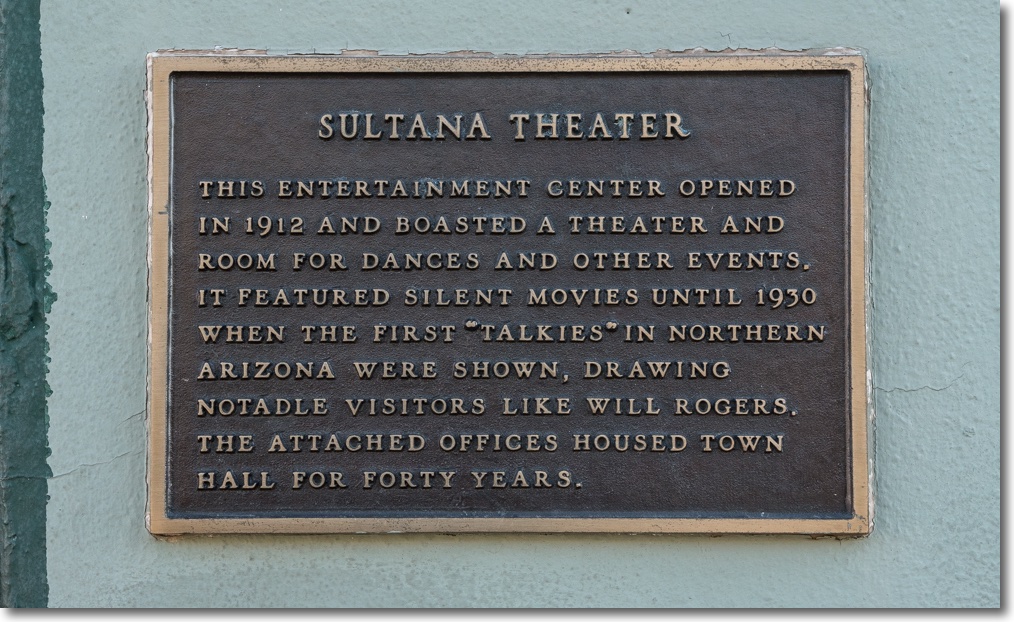

Sultana Theater plaque. 33mm, f/5.6.
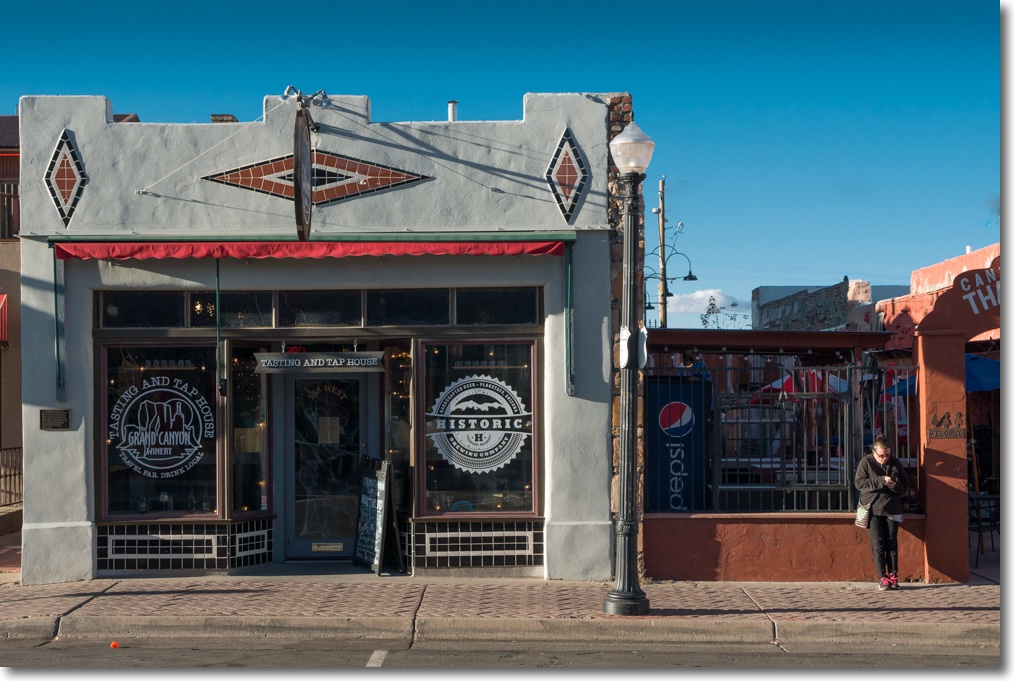

Tasting and Tap house, formerly an opium den! 29mm, f/5.6.
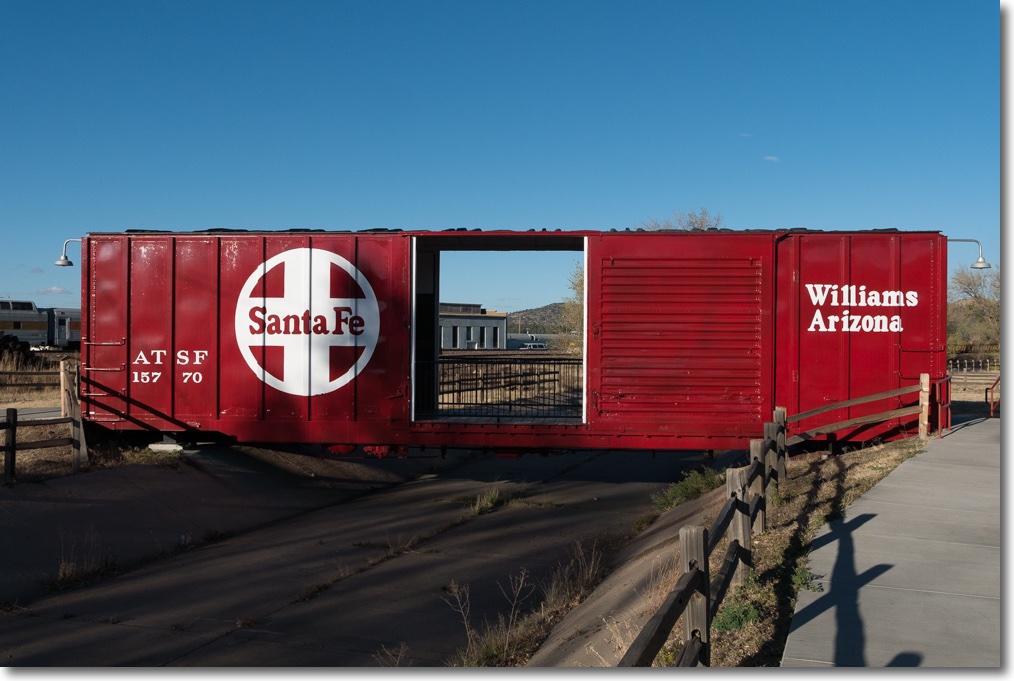

Santa Fe. 17mm, f/5.6.
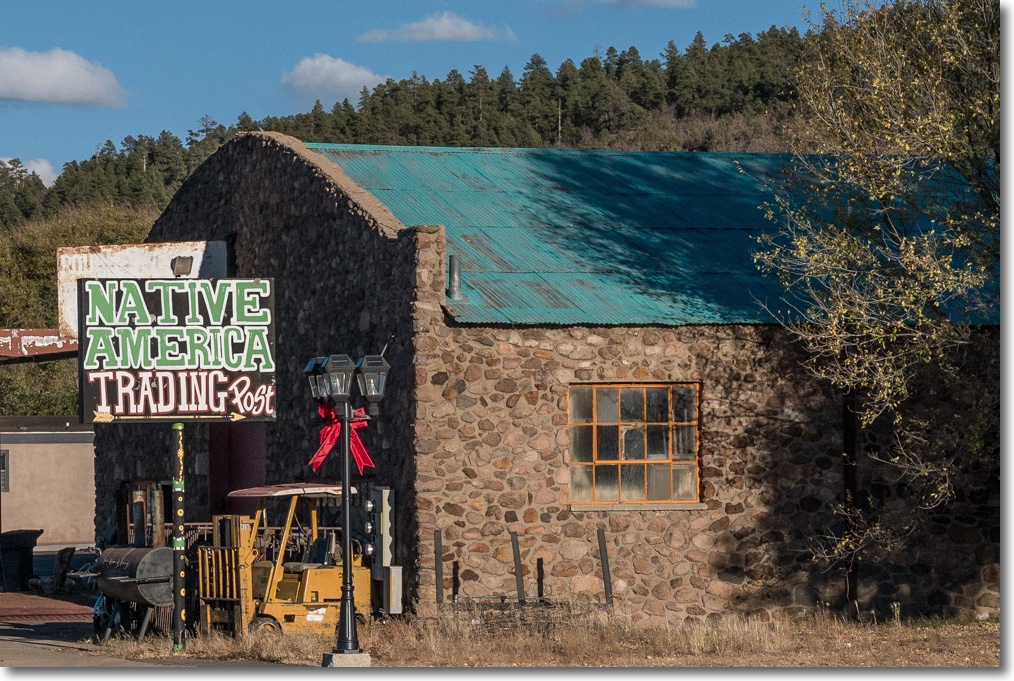

Native America Trading Post. 35mm, f/5.6.
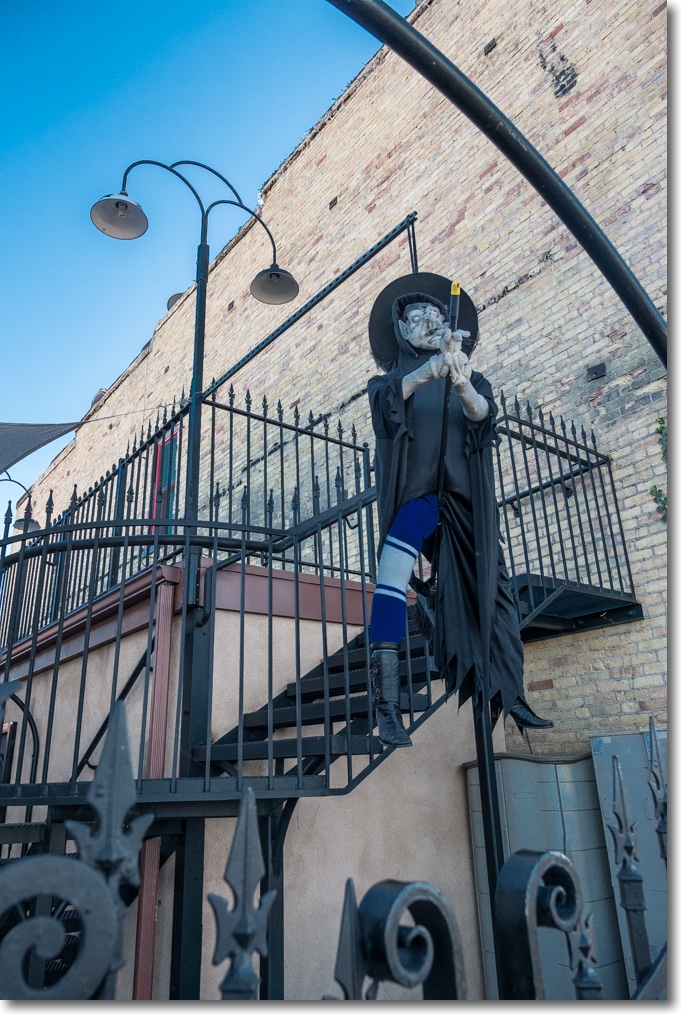

Halloween witch. 12mm, f/4.


Italian Bistro (what?), 22mm, f/10.
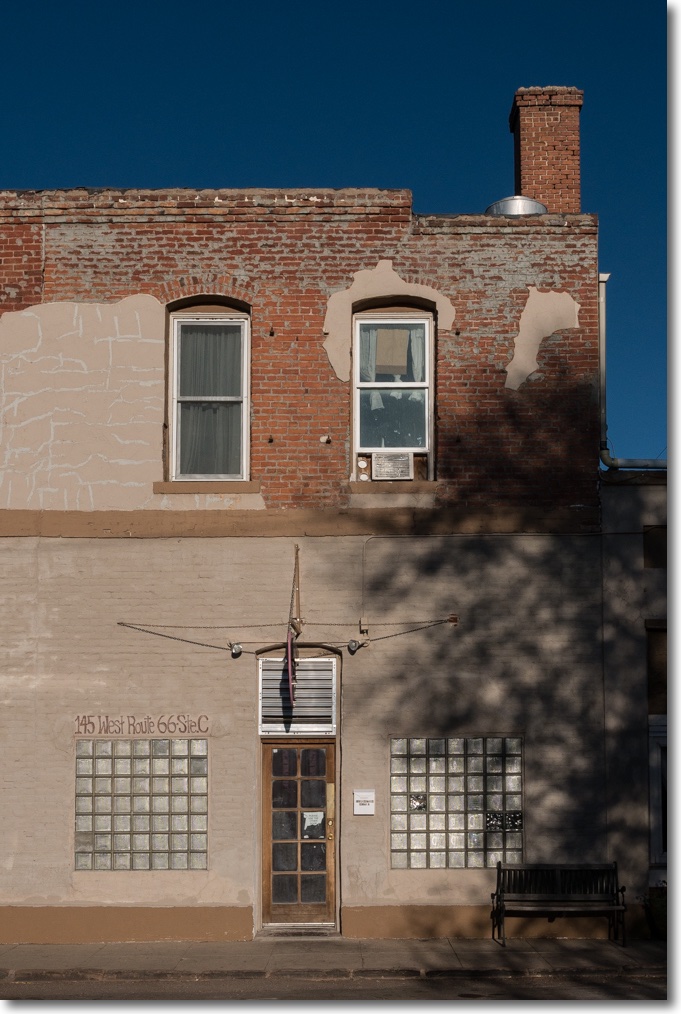

Grand Canyon Hotel. 31mm, f/10.
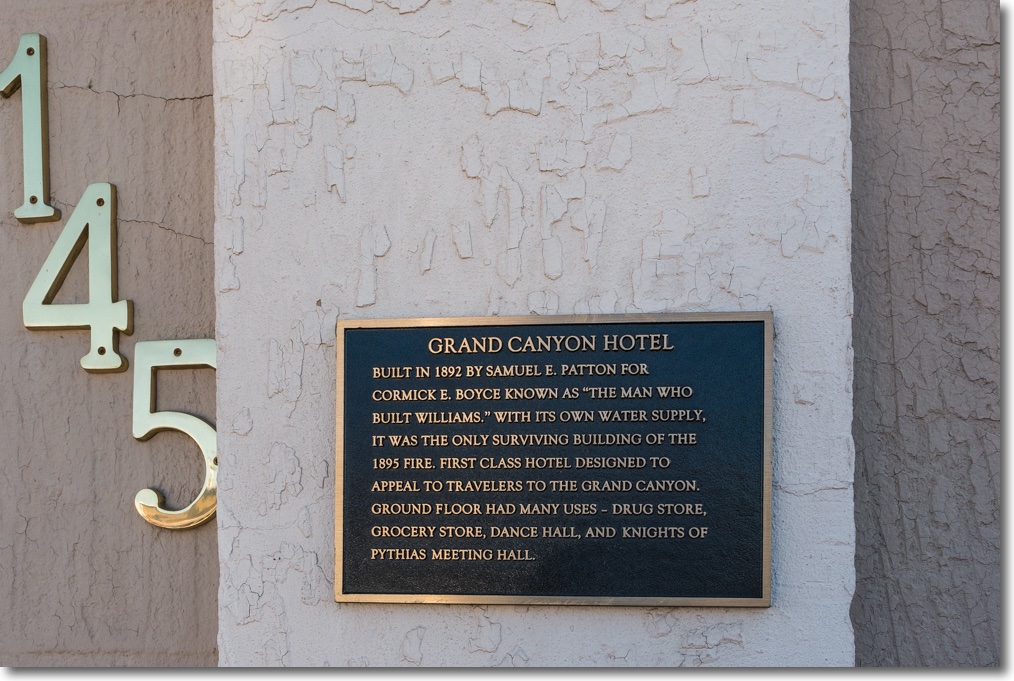

Grand Canyon Hotel plaque. 16mm, f/5.6.
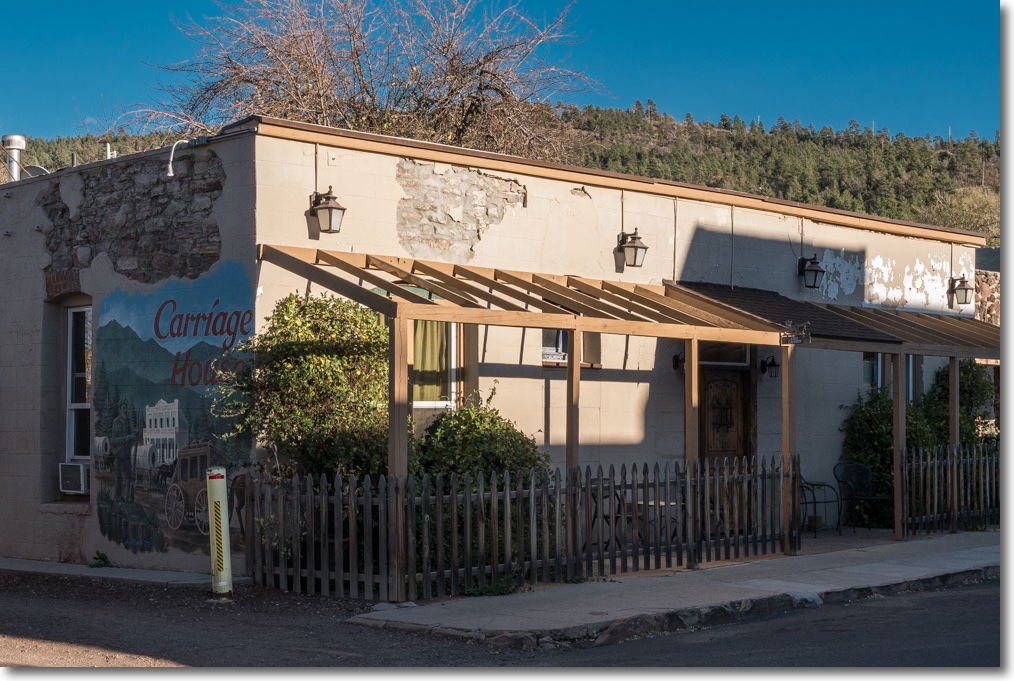

The Carriage House is a separate three room building in back of the hotel. 31mm, f/10.
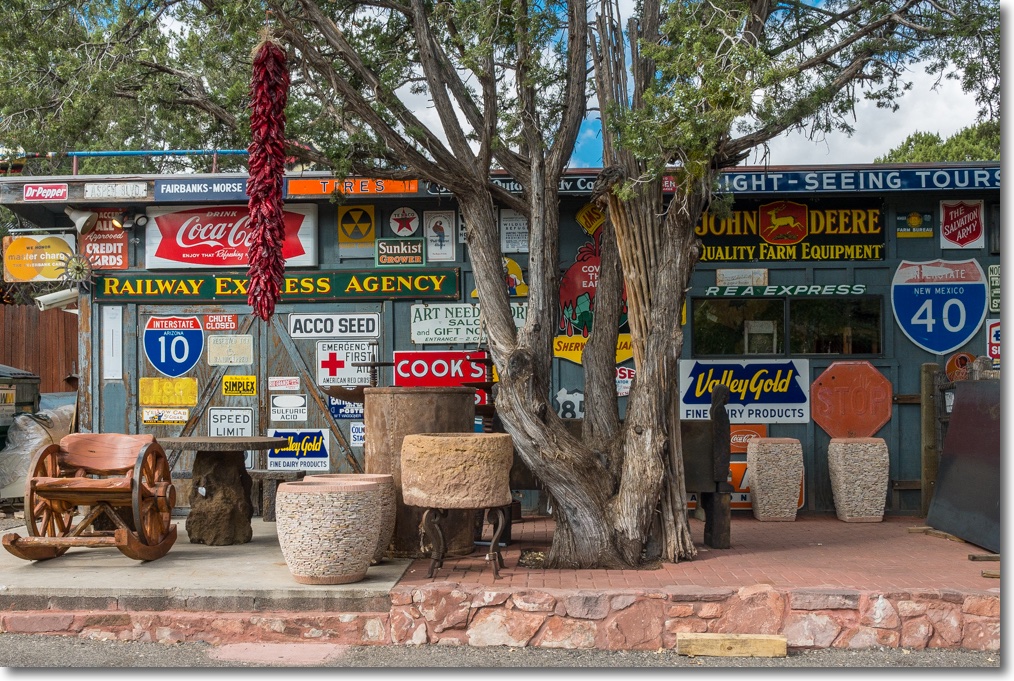

In Sedona, AZ: Tinplate display at the Son Silver West gallery in Sedona. 19mm, f/6.3.
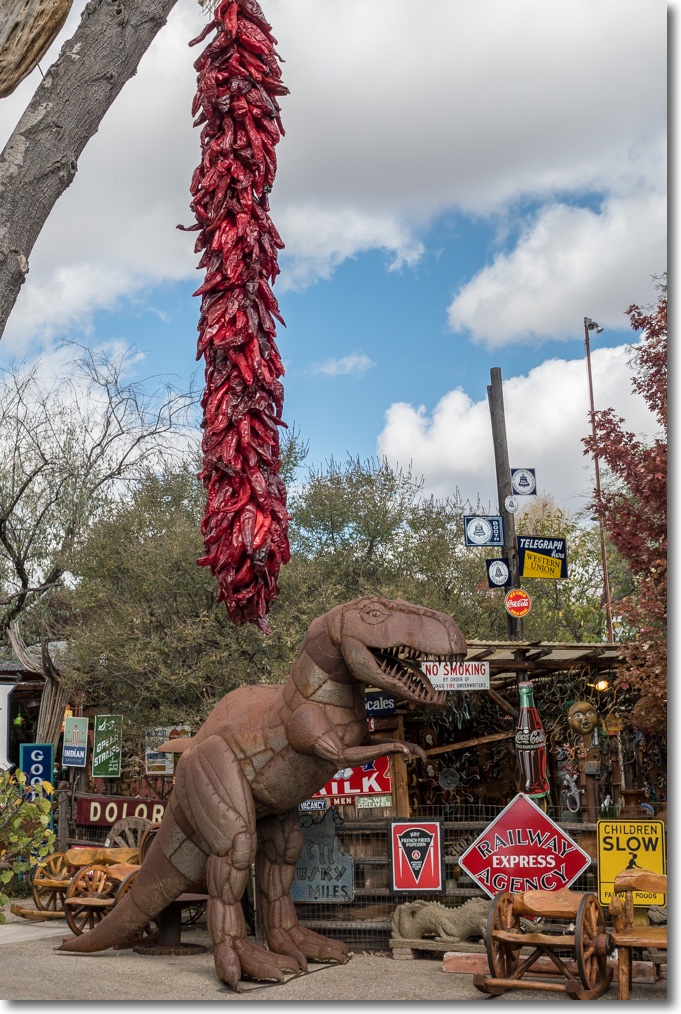

Hot peppers and T Rex. 23mm, f/6.3.


Pottery pumpkins. 19mm, f/6.3.


More hot chili peppers.

Except for modest use of the Highlight and Shadow sliders in Lightroom for the Williams images – the late sun lighting means very high contrast – these are pretty much straight out of camera, my Panasonic GX7.

Proof of the pudding? The Panny 12-35mm has replaced three of my other MFT lenses – the 14-45mm kit zoom, the Olympus 17mm prime and its brother the Oly 45mm prime. All sold. Now my MFT kit is back to basics, consonant with the ‘small and light’ concept of the original design. I own only one other MFT optic, the excellent 45-200mm zoom, with its mighty reach for special occasions. It resides permanently on my other GX7 body.

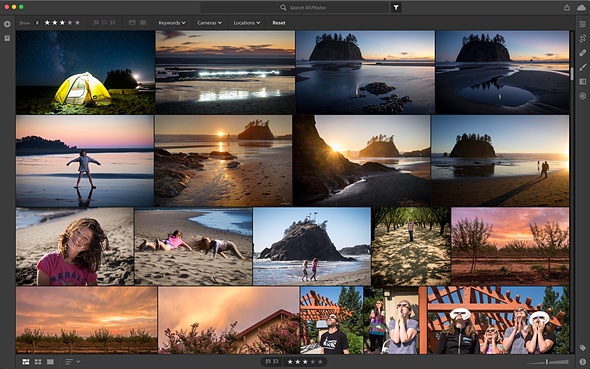
Here’s the ‘contact sheet’ from the Williams outing; having grown up poor and using film, digital waste is not something I indulge in:
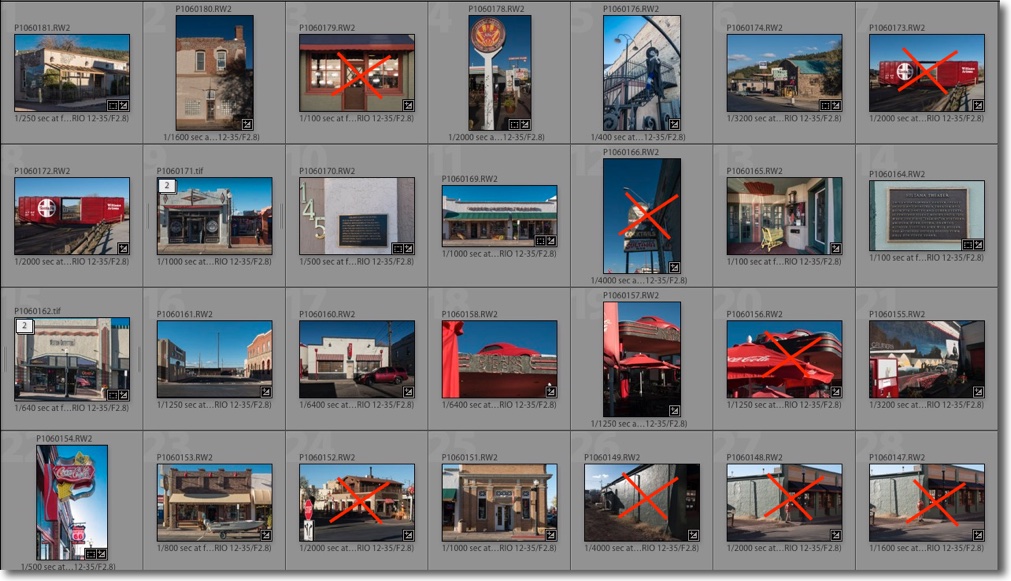

The two images with a ‘2’ in the upper left corner were roundtripped via Photoshop – the first to remove overhead wires, the second to fix verticals.
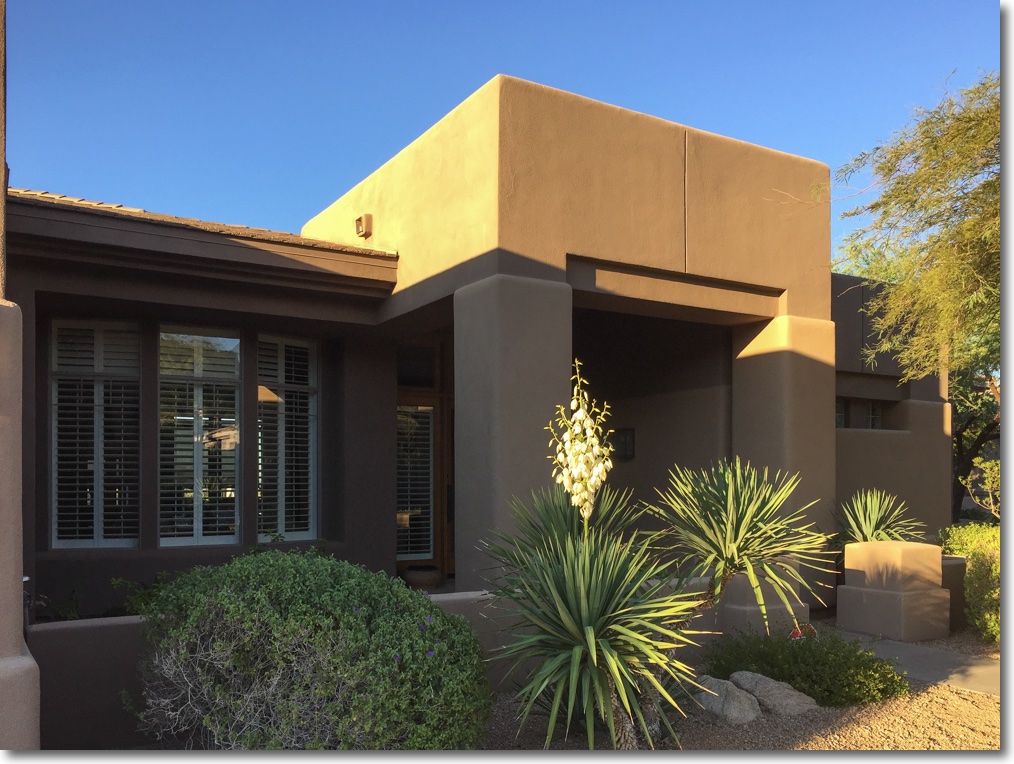
Yucca

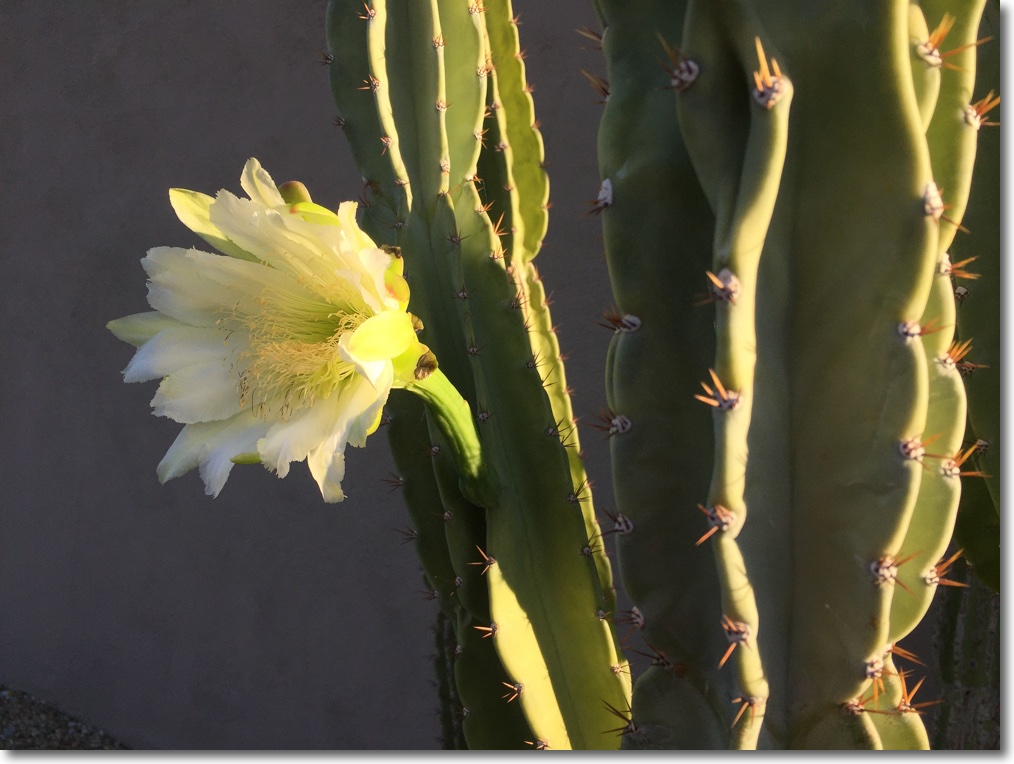
In flower.

During the hot summers here in Scottsdale, Arizona plants go to sleep, saving the energy needed to flower for later.

The Yucca in my front yard just burst into bloom, here spotlighted by early morning sun.

Wikipedia’s description of the ecology of the plant approaches magic:

iPhone6 snap.

Goodbye Lightroom

Crippled and costly.


The new Lightroom CC. Cloud only.

With typically devious sleight of hand, Adobe has split Lightroom into two applications. The fully featured one is named Lightroom Classic CC and has the features of the standalone Lightroom 6 – you know, the one you used to buy and pay for once. The other crippled version, near useless if you are a standalone LR user, is named Lightroom CC. Both the new versions run in the cloud and are subscription models – yup, you fork over money to Adobe monthly or say hasta la vista to your images or your ability to process them.

So there are three objections here. One is the monthly payment model. Age confers many benefits, one being an absence of monthly payments. No thanks. The second is dependence on Adobe not to lose your images or to stay in business. Remember how everyone said Kodak and film would be around for ever? And the third, and greatest, is Ivan in the Kremlin hacking Adobe’s doubtless fragile servers and rendering access to your images impossible.

There is no need to submit to any of this. I remain happy with the standalone LR 6 which I last upgraded to on April 22, 2015, and have paid zero for since. Likewise, when I need something fancier for corrections I round trip the image from LR to Photoshop CS5 which I last paid to upgrade on July 10, 2012 and whose enhancements since have been low value-added bells and whistles. The snag here is that the Adobe RAW engine in both apps will not allow me to process RAW images form the very latest digital cameras but as I am very happy with my two Panny GX7 bodies that’s not yet an issue.

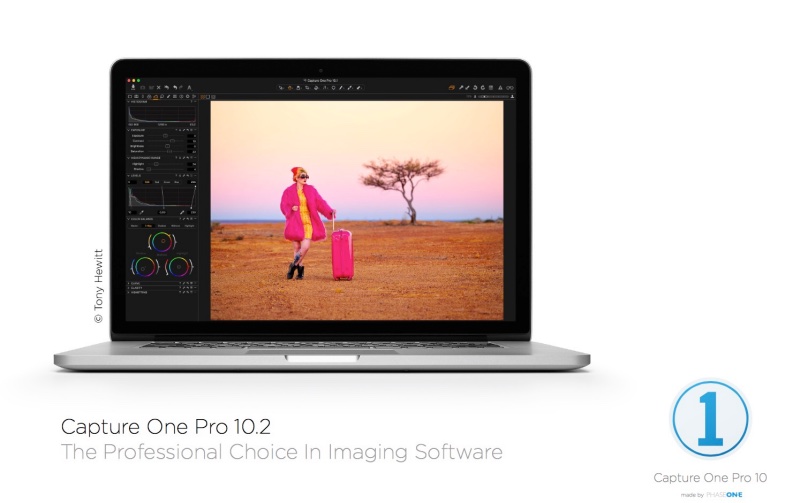
When it does come time to upgrade I will be looking at Capture One which does not need the cloud, avoids Ivan’s depredations and is paid for once, not monthly. It supports all the latest RAW formats so could even be used solely as a RAW converter, otherwise retaining the LR/PS work flow. Meanwhile, standalone LR6 remains an excellent digital management system with excellent cataloging, retrieval, filtration, output and printing capabilities and Adobe can shove their latest versions you know where.


Capture One beckons. $50 from Amazon, or four months’ payments to the ethically challenged people at Adobe.

Reader PB writes:

“Capture One Pro is good, but it’s only $50 if you have a Sony camera – they did a deal. Otherwise it’s $299.

I’ve been using it since Aperture got shelved, picking it over LR under the assumption that Adobe would do this eventually. C1P seems to release a new version annually, upgrades costing $99 and have been applicable for the previous two versions, so when 11 is released in the next few months I might upgrade my copy of 9.

Having tested a whole bunch of other open source and paid photo editors/asset managers I’ve found C1P to be easily the best. The last one I was hopeful about was ACDSee Photo Studio, or whatever it’s called, but their method of non-destructive editing is to change the source file, save a copy in another folder and the details in a separate file. So if you subsequently have to move your library to another application you have to manually go through and remove all the ACDSee changes to your files to restore the masters. Incomprehensibly useless. “