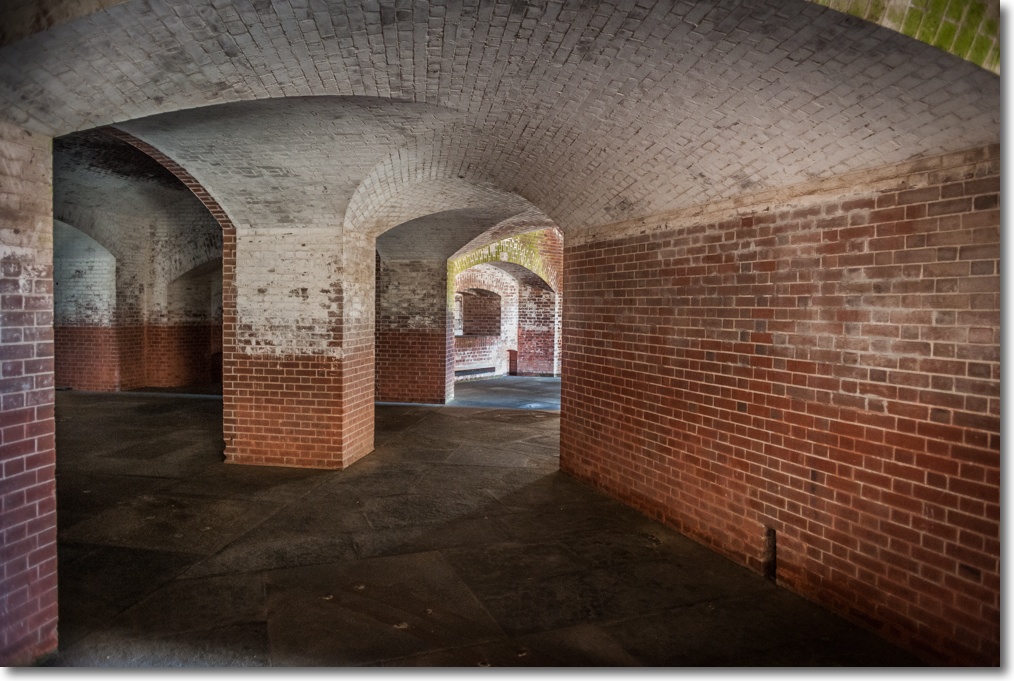
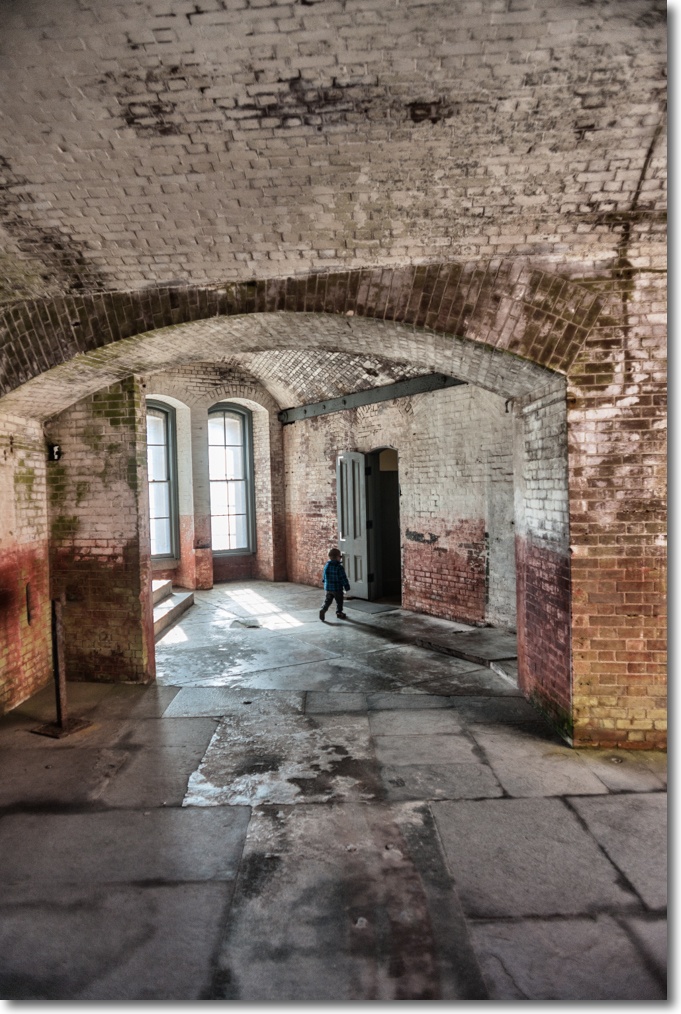
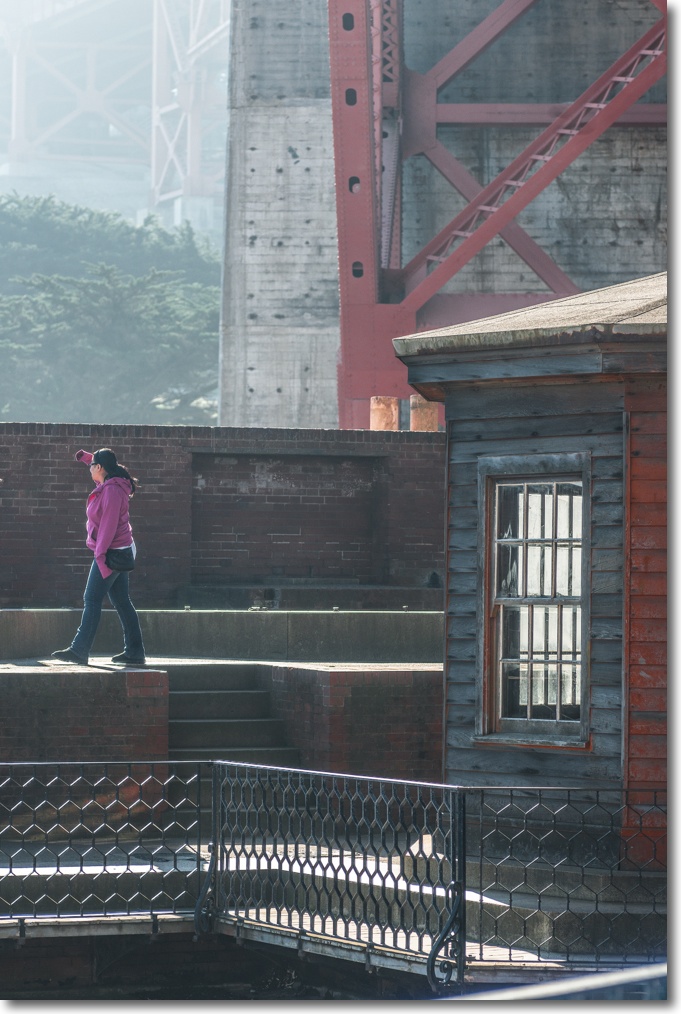
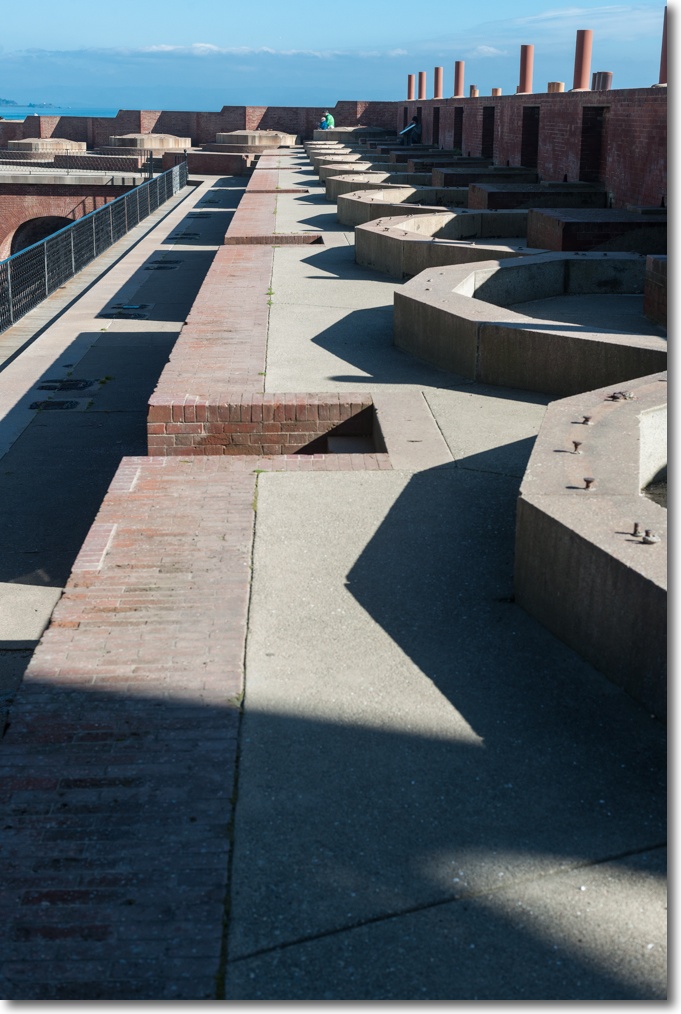
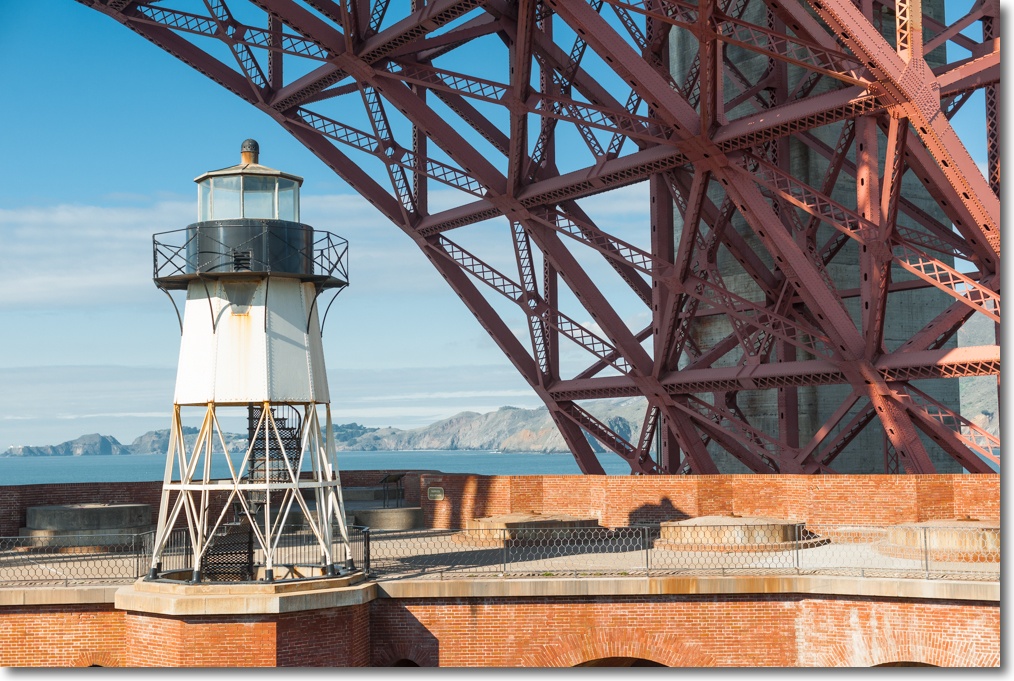
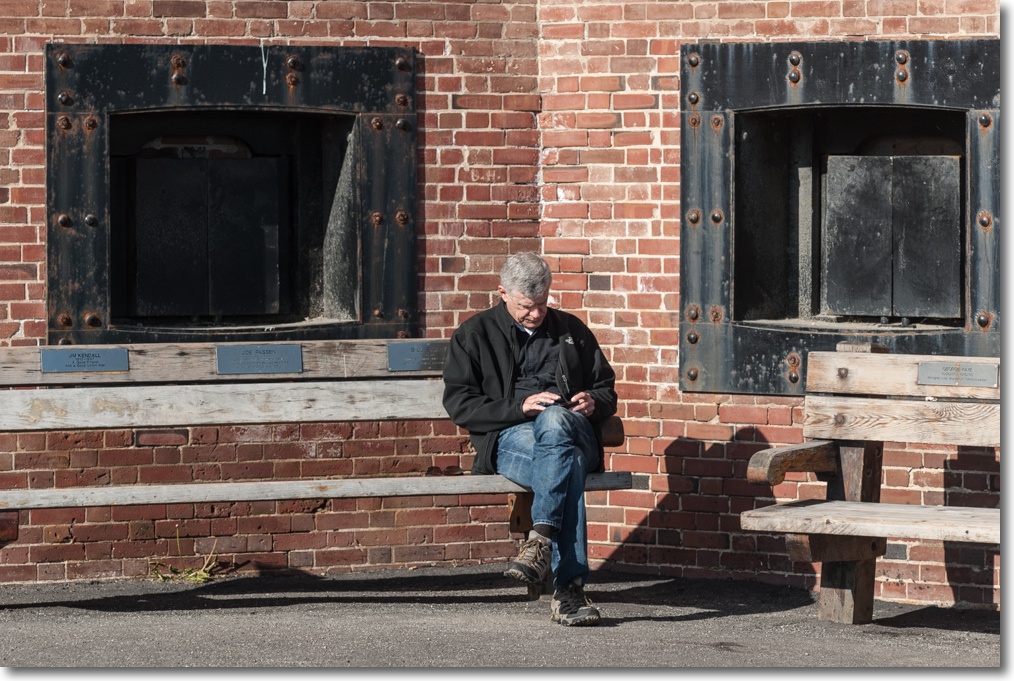
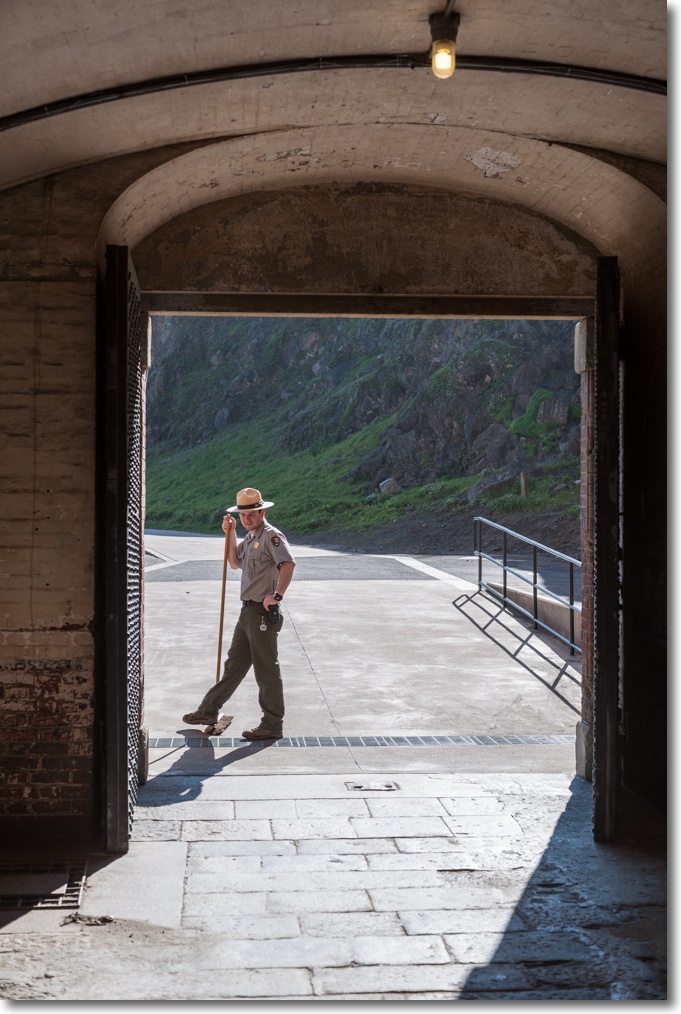
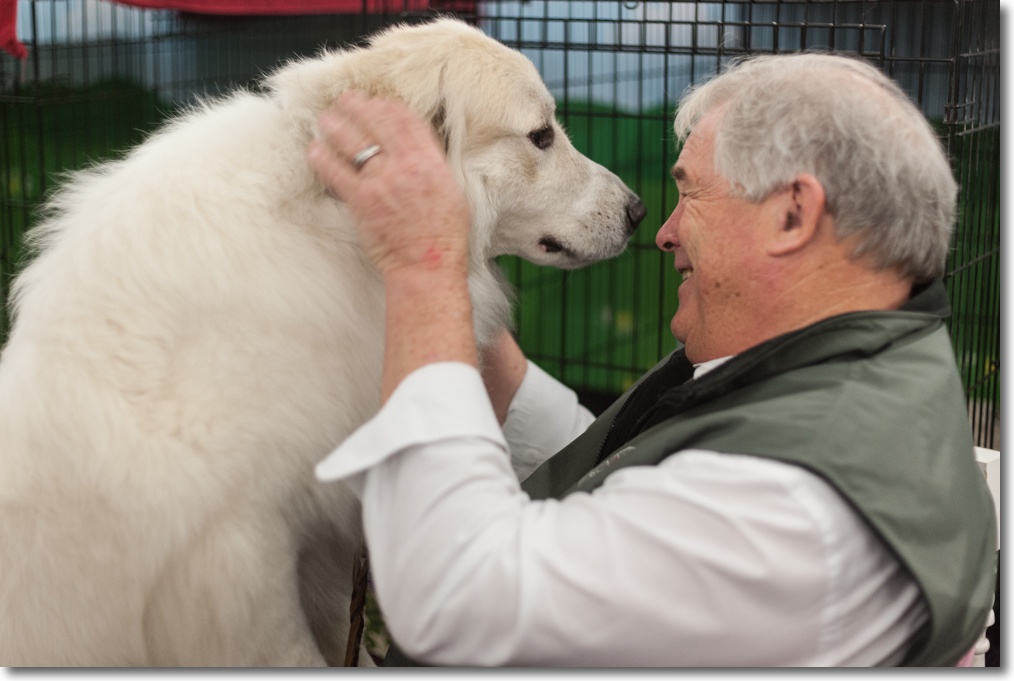
Some more exploratory snaps.
Part I is here.
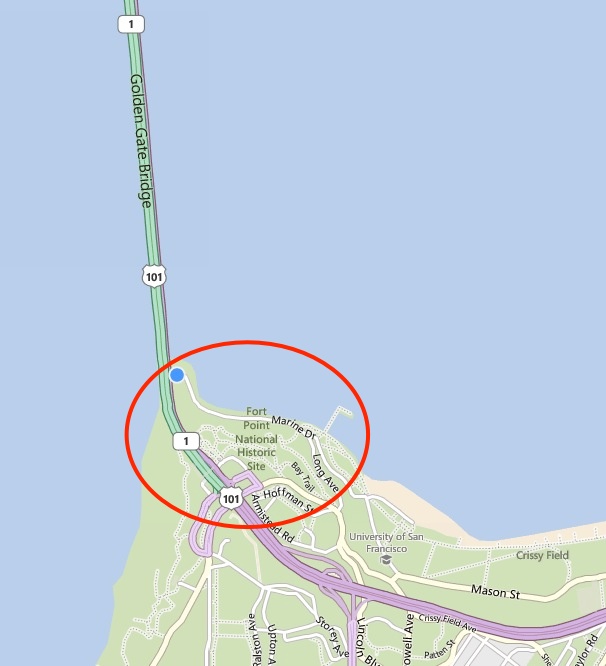
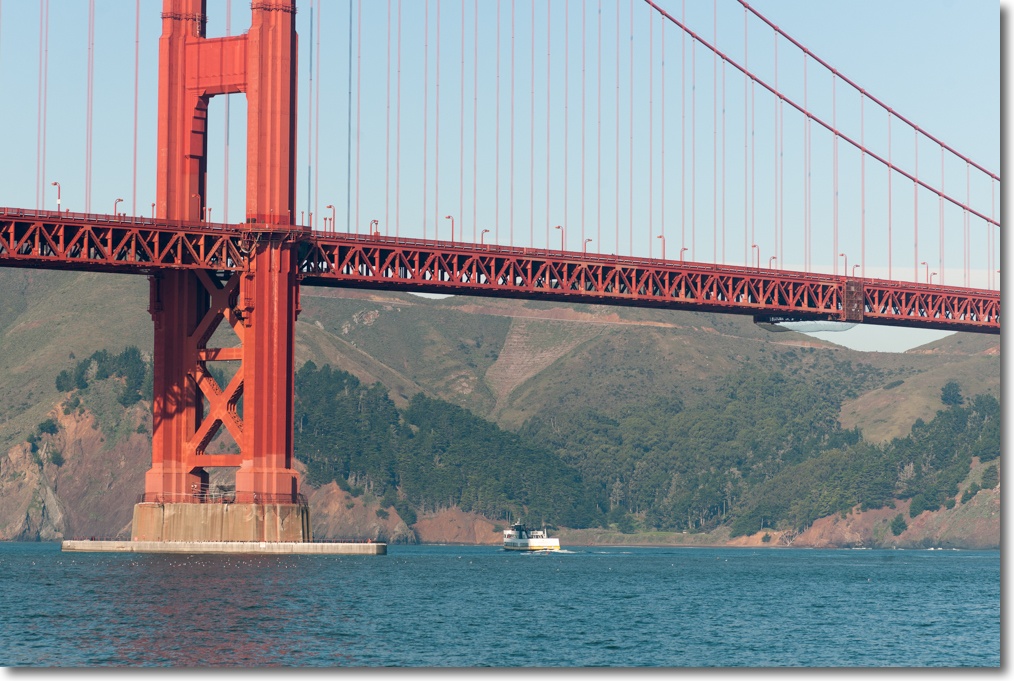
This time I approached it from ground level on the south-east side where the bridge spans Fort Point, the 1861 brick fortress built to repel invaders. Eager to give less often used lenses an airing, I took the 135mm pre-Ai Nikkor along with two old favorites, the 50/1.4 pre-Ai and the equally old 24/2.8, also pre-Ai. Whatever excuses need be made for the photography, none are required for these splendid optics. They simply do not make them like that anymore.
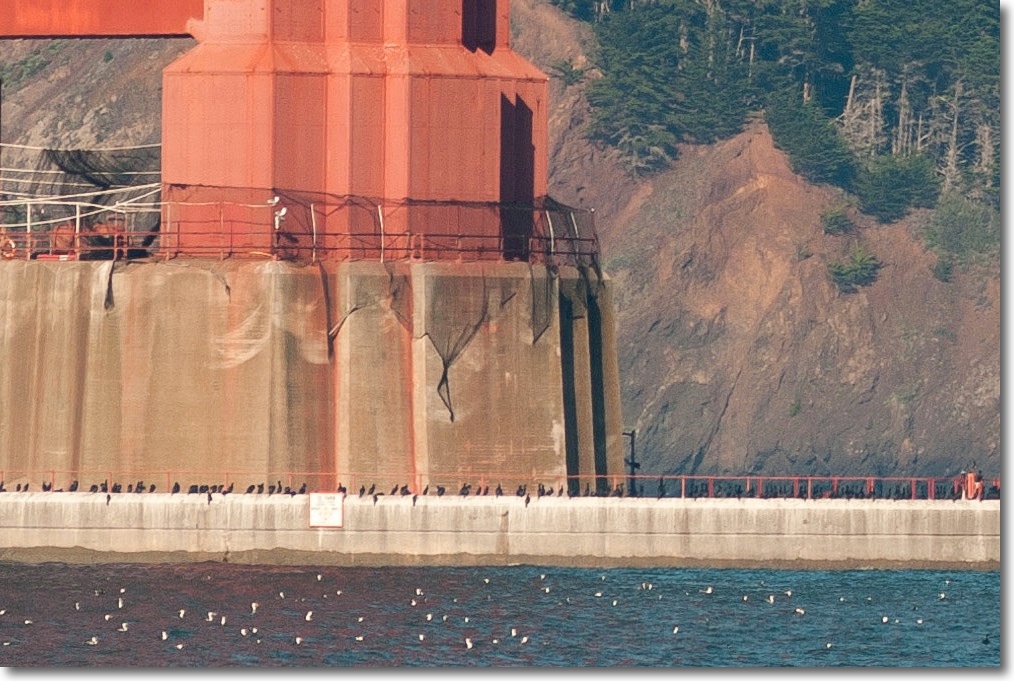
The area around the concrete bases in the bay looks interesting – that will need a boat to explore!
It looks like a favorite hangout for cormorants and gulls – this is an enlarged screenshot of the above:
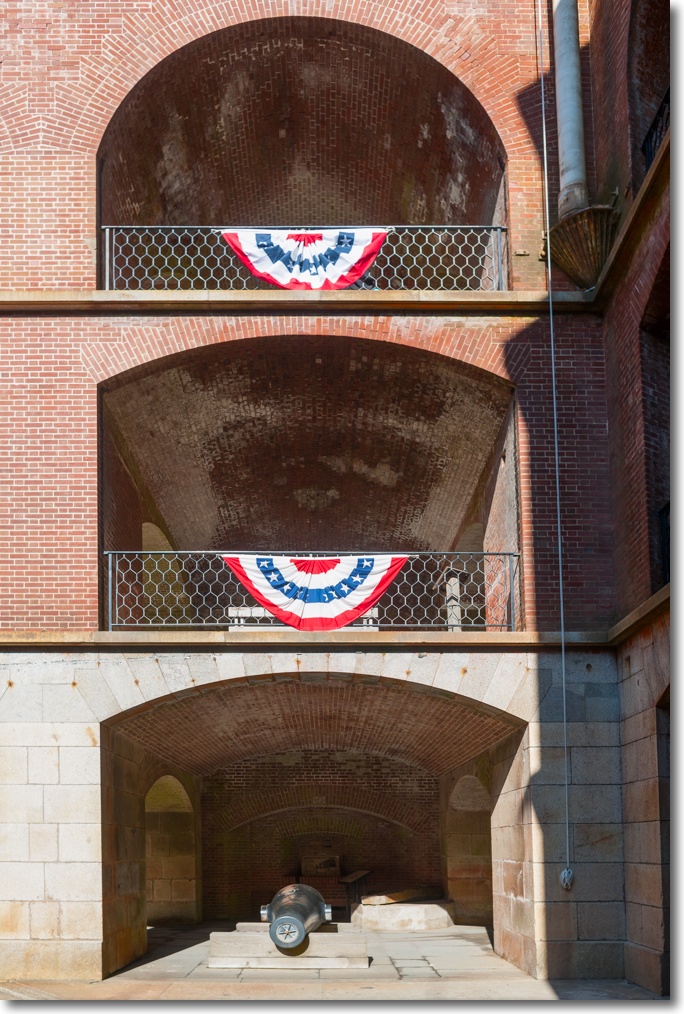
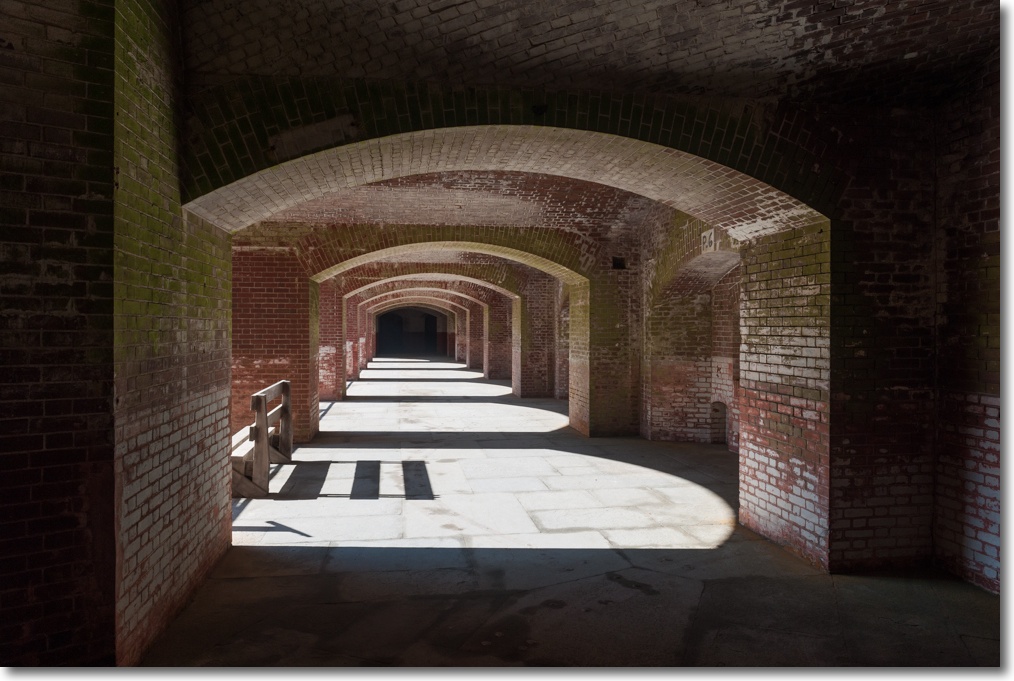
Period detail is everywhere:
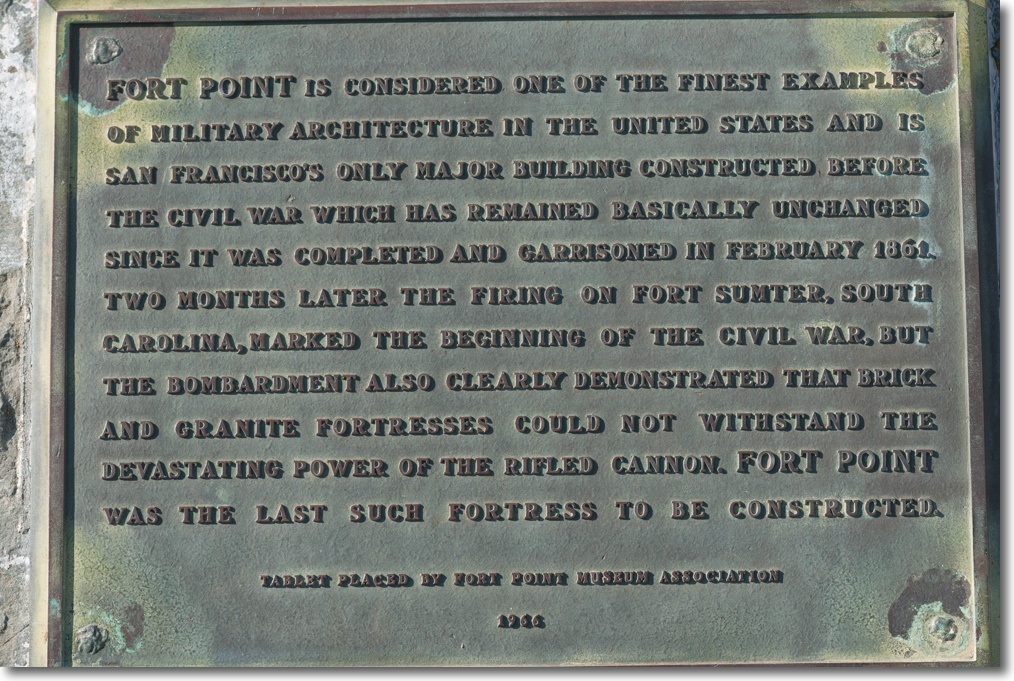
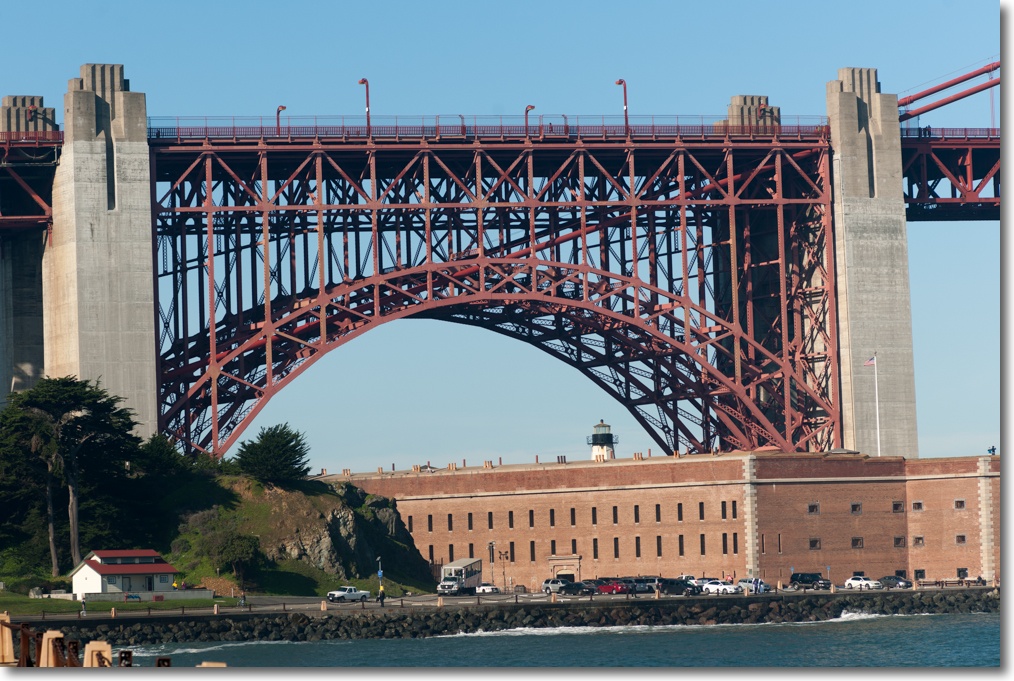
The original plans for the bridge called for historic Fort Point to be demolished, but Chief Engineer Strauss wisely decided to preserve it as one of the shining examples of brickwork architecture to be found in America. More of Fort Point in a later column. Thus the plans were revised and this smaller ‘bridge within the bridge’ was constructed to span Fort Point. You can clearly see how the two large diameter main catenary cables pass through the massive concrete abutments which keep them under tension. Now figure out how they tensioned the cables while waiting for the concrete to set …. Even the greatest fan of Nikon’s latest optics might agree that the ancient 1972 135mm f/3.5 Nikkor is a keeper – this will easily enlarge to any size you want:
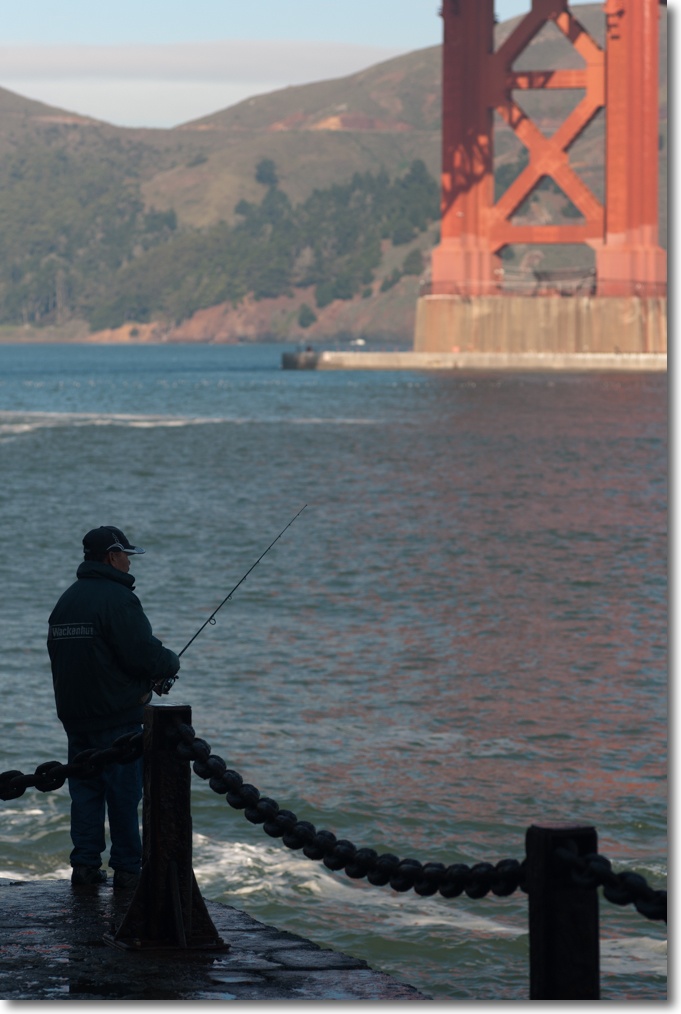
Amateur fishermen ply their trade at the foot of the bridge. The 135mm does a lovely job of rendering a soft, yet recognizable, background. Not bad for all of $65:
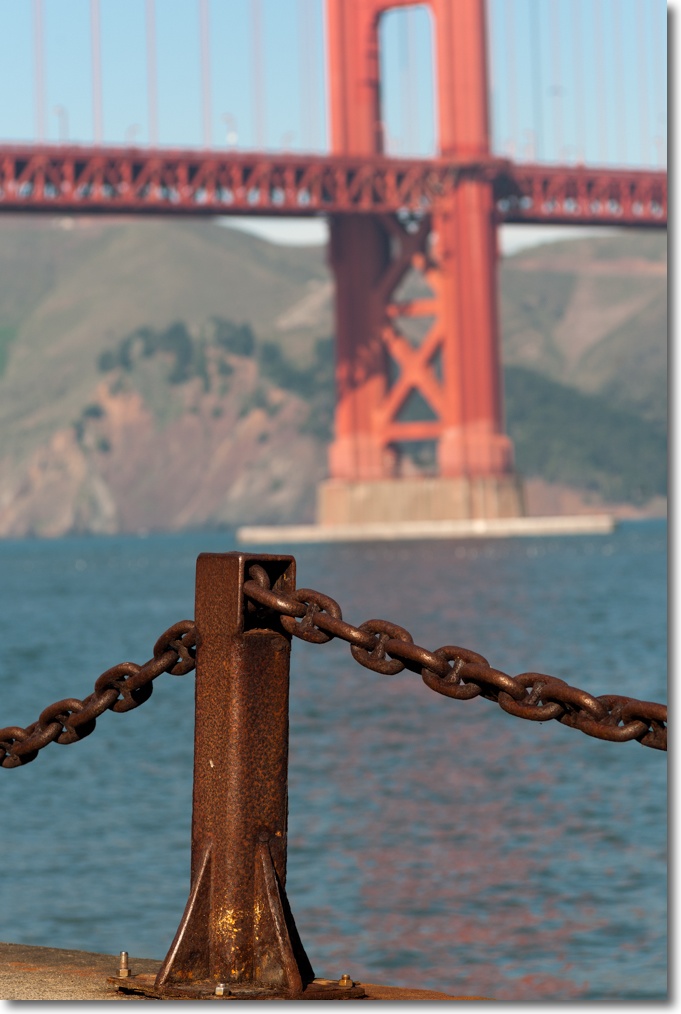
A couple of years ago the ceaseless repainting of the bridge finally gave way to new technology with allegedly 50-year paint being used to save the taxpayer dollars. Healthy skepticism is called for here and the paint on the south-facing side of the south tower testifies to another municipal procurement scandal in the making – much like Boss Tweed and Tammany Hall NY administrations ensured that cables for the Brooklyn Bridge were wrongly specified, requiring a fivefold increase in the amount of wire used to make them sufficiently strong:
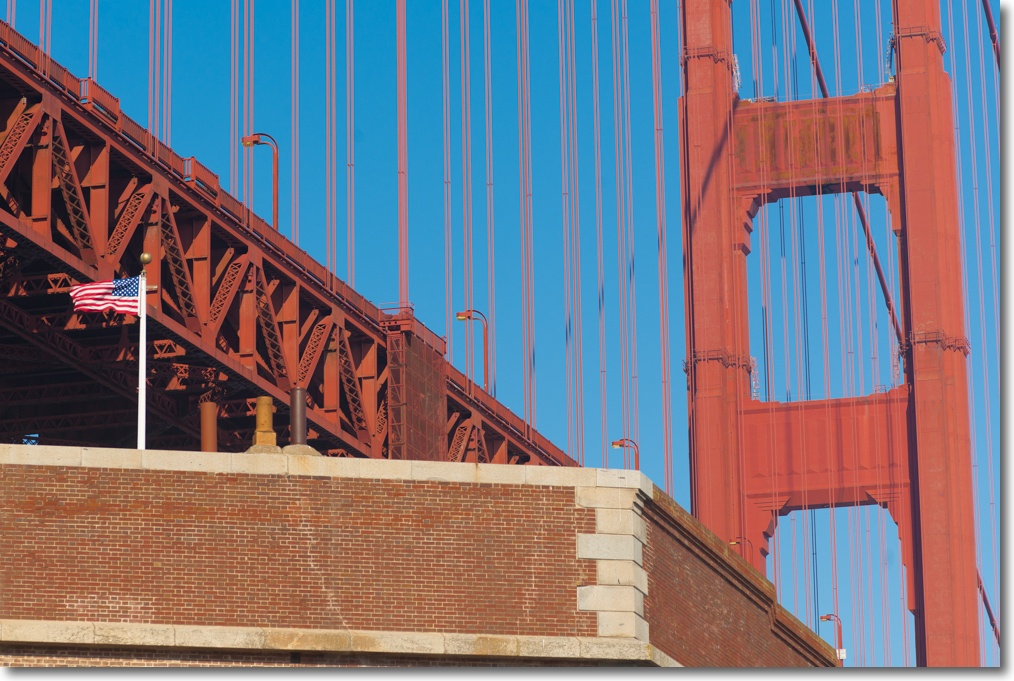
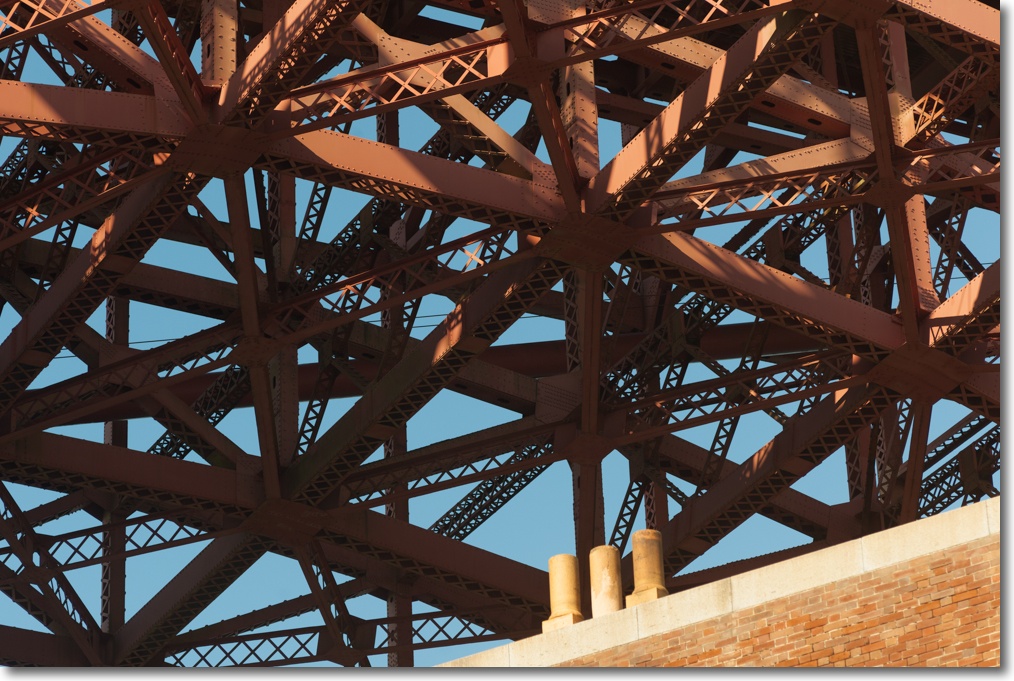
The complexity of the bridge-within-the-bridge structure can be seen here, photographed from atop Fort Point at the foot of the south tower. The beams are currently being strengthened by welding in additional gusset plates and using modern ductile steel, in the forlorn hope that when the Big One hits things will be left standing. Good luck with that. In any case, the ensuing tsunami will do to the Fort what the retrofit aims to prevent. Well, I suppose someone is cleaning up here.
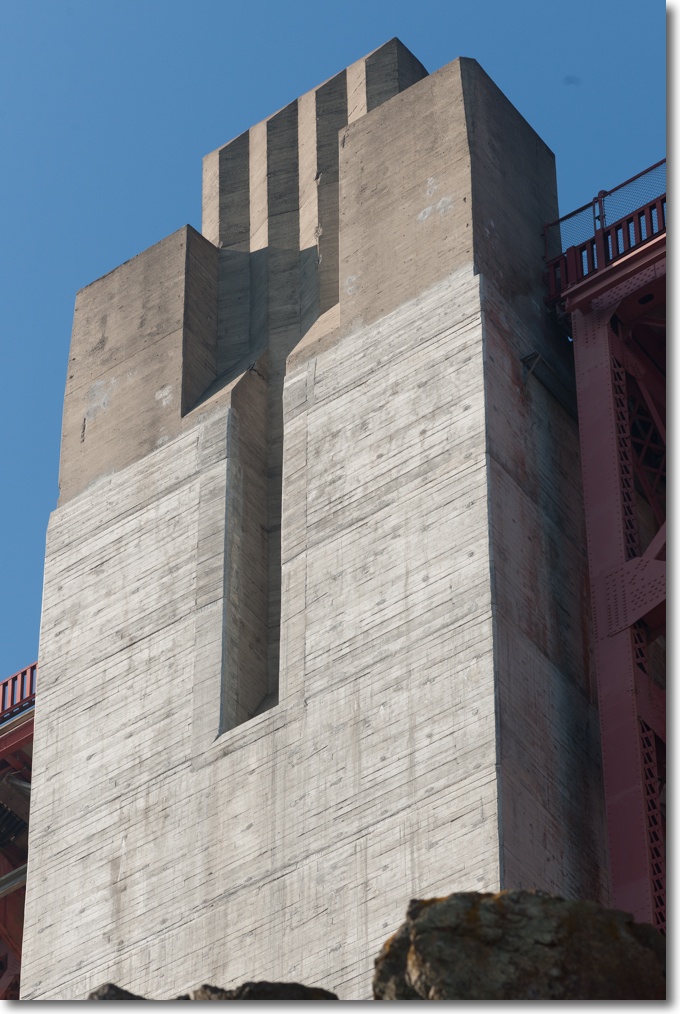
It’s tough to make concrete look pretty at the best of times, but the builders gave it a shot here by adding the Art Deco touches to the top of the abutments. Sadly reminiscent of Nazi architecture at its gargantuan worst, it’s the best they could do and beats a flat top, I suppose. Wonder how those chunks came to be missing at the top:
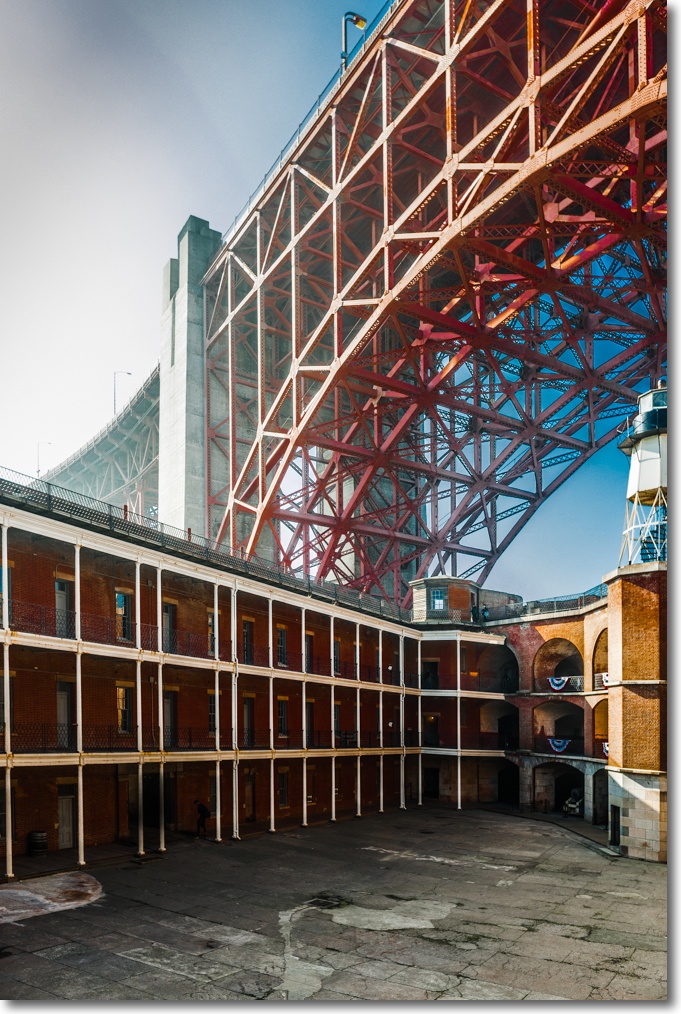
Here’s the bridge-within-the-bridge spanning the enlisted men’s quarters at Fort Point. The sun was in the frame here, but the 24mm Nikkor seems to have done OK:
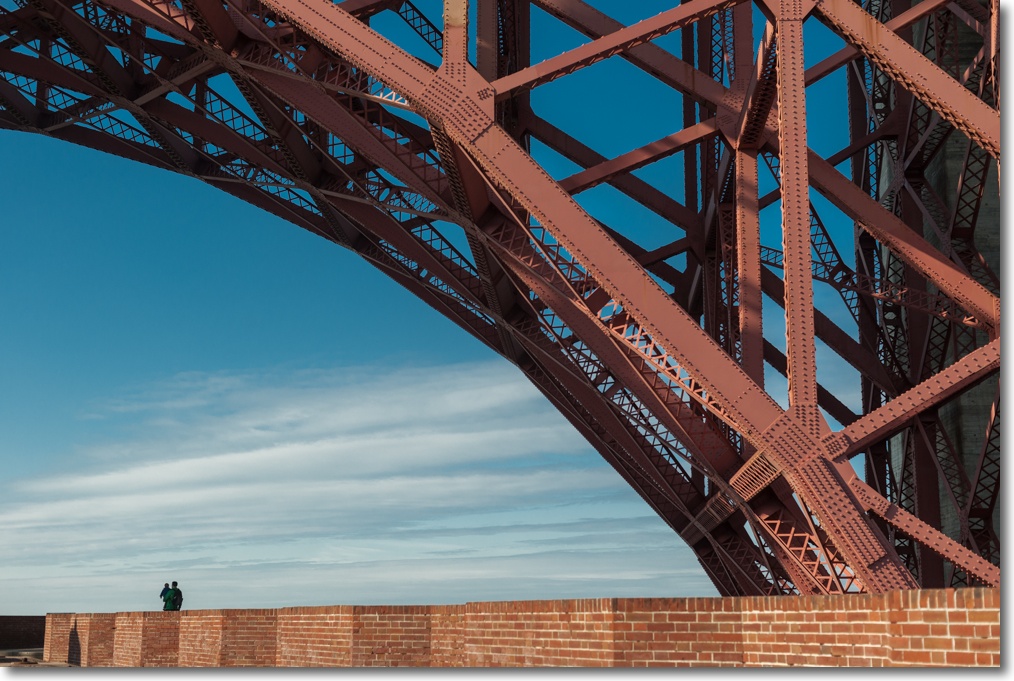
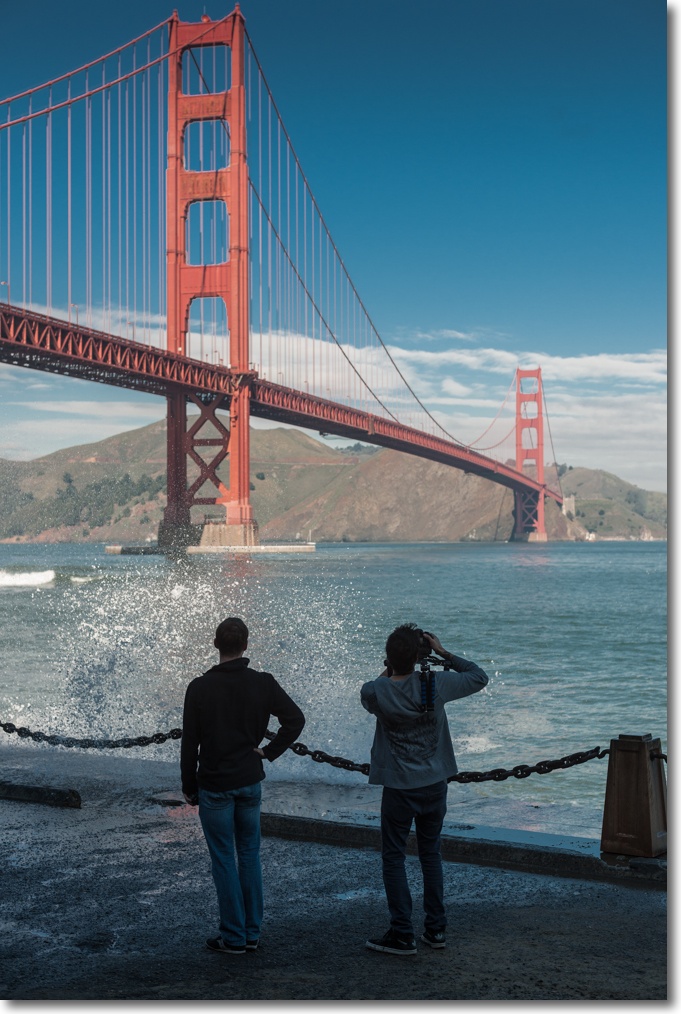
Conveying the sheer scale of the Golden Gate Bridge is not easy, but add a father and child in the frame and you start to get a sense of it:
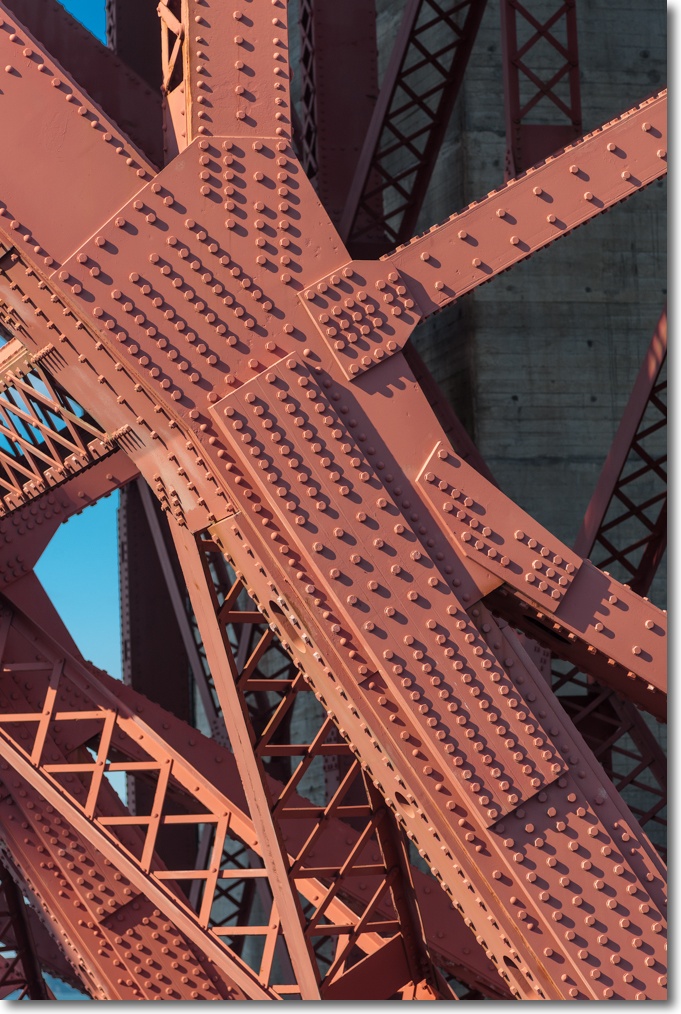
It continues to mystify me why they used so many bolts and rivets. Lego Bricks made large:
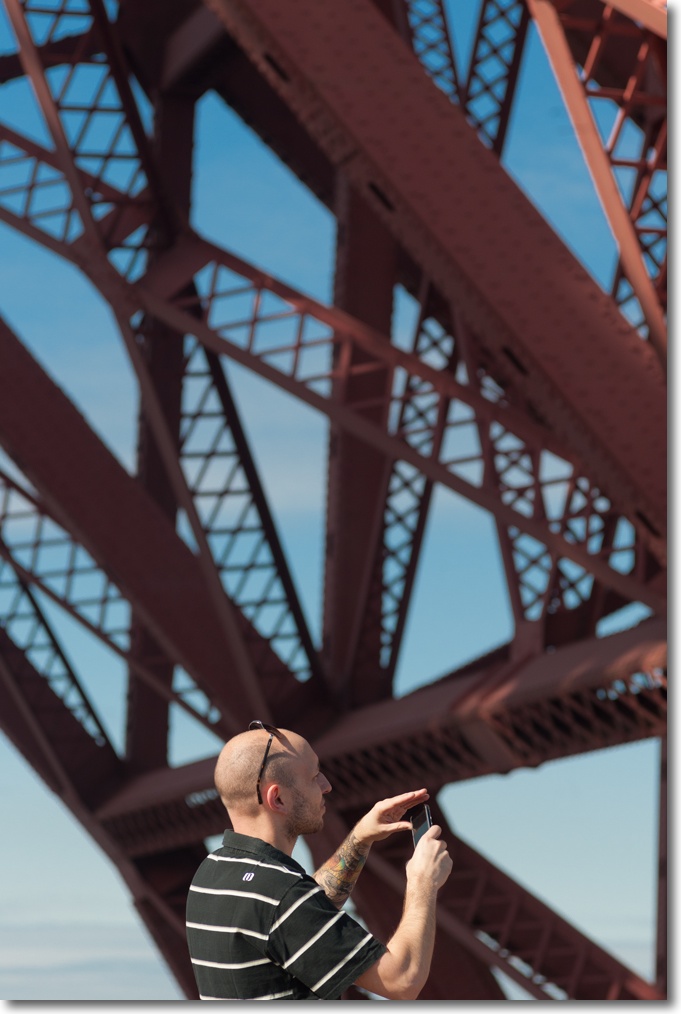
This nice English chap engaged me in conversation. I told him just how fast the construction was back in the depths of the Great Depression and mercifully he did not remind me that England is full of far older artifacts, or I would have clocked him one, right after reminding him that everything is bigger and better this side of the Pond:
He obviously cared about his tats, these being about as fancy as it gets. Massive sectional enlargement from the above. This is where high pixel counts matter. And there’s no complaining about the D3x’s excellent manual focus confirmation technology, helped along by 40+ year old lenses!
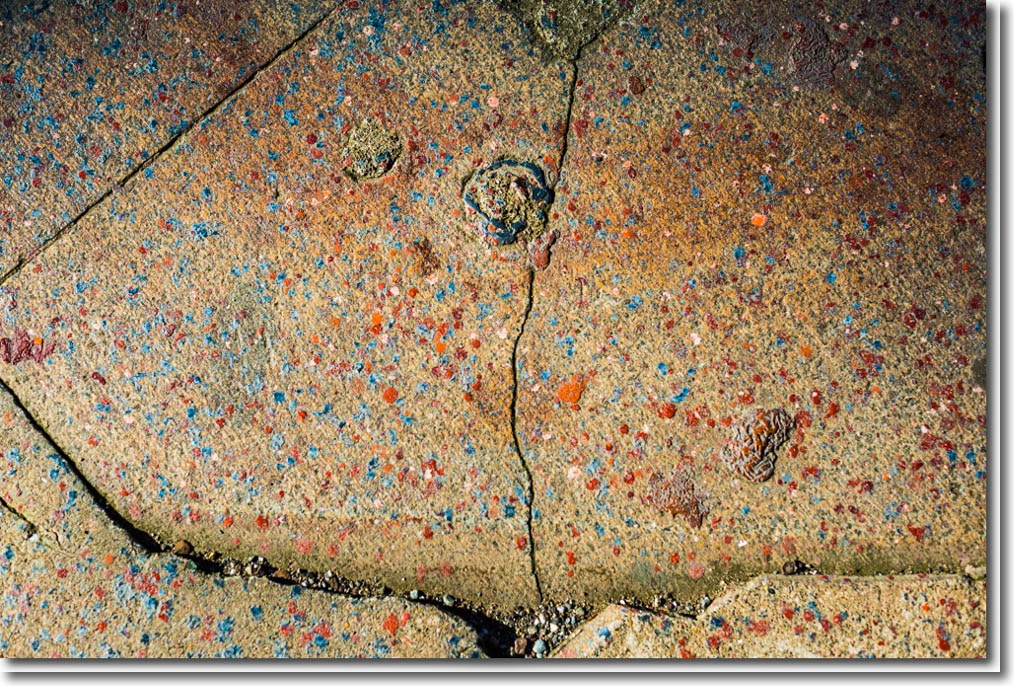
Seventy years of paint drips. I’m signing this one ‘Andreas Gursky’ and asking $5 million for it:
One last parting snap:
All snapped on the Nikon D3x, using mostly the 135mm f/3.5 Nikkor-Q, at f/4 and f/5.6, as well as the 24/2.8 and 50/1.4 lenses of like vintage.
Part III is here.