Fishy snapshots

Candids with a fisheye.

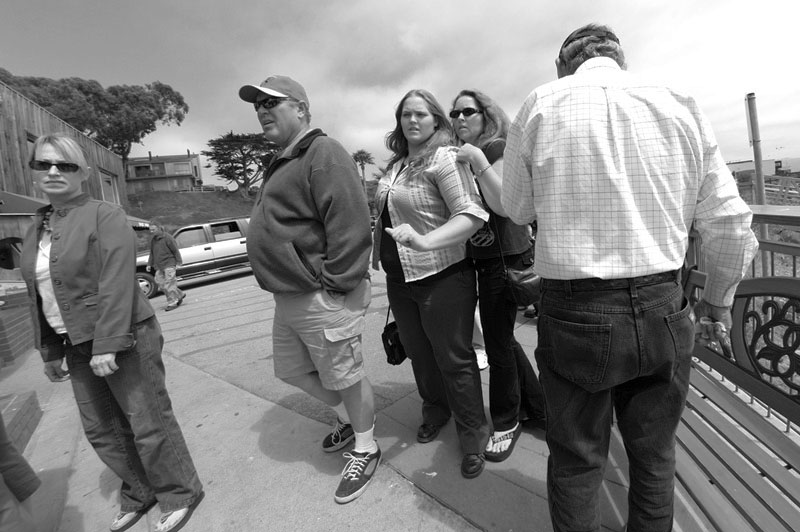
Once nice thing about the Canon Fisheye is that you can take candids very close to your subject without the latter suspecting much. Further, keeping the camera at chest level on a strap makes it far easier to capture the best expression as the viewfinder is your brain, not some constrained image in a pentaprism.

With that broad angle of view, it’s kind of hard to miss your subject and with the huge depth of field, focusing is not an issue.

I was maybe two feet away from this group when I snapped the picture. ImageAlign was used to remove the barrel distortion and what you see is a full frame view with no cropping.

Obese America. Canon EOS 5D, 15mm Fisheye, ImageAlign, ISO 400.

Self, self, self

Let’s face it. We all do it.

Show me a photographer and I will show you a self-portraitist.

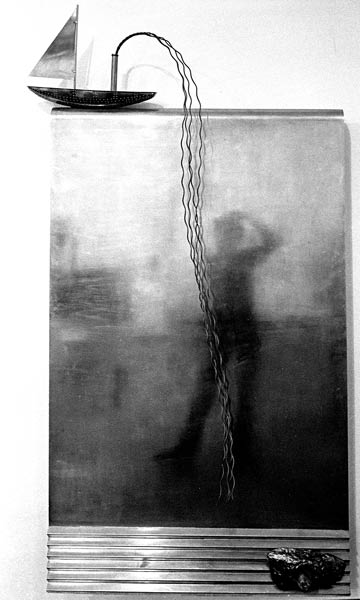
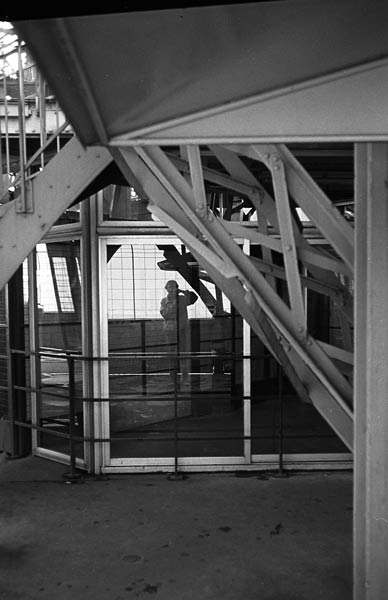
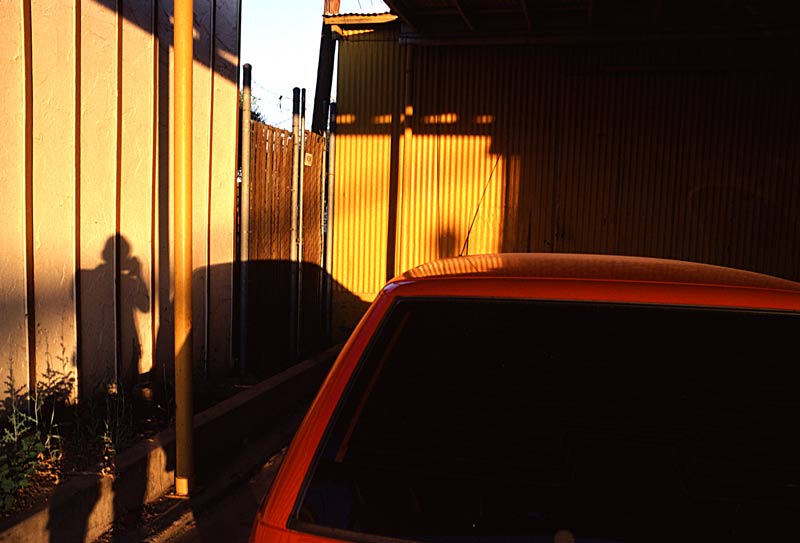
Whether it’s ego, the desire to record a time in one’s life, or just the fun of taking an unusual picture, all photographers take self portraits. Some adopt the formal, camera on a tripod, delayed action wth studio lighting approach. Others the snap-bang-pray street variant. I am in the latter school.

Pictures speak louder than words so here are some bagged over the past years.

Victoria and Albert Museum, London, April, 1975. Leica M3, 50mm Elmar, TriX/D76

Eiffel Tower, Paris, September, 1977. Leica M3, 35mm Summaron, TriX/D76

Near Tombstone, Arizona. August 1996. Leicaflex SL, 50mm Summicron-R, Kodachrome 64

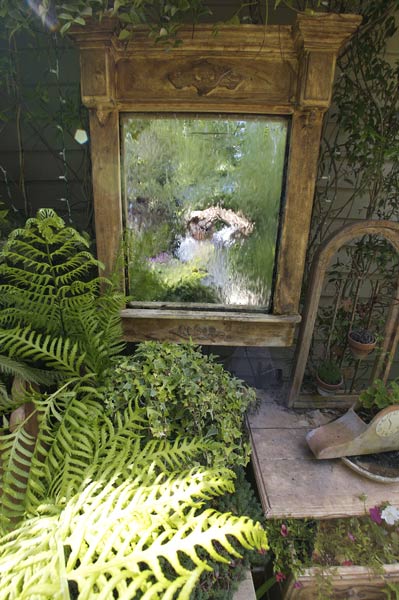
Cambria, California. June, 2006. Canon EOS 5D, 15mm Fisheye/ImageAlign, ISO 400

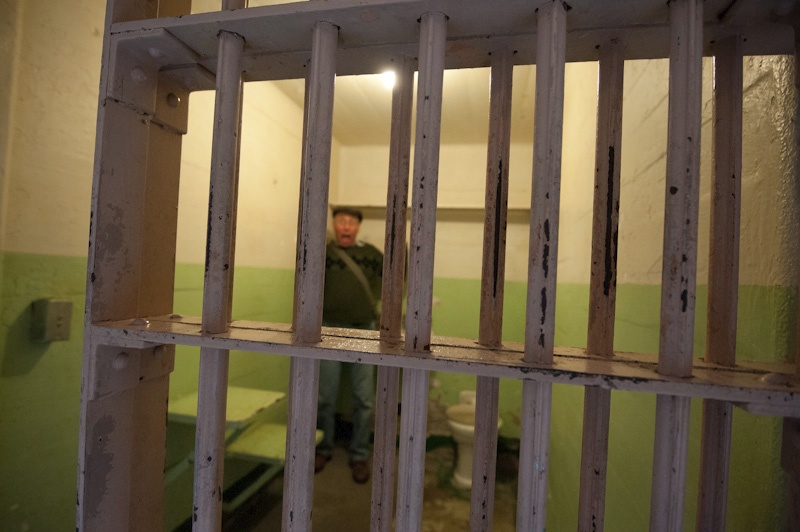
Alcatraz Gaol, California. March 2012. Nikon D700, 16-35mm @ 19mm.

As you can see, I can rarely deny a mirror or a shadow its dues. Vanity, vanity, vanity.

Web sites for photographs

Keeping it simple is the best solution

In a spare moment the other day I was meandering through a selection of web sites using the remarkable Firefox browser plug-in Stumble Upon. Two things struck me. First, just how much work has been put into many of the photography web sites out there and the growing prevalence of Macromedia Flash animation effects.

Indeed, it sometimes seems that the author’s prowess in writing animation code takes pride of place over the photographic content. As site after site made me wait while all the animation code loaded – and that’s with a fast connection – I found myself simply clicking though Flash sites in serach of something simpler. The reality is that if you are forced to wait while all this digital noise ensues, your likely interest in looking at pictures fades away. And just imagine having to sit through this every time you go there. Hardly condusive to repeat visits.

Now I’m not saying that my web site avoids Flash simply because I don’t like it. In fact, I wouldn’t know how to write Flash code if you paid me. Heck, I just learned how to make clickable page references open in a new browser window! Rather, I have focused the design of my web site on simple, clean lines, with consistent presentation of all pages. I adopt a white ‘Apple look’ thanks to using the Better HTML plug-in for iPhoto ’05 or ’06 to generate the web pages (I use the DP Polaframe template) and have a very simple menu system to access these.

A while back I learned how to have all the choices in my web site menu reside in one file which is referenced by each page of thumbnails, so if changes are made, I need only make the change once in a central menu for it to appear everywhere.

I also try to constrain each pictorial to no more than three pages of thumbnails, eight to a page. In this way any photo can be accessed with just a couple of clicks. Further, the DP Polaframe template has a neat feature so that when you click anywhere on a full sized picture, you are automatically taken to the next picture.

When I first started my web site some five years ago, it suffered from ‘menu creep’. Selections were constantly being added and maintenance was not fun. I knew it was time to make a change when that most dreaded of choices – ‘Latest Work’ – made an appearance. You see this often on web sites. I never click on it. After all, as I don’t know the chronology of the ‘earlier’ work, what possible relevance could ‘latest’ have to my interest or enlightennment? No, ‘Latest Work’ had to go.

Then I agonised over the picture used on the home page. It has variously been clickable, static, many pictures or just one. I have settled for one static picture which I change every month or so, as the whim takes me. And clicking on it does nothing.

Picture size is another dilemma. First, large images have to be in files no more than 200kB in size to load quickly. Attention spans are short in the modern world, and rightly so. Secondly, make them much over 800 pixels wide or 600 pixels tall, and you will cause someone with a laptop viewing agony – the picture should not have to be scrolled to be completely visible. Obvious, but I got this one wrong a lot in the early days.

Finally, I decided to scrap all reference to equipment or technical information regarding the pictures. I may write lots about that sort of thing here, but it’s simply irrelevant when showing your work. If you want that sort of thing, there a link to this blog in the web site menu.

So that’s how, through trial and error, my web site came to look the way it does. I hope you like the pictures, but even if you do not, I trust you will enjoy clicking around.

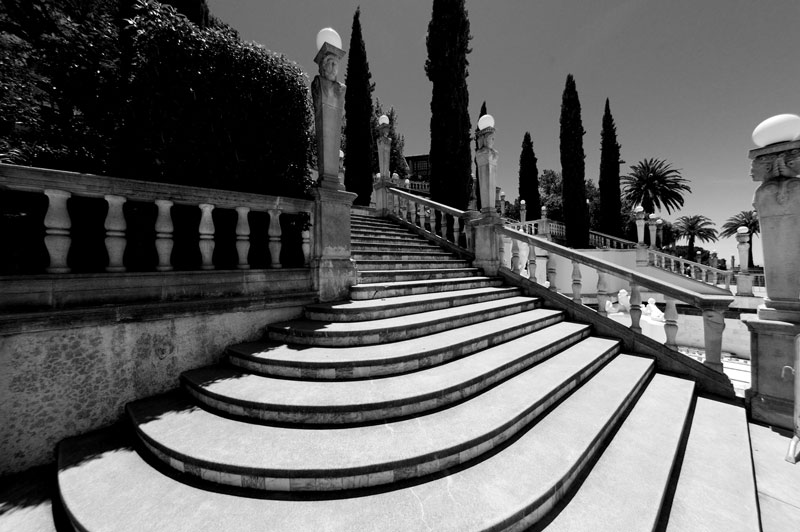
Main stairway, Hearst Castle. Canon EOS 5D, 15mm Fisheye, Image Align, PS CS2, TLR Orange filter

Canon 15mm Fisheye lens – Part II

Not only wider than the 14mm, it more than holds its own

I dropped by Hearst Castle again today to put the Canon Fisheye lens through its paces. The ultra wide angle of view, equivalent to a 12mm full frame lens using ImageAlign – see Part I – is ideal for interiors of the magnificent rooms, aided by the noise free sensor in the EOS 5D which allows ISO to be cranked up to 800 with impugnity. Something that is required as the Castle prohibits the use of flash and tripods.

I took Tour 3 this time, which visits the bedrooms used by Hearst and his many guests – the likes of Cary Grant, Clark Gable, Errol Flynn and David Niven. On the way we stopped by the large outdoor pool only to find, to my amazement, that it had been drained! Actually no bad thing as you could see the beautiful Carrara marble floor in broad sunlight. Evidently the pool had sprung a leak and workers were busy patching it up for the Hearst family’s annual summer visit, something they negotiated with the State of California when they donated the property years ago.

Well, it was a moment’s work to take a snap from the exact same vantage point I had used a few weeks ago when a fellow photographer had allowed me to try his very costly 14mm Canon ‘L’ ultra-wide lens. In the pictures below, you can see just how much wider the fisheye is after correcting for barrel distortion with the ImageAlign plug-in in Photoshop.
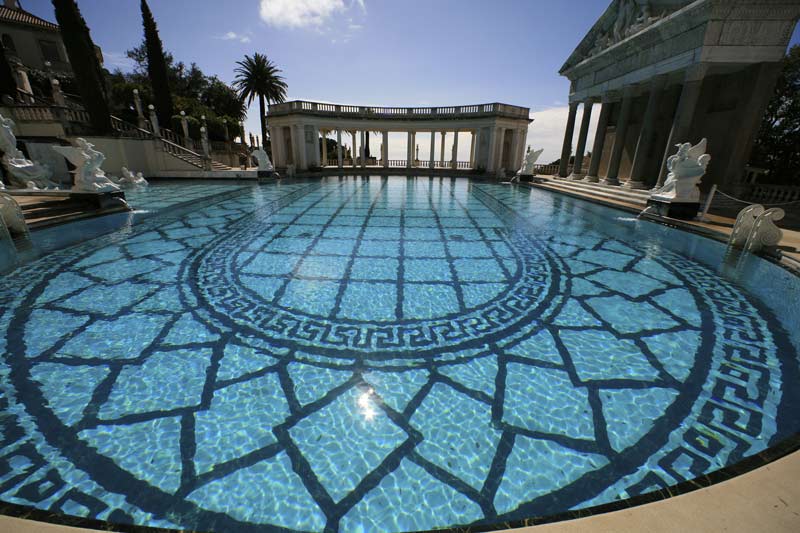
Canon EOS 5D, 14mm Canon ‘L’
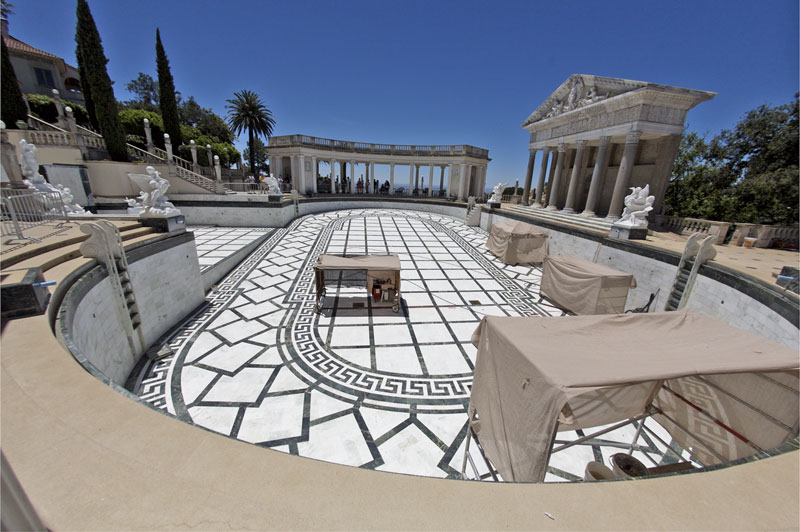
Canon EOS 5D, 15mm Canon fisheye, Image Align

Chromatic aberration had been minimized in both images using the lens correction filter in Photoshop CS2.

While I was processing these, I thought it might be instructive to compare actual pixel-sized extracts of each image. Granted, the lighting conditions varied slightly, but here are screen shots of the white marble statue at center left – the print size would be over 40″ wide:
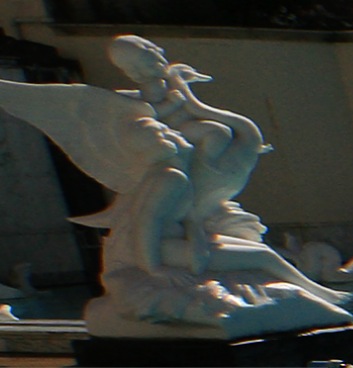
Canon EOS 5D, 14mm Canon ‘L’, actual pixels
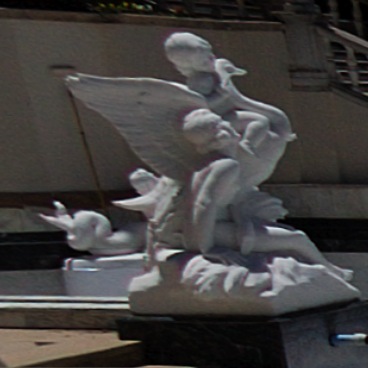
Canon EOS 5D, 15mm Canon fisheye, Image Align, actual pixels

Fairly compelling evidence that the Fisheye + ImageAlign more than holds its own. The smaller size of the statue in the second picture is accounted for by the wider field of view of the fisheye lens.

How do the lenses compare directly into the sun? Both are simply outstanding. The original of the 14mm image had one internal reflection at the top, which I removed in processing. In the following fisheye image, the sun is in the frame of the original, disappearing after use of ImageAlign. You can see one internal reflection artifact above and to the right of the statue’s head.
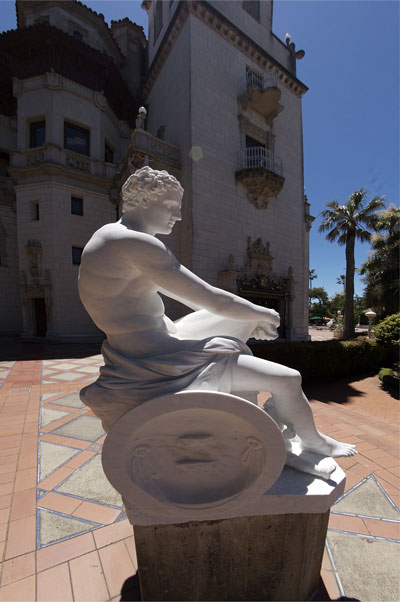
The god Mars. Carrara marble. Canon EOS 5D, 15mm Canon fisheye, Image Align.

Indoors? No problem. Both lenses are bright at f/2.8, making composition easy.
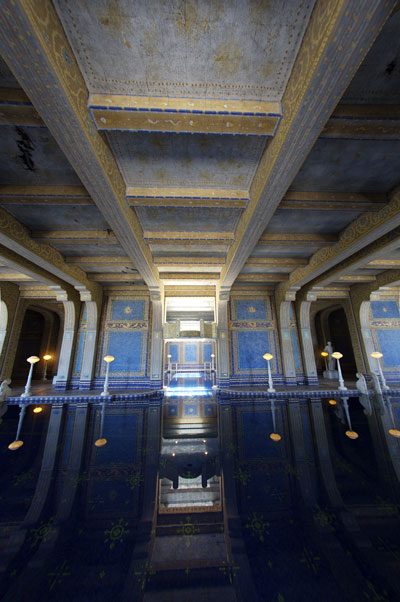
Hearst Castle. The indoor pool. Canon EOS 5D, 15mm Canon fisheye, Image Align. ISO 1600

Hearst grew up in a time when the incandescent light bulb was just coming to market and never got over his wonder at the magic of electricity. This fascination translated into a near total absence of lampshades in the Castle’s guest rooms. That is as Hearst wanted it. Opportunity enough to try the fisheye’s handling of light sources in the frame at full aperture.
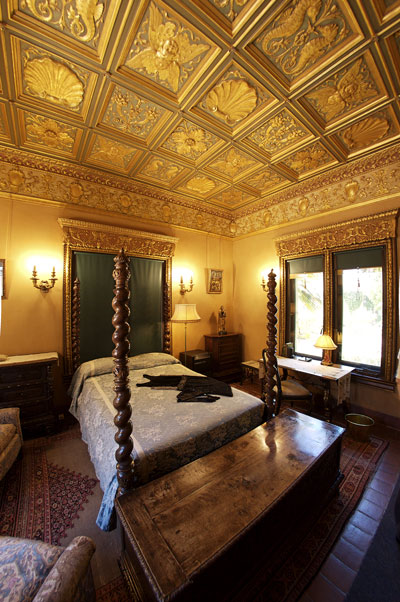
Guest room at Hearst Castle. Canon EOS 5D, 15mm Canon fisheye, Image Align. f/2.8. ISO 800

The bare bulbs are rendered with a gentle glow – not perfect, but more than acceptable in the circumstances – this room is very dark as are most, by design. There is no air conditioning in Hearst Castle.

For Part III of this review, click here.