Change or die.
I mentioned a while back that a friend had asked for help in selling a couple of film cameras on eBay. Now while eBay may be a conduit for some of the least honest people on earth – the sponsor smartly gets to act as innocent broker sloughing off responsibility for combating fraud on cheated buyers – it is nonetheless one of the more effective venues for getting rid of junk. Chances are good that someone out there wants it.
I admit I was a tad shocked at the dear relative’s lack of loyalty to these fine machines. But I know her to be a wise woman so I started reflecting on her decision.
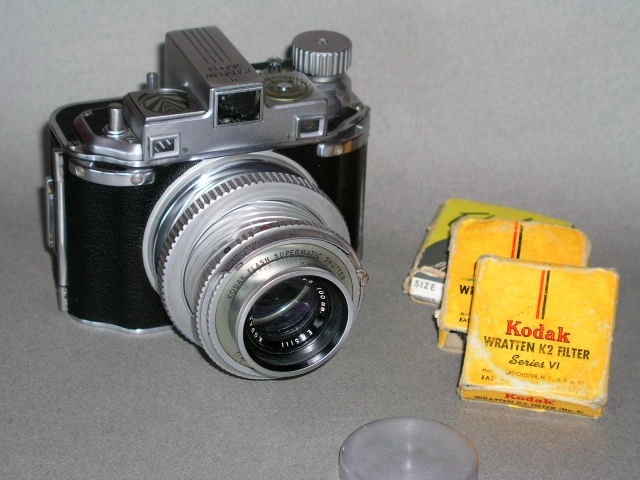
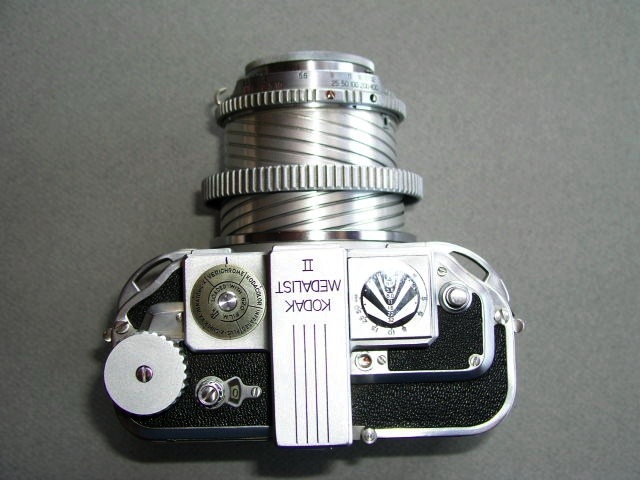
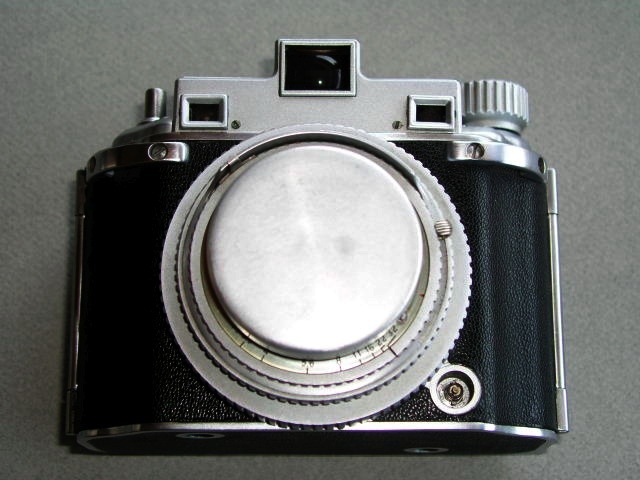
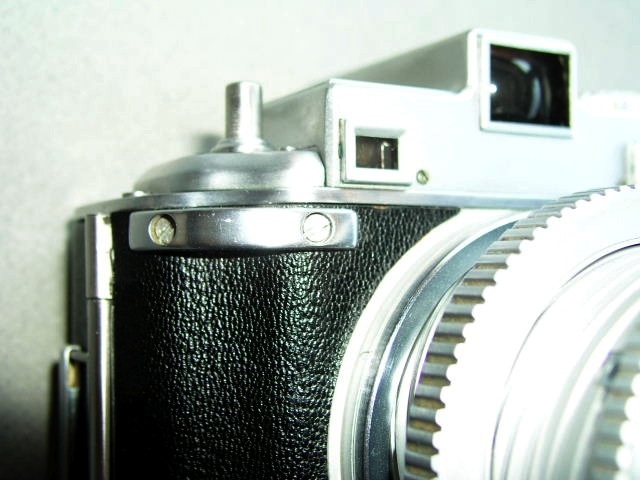
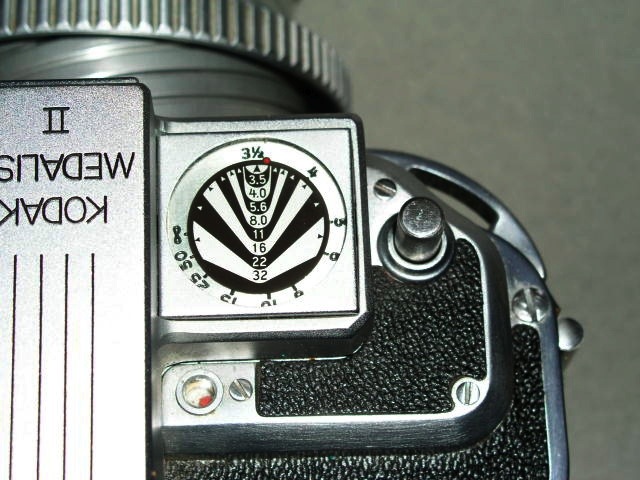
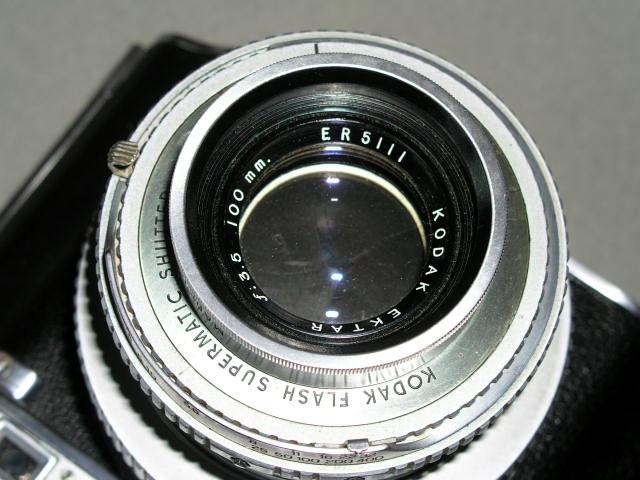
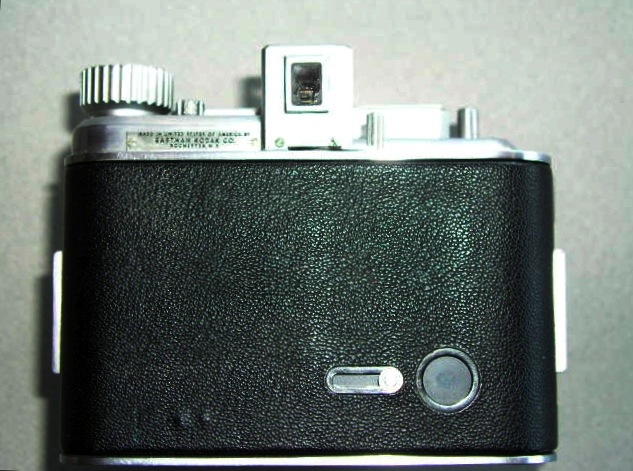
The two cameras concerned were a mass produced and totally uninteresting (to collectors, at least) Canon Rebel and a much more collectible Kodak Medalist II which, owing to its strange appearance and bulk, makes the grade as an instant display piece. One immensely capable the other, well, just immense.
Arguably you would not want to use either to take pictures. The Rebel is surpassed handily by its digital descendants whereas the Medalist is really not competent in a world of 10 megapixel sensors and fabulous lenses, if you can even find film for it.
Knowing this I realized that my task would not be an easy one; however, as I am a big believer in the old saying that has it that you have to spend money to make money, I fitted the Rebel with two sets of new batteries (one for the data back, the other for the camera) and ran a roll of film through it, the better to show prospective buyers the quality this combination could produce. You can probably say with reasonable certainty that this will be the very last roll of film I will expose in my lifetime.
The Medalist could not be accorded like treatment as I could not find 620 format film in time, but it would appeal to a display collector, I reckoned, rather than someone looking for a daily user. All I did here was to clean it up and take a nice set of display pictures showing this magnificent piece from every conceivable angle.
To cut a long story short, both cameras sold, albeit neither attracted much interest. It’s the low selling price of the Rebel – $65 including new batteries, three rolls of film and a nice Canon carryall – that prompts this journal entry. Here, after all, was a camera that was selling a handful of years ago for what? $250? $300? The one I sold for my friend had probably seen a dozen or two rolls of film through it and was as close to mint as it gets. Like the proverbial Cadillac owned by the Little Old Lady from Pasadena of days past. In other words, thanks to digital, the Canon, a camera of great flexibility and yielding fine negatives, had depreciated some 80% in the blink of an eye.
It occurs to me that this sort of thing doubtless happened in previous generations where a technological breakthrough had obsoleted or bankrupted a predecessor technology.
Old man Gutenberg and his press did a number on all those Benedictine monks who had the market in illustrated manuscripts well and truly cornered. Being a pretty smart lot, however, (and I admit to bias here, having been educated by them), they went where the money is. Meaning booze. Benedictine Dom Perignon invented the cork stopper, making transportable champagne a reality and the now unemployed Benedictine artists transitioned to making Benedictine liquer, making many happy and themselves rich. Nice transition. And say what you may about religion, there’s a lot right with a bunch of chaps that knows a good liquer or glass of champagne.

That was then, this is now. An illustrated Benedictine manuscript fragment
In medicine the local barber gave way to penicillin, the surgeon and his anesthetics. The latter, in turn, is fighting a losing battle against smart pharmaceutical chemists who are rapidly obsoleting the scalpel with their targeted drugs. Amen for that.
The Ford Model T did a number on the horse and buggy business. You now enjoy a horse as a recreational avocation, flaunting the key rule of not owning something that eats as you sleep.
The light bulb did it to candles. The latter now serve as a backstop when lightning hits the local generator and provide continuing work for the local fire brigade and insurance adjuster.
Newsprint is where film was a few years ago. Meaning scared and about to die. The computer with a properly targeted news reader application will allow a user to digest hundreds of stories daily where in the past he might read that many on a topic of choice in a week.

Hundreds of stories at a glance. The NetNewsWire news reader on an iMac.
The main street movie house is in the early throes of death, replaced by the DVD which, in turn, will soon yield to downloadable movies. No need to leave the armored compound you call home.
The iPod killed the CD.
Those are some of the big wrecking technological changes that immediately come to mind. Back to the topic of photography.
Digital changed photography more than any technological change since Kodak’s ˜You press the button, we do the rest”. Actually, that was not so much a technological change – after all Kodak was selling cameras pre-loaded with roll film which technology had been around for a time – as it was a brilliant marketing change. Place the customer first (something Kodak has long since forgotten) and the world will beat a path to your door. In like manner, the iPod made better that which already existed, made it easy to use and made it sexy. The photographer uses the latter as a temporary storage device for his digital pictures which are overflowing the storage card in the camera on that extended trip. When he’s not listening to his tunes or watching movies on the same device, that is. So now Apple has changed that old Kodak dictum and it reads “Your press the button, you do the rest”.
And with this change in photographic technology I believe a new behavioral set of circumstances has come to pass. Namely, that brand loyalty is, for the most part, a thing of the past.
In the old days a serious photographer was a Leica man or a Zeiss man or a Rolleiflex man (sadly, few women were allowed into the club). Later he became a Nikon or Minolta or Pentax or Canon man. Or woman. He swore by Kodak or Agfa or Ilford film. For his dad, it had been GM or Ford. They had not let him down in the past and were not about to do so now, having grown with him.
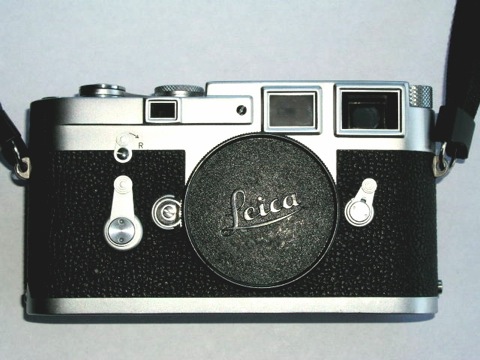
Look at the exquisite care Leitz, for one, took with transitioning its many happy users from the anachronistic screw mounting of lenses on bodies with simply awful viewfinders and ergonomics to match, to the fast and infinitely more capable bayonet mount and magnificent finder of the Leica M. Though the first bayonet Leica, the M3, came out in 1954, Leitz was releasing the latest in its line of screw bodied cameras as late as 1957, finally discontinuing it in 1960. Forward lens compatibility was also assured – what better way to preserve the value of that investment? – so the M body was one millimeter thinner, allowing a screw to bayonet adapter to be fitted while preserving infinity focus. And gradually those old pipe smoking fuddy duddies at the camera club came to realize that maybe a lever film advance and the world’s best integrated view/rangefinder weren’t such bad things after all.
Their modern descendants are the same folks who deny the reality that film is in its last innings. But Leica, in its clever marketing, had managed to preserve a past generation of users, making them upgrade, and attracted a whole new generation who saw the M for the superbly capable instrument that it was. Brand loyalty, in other words, was well used. Whether they get away with it again with the ridiculously overpriced and soon-to-be-obsolete Leica M8 remains to be seen. They had better watch out – those M bayonet patents are long expired.
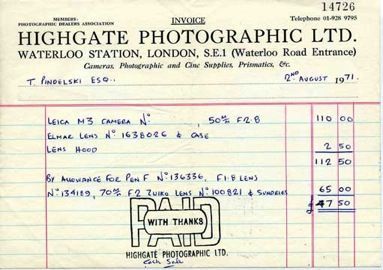
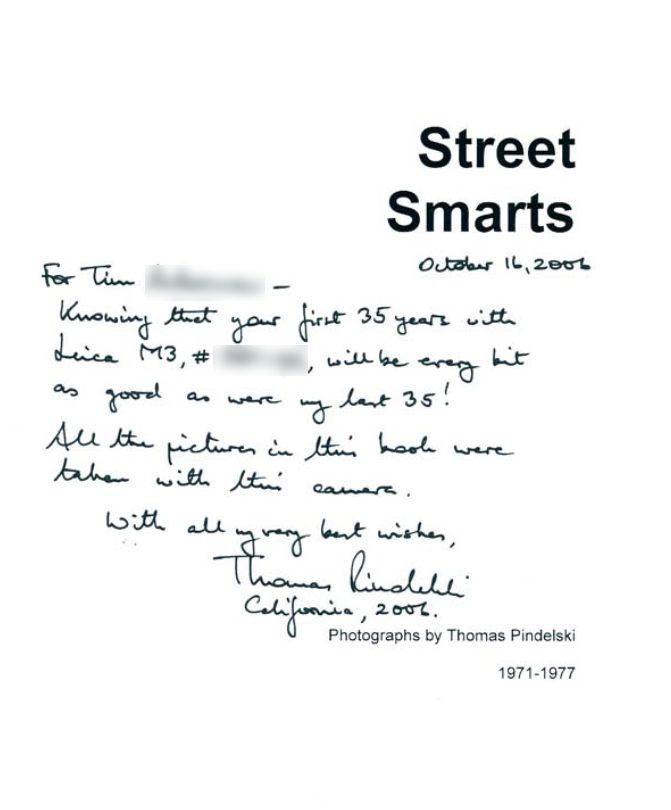
Now fast forward to 2006. At the beginning of the year I was a Leica M loyalist of some 35 years standing. Newer Ms had come along – truth be told none were as well made as the M2 and M3 I had been using for all that time – but there was no reason for ‘upgrading’, if an upgrade it really was. I tried an M6 and found the rangefinder worthless pointed into the sun. Those on the M2 and M3 worked fine. That’s what happens when accountants take over from engineers. The lenses got better and better, true, so I upgraded those, but when something better came along it would clearly not be from the house of Leitz, or Leica as it had become. It happened to be from Canon in the guise of a (barely) affordable full frame sensor in the EOS 5D DSLR which instantly obsoleted all my medium format gear. I couldn’t sell the latter fast enough before it became worthless. Bye bye, Rollei.
And had you told me that I would make my daily user a camera which was made by a consumer appliance maker – the Panasonic LX1 – and that this would replace none other than the vaunted Leicas, well, I would probably have had serious doubts about your sanity. And that was just a few months ago. Panasonic had made a better mousetrap, Canon had made the best, near grain-free sensor in the business and brand loyalty simply made no sense. So when my friend wisely wrote to me, in response to my email agonizing about selling the Leicas, with just three words, I knew there was more than a grain of truth in what she wrote.
Ain’t Change Wonderful?
Let’s extrapolate that thinking for a moment. The other day I watched a brief Sony promotional video on YouTube where a charming Sony technologist was extolling the virtues of the new Sony Alpha A100. I have spoken highly of this camera, based on its paper specifications, in the past, not least because it is a rebadged Minolta with Sony’s capital and genius behind it. What do you think the smart Japanese engineer said on that video? Why, he took a leaf straight out of Leica’s book. “Just think”, he said, “there are six million Minolta lenses out there that will fit our camera”. Respect the past while selling the future. It was not lost on me, either, that each of those six million lenses had just got two new leases on life, courtesy of a digital sensor and a vibration reduction mechanism built into the body of the camera.
So one day soon someone comes along with a sensor as fine grained as Canon’s in a much smaller package (it does not have to be full frame if the quality is there). The camera has vibration reduction built into the body, not the lens. The viewfinder has focus confirmation for manual focus lenses just like some Pentax DSLRs. Now my tired eyes can see when things are sharp as the little light comes on. And the mount will respect the legacy of the past by being Nikon or Canon or Minolta or Pentax, or even Leica M. For all those tens of millions of lenses out there. And maybe that brilliant manufacturer somehow obsoletes the flapping mirror and pentaprism with a crisp, straight through electronic viewfinder with no ghosting and high contrast. So much cheaper and more reliable than all those mechanical parts.
And what do you think I will do? Why, dump the Canon and move on, of course.
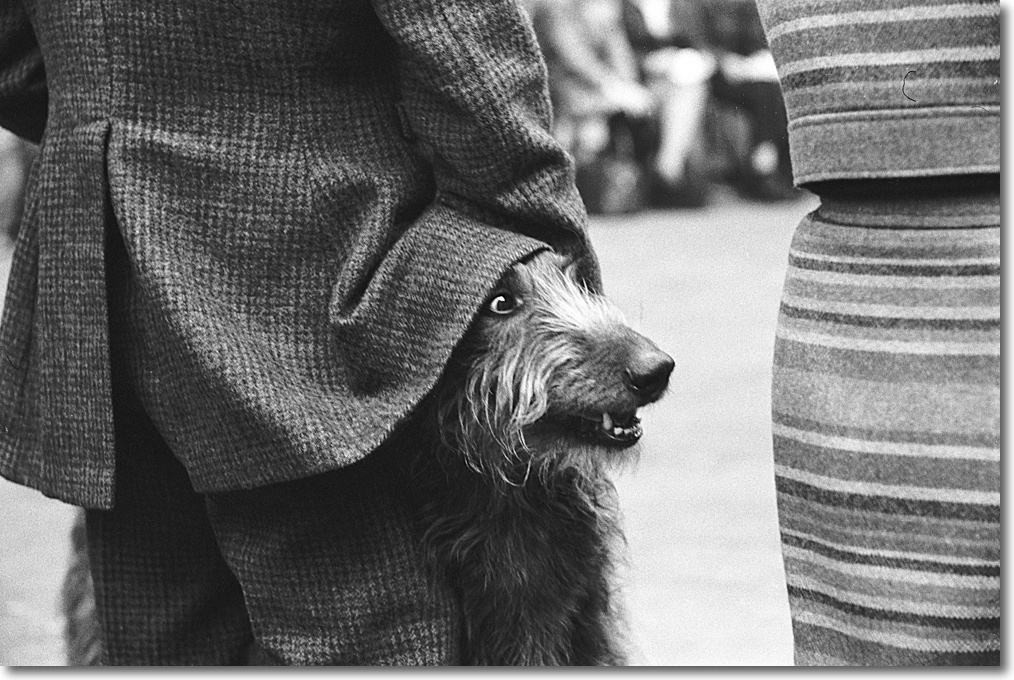
As they say on Wall Street, “If you want loyalty, get a dog”. And I already have one of those.

Bert the Border Terrier. Loyalty personified, unless a cookie is involved, that is.